



MIDI in Ableton Live bearbeiten

Mit
Isaac CotecEin Rundgang durch den MIDI-Editor von Ableton Live – die Piano-Roll, die Note-Velocity und das Beat-Lineal – damit du Clips bearbeiten und eigene Beats und Melodien schreiben kannst.
Das steckt im Kurs
17 Lektionen (1h 33m) · 1 gratis
Transkript der Lektion
MIDI Editing in Ableton Live
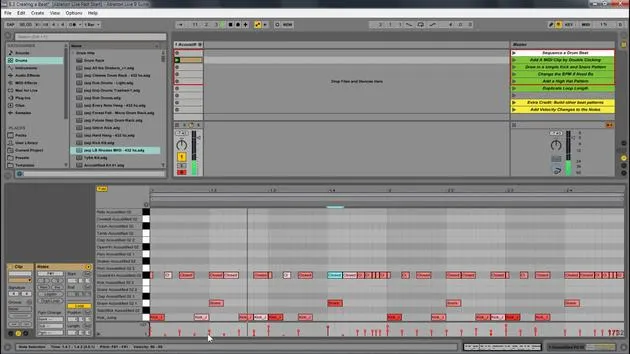
Live gives you access to a wide range of powerful tools to edit your MIDI. This allows you to write new beats, melody lines, or anything you can think of. The key to this is the MIDI editor.
Overview of the MIDI Editor
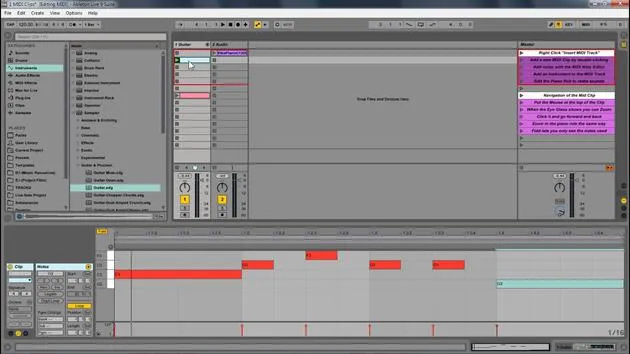
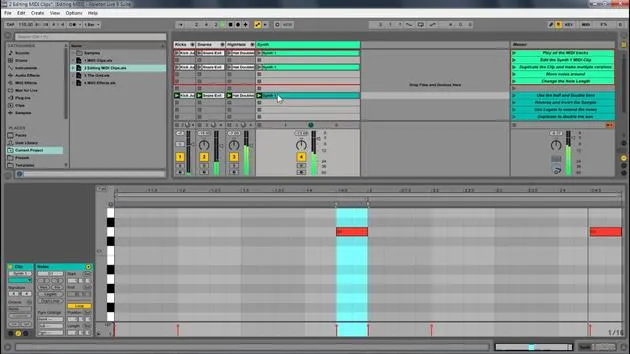
So, that's what we've been looking at, the MIDI editor. Here are some key components of the MIDI clip:
- Piano Roll: The main area for MIDI notes.
- Loop Brace: Similar to the sample editor, it designates the looped portion for MIDI.
- MIDI Note: Double-click to create a note.
- Beat Time Ruler: Displays the timing of your MIDI notes.
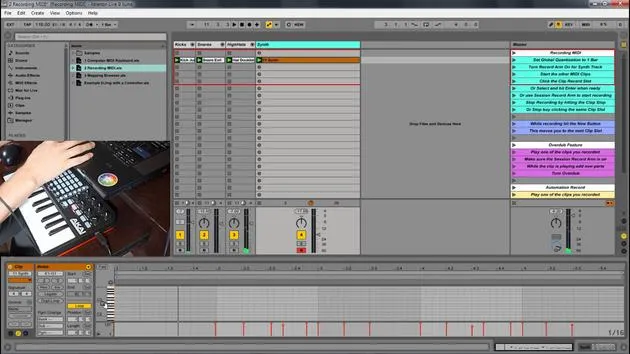
- MIDI Velocity Editor: Allows you to change the velocity of notes.
- Velocity doesn't always mean volume, but it is generally mapped to volume. You can map it to anything, essentially defining how hard a note is pressed.
- Note Velocity: Displays the velocity of individual notes.
- Clip Overview and Zooming: You can zoom in and out to navigate your MIDI clip easily.
Editing MIDI in Ableton Live
Now, we're going to look at editing MIDI within Ableton Live.
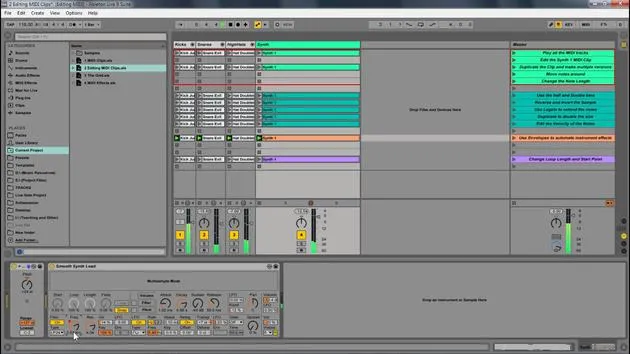
- Play Samples: First, I'll play these samples to start.
- Duplicate Notes: Select them and press Control D (or Command D) to duplicate and create different versions.
Adjusting Notes
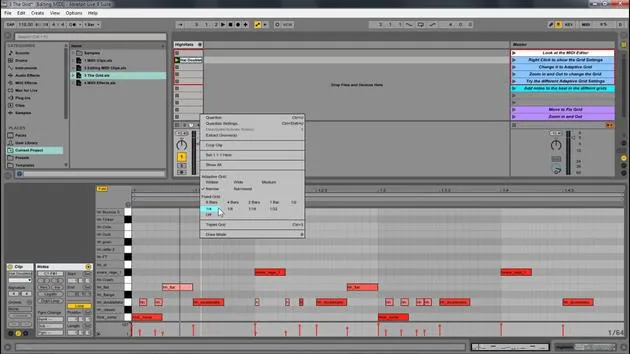
- Zoom Out: I will extend this out and zoom out a little for more room.
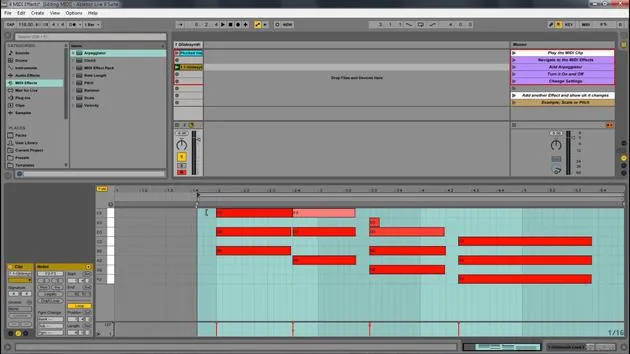
- Transpose Notes: By selecting all these notes, I can move them up or down to transpose the key. Let's move them up to C.
- Change Length: I can also change their length by clicking and dragging.
- Pro Tip: Hold Alt to change notes freely off the grid. This works for any note.
Adding New Notes
For instance, on the hi-hat, I can add a new note:
- Just click to create a note, and it'll be added to the drum rack.
Additional Features
Now, let's look at some other features we have:
- Double Time & Half Time: Select all notes, and if I double time, it makes it a lot slower. Half-time it and then go back to normal.
- Reverse: This takes the position of the notes and reverses it. Selecting all and hitting reverse changes the order of playback.
Invert Feature
Next, we have the invert function:
- This will switch the positions of the highest and lowest notes.
Legato Feature
Now, let's explore legato:
- Select Notes: If I hit legato, the position of the notes shifts to the next note.
- If notes overlap, legato will crop them so only one note plays at a time, ensuring there's never an empty space.
Adjusting Velocity
Lastly, I'm going to select this note because I like it, and I will:
- Adjust Velocity: By clicking and dragging, I can lower the velocity of high notes to make them subtler.
- Notice how the color changes:
- Lower Velocity: Lighter colors.
- Higher Velocity: More intense red.
You can also hold Alt to quickly adjust the velocity up or down.
17 Lektionen
1 Std. 33 Min. strukturierte Videolektionen
Erweiterte Videofunktionen
Verlangsamen, Passagen loopen, mitlesen
Handy, Tablet & Desktop
Üben, wo du willst
100 % Zufriedenheitsgarantie
30 Tage Geld-zurück-Garantie
Lern deinen Guru kennen
Lern deinen Guru kennen
Isaac Cotec ist wohl einer der besten Ableton-Trainer der Welt! Während er an seiner eigenen Musik arbeitete, begann er, Privatschülern Aufnahmetechniken, Sounddesign und Ableton Live beizubringen, und seit seiner Zertifizierung als offizieller Ableton Certified Trainer hat er Tausenden von Produzenten geholfen, ihr Niveau zu steigern und als Musiker erfolgreich zu sein.
Isaac begann 2005 mit Psyche Sonics elektronische Musik zu produzieren, einer experimentellen Gruppe, die sich mit der Wissenschaft und Erforschung binauraler Beats und der Bewusstseinsveränderung durch Klang beschäftigte. Nach dem Touren schrieb er weiter Musik unter dem Alias Cotec und trat später als Künstler Subaqueous hervor, der seine elektronische Vergangenheit mit zukunftsgewandten wie organischen Produktionstechniken verband. Bis heute hat er 3 Alben und 4 EPs veröffentlicht.
Isaac ist außerdem Gründer und Manager des Plattenlabels Invibe Music, das einige der besten Elektronik-Künstler des Pacific Northwest vertritt und sich auf Midtempo-Dance-Musik spezialisiert.
In seinen Ableton-Live-Kursen teilt Isaac die Produktions-, Sounddesign- und Songwriting-Techniken, die er über Jahre verfeinert hat – genau jene Fähigkeiten, mit denen er aus dem Funken einer Idee einen fertigen Track macht.







