



Using the Multi Effects - Phat FX and Step FX

With
Aamir Yaqub
What's in the course
16 lessons (1h 33m) · 1 free
01. Welcome to audio Effects
Free lesson0:46

02. Audio Effects
3:00
03. Using the Multi Effects - Phat FX and Step FX
You are here5:11
04. Setting up Reverb Bus with a Send
3:58
05. Using Reverbs in Logic Pro
3:27
06. Using Delays in Logic Pro
8:02
07. Distortion plugins
6:35
08. Filter plugins
5:35

09. Distortion and Filters outro
0:30
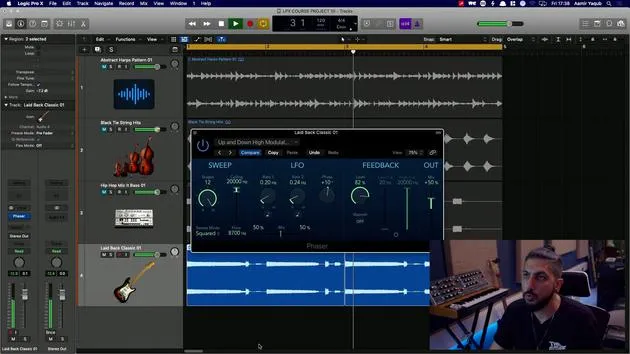
10. Modulation plugins
12:54
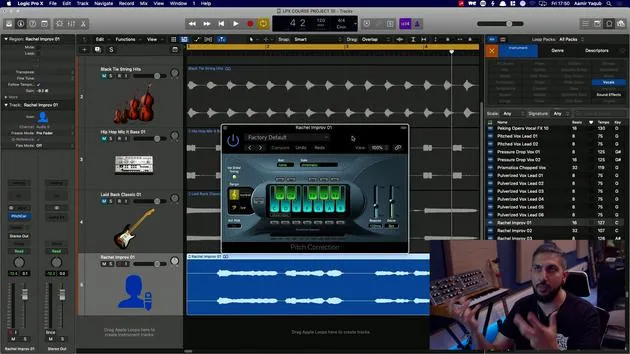
11. Pitch plugins
6:50

12. Modulation and Pitch outro
1:03
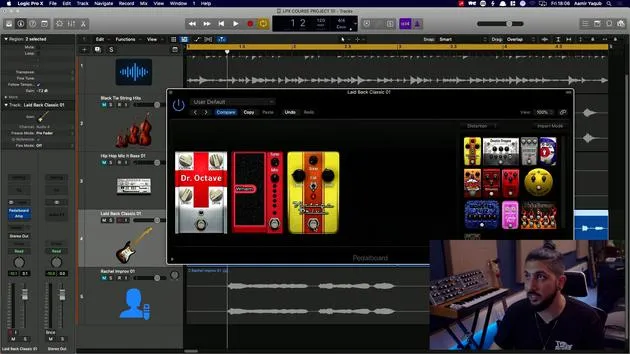
13. Amps and Pedal effects
10:38
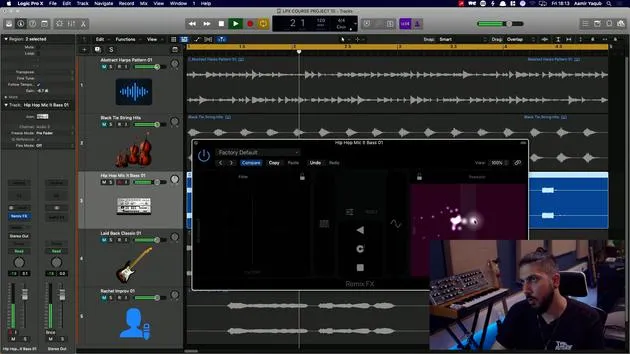
14. Specialised effects
5:49
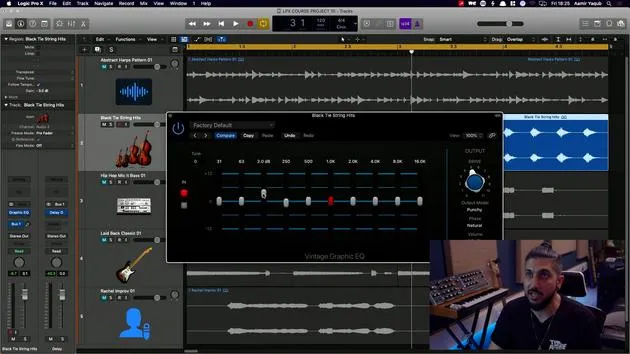
15. EQs (Equalizers)
7:18
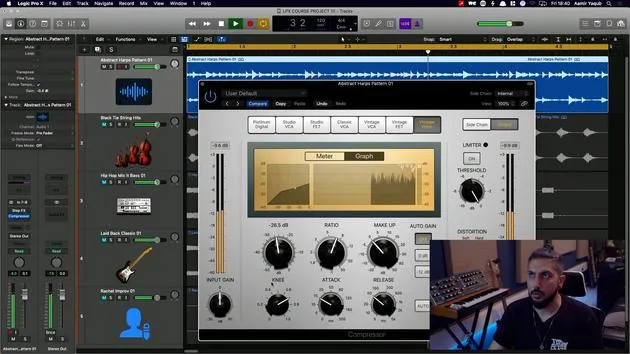
16. Dynamics and Compression
11:43
Lesson transcript
Exploring Audio Effects in Logic Pro
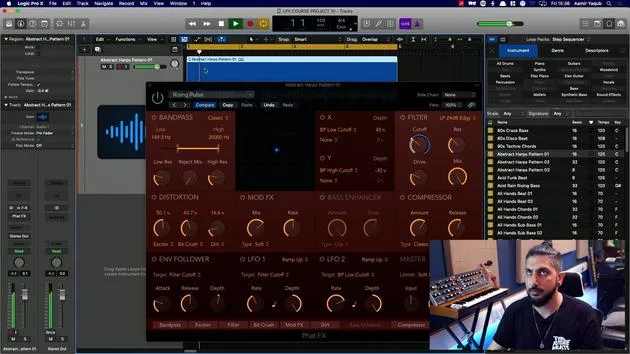
A good place to start with audio effects is to look at some of the multi-effects, as they combine many individual effects you will find inside of Logic Pro. One excellent example is the FATFX.
Understanding FATFX
What you're looking at here is essentially a module of different effects that you can use:
- Band Pass: Essentially an EQ
- Distortion: A distortion unit
- Bass Enhancer: Similar to EQ and distortion
- Compressor: Used for dynamic range control
With all of these options, it's a case of experimenting to see what you like.
Working with FATFX
With the FATFX, we have different units to work with and a central X/Y pad that allows us to evolve and modulate sound. You may have already seen similar features in various plugins inside of Logic Pro.
For instance, if we take a harp pattern in the background and choose the Rising Pulse effect:
- Original Sound: Let's listen to the sound without any effects.
- Adding Effects: Now, let's turn it on and see what happens.
- By cranking up the distortion, we can add some grit.
- Increasing the Exciter boosts high frequencies.
- Utilizing the Bit Crusher creates a digital, lower-resolution sound.
- Adding the Bass Enhancer enriches the bass.
This single plugin, with its well-organized effects, allows us to create a unique sound. It's a powerful creative tool for exploring the world of audio effects.
Exploring Step Effects
The other effects unit in the multi-effects category is the Step Effects. It works similarly to FATFX, featuring a comparable interface and a step modulator.
Features of Step Effects:
- Familiar design: Turn up and down with velocity and steps.
- ADSR Control: Add further rhythm to your sound.
This tool allows you to achieve nice gated sounds. For example, selecting Skipping Gate can enhance your audio.
Conclusion
By having a solid starting point with these multi-effects, you can dive deep into audio experimentation:
- Gating Effect: Without it, sounds are more open; with it on, they have a closed feel.
- Automation: Use automation to transition between these two states over time.
Experiment and discover the sonic landscapes you can create with these tools!
16 lessons
1h 33m of structured video lessons
Advanced video features
Slow down, loop a passage, follow along
Mobile, tablet & desktop
Practise wherever you are
100% satisfaction guarantee
30-day money-back guarantee
Meet your guru
Meet your guru
Aamir Yaqub is a music producer and engineer based in London. He has worked with some of the biggest names in music, including Alicia Keys, David Guetta, Rihanna, Sia and will.i.am, as well as developing independent artists.
Across his courses he teaches his complete Logic Pro workflow - from the interface and recording through beat-making, synthesis and MIDI effects to mixing and finishing a track.







