



Modulation plugins

With
Aamir Yaqub
What's in the course
16 lessons (1h 33m) · 1 free
01. Welcome to audio Effects
Free lesson0:46
02. Audio Effects
3:00
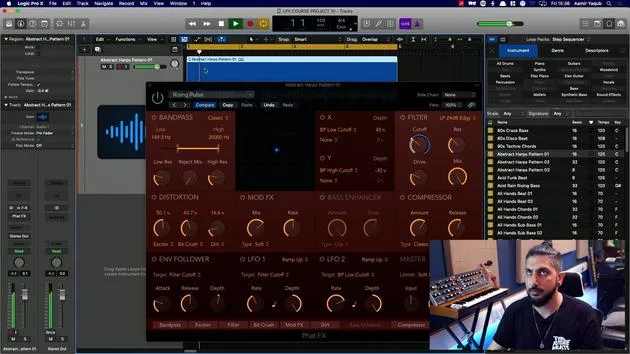
03. Using the Multi Effects - Phat FX and Step FX
5:11
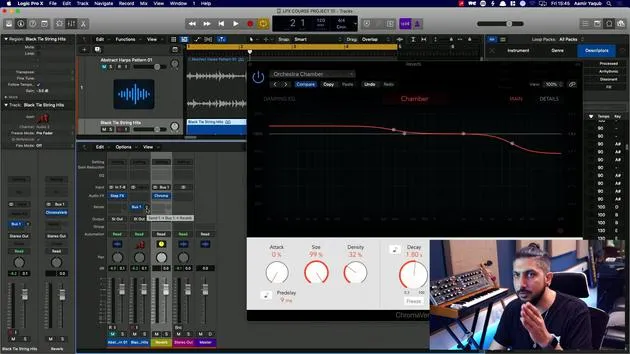
04. Setting up Reverb Bus with a Send
3:58
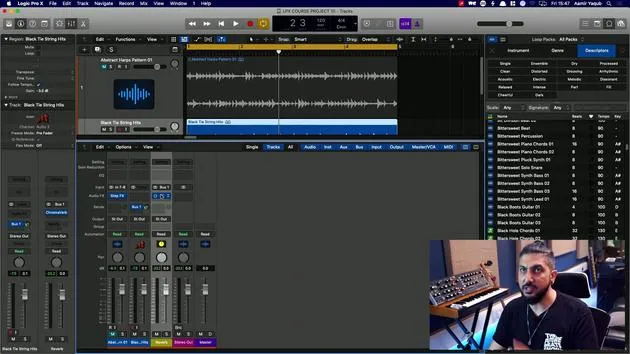
05. Using Reverbs in Logic Pro
3:27
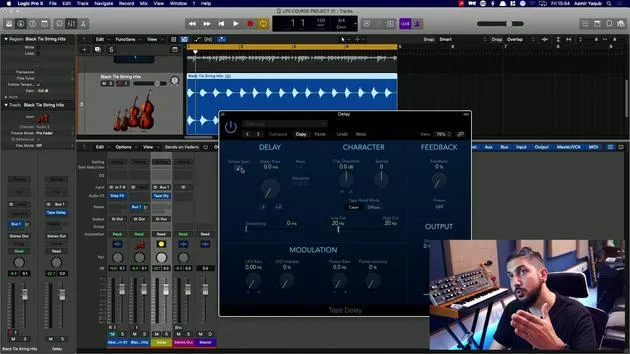
06. Using Delays in Logic Pro
8:02
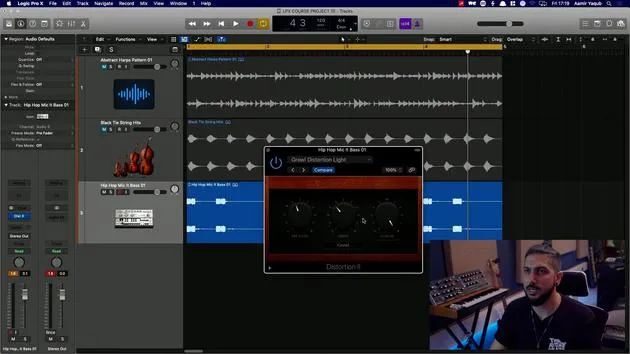
07. Distortion plugins
6:35
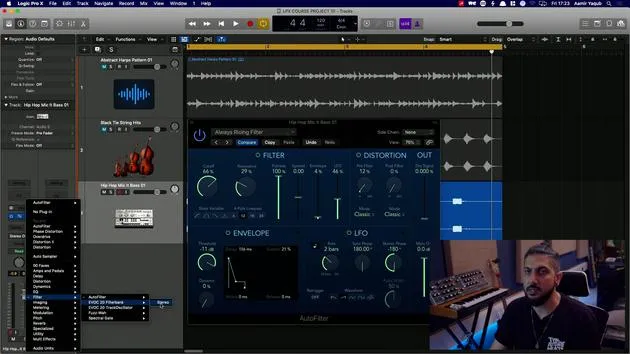
08. Filter plugins
5:35
09. Distortion and Filters outro
0:30
10. Modulation plugins
You are here12:54
11. Pitch plugins
6:50
12. Modulation and Pitch outro
1:03
13. Amps and Pedal effects
10:38
14. Specialised effects
5:49
15. EQs (Equalizers)
7:18
16. Dynamics and Compression
11:43
Lesson transcript
Guitar Sound Modulation Lesson
So here I've loaded up a guitar sound, an electric guitar sound, from my loops library. Let's have a listen.
As we have it, that's quite a simple sound, which is fairly dry, sounds quite nice. Lots of sustained information there, which is very helpful when you are looking in the modulation section.
Modulation Section Overview
The modulation section is really full of plugins that will modulate over time and they will modulate your material, your audio material.
Chorus
So let's start with the chorus. This is a very popular effect that's used a lot on things like synths and guitars. If you've heard songs like Purple Rain by Prince, that's absolutely drenched in chorus.
- Plugin: Mega Wide Chorus
- You remember what it sounds like without any effects on it.
- I'm going to turn this on here and let's hear what happens.
You can hear how it provides that extra movement to that guitar sound. It makes it sound like it's in a little bit of a different space as well.
- Rate and Intensity
- Rate and intensity are two very important things that you might want to mess around with here.
- The rate is the rate of the modulation essentially of the LFO that's working behind the scenes on this.
- When you push it too far, you can hear what it's doing to the pitch.
So, find the perfect spot for that on any instruments that you use. Like I said, it's really good for synths and guitars if that's the kind of sound that you like.
Ensemble
Next up in the modulation category is the ensemble plugin. This essentially duplicates your source sound a number of times.
- Voices: Up to eight times.
- Might be good on synths; it might be good on strings as well.
One thing to note is that many plugins have what we call a mix knob. This allows you to mix between the dry and the wet signal to find the perfect balance between the two.
Earlier on, when we were talking about reverbs and delays, we would set them up typically as sends via a bus. However, with some of these plugins, you can choose to set them up directly on the sound or as a send as well.
- Doubler
- This would be something like two voices, two sounds on top of each other of the same sound.
- Not dissimilar to chorus, of course.
You've got two LFOs working there, and then one random one. If you want something richer, we could try:
- Vintage Dimension:
- Tap that up to eight voices and you can hear how the sound becomes a bit wider and more 3D with that effect in play.
So, be sure to check that one out!
Flanger
Next up in the modulation section, we have the flanger.
- The flanger itself is very similar to the chorus sound.
- You see, we have rate and intensity, but here we have feedback.
Remember how we talked about the delay plugin? Choruses, flanges, and phases essentially work on a modulated delayed version of the original sound.
- Plugin: Warm Jet Flange
- This is the sound you get.
Once again, it gives you that sense of space, but also that sense of movement. So it can be a great effect to add to sounds where you just want to add a bit of space or movement.
Modulation Delay
Now, let's look at the modulation delay.
- There should be no surprises to what this is, it's a delay that is modulated.
- It combines concepts of choruses, phases, and flanges.
Here, I've got something called dual phase, big chorus, and dimensional flangerum. Just taking something like dimensional flangerim, you'll start to notice the similarities between that and the flanger plugin, as well as big chorus and the chorus plugin.
This can be a really good one to go to if you don't quite know what you want out of chorus phasing and flanging.
Phaser
Next, we're going to take a look at the phaser.
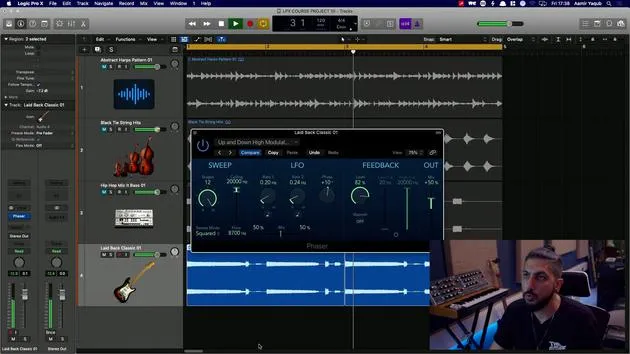
- A phaser is basically an LFO with a delay that sweeps through the frequency spectrum of the sound.
- It creates notches inside of the sound, giving it a slightly hollow feel.
Let's go for up and down high modulation. You can make it move faster with rate, resulting in that almost "washing" kind of sound that happens across the frequency spectrum.
This effect is quite synonymous with certain genres of music and is another good one to try on synths, particularly, or maybe even for the odd drum fill.
Rotor Cabinet
Next, we will take a look at the Rotor Cabinet.
- This one is particularly special and models the Leslie cabinet usually found with a Hammond B3 organ.
If I show you what happens here, this is the rear of the cabinet, and you can see those two horns moving around. They provide a particularly special sound.
- You can change many things, like the acceleration rate, how fast or slow it is moving, mic processing, and the balance between those.
Let's take a setting and use Leslie guitar for this guitar sound. I'll start moving it slowly and then switch to fast. Super cool effect, one of my favorites!
Scanner Vibrato
Then we have scanner vibrato.
- This draws from vintage organ instruments and essentially models an organ in the vibrato section of a chorus.
- Vibrato is a sound oscillating quickly between two pitches.
We might go for something like slow rotation, which would give us a sense of movement instead of a flat sound.
You can switch between different settings, and some of them have the depth setting on them or not, allowing for subtle vibrato to your sounds.
Spreader
In the modulation category, we have spreader.
- This takes your sound and makes it sound more stereo, giving it a wider feel instead of making it sound more mono (more in front of you).
- It works slightly on delay and modulation.
If we turn this off for a second, it will feel much more narrow.
- When turned on, you can hear the changing of the picture.
I would probably roll the mix down on this so it's not such a big effect but still present, similar to chorus.
Tremolo
Finally, in this category, we have one of my other favorites, tremolo.
- Tremolo is like an auto panner, moving the sound between the left and right speakers.
- You can set rate and depth:
- Rate: How quickly it moves between the speakers.
- Depth: How much it moves to the side.
Let's look at a setting like fast tremolo.
- If we change the rate, you'll hear it moving a lot quicker.
- When we roll the depth down, it won't feel as aggressive.
Again, a great audio effect that can add a lot of movement and interest to your sounds.
16 lessons
1h 33m of structured video lessons
Advanced video features
Slow down, loop a passage, follow along
Mobile, tablet & desktop
Practise wherever you are
100% satisfaction guarantee
30-day money-back guarantee
Meet your guru
Meet your guru
Aamir Yaqub is a music producer and engineer based in London. He has worked with some of the biggest names in music, including Alicia Keys, David Guetta, Rihanna, Sia and will.i.am, as well as developing independent artists.
Across his courses he teaches his complete Logic Pro workflow - from the interface and recording through beat-making, synthesis and MIDI effects to mixing and finishing a track.







