



EQs (Equalizers)

With
Aamir YaqubA tour of Logic's EQ options for shaping tone, from the everyday Channel EQ to Linear Phase, Match EQ, and the Vintage EQ Collection.
What's in the course
16 lessons (1h 33m) · 1 free
01. Welcome to audio Effects
Free lesson0:46
02. Audio Effects
3:00
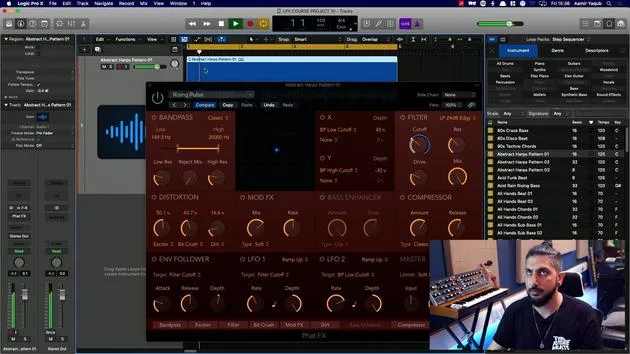
03. Using the Multi Effects - Phat FX and Step FX
5:11
04. Setting up Reverb Bus with a Send
3:58
05. Using Reverbs in Logic Pro
3:27
06. Using Delays in Logic Pro
8:02
07. Distortion plugins
6:35
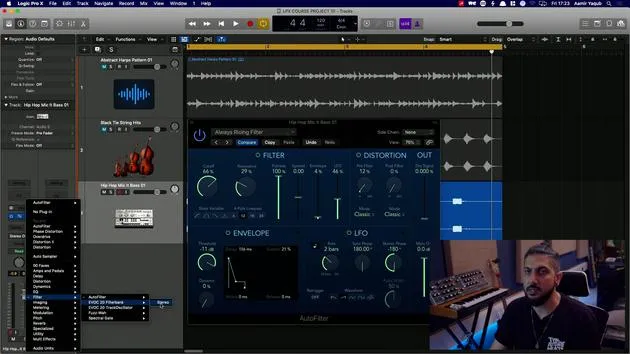
08. Filter plugins
5:35
09. Distortion and Filters outro
0:30
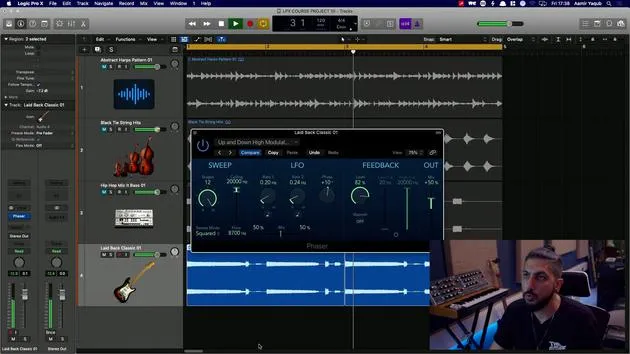
10. Modulation plugins
12:54
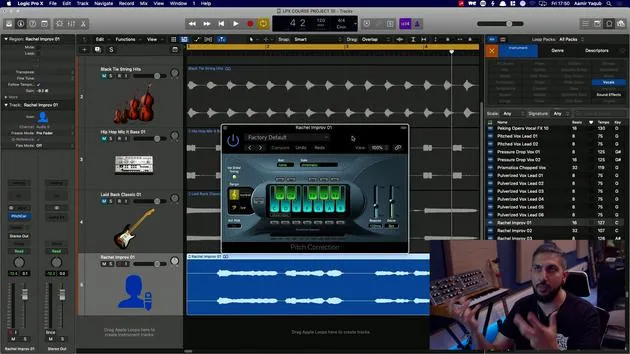
11. Pitch plugins
6:50
12. Modulation and Pitch outro
1:03
13. Amps and Pedal effects
10:38
14. Specialised effects
5:49
15. EQs (Equalizers)
You are here7:18
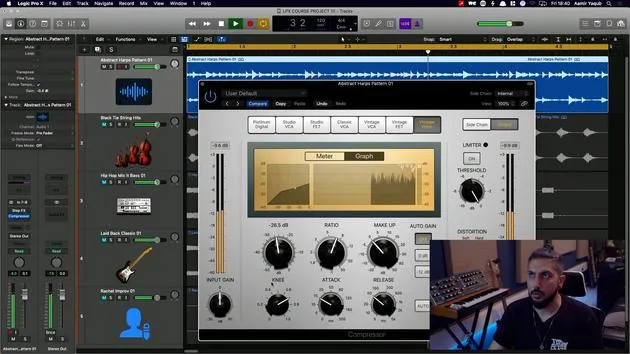
16. Dynamics and Compression
11:43
Lesson transcript
Understanding EQ and Dynamics in Music Production
Now we'll talk about two of the most important categories of audio effects that you will find in almost all music production: EQ and Dynamics.
What is EQ?
EQ, or Equalization, is the process of manipulating frequencies to adjust the tone of any given sound. It is crucial in both the production and mixing phases.
EQ Options in Logic
Let's explore the EQ options available in Logic:
-
Channel EQ
- The Channel EQ is a digital EQ that allows you to manipulate different frequencies of any sound.
- You can:
- Boost frequencies you like.
- Cut frequencies you don't need.
- Accessibility: No need to go to the audio effects drop-down every time; just double-click on any channel to access the Channel EQ.
- Filters:
- Low Cut Filter: Adjusts to filter out low frequencies.
- High Cut Filter: Filters out high frequencies, making your sound darker.
- Low Shelf: Boosts low frequencies, similar to car stereo systems.
- High Shelf: Boosts high frequencies.
- Bell Filters: Four available for precise boosting and cutting of desired frequencies.
-
Linear Phase EQ
- Similar in appearance to the Channel EQ, but used mainly for mastering songs.
-
Match EQ
- A special type of EQ used primarily in mastering.
- It matches the EQ curve of another song or sound.
- Requires learning both the current EQ curve and the reference curve before matching.
-
Single Band EQ
- The simplest form of EQ, resembling consumer devices.
- Ideal for quick tasks like a high cut.
Vintage EQ Collection
Logic recently launched a new series of EQs called the Vintage EQ Collection, modeled after hardware equivalents:
-
Vintage Console EQ
- Based on a famous console; lacks visual feedback, relying heavily on your ears.
- Contains:
- Low Cut Filter
- Low Shelf
- Mid Peak/Bell Filter
- High Shelf
- Known for adding character to the sound, unlike digital EQs, which are typically transparent.
-
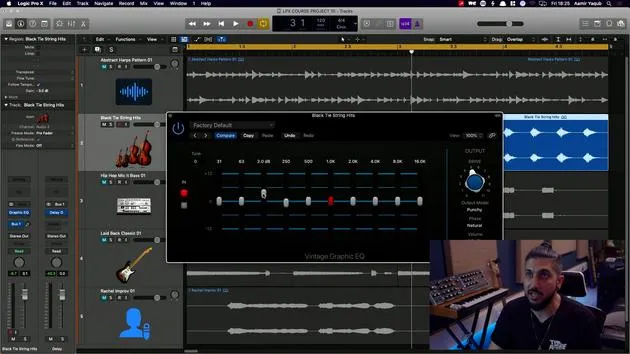
Vintage Graphic EQ
- Features fixed-position sliders that adjust specific frequencies (e.g., 125dB).
- Provides character but lacks precision due to its fixed bands.
-
Tube EQ
- Modeled after two highly revered individual EQs.
- Commonly used on:
- Kick drums or bass.
- Vocals or snares.
- Can be applied on the stereo output during mixing for an overall mix EQ.
- This EQ is noted for having the most character due to its tube design.
Conclusion
We will discuss the importance of EQs further when finalizing your tracks in this course.
16 lessons
1h 33m of structured video lessons
Advanced video features
Slow down, loop a passage, follow along
Mobile, tablet & desktop
Practise wherever you are
100% satisfaction guarantee
30-day money-back guarantee
Meet your guru
Meet your guru
Aamir Yaqub is a music producer and engineer based in London. He has worked with some of the biggest names in music, including Alicia Keys, David Guetta, Rihanna, Sia and will.i.am, as well as developing independent artists.
Across his courses he teaches his complete Logic Pro workflow - from the interface and recording through beat-making, synthesis and MIDI effects to mixing and finishing a track.







