



Using Reverbs in Logic Pro

With
Aamir YaqubAamir Yaqub walks through Logic Pro's reverbs, ChromaVerb and Space Designer, and how to shape decay, size and space.
What's in the course
16 lessons (1h 33m) · 1 free
01. Welcome to audio Effects
Free lesson0:46
02. Audio Effects
3:00
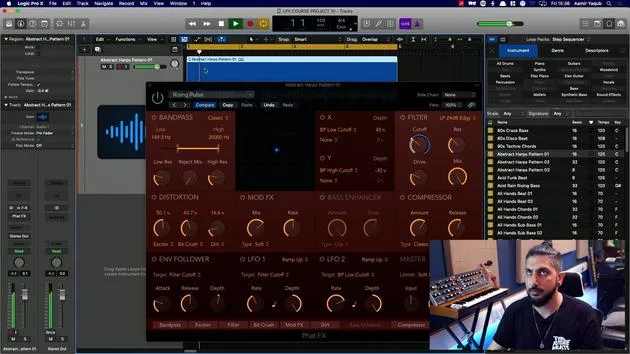
03. Using the Multi Effects - Phat FX and Step FX
5:11
04. Setting up Reverb Bus with a Send
3:58
05. Using Reverbs in Logic Pro
You are here3:27
06. Using Delays in Logic Pro
8:02
07. Distortion plugins
6:35
08. Filter plugins
5:35
09. Distortion and Filters outro
0:30
10. Modulation plugins
12:54
11. Pitch plugins
6:50
12. Modulation and Pitch outro
1:03
13. Amps and Pedal effects
10:38
14. Specialised effects
5:49
15. EQs (Equalizers)
7:18
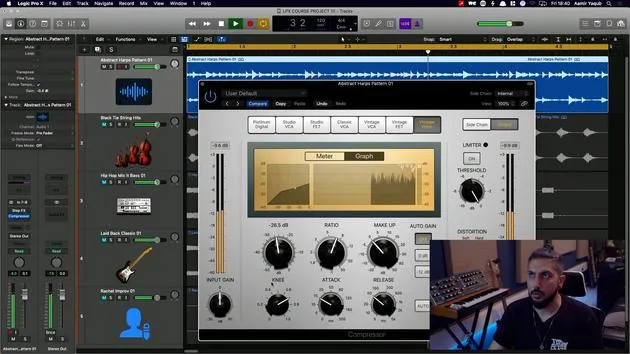
16. Dynamics and Compression
11:43
Lesson transcript
Understanding Reverb Audio Effects in Logic Pro
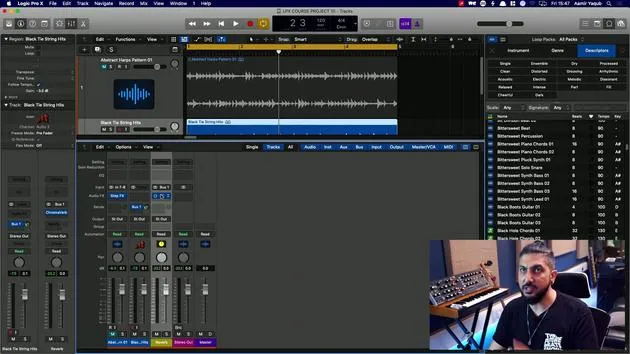
In the category of reverb audio effects inside of Logic Pro, we've already taken a quick look at ChromaVerb, which is a great reverb.
ChromaVerb Features
- Ambiences:
- A variety of choices, including big spaces such as "80s Golden Gate" and "80s Non-Linear."
- Synth-specific reverbs designed by Apple.
- Customization:
- You can adjust algorithms to achieve different effects, like a synth hall.
- Size can be increased up to 100%.
- Decay time: Control the duration you hear the reverb.
- Longer decay times are great for special effects.
- Various other parameters can be tweaked, including an inbuilt EQ.
Space Designer
The other reverb in the category of reverbs in Logic Pro is Space Designer. This is known as a convolution reverb, which is fundamentally different:
- Based on Samples:
- Not algorithm-based, but rather samples of real-life spaces.
- Variety of Spaces:
- Includes high-quality samples from large outdoor environments, like forests and soccer fields.
- Smaller spaces available too, like rooms or jazz guitar rooms.
This reverb is incredibly powerful and well worth checking out.
Additional Reverb Options
The other reverbs in the Logic Pro reverb category are simpler but still useful:
-
Silver Verb
- A very simple room reverb.
- Offers modulation capabilities for enhanced sound.
-
N Verb
- An envelope-shaped reverb.
- Simple controls and interesting sound textures, especially with gated drums.
Tips
- If you're ever stuck, don't hesitate to use the presets provided.
Overall, each reverb has its own unique characteristics and applications, allowing you to find the right sound for your projects.
16 lessons
1h 33m of structured video lessons
Advanced video features
Slow down, loop a passage, follow along
Mobile, tablet & desktop
Practise wherever you are
100% satisfaction guarantee
30-day money-back guarantee
Meet your guru
Meet your guru
Aamir Yaqub is a music producer and engineer based in London. He has worked with some of the biggest names in music, including Alicia Keys, David Guetta, Rihanna, Sia and will.i.am, as well as developing independent artists.
Across his courses he teaches his complete Logic Pro workflow - from the interface and recording through beat-making, synthesis and MIDI effects to mixing and finishing a track.







