



Welcome to audio Effects

With
Aamir YaqubAn introduction to processing audio in Logic Pro, from EQ and compression to reverb, delay and creative effects like distortion, phasing and flanging.
What's in the course
16 lessons (1h 33m) · 1 free
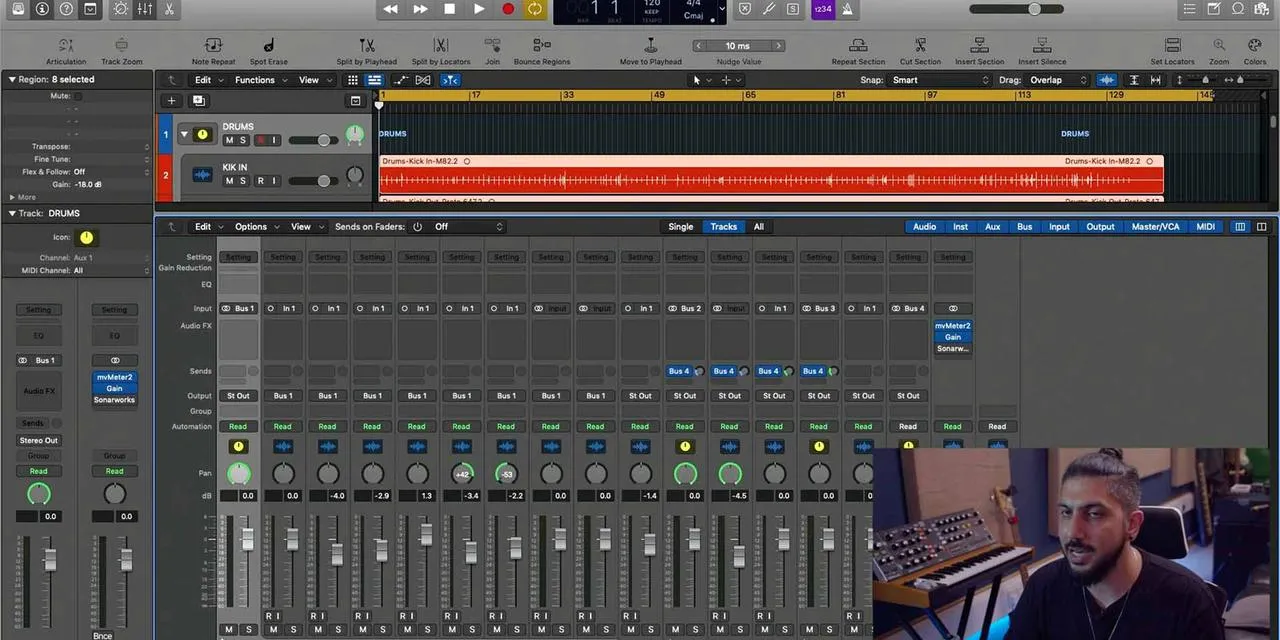
01. Welcome to audio Effects
You are here0:46
02. Audio Effects
3:00
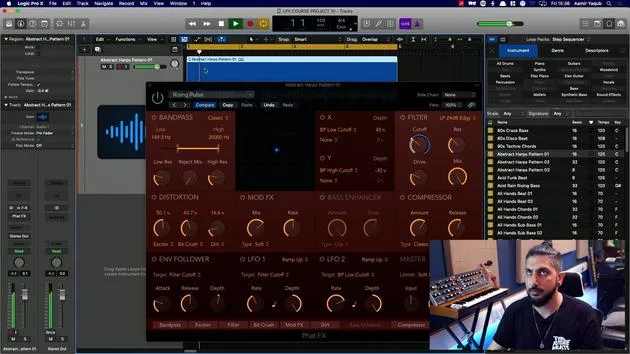
03. Using the Multi Effects - Phat FX and Step FX
5:11
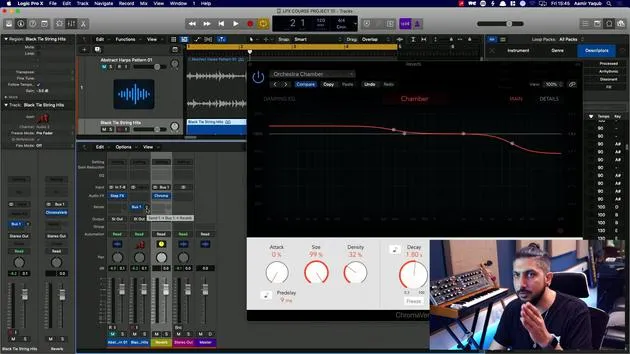
04. Setting up Reverb Bus with a Send
3:58
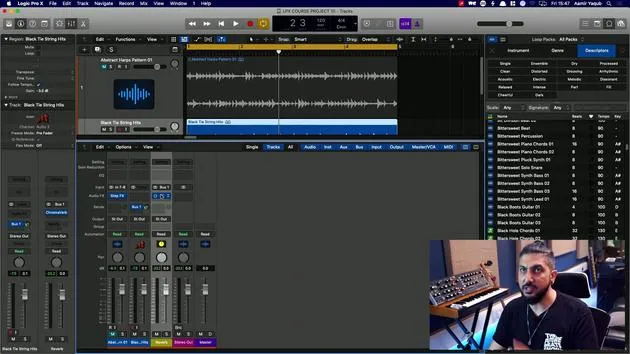
05. Using Reverbs in Logic Pro
3:27
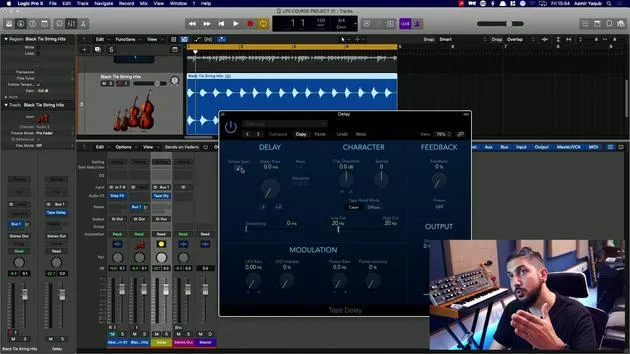
06. Using Delays in Logic Pro
8:02
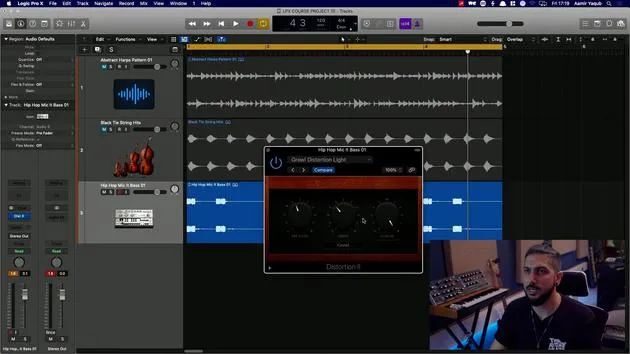
07. Distortion plugins
6:35
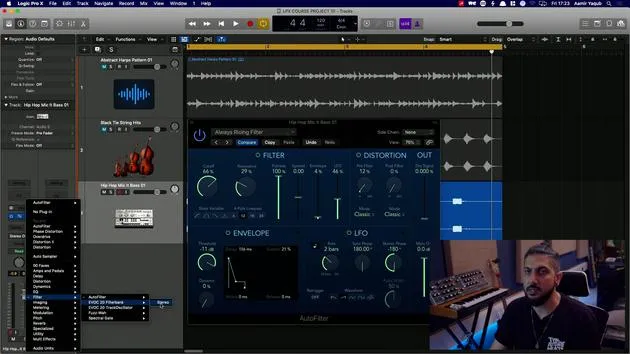
08. Filter plugins
5:35
09. Distortion and Filters outro
0:30
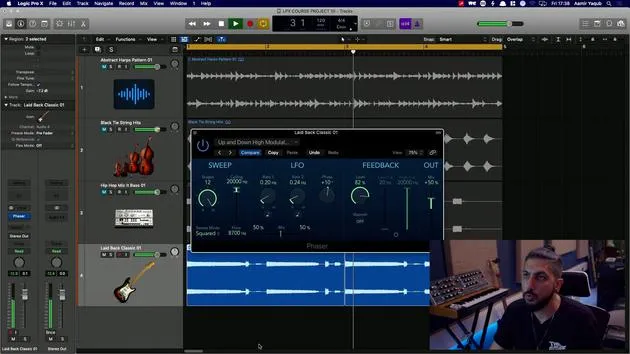
10. Modulation plugins
12:54
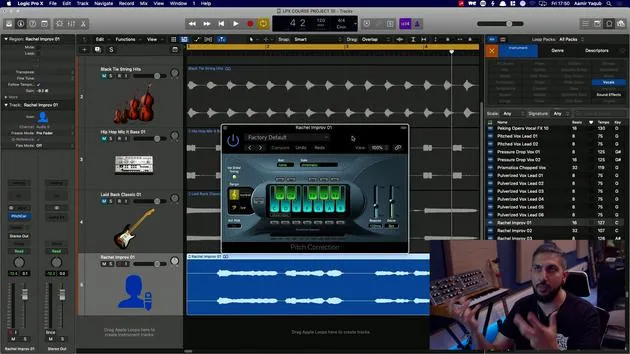
11. Pitch plugins
6:50
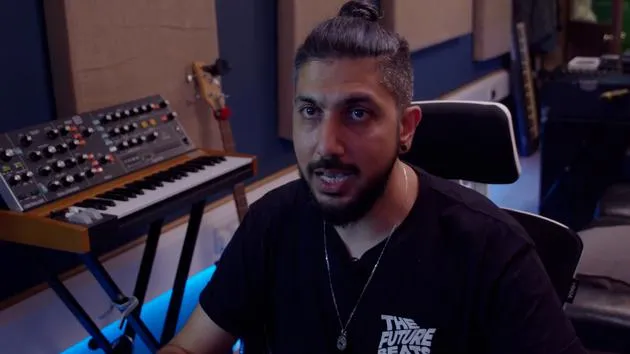
12. Modulation and Pitch outro
1:03
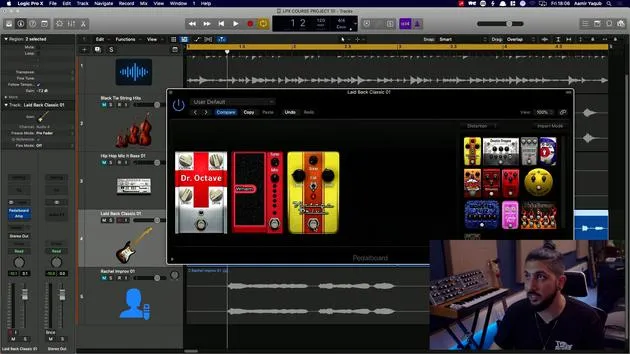
13. Amps and Pedal effects
10:38
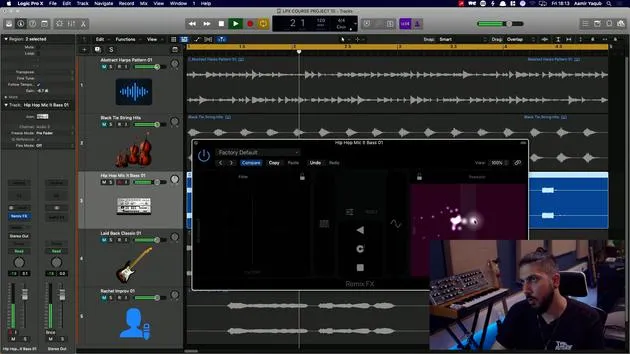
14. Specialised effects
5:49
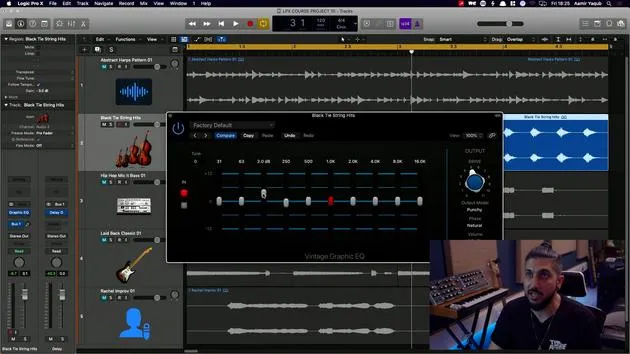
15. EQs (Equalizers)
7:18
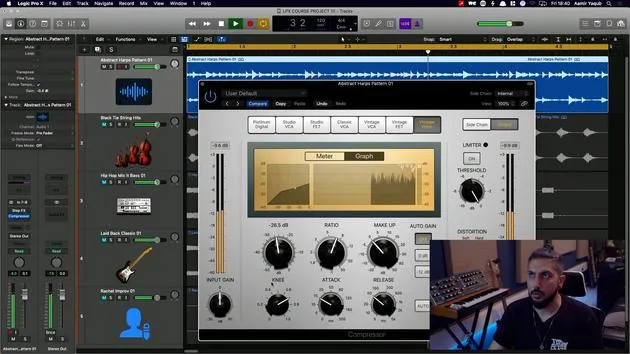
16. Dynamics and Compression
11:43
Lesson transcript
Welcome to the Audio Effects Section
In this part of the course, we're going to discuss a very important aspect of how to process your audio.
Improving Your Recorded Audio
You might have audio that you want to enhance after recording. Here are a few techniques you can use:
- EQ (Equalization)
- Compression
Creating Atmosphere
Additionally, you might want to give your audio a specific atmosphere, which can be achieved through:
- Reverbs
- Delays
Altering the Sound
If you're aiming to make your audio sound different, consider these options:
- Adding a bit of edginess or grittiness with Distortion.
- Creating a strange or weird effect using Phasing and Flanging.
Understanding the Processes
If you don't fully understand any of these processes, don't worry! That's what I'm here for. Let's dive in.
16 lessons
1h 33m of structured video lessons
Advanced video features
Slow down, loop a passage, follow along
Mobile, tablet & desktop
Practise wherever you are
100% satisfaction guarantee
30-day money-back guarantee
Meet your guru
Meet your guru
Aamir Yaqub is a music producer and engineer based in London. He has worked with some of the biggest names in music, including Alicia Keys, David Guetta, Rihanna, Sia and will.i.am, as well as developing independent artists.
Across his courses he teaches his complete Logic Pro workflow - from the interface and recording through beat-making, synthesis and MIDI effects to mixing and finishing a track.







