



Pitch plugins

With
Aamir Yaqub
What's in the course
16 lessons (1h 33m) · 1 free
01. Welcome to audio Effects
Free lesson0:46
02. Audio Effects
3:00
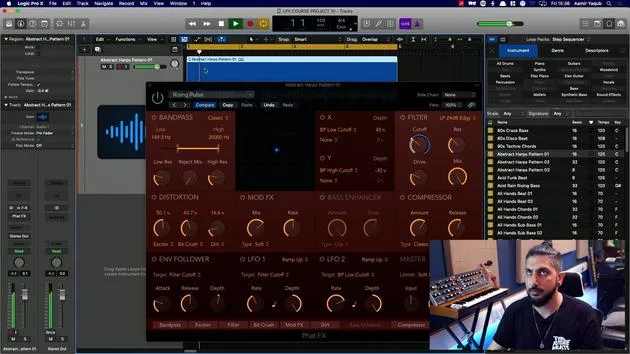
03. Using the Multi Effects - Phat FX and Step FX
5:11
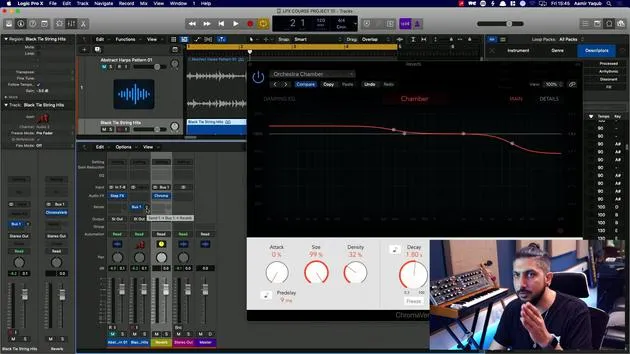
04. Setting up Reverb Bus with a Send
3:58
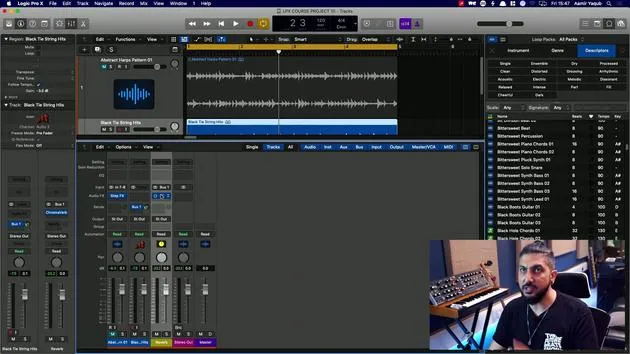
05. Using Reverbs in Logic Pro
3:27
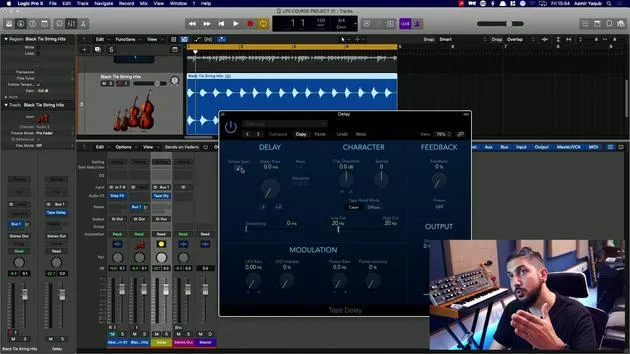
06. Using Delays in Logic Pro
8:02
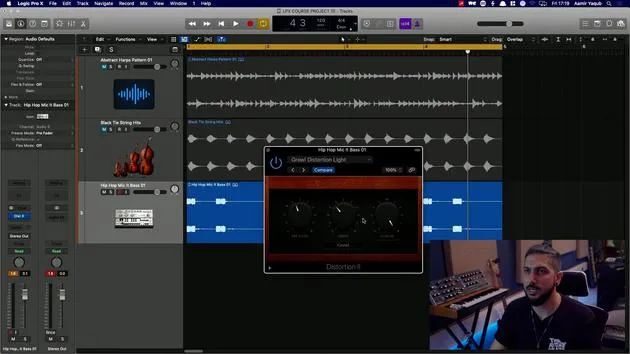
07. Distortion plugins
6:35
08. Filter plugins
5:35
09. Distortion and Filters outro
0:30
10. Modulation plugins
12:54
11. Pitch plugins
You are here6:50
12. Modulation and Pitch outro
1:03
13. Amps and Pedal effects
10:38
14. Specialised effects
5:49
15. EQs (Equalizers)
7:18
16. Dynamics and Compression
11:43
Lesson transcript
Vocal Sound and Pitch Modulation Lesson
I'm going to load up a vocal sound here because we're going to look at some pitch modulation stuff. I'm just going to go for something fairly simple.
Loading the Vocal
Come on, come on.
I need something.
Come on, come on.
Wow.
Come on.
Come.
Wow.
They have got the craziest stuff on here. Where's that person I always use?
Hey, yeah, yeah. Okay, yeah. Oh, yeah, yeah, yeah. Hey, yeah.
So I'm going to bring in this vocal here. Because these pitch plugins that we're going to look at tend to work best on vocals.
Vocal Transformer
The first one that we're going to look at is Vocal Transformer.
- Allows you to take a sound and make it sound like it's being sung in a different pitch, but it's not a very natural thing; it's a very unnatural effect.
- You can do some very simple things, like:
- Change the pitch overall.
- Change just the formant.
- If you remember when we talked about formant earlier, this would mean that the pitch remains the same, but it sounds like it's coming from a different place in the voice.
Let's go chipmunk mode. Hold on one second.
We also have the ability to turn this voice into a robot. If you click on "robotize", this will make this sound a little bit more like a robot. You can change the note that the person is on just by adjusting that there.
This is a wonderfully creative tool. There's a lot of stuff like this that happens in modern production, using vocals, chopping them up, and using things like the vocal transformer to make them sound uniquely creative. It's a really fun plugin to play around with!
Pitch Shifter
Next up in the pitch section, we have the Pitch Shifter.
- This is supposed to do a much more natural job of shifting any pitched instruments.
- The first thing I would do is probably just change the mix to 100%.
- This is going to transpose that vocal.
You can change the timing algorithm to be vocals, speech, or drums:
- Manual
- Pitch tracking
I'm going to leave it on vocals for now and turn on latency compensation. This compensates for latency, so you don't hear the delay that it takes for this plugin to process. Otherwise, it would shift your vocals out of time, which would obviously be annoying.
So, we have the vocal here:
- If I was to just take this and drop it by a few semitones:
Hey, yeah, yeah, yeah ho.
I can hear what it sounds like in a different key. Essentially, I'm changing the keys of the vocal. This will help me to get closer to that final production if I have a vocal or any other pitched instrument that I want to bring into a production I'm already working on and it's not in the same key.
Pitch Correction Plugin
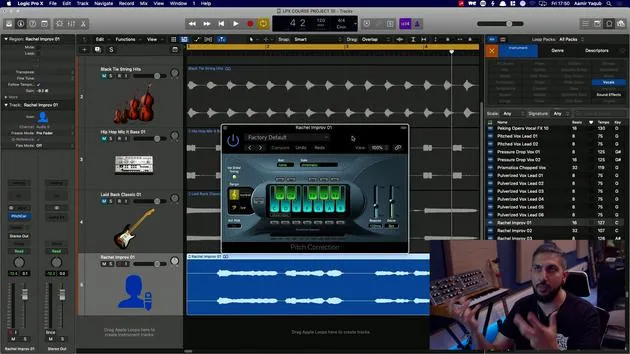
The last one we're going to look at in the pitch category is the Pitch Correction Plugin.
This is a sound that you are probably quite familiar with because this is the sound of Auto Tune. Essentially, Auto Tune is an automatic tuner.
- What we did with Flex Pitch was essentially manually going in and changing things.
- With Pitch Correction, it automatically tunes your pitched instrument (in this case, a vocal) in a more computerized way.
It's not really meant to sound natural. It can sound more natural, but it's not necessarily meant to. If you want it to really hard shift your notes onto the keys of the scale, you would go for a super fast response, like a few milliseconds.
You have to set the key that you're working in. For example, we might be working in C minor pentatonic.
This will aggressively move the vocal to the notes, and you'll see where it's moving it to and the amount of correction happening. If you want that to sound a bit more natural, just open up that response time a bit, let's go to about there.
That's much more acceptable! All of this will differ based on your tastes and your style, but this is essentially something which will automatically track and tune your vocals.
16 lessons
1h 33m of structured video lessons
Advanced video features
Slow down, loop a passage, follow along
Mobile, tablet & desktop
Practise wherever you are
100% satisfaction guarantee
30-day money-back guarantee
Meet your guru
Meet your guru
Aamir Yaqub is a music producer and engineer based in London. He has worked with some of the biggest names in music, including Alicia Keys, David Guetta, Rihanna, Sia and will.i.am, as well as developing independent artists.
Across his courses he teaches his complete Logic Pro workflow - from the interface and recording through beat-making, synthesis and MIDI effects to mixing and finishing a track.







