



Audio Effects

With
Aamir YaqubA tour of Logic Pro's built-in audio effects, the compressors, gates, limiters, EQs, reverbs and delays you'll reach for, and where they fit in your signal path.
What's in the course
16 lessons (1h 33m) · 1 free
01. Welcome to audio Effects
Free lesson0:46
02. Audio Effects
You are here3:00
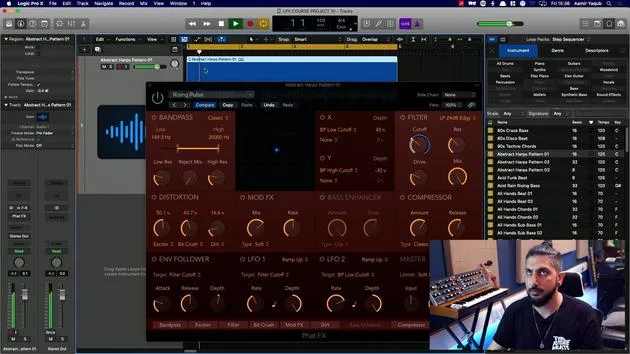
03. Using the Multi Effects - Phat FX and Step FX
5:11
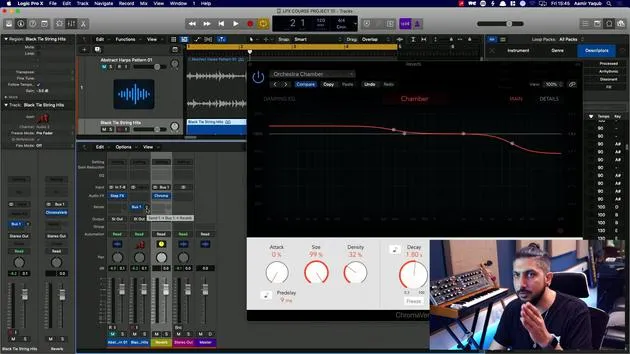
04. Setting up Reverb Bus with a Send
3:58
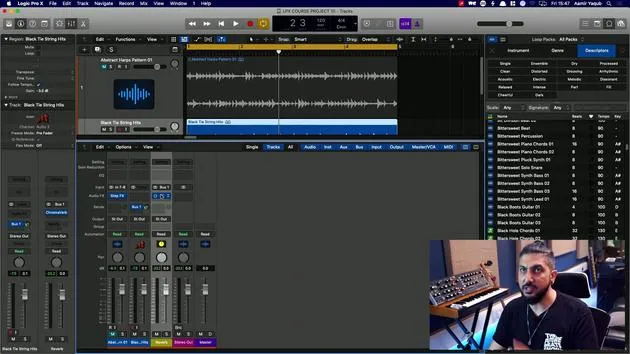
05. Using Reverbs in Logic Pro
3:27
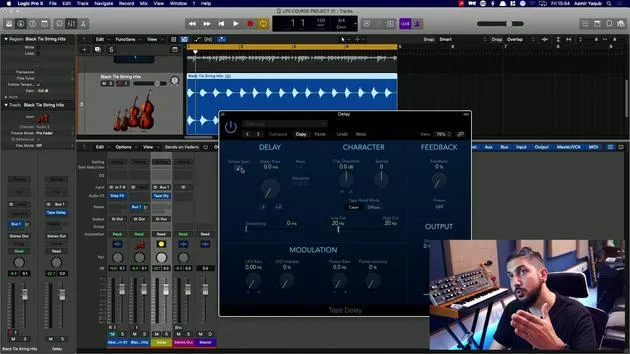
06. Using Delays in Logic Pro
8:02
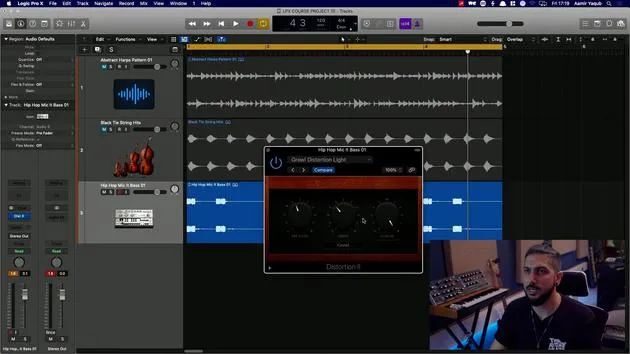
07. Distortion plugins
6:35
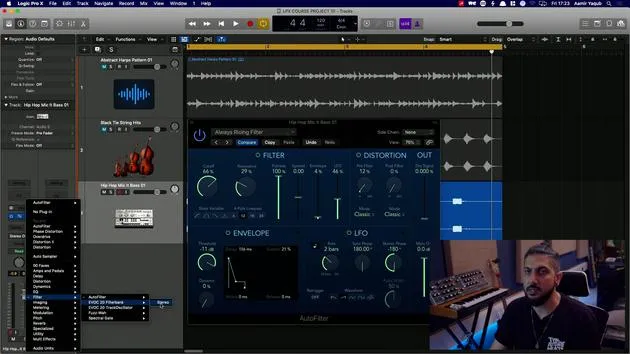
08. Filter plugins
5:35
09. Distortion and Filters outro
0:30
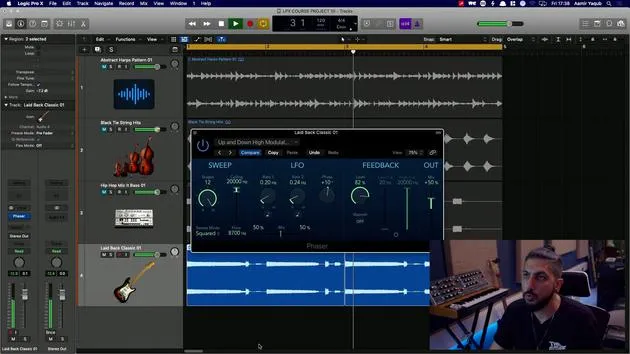
10. Modulation plugins
12:54
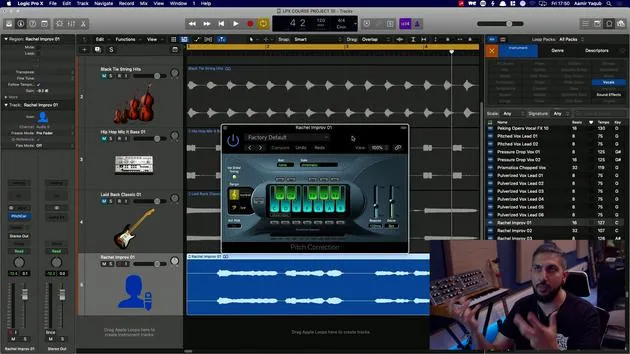
11. Pitch plugins
6:50
12. Modulation and Pitch outro
1:03
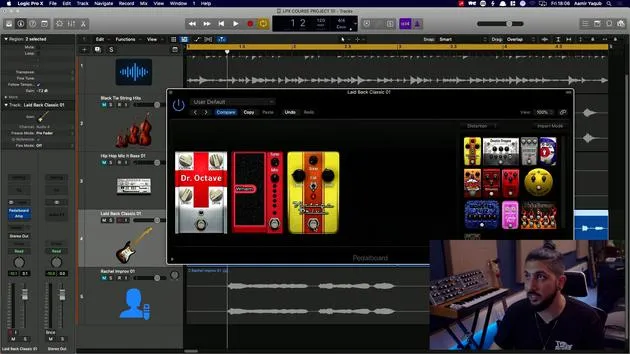
13. Amps and Pedal effects
10:38
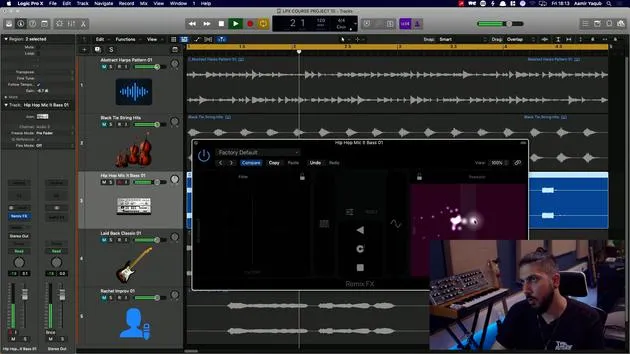
14. Specialised effects
5:49
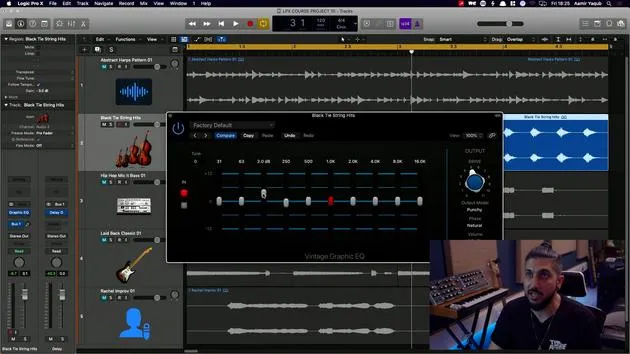
15. EQs (Equalizers)
7:18
16. Dynamics and Compression
11:43
Lesson transcript
Introduction to Audio Effects in Logic Pro
So before we dive in and look at some audio effects that Logic gives us, let's talk about what they are.
We have an extensive suite of software effect plugins that can be used in your productions. The effects categories include:
- Insert Effects
- Processes Principally Designed for Mastering Use
Flexibility of Use
You're free to use almost all plugins as you see fit, and there are few restrictions on the use of effects anywhere in your signal path.
Most effects can be used as:
- Mono
- Stereo
- Dual Mono
- Surround
Logic Pro provides a number of dedicated surround plugins if you want to explore that world.
Categories of Effects Available
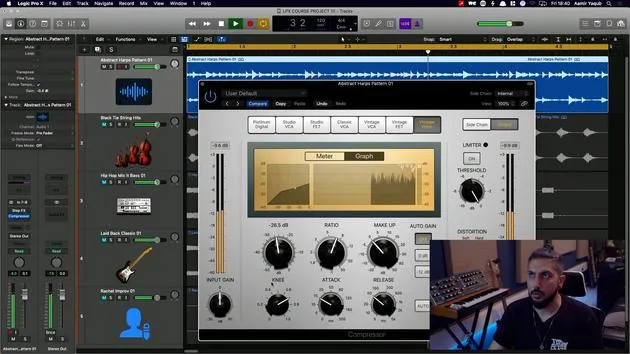
The effects categories available to us cover essential studio processors such as:
- Compressors
- Gates
- Limiters
- EQs
- Metering Utilities
We see both vintage and modern style compressors and EQs being emulated, making it easier for us to attain the sonic characteristics that we might need.
Reverbs, Delays, and Modulation Effects
We have a comprehensive collection of:
- Reverbs
- Delays
- Modulation Effects (like Chorus)
Amongst some of the reverb plugins available to you, we have:
- ChromaVerb: Quite unique
- Space Designer: Very natural sounding, convolution reverb
For highly sophisticated and configurable delays, we have Delay Designer.
In modulation processing, we get to use:
- Chorus
- Phasing
- Flanging
- A vintage rotary speaker emulation, which is fantastic.
Distortion and Filter Effects
We have a number of powerful distortion and filter effects. Filters include vocoder-like utilities and the Spectral Gate plugin, which offers you control over the formant and spectral characteristics of your sound.
Multi-Effects Processes
We also have flexible, powerful, and fun multi-effects processes. These combine a collection of processes and modulators in one place. They are ideal for when you're working on a track that might be more dance floor orientated, allowing you to truly transform any sound that you want to run through them.
Pitch Manipulation
We can manipulate pitch with:
- Pitch Correction
- Pitch Shifting
- Vocal Transformation Effects
These can be used in a subtle way or really heavily to achieve the sound of certain records that you might like.
Conclusion and Overview
A great way for us to start is by looking at some of the all-in-one units that can serve as a gateway into the world of using audio effects.
It's important to note that audio effects can be used on:
- Audio tracks
- Software instrument tracks
- Drummer tracks
- Auxiliary tracks
So you can apply these effects practically anywhere.
Let's dive in and look at some of these audio effects!
16 lessons
1h 33m of structured video lessons
Advanced video features
Slow down, loop a passage, follow along
Mobile, tablet & desktop
Practise wherever you are
100% satisfaction guarantee
30-day money-back guarantee
Meet your guru
Meet your guru
Aamir Yaqub is a music producer and engineer based in London. He has worked with some of the biggest names in music, including Alicia Keys, David Guetta, Rihanna, Sia and will.i.am, as well as developing independent artists.
Across his courses he teaches his complete Logic Pro workflow - from the interface and recording through beat-making, synthesis and MIDI effects to mixing and finishing a track.







