



Checking levels, adding compression

With
Dov Waterman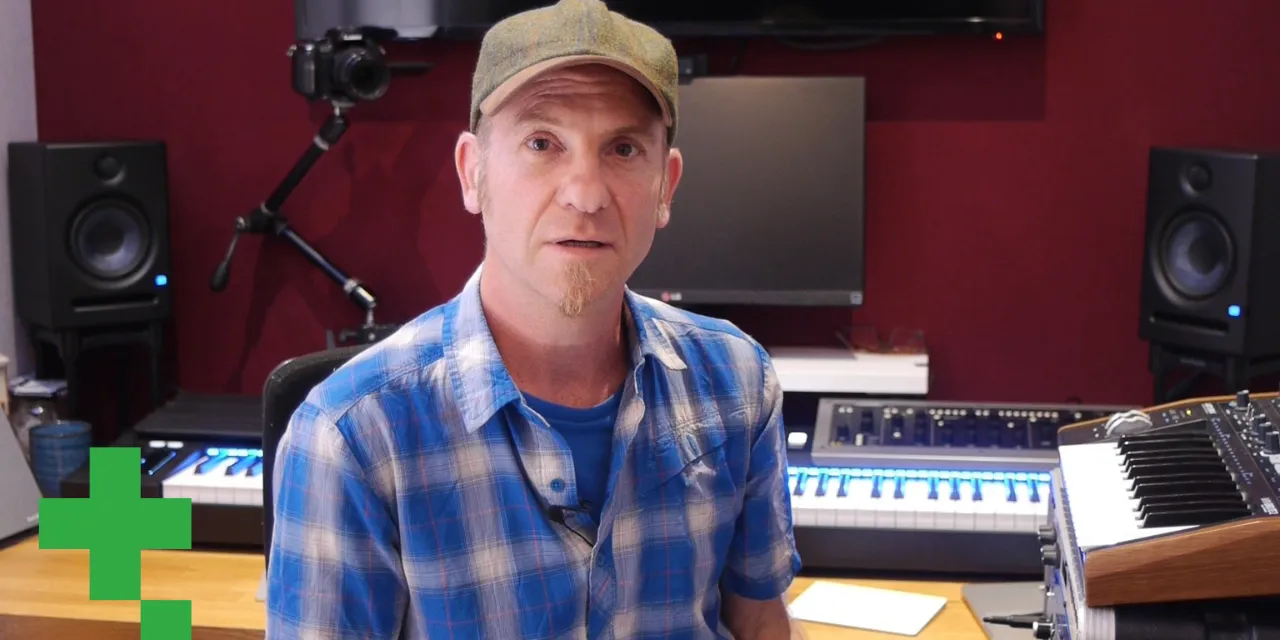
What's in the course
14 lessons (0h 33m) · 1 free
01. Intro to mixing and automation
Free lesson0:45
02. Finessing your track
2:52
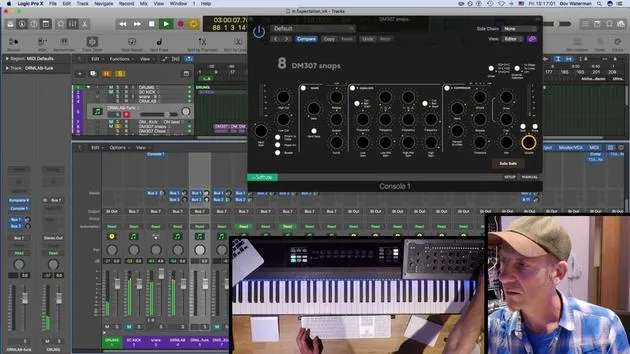
03. Approaching the mix - housekeeping and leveling
6:42
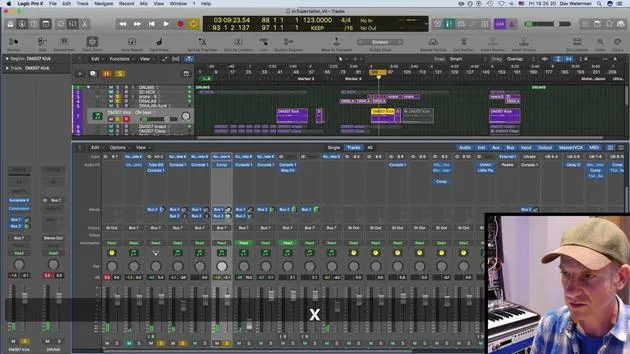
04. Widening the drum sound
3:47
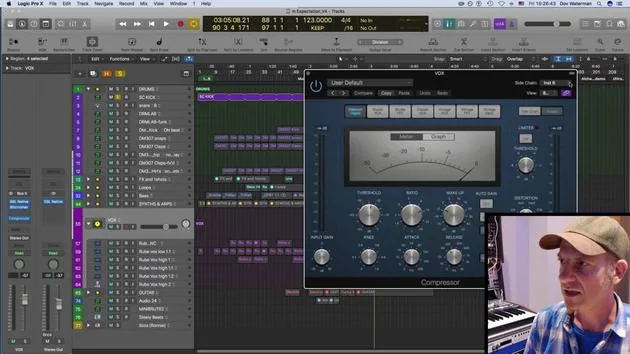
05. Side-chaining
2:42
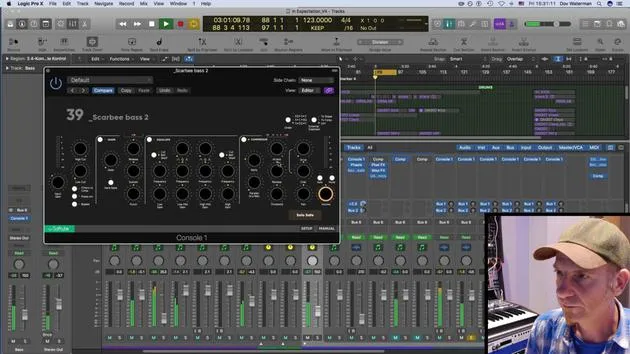
06. Pre-fade vs Post-fade metering
2:45
07. Quantizing & flex-timing
2:05
08. Checking levels, adding compression
You are here1:18
09. Creative processing & effects
3:14
10. ASSIGNMENT: Track Alternatives
1:02
Lesson transcript
Music Lesson: Mixing Techniques for Track Folders
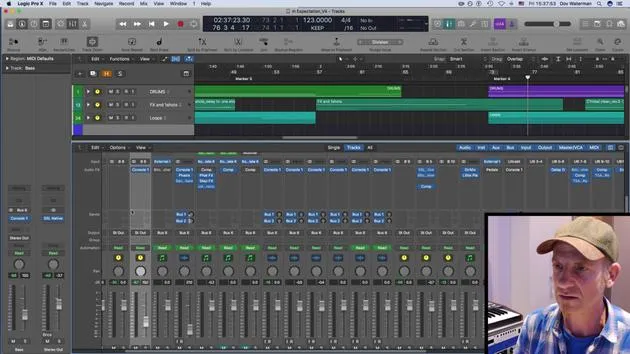
Today, we'll go through the process of leveling each element within track folders. Here's a breakdown of the key steps:
Checking Levels
- Different Parts: It's important to check the levels of various components within each track folder.
- Bass Tracks: I have a few different bass tracks here.
Monitoring Peaks
- Channel Bus: I'll ensure that nothing peaks on the channel bus where the instruments are routed.
- Main Stereo Output: Likewise, I monitor the main stereo output for any potential peaks.
Compression Techniques
-
Low-Level Compression:
- I usually add some low-level compression to catch any peaks.
- This is applied either on each of the buses or may vary, depending on my objectives.
-
Bass Compression:
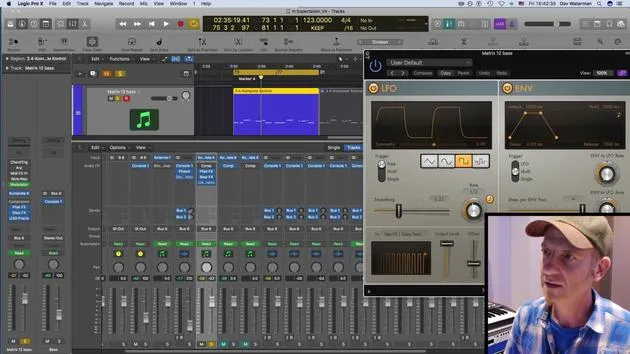
- On this specific bass track, I have some compression applied.
- The settings include:
- Low Threshold: Not too much compression is applied since the sounds are already quite leveled.
- Pre-Compressed Sounds: These sounds are generally heavily compressed already, so I've kept additional compression minimal.
By following these steps, we can ensure that our mix remains clean and balanced, highlighting each element effectively.
14 lessons
0h 33m of structured video lessons
Advanced video features
Slow down, loop a passage, follow along
Mobile, tablet & desktop
Practise wherever you are
100% satisfaction guarantee
30-day money-back guarantee
Meet your guru
Meet your guru
Dov Waterman is a composer, pianist and producer. He has written and designed sound for films including After Earth, Terminator Genisys, Transformers: The Last Knight and The Snowman, and works as a sample-library audio editor and sound designer with companies such as Native Instruments and SonoKinetic.
His Composition in Logic series walks through building a track end to end in Logic Pro - from templates and workflow to synthesis and beat programming, MIDI effects, editing and the final mix - for producers who want to turn their ideas into finished records.







