



Stems bouncen und exportieren

Mit
Dov WatermanDov zeigt, wie du deinen Track in Logic als Stems bouncst und exportierst - gruppiert in Folder-Tracks und mit den richtigen 48-kHz-Raten für die Übergabe an den Kunden.
Das steckt im Kurs
14 Lektionen (0h 33m) · 1 gratis
01. Einführung in Mischung und Automation
Gratis-Lektion0:45
02. Der Feinschliff für deinen Track
2:52
03. Den Mix angehen: Ordnung und Pegeleinstellung
6:42
04. Den Schlagzeug-Sound verbreitern
3:47
05. Side-Chaining
2:42
06. Pre-Fader- vs. Post-Fader-Metering
2:45
07. Quantisierung & Flex-Timing
2:05
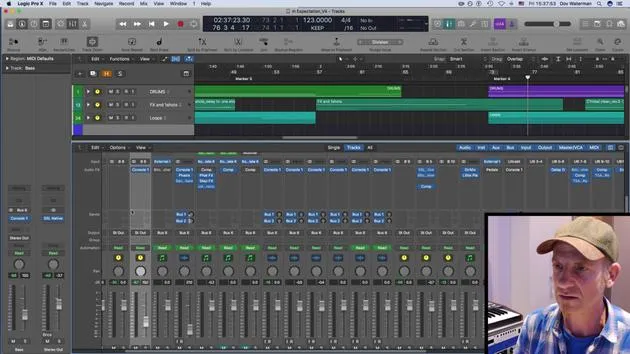
08. Pegel prüfen, Kompression hinzufügen
1:18
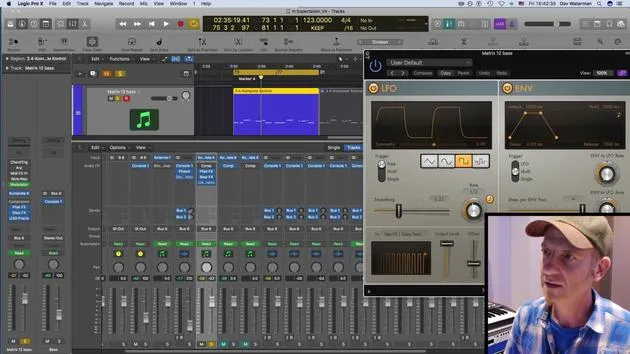
09. Kreative Bearbeitung & Effekte
3:14
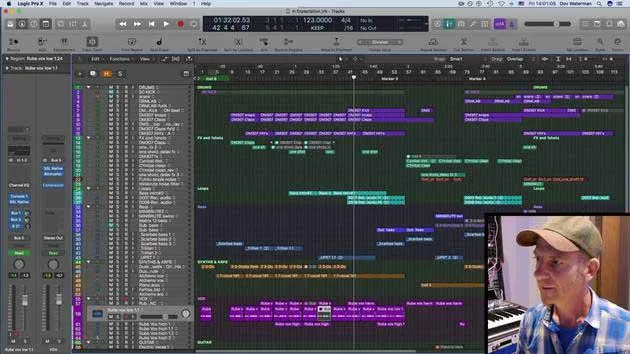
10. AUFGABE: Track Alternatives
1:02
Transkript der Lektion
Preparing Your Mix for Clients
Once my track is mixed and I've leveled everything, along with some automation on various tracks to maintain a linear flow, I'll discuss getting the mix ready for clients in stems.
Sending Content to Clients
Collaboration is key! Consider how your clients prefer to receive their content. This can vary depending on the type of client, whether it's a production house, TV, broadcast, or other media outlets.
Standard Requirements
For broadcast purposes, there are specific standards:
- Bit Rate: Usually set at 48 kHz.
- Sample Rate: Consistently maintains at 48 kHz as well.
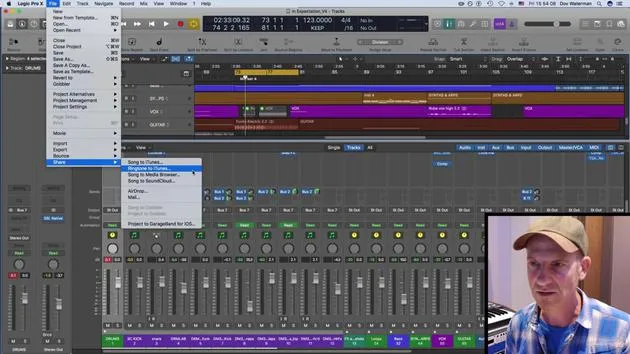
I'll bounce down files into folders maintaining these appropriate rates and sample sizes. My audio tracks are already grouped into stems, making it easier to work with folder tracks for bouncing.
Bouncing Stems
Clients typically request:
- Stereo tracks
- Bounced stereo tracks of various stems
The Bouncing Process
- Solo the Track: Start by singling out specific tracks you want to bounce.
- Check Levels: Ensure your levels and parameters are correct.
- Set Sample Rate: Confirm it's set to 48 kHz for broadcast and media.
- Bounce it: Press OK, choose your save location, name the file, and initiate the bounce.
Additional Stems
Depending on the client's needs, I may also bounce out:
- Reverb Stems: This includes auxiliary effects or sends.
- Drum Bus: Everything routed to the drum bus will be considered, whether it's vocals, drums, or other components.
This process enhances the level of control for clients, especially those working on remixes or layering under dialogue.
Final Thoughts
In my experience, much of my work ends up in trailers, which often feature significant dialogue combined with heavy sound design. Clients appreciate the ability to control what they pull out and mix in, so I always ensure they have access to the necessary stems, sometimes just the reverb bus, for their projects.
By following these steps, you can ensure your mix is client-ready and you provide them with the flexibility they need in their productions.
14 Lektionen
0 Std. 33 Min. strukturierte Videolektionen
Erweiterte Videofunktionen
Verlangsamen, Passagen loopen, mitlesen
Handy, Tablet & Desktop
Üben, wo du willst
100 % Zufriedenheitsgarantie
30 Tage Geld-zurück-Garantie
Lern deinen Guru kennen
Lern deinen Guru kennen
Dov Waterman ist Komponist, Pianist und Produzent. Er hat für Filme wie After Earth, Terminator Genisys, Transformers: The Last Knight und The Snowman Musik geschrieben und das Sounddesign gestaltet und arbeitet als Audio-Editor für Sample-Bibliotheken und Sounddesigner mit Firmen wie Native Instruments und SonoKinetic.
Seine Reihe Composition in Logic geht den Aufbau eines Tracks von Anfang bis Ende in Logic Pro durch – von Templates und Workflow über Synthese und Beat-Programmierung, MIDI-Effekte, Editing bis zum finalen Mix – für Produzenten, die ihre Ideen in fertige Tracks verwandeln möchten.







