



Collaborating with others

With
Dov Waterman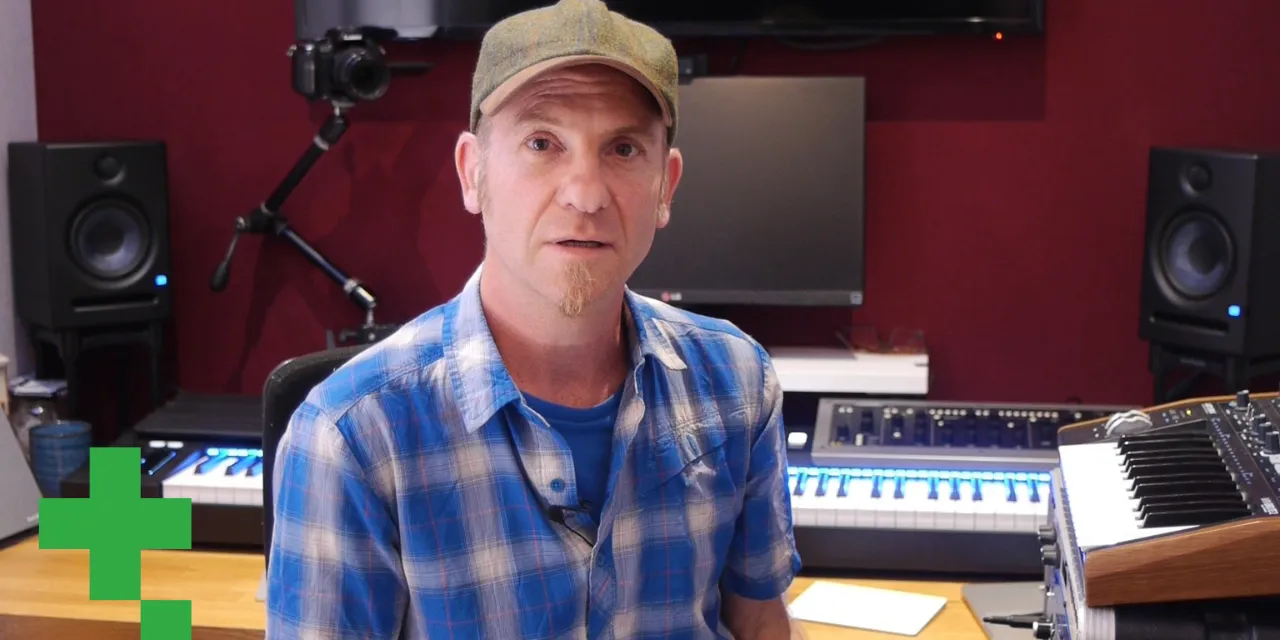
What's in the course
14 lessons (0h 33m) · 1 free
01. Intro to mixing and automation
Free lesson0:45
02. Finessing your track
2:52
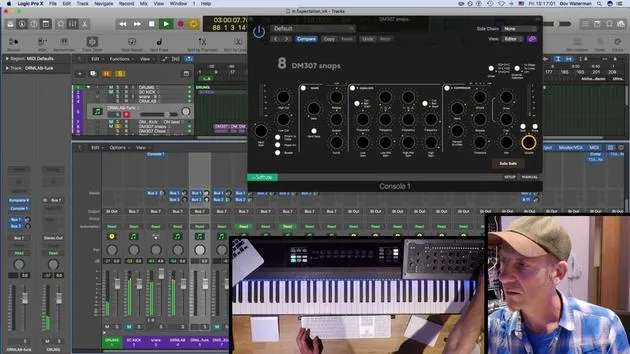
03. Approaching the mix - housekeeping and leveling
6:42
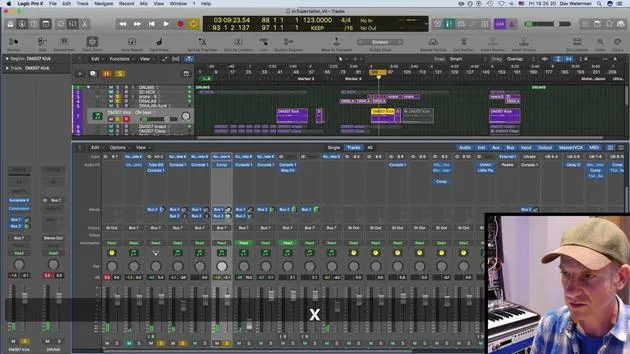
04. Widening the drum sound
3:47
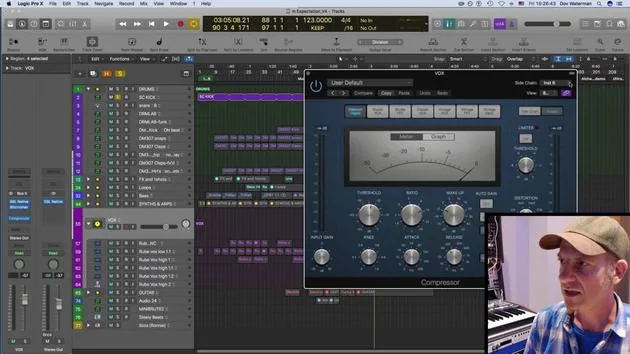
05. Side-chaining
2:42
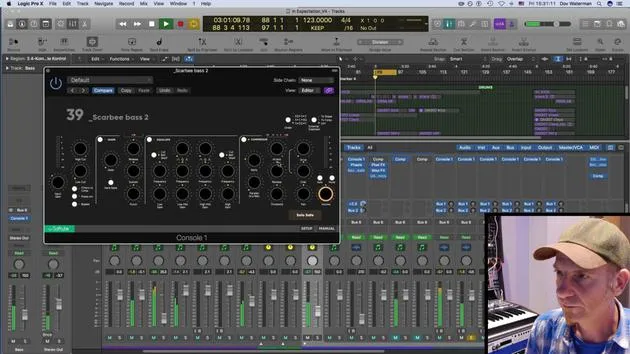
06. Pre-fade vs Post-fade metering
2:45
07. Quantizing & flex-timing
2:05
08. Checking levels, adding compression
1:18
09. Creative processing & effects
3:14
10. ASSIGNMENT: Track Alternatives
1:02
Lesson transcript
Collaboration in Music Production
In terms of collaboration, it's important to consider who you're working with, especially if it's a partnership with another artist.
My Collaboration Experience
For example, I collaborated on a track with a singer and a guitarist. Both of them are based in New York, each on either side of the city. Our collaboration was entirely virtual. Here's how we managed our files:
- We sent our tracks through a portal called Gobbler.
- Gobbler is a cloud audio sharing platform specifically designed for audio files.
Using Gobbler
To utilize Gobbler, you need to:
- Open an account with them.
- Upload your files, which can then be accessed by anyone designated to pick them up.
Sharing Finished Tracks
When it comes to sharing finished mixes, there are numerous options:
- You can send files directly through various platforms.
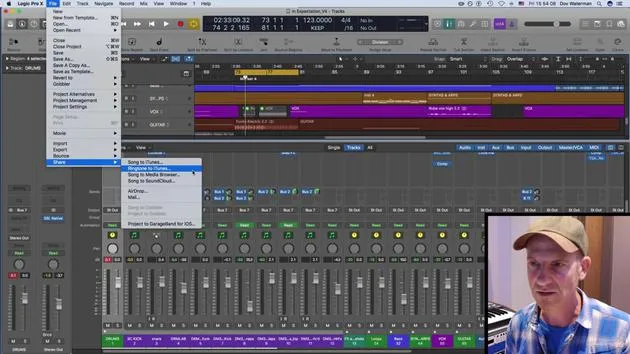
- For instance, you can share directly from Logic into SoundCloud or other services.
Additional Sharing Options
It's interesting to note that:
- You can share your track on iTunes or even turn it into a ringtone.
- Previously, creating a ringtone in iTunes required a convoluted process:
- You had to bounce down your track first,
- Then go through additional steps in iTunes.
But now, you can simply bounce your track down into iTunes and use it as your ringtone.
Sharing to iCloud
For those looking to just share a track, consider:
- Uploading it to your iCloud account,
- This will bounce the track directly into your cloud.
By using these tools and techniques, collaboration in music becomes seamless and efficient!
14 lessons
0h 33m of structured video lessons
Advanced video features
Slow down, loop a passage, follow along
Mobile, tablet & desktop
Practise wherever you are
100% satisfaction guarantee
30-day money-back guarantee
Meet your guru
Meet your guru
Dov Waterman is a composer, pianist and producer. He has written and designed sound for films including After Earth, Terminator Genisys, Transformers: The Last Knight and The Snowman, and works as a sample-library audio editor and sound designer with companies such as Native Instruments and SonoKinetic.
His Composition in Logic series walks through building a track end to end in Logic Pro - from templates and workflow to synthesis and beat programming, MIDI effects, editing and the final mix - for producers who want to turn their ideas into finished records.







