



ASSIGNMENT: Track Alternatives

With
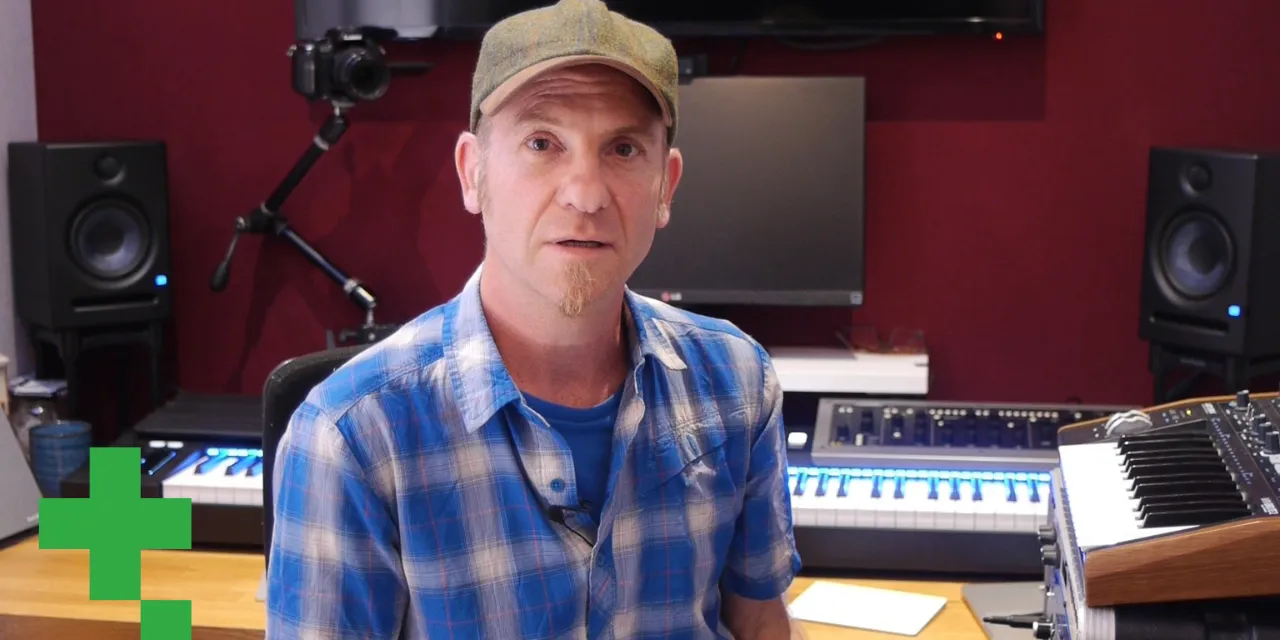
Dov WatermanInstructions: For this practice assignment, create a 20sec arrangement of your choice and use track alternatives to come up with different arrangements in your audio - for example comping your audio in different ways, use quantizing in different ways, etc. Then mix and match. Good luck!
What's in the course
14 lessons (0h 33m) · 1 free
01. Intro to mixing and automation
Free lesson0:45
02. Finessing your track
2:52
03. Approaching the mix - housekeeping and leveling
6:42
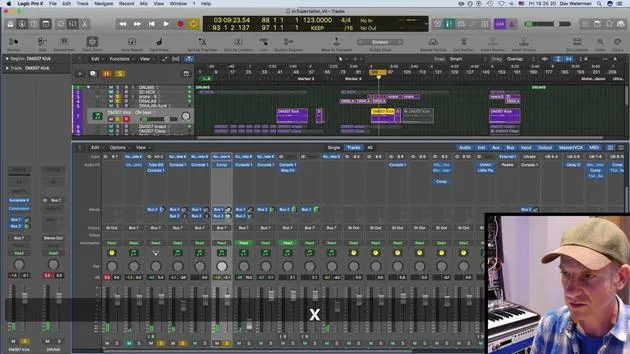
04. Widening the drum sound
3:47
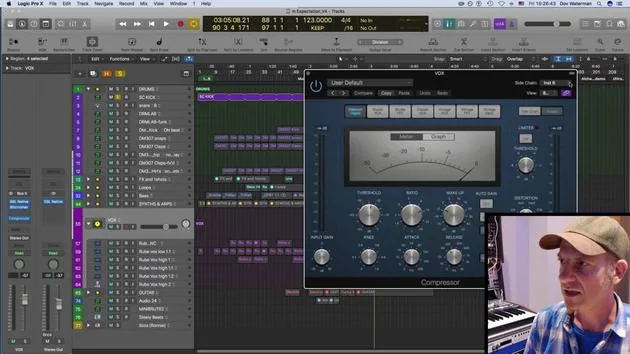
05. Side-chaining
2:42
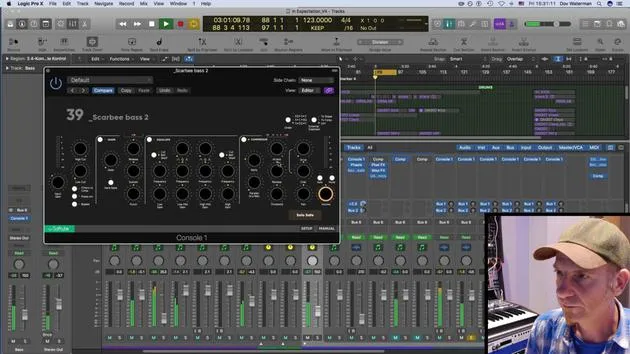
06. Pre-fade vs Post-fade metering
2:45
07. Quantizing & flex-timing
2:05
08. Checking levels, adding compression
1:18
09. Creative processing & effects
3:14
10. ASSIGNMENT: Track Alternatives
You are here1:02
Lesson transcript
Final Stage Wrap-Up
So, to wrap up on this final stage section, we've covered some general housekeeping. Here's what we've looked at:
-
Organizing Files:
- How to section things into folders
- How to put things into folders
-
Mixing Basics:
- General mixing essentials
-
Track Alternatives:
- Exploring different arrangements
-
Balanced Mix Creation:
- Techniques for creating a balanced mix
- Using effects such as:
- Sidechain
- Mid-side configuration
Challenge
The challenge for this section of the course is to utilize the track alternatives. Here are the steps:
-
Create a 20-second Arrangement:
- Choose your preferred style.
-
Utilize Track Alternatives:
- Create different arrangements with your audio.
- Comp your audio in various ways.
- Quantize your MIDI if you have any.
-
Mix and Match:
- Experiment with different combinations to see which works best for you.
Happy mixing!
14 lessons
0h 33m of structured video lessons
Advanced video features
Slow down, loop a passage, follow along
Mobile, tablet & desktop
Practise wherever you are
100% satisfaction guarantee
30-day money-back guarantee
Meet your guru
Meet your guru
Dov Waterman is a composer, pianist and producer. He has written and designed sound for films including After Earth, Terminator Genisys, Transformers: The Last Knight and The Snowman, and works as a sample-library audio editor and sound designer with companies such as Native Instruments and SonoKinetic.
His Composition in Logic series walks through building a track end to end in Logic Pro - from templates and workflow to synthesis and beat programming, MIDI effects, editing and the final mix - for producers who want to turn their ideas into finished records.







