



Travailler avec des sons orchestraux

Avec
Dov WatermanDov Waterman montre comment il a créé des nappes orchestrales à partir d'échantillons de cordes découpés, et présente la fonction MIDI chase de Logic.
Le contenu du cours
9 leçons (0h 51min) · 1 gratuites
01. Bienvenue dans le cours et le point de vue de Dov sur la créativité
3:29
02. Introduction au processus d'écriture
0:23
03. Étude de cas - le morceau de Dov Witches' Whisper
3:22
04. La créativité commence par un bon template
Leçon gratuite5:08
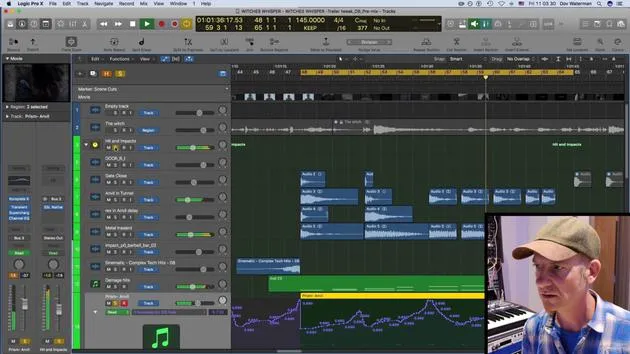
05. Automation créative
6:20
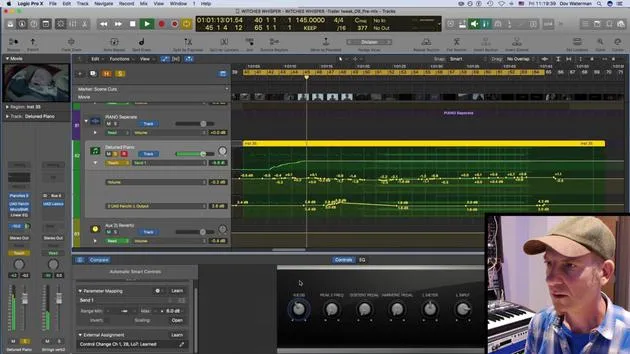
06. Sound design créatif et plus d'automation
15:23
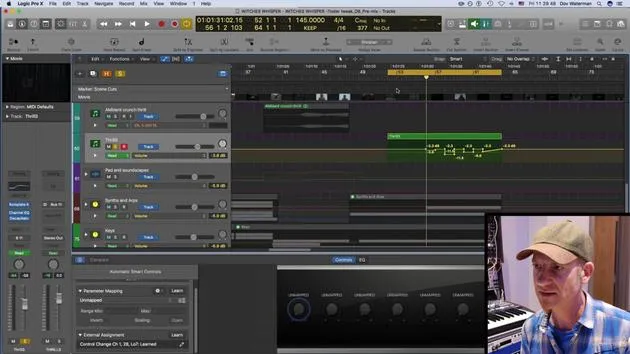
07. Travailler avec des sons orchestraux
Tu es ici4:09
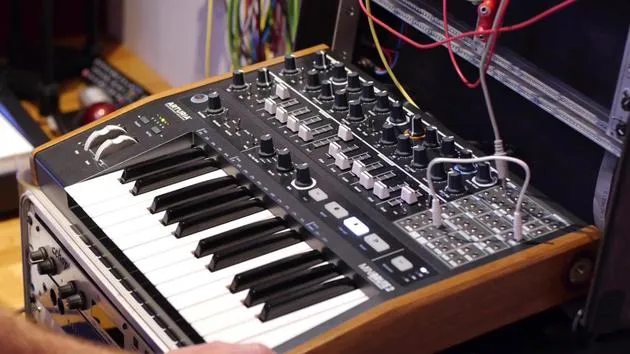
08. Travailler avec des éléments de synthé
12:15
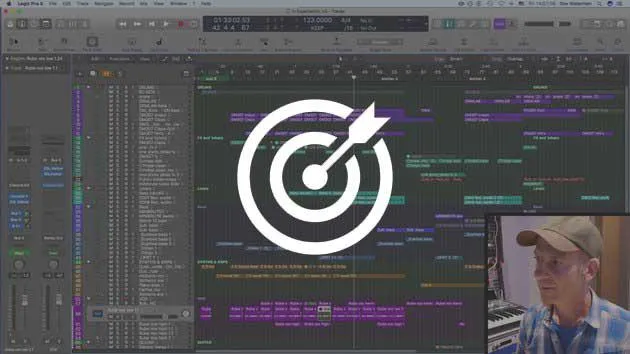
09. CHALLENGE #1 : SMART CONTROLS & AUTOMATION
0:55
Transcription de la leçon
Creative Automation in Orchestral Sections
So yeah. Okay, let's pick out some themes from the orchestral sections. Here are some pads and screechy bits that I've created using various string samples.
Cutting Up Sounds
- This sound over here is just cut up.
- Just a few various cuts from some other line that I had playing.
Understanding MIDI Chase
As I've mentioned, normally if we play a long sustained loop or sample (in this case, it's just a held down note), I have some automation going on. But it's basically just a cluster of strings with one key held all the way down.
- If we look at the MIDI, it's just one key.
- Now, normally in typical circumstances, if we play the section from here, it would play the note.
However, if we're dealing with a long note and want to start from a specific point, the key wouldn't play. You'd have to start the sample over for it to catch the audio, the actual sound.
MIDI Chase Functionality
Well, not if you have MIDI Chase on.
- Go to your project settings.
- Navigate to MIDI.
This setting is project-specific, so you need to enable it for each project. It's not something you adjust in your global preferences.
- Go to Chase and ensure you have Notes On.
By default, this would be off. Not quite sure why, but it's a default setting in Logic.
If you turn this on and have sustained notes enabled, you're all set.
- This means if I have a very long note playing throughout a whole section and I want it to start at, say, bar 57, it will actually catch it in the mid-section when I start playback there.
Benefits of MIDI Chase
This feature is incredibly handy.
- It saves time, allowing you to jump straight to a desired bar rather than playing the whole section from the start.
- In the past, if I really liked the sound and had it exactly how I wanted, I would just bounce it down as audio. This way, when mixing or doing further editing, I wouldn't face the problem of starting samples from the beginning, especially if they're long samples.
So, remember, MIDI Chase is a really handy little tool to keep in mind.
9 leçons
0h 51m de leçons vidéo structurées
Fonctions vidéo avancées
Ralentissez, bouclez un passage, suivez la partition
Mobile, tablette et ordinateur
Pratiquez où vous voulez
Satisfaction garantie à 100 %
Garantie remboursement 30 jours
Rencontrez votre guru
Rencontrez votre guru
Dov Waterman est compositeur, pianiste et producteur. Il a écrit et conçu le son de films tels que After Earth, Terminator Genisys, Transformers: The Last Knight et The Snowman, et travaille comme monteur audio de bibliothèques de samples et sound designer avec des sociétés comme Native Instruments et SonoKinetic.
Sa série Composition in Logic parcourt la construction d'un morceau de bout en bout dans Logic Pro — des templates et du workflow jusqu'à la synthèse et la programmation de beats, les effets MIDI, le montage et le mix final — pour les producteurs qui veulent transformer leurs idées en disques aboutis.







