



Beats III - Grabación en tiempo real
Qué incluye el curso
16 lecciones (3h 6m) · 1 gratis
Transcripción de la lección
Real-Time Recording of Beats
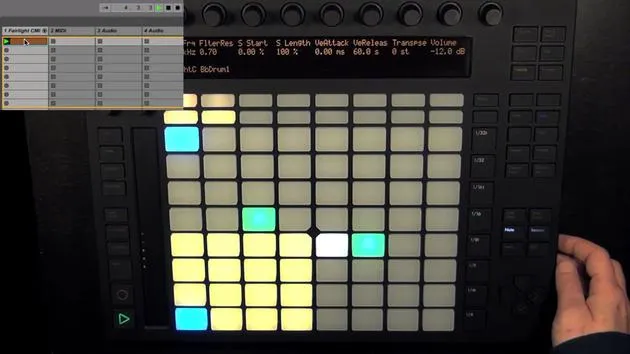
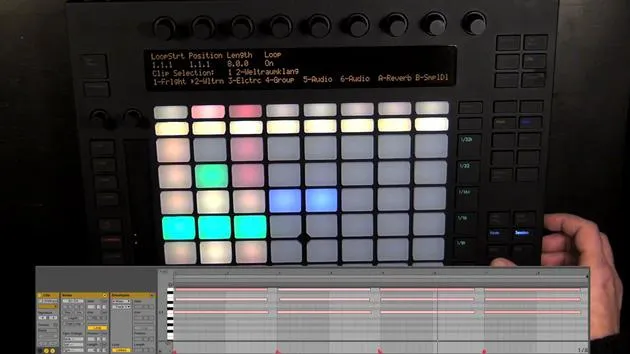
Now we're going to do some real-time recording of beats. Since we already have a little beat, I think we could just record some extra sounds live.
Recording Process
- Press Play: If we didn't already have a beat, we could turn on the metronome.
- Start Recording: Let's try out what we could record. As you've already seen, I can simply press record again to overdub some more.
- Finishing Up: Record something, and once I'm done, I'll just press record again.
Quantizing Notes
If I didn't get the timing quite right, then what we can do is quantize it:
-
Press Quantize: Keep it pressed to check the settings.
- Set to Zero Swing.
- 1/8 Notes.
- Quantize 100% (set all the way to the grid).
If you don't want that, you can set it to smaller amounts to make it sound more human and less machine-like. You can add more swing if you want more groove.
-
For example:
- I'm going to leave it like that, but maybe 16th notes and less quantize amount.
- Then I press it again and it's quantized.
It's also possible to quantize all the notes of one pad:
- Press Quantize Again: Keep it pressed to change the settings, maybe add some more swing, and then press a pad to quantize it.
If it doesn't sound great, you might want to get rid of all the notes again with Delete and then the pad, as you may want to record something with repeat instead.
Record Quantization
Before moving forward, let's explain one more thing about quantizing:
- Keep Quantize Pressed: On the right, you see Record Quantization, set to 116 by default and turned off.
- Changing the Resolution: Use the encoder to change it, and then press the pad to turn it on (but I'll turn it off again; I don't want it).
- This is connected to the record quantization setting in Live. If you turn it on, everything you record will be quantized automatically.
Undo and Redo
- Undo: Simply press Undo.
- Redo: Press Shift and then Undo.
Using the Repeat Function
Now, let's get to repeat:
-
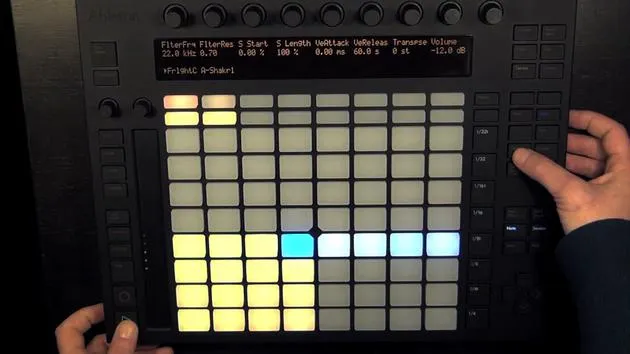
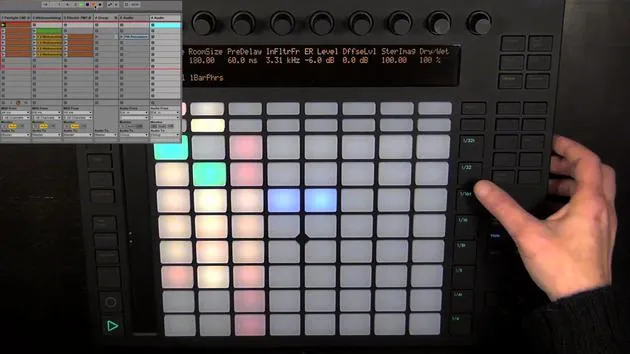
Enable Repeat: You can press it once to enable or hold it momentarily for short intervals.
- It works like a simple note repeat, going by the resolution set (currently 1/16 notes).
-
Change the resolution to:
- 8th Notes
- Triplets
-
Control Velocity: Depending on how much pressure I put on the pad, I can increase or decrease the velocity as well.
If I like it, I can simply record it. However, I'll undo that again because I still have it set to triplets. I'll change it to 1/16 instead.
- Delete All Notes: Delete all the notes of that pad and try again.
- Enable Repeat: Don't forget that the swing amount is factored in (it was at 53%). Change that to get a different groove for the repeated notes.
Final Touches
Now I've recorded it, and you can use the repeat function effectively for hi-hats or percussive sounds. You can see it all in the step sequencer and use it to take out notes again.
Duplicating Clips
-
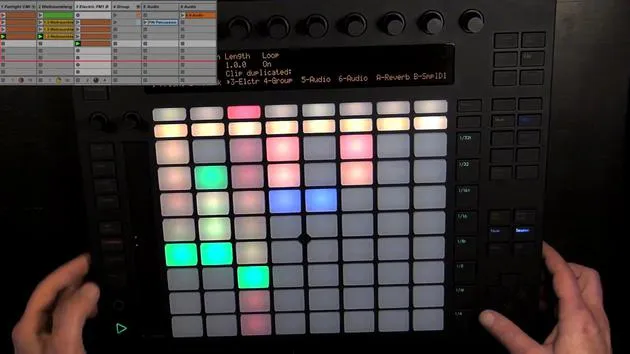
Undo Again: What I'll do instead is duplicate the clip first.
- The whole scene will be duplicated, but right now we only have one clip, and playback continues seamlessly on a new scene.
- Then I record it all again on a new clip.
-
Cleanup: Let's press up to delete the notes we don't want and then press down again.
- Repeat is still enabled, so I can simply press the pad and press record again.
Adding New Sounds
Now we already have two clips: one without the shaker and one with the shaker.
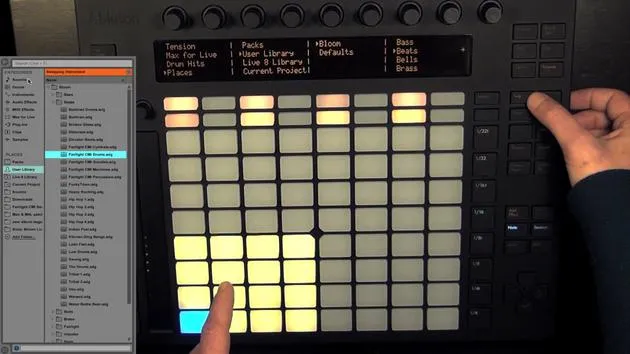
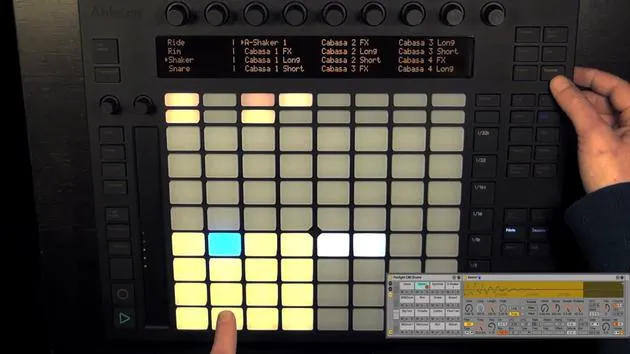
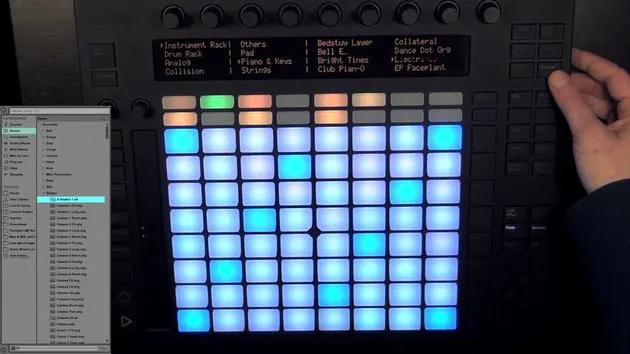
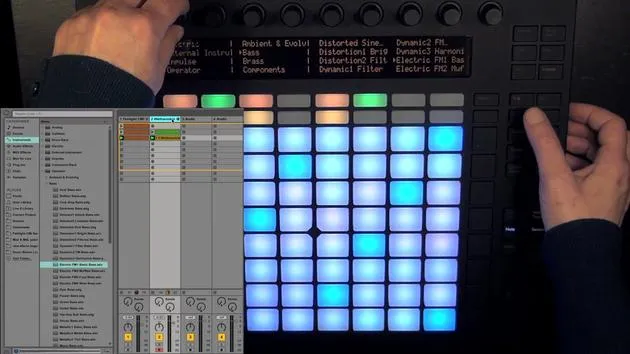
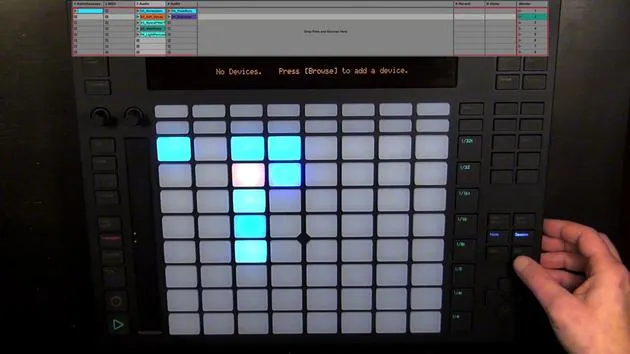
- Choose a Different Shaker: Make sure that you're in device view, then choose the shaker, press browse.
- Maybe a hi-hat: Let's try this one or maybe the next one. I like this one, but it's a little loud, so let's turn down the volume of that pad sound.
Alright, and now you know how to work in the drum layout.
16 lecciones
3h 6m de lecciones en vídeo estructuradas
Funciones de vídeo avanzadas
Ralentiza, repite un pasaje, sigue la partitura
Móvil, tablet y ordenador
Practica donde quieras
Garantía de satisfacción 100%
30 días de garantía de devolución
Conoce a tu gurú

Conoce a tu gurú
Madeleine Bloom es una música de formación clásica, productora, multiinstrumentista y cantante de Berlín, y fundadora del sello Quixotica Records. Estudió música electroacústica en el Conservatorio Franz Liszt con el Prof. Robin Minard, y lleva esos métodos a su propia mezcla de pop electrónico. Su música ha recibido elogios de los productores Guy Sigsworth y Rupert Hine, así como una invitación personal de Imogen Heap, cuya gira abrió como telonera.
Antigua agente de soporte técnico de Ableton, en 2012 fundó la plataforma online Sonic Bloom, donde enseña Ableton Live y producción musical mediante cursos, talleres y clases individuales. Ha ayudado a personas de todo el mundo con Ableton Live, Push y Max for Live, además de con ingeniería de sonido, teoría musical, composición y diseño de sonido.







