



Beats I - La disposición
Familiarízate con la disposición de la batería en Ableton Push: la cuadrícula de pads 4x4, qué significan los colores de los pads y cómo silenciar, poner en solo y cambiar sonidos al vuelo.
Qué incluye el curso
16 lecciones (3h 6m) · 1 gratis
Transcripción de la lección
Drum Layout Overview
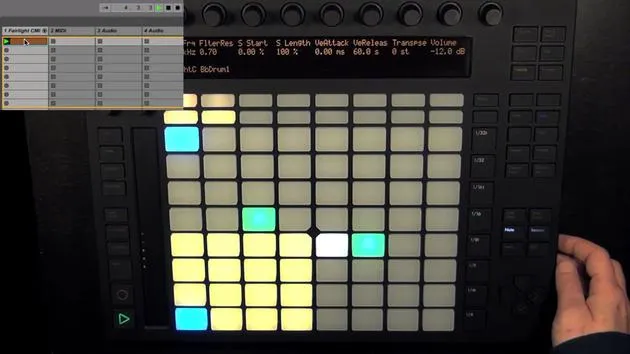
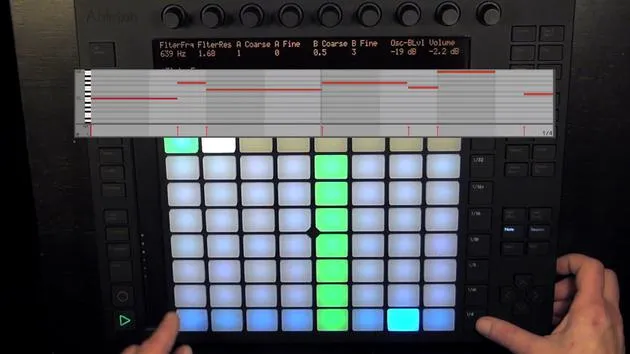
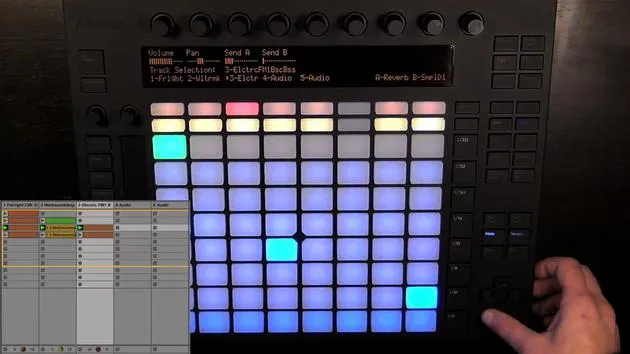
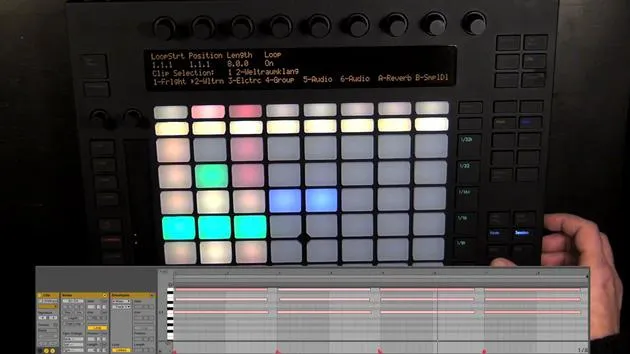
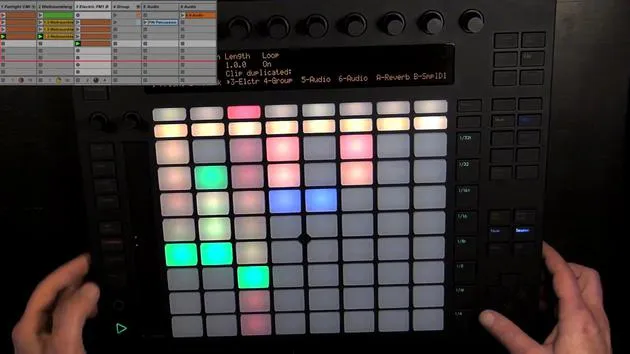
Here we can already see the drum layout, which is divided into three sections.
1. Drum Rack Pads
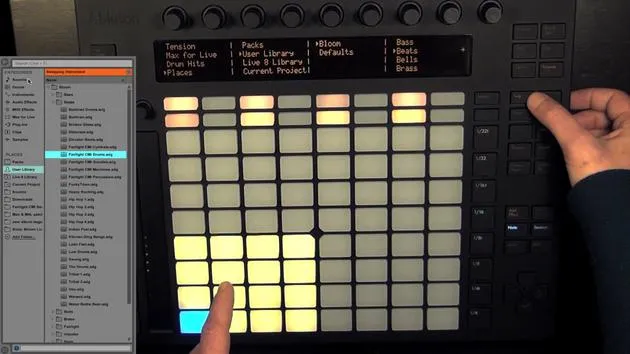
- Configuration: The drum rack pads are set up in a 4x4 grid, and they can be moved to the next 16 pads either with the touch strip or with the octave up and down buttons.
- Pad Colors:
- Bright Yellow Pads: These are filled and can be played live to record rhythms.
- Selected Pad: Displayed in blue. When held, it turns green to indicate that it is playing.
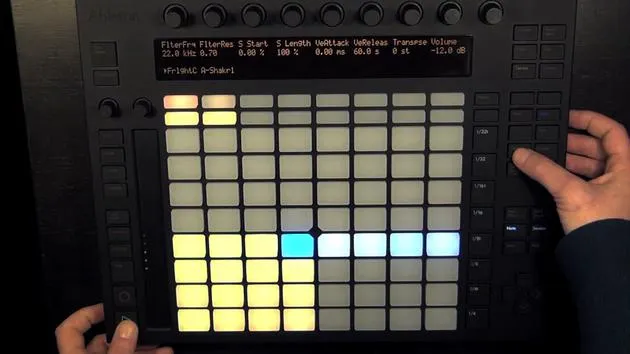
Muting and Soloing Pads
-
Muting:
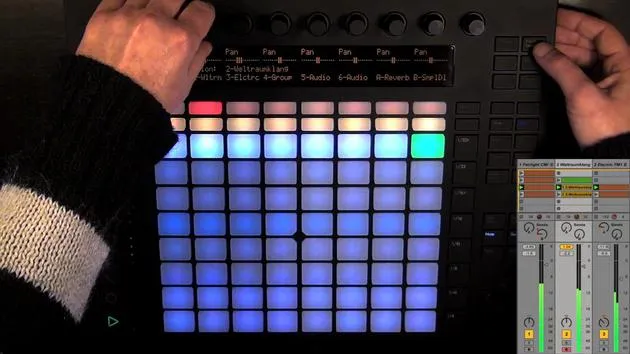
- Press mute and select the drum pad(s) you want to mute.
- Muted pads turn orange to indicate their status.
- To unmute, hold mute again and press the muted pads.
-
Soloing:
- Hold solo, choose the pad(s) you want to solo.
- Soloed pads will show a different shade of blue.
- To exit solo mode, press solo again.
Navigating Pads
- Empty Pads: Dull yellow pads indicate that they're empty.
- Moving Between Rows:
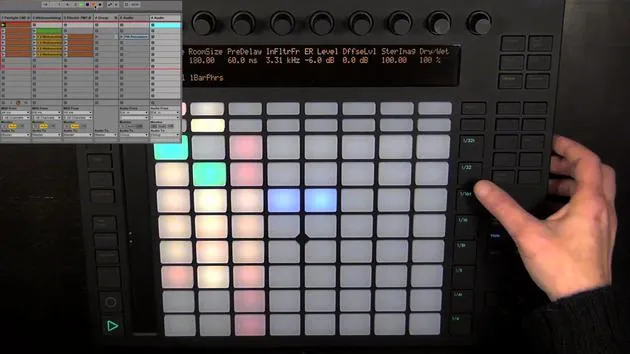
- Hold shift and use the touch strip or octave buttons to navigate through the rows of pads.
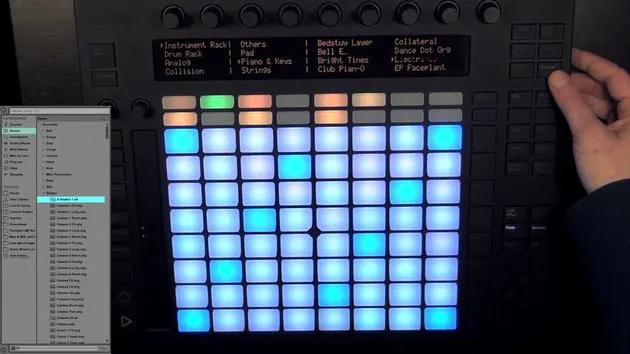
2. Hot Swapping Drum Pad Sounds
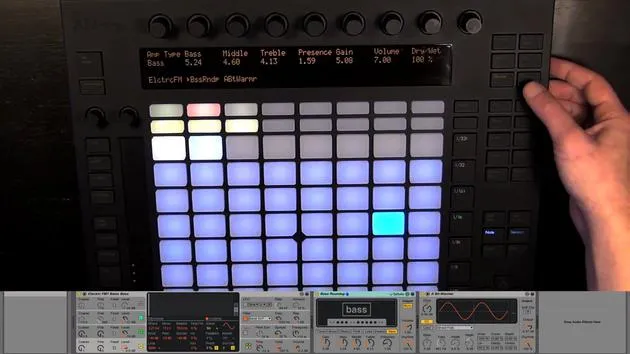
As mentioned earlier, you can exchange or hot swap individual drum pad sounds.
-
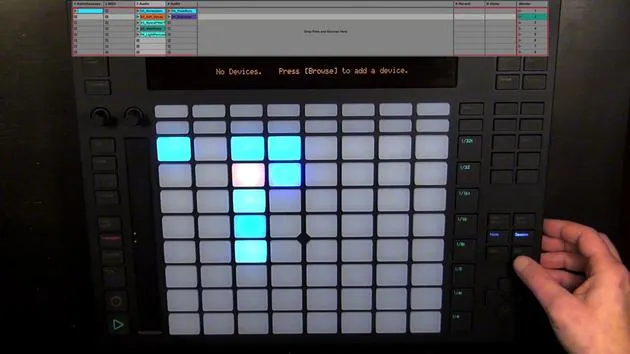
Device View: Ensure you are in the device view to choose sounds.
-
Selecting Sounds:
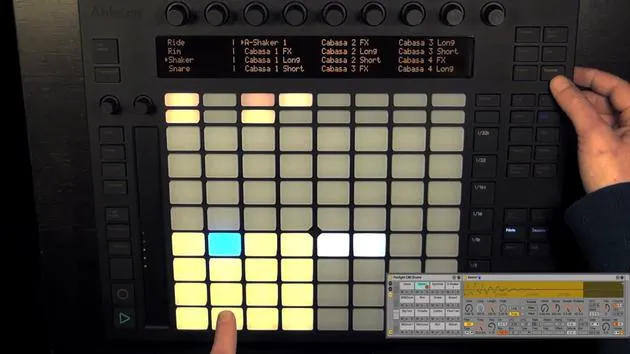
- Press browse to see everything that can be loaded into a drum pad.
- You can find individual drum hits sorted by type, similar to the live library.
- For example, if you were to exchange a hi-hat sound from the core library, it would open in the hi-hats section.
-
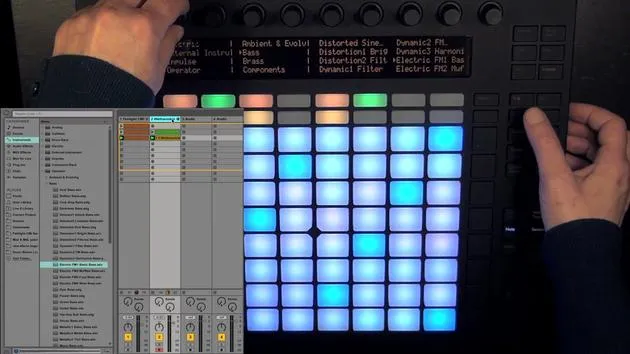
Loading Sounds:
- After selecting a sound (e.g., a shaker), load it by pressing the green button.
- You can also hot swap other sounds or MIDI instruments by pressing the pad and selecting a different sound.
3. Loop Length Controls
The next section is the loop length controls, which consist of 16 pads again.
-
Default Configuration: Two pages are selected, with each page corresponding to one bar in a MIDI clip, even if there isn't a MIDI clip created yet.
-
Recording Capacity: You can record a total of 16 bars with two pages at a resolution of 1/16th notes, which is the default for the step sequencer.
-
Adding Notes: Simply press the pads to add notes, but we will delve into this more in the next video.
16 lecciones
3h 6m de lecciones en vídeo estructuradas
Funciones de vídeo avanzadas
Ralentiza, repite un pasaje, sigue la partitura
Móvil, tablet y ordenador
Practica donde quieras
Garantía de satisfacción 100%
30 días de garantía de devolución
Conoce a tu gurú

Conoce a tu gurú
Madeleine Bloom es una música de formación clásica, productora, multiinstrumentista y cantante de Berlín, y fundadora del sello Quixotica Records. Estudió música electroacústica en el Conservatorio Franz Liszt con el Prof. Robin Minard, y lleva esos métodos a su propia mezcla de pop electrónico. Su música ha recibido elogios de los productores Guy Sigsworth y Rupert Hine, así como una invitación personal de Imogen Heap, cuya gira abrió como telonera.
Antigua agente de soporte técnico de Ableton, en 2012 fundó la plataforma online Sonic Bloom, donde enseña Ableton Live y producción musical mediante cursos, talleres y clases individuales. Ha ayudado a personas de todo el mundo con Ableton Live, Push y Max for Live, además de con ingeniería de sonido, teoría musical, composición y diseño de sonido.







