



Entender el cableado, el MIDI y el enrutamiento de audio analógico
Mark Burnett repasa cómo se conectan los controladores, sintetizadores y cajas de ritmos a Ableton Live, y cómo fluyen entre ellos las señales MIDI y de audio analógico.
Qué incluye el curso
16 lecciones (2h 26m) · 2 gratis
01. Preparar el equipo
1:29
02. Presentación de los instrumentos
Lección gratis5:44
03. BONUS - Configurar un instrumento externo (Korg Volca Beats) en Ableton desde cero
Lección gratis12:51
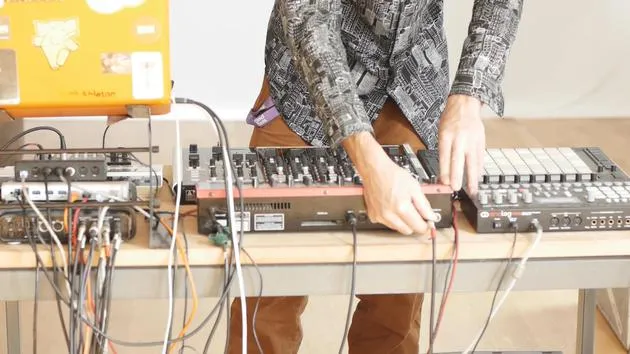
04. Entender el cableado, el MIDI y el enrutamiento de audio analógico
Estás aquí4:01
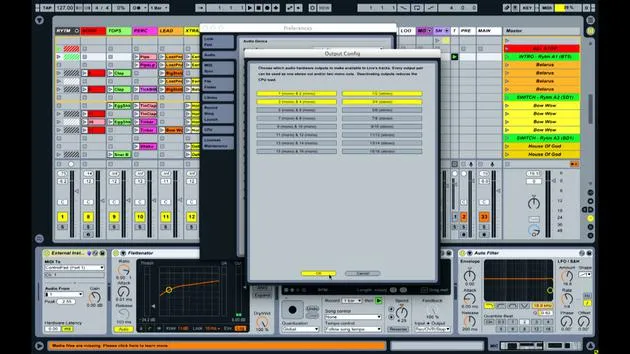
05. Configurar las preferencias de MIDI y audio en Ableton
10:44
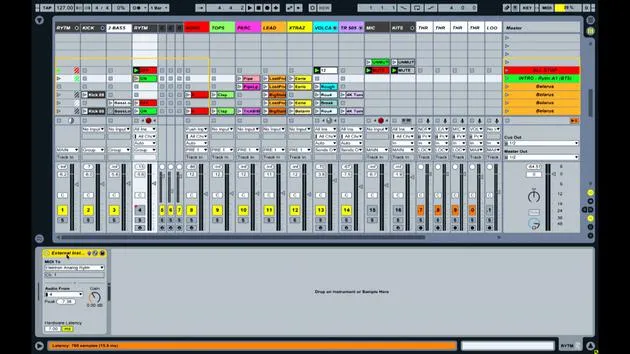
06. Configurar pistas y enrutamiento de señal en Ableton Live
6:46
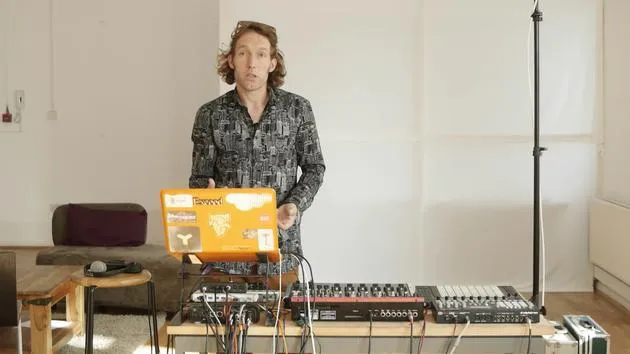
07. Configurar pistas de instrumento externo en Ableton Live
8:33
08. Configurar una pista de micrófono en Ableton Live
6:09
09. Configurar thru-tracks y loopers
9:08
10. El arma secreta del set: movers and shakers
8:08
11. Enrutamiento de salida y FX máster
13:36
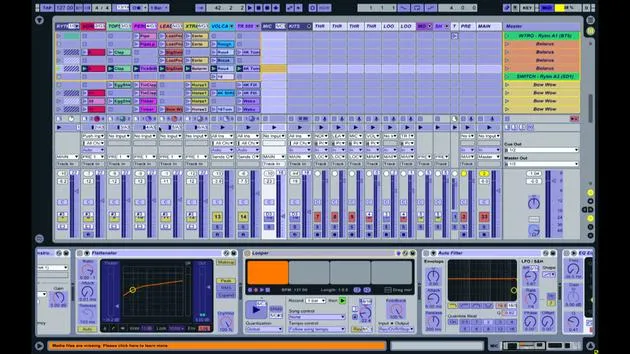
12. Mapeo MIDI, racks y macros (parte 1)
14:16
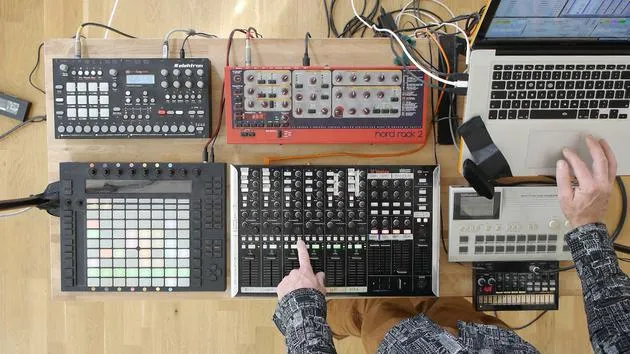
13. Mapeo MIDI, Racks y Macros (parte 2)
12:35
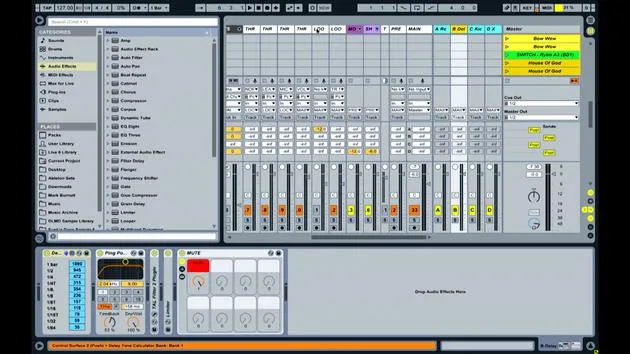
14. Pista de delay y tiempos de delay
3:33
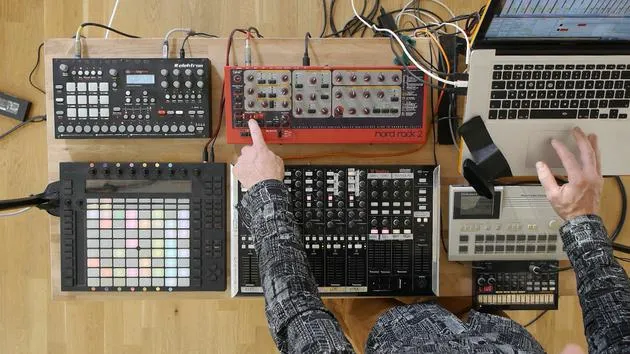
15. Cambios de programa e instrumentos externos
7:11
16. Contenido del set y técnica de interpretación
21:23
Transcripción de la lección
Understanding MIDI Connections and Audio Signal Flow
Introduction
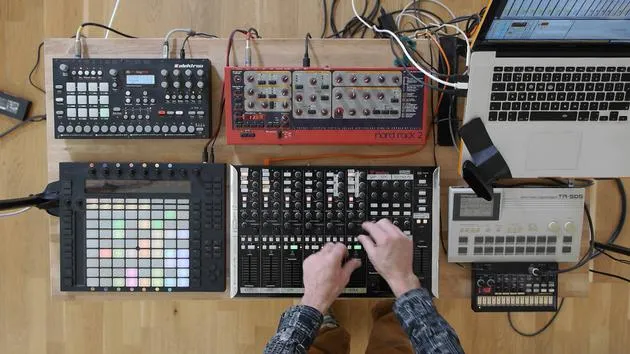
In this lesson, we'll explore how various music equipment is interconnected and how signals are transmitted between them.
Controllers
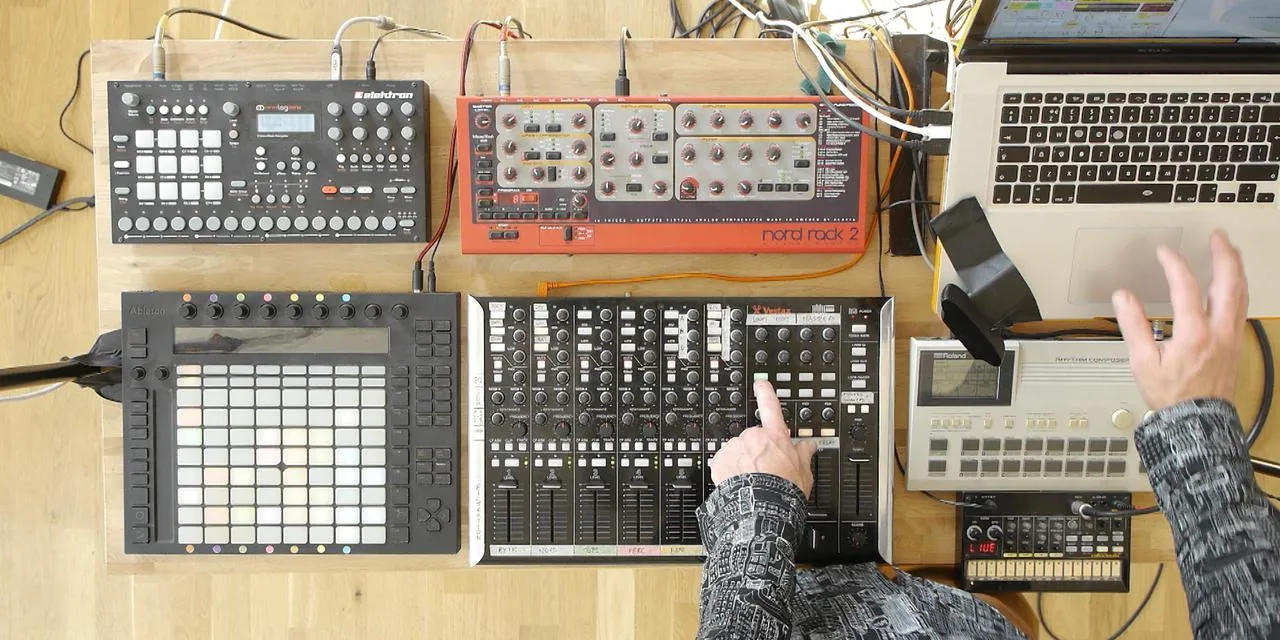
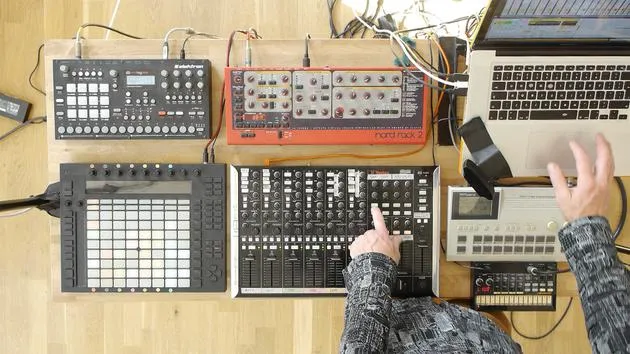
- Devices Used: Push and Vestax
- Connection Type: USB Cable
- Function: Transmitting and receiving MIDI information from Ableton Live.
Drum Machines and Synthesizers
The connections for the drum machines and synthesizers are more complex:
-
NORD Synthesizer:
- Connection Type: Five-pin MIDI Cable
- Note: This older device transmits MIDI information similarly to USB, but it predates USB adoption.
-
Electron Analog:
- Connection Status: No MIDI cable connected.
- Function: Has USB capabilities, allowing MIDI transmission and reception via a single USB lead.
Signal Flow
-
MIDI Note Information:
- In Ableton Live, a series of clips containing MIDI note information is set up.
- This information is sent via USB to the MIDI breakout box.
-
Transmission to NORD:
- A cable connects the MIDI breakout box to the NORD synthesizer.
- The MIDI notes define:
- What note to play
- Duration of the note
- Velocity of the note
-
Sound Generation:
- The NORD synthesizer generates sound as a result of the MIDI information.
- This sound is sent out through one of its audio outputs.
-
Audio Return:
- The audio travels back along a cable into one of the four audio inputs on the sound card.
Summary of Signal Flow:
-
MIDI Information:
- Coming out of Ableton Live through USB.
- Transmitted to the MIDI breakout box.
- Sent to various drum machines and synths.
-
Audio Outputs:
- Each drum machine and synthesizer has an audio output.
- These outputs connect to the sound card inputs (1, 2, 3, and 4).
Additional Connections
-
The four audio outputs from the sound card send audio to:
- Speakers in the room
- Recording devices
-
If performing live, these outputs would go to monitors or an in-house PA system.
-
FireWire Cable:
- Connects the sound card to the laptop.
-
USB Hub:
- Provides additional USB connectivity.
Conclusion
Both MIDI and audio signals are essential for a seamless workflow in music production. All signals converge in Ableton Live, where you can mix and apply effects using the controls available.
16 lecciones
2h 26m de lecciones en vídeo estructuradas
Funciones de vídeo avanzadas
Ralentiza, repite un pasaje, sigue la partitura
Móvil, tablet y ordenador
Practica donde quieras
Garantía de satisfacción 100%
30 días de garantía de devolución
Conoce a tu gurú

Conoce a tu gurú
Mark Burnett es un Ableton Certified Trainer que lleva más de 14 años trabajando con productos de Ableton. Como productor y DJ en Funk'n Deep Records, sus temas han sonado en grandes festivales y en sesiones y podcasts de artistas como Carl Cox y Richie Hawtin, y ha tocado ante multitudes de miles de personas. También organiza eventos a gran escala como Workhouse Project, y estudió en el Imperial College London. Su curso trata sobre el uso de Ableton Live para construir actuaciones en directo, y está pensado para productores y artistas de música electrónica que quieran llevar su espectáculo del estudio al escenario.







