



Presentación de los instrumentos
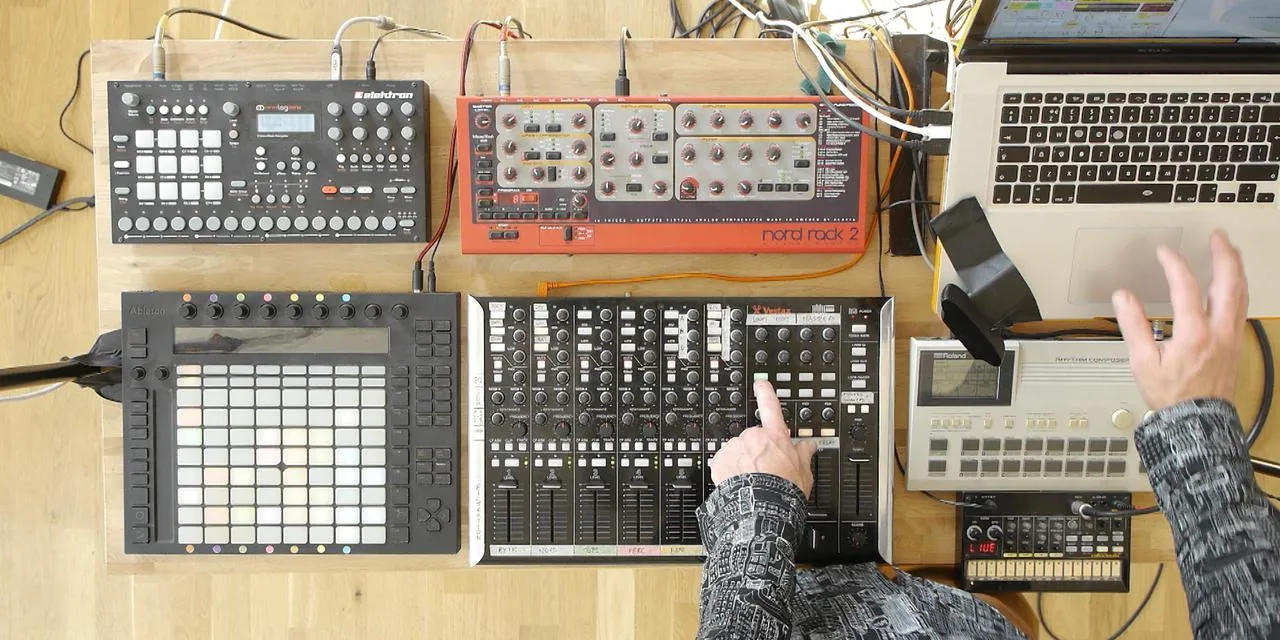
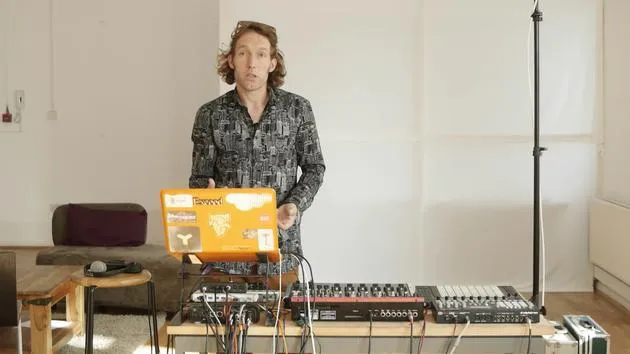
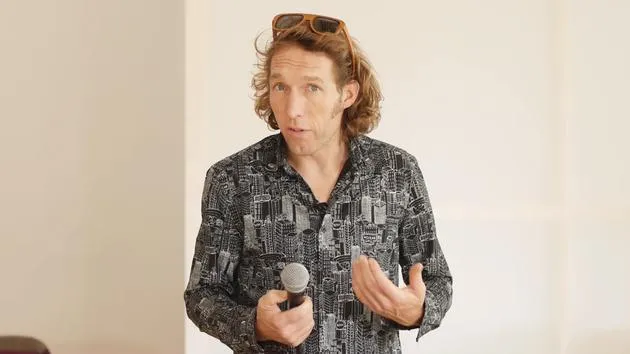
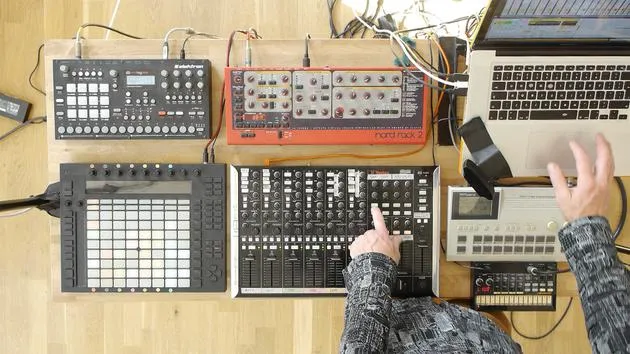
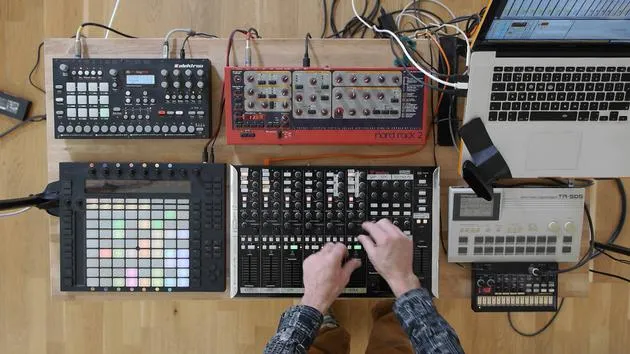
Mark Burnett hace un recorrido por su equipo de directo -un portátil con Ableton Live, el Push para lanzar clips y un controlador Vestax VCM 600- y explica cómo encaja cada elemento.
Qué incluye el curso
16 lecciones (2h 26m) · 2 gratis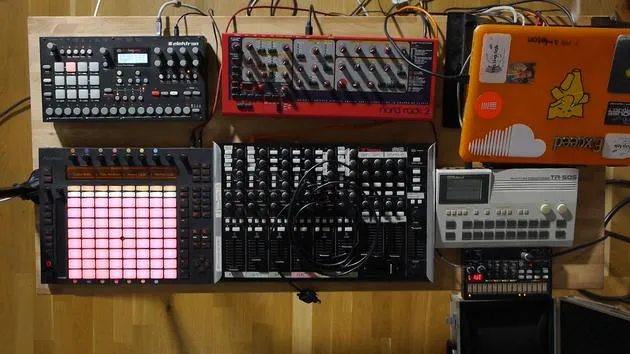
01. Preparar el equipo
1:29
02. Presentación de los instrumentos
Estás aquí5:44
03. BONUS - Configurar un instrumento externo (Korg Volca Beats) en Ableton desde cero
Lección gratis12:51
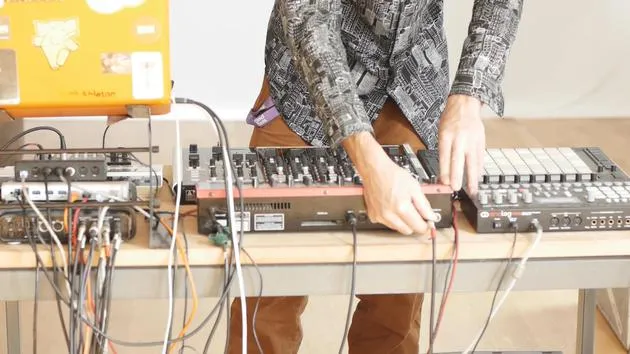
04. Entender el cableado, el MIDI y el enrutamiento de audio analógico
4:01
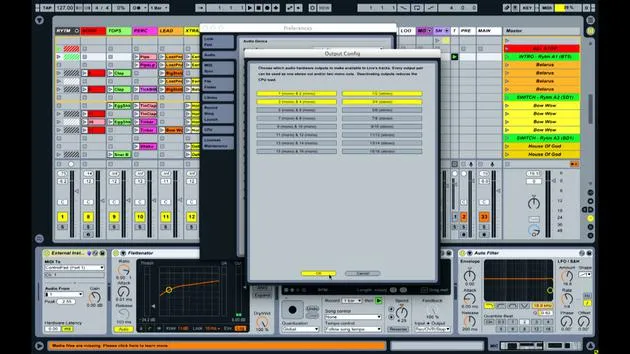
05. Configurar las preferencias de MIDI y audio en Ableton
10:44
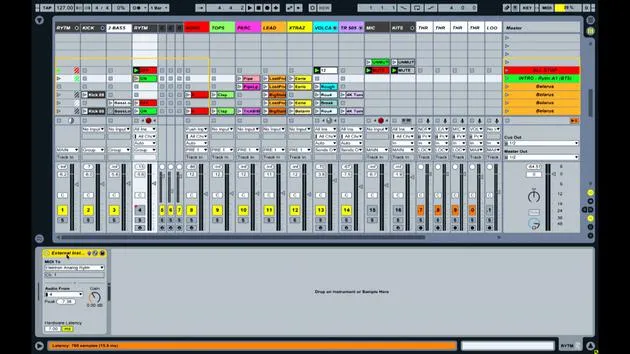
06. Configurar pistas y enrutamiento de señal en Ableton Live
6:46
07. Configurar pistas de instrumento externo en Ableton Live
8:33
08. Configurar una pista de micrófono en Ableton Live
6:09
09. Configurar thru-tracks y loopers
9:08
10. El arma secreta del set: movers and shakers
8:08
11. Enrutamiento de salida y FX máster
13:36
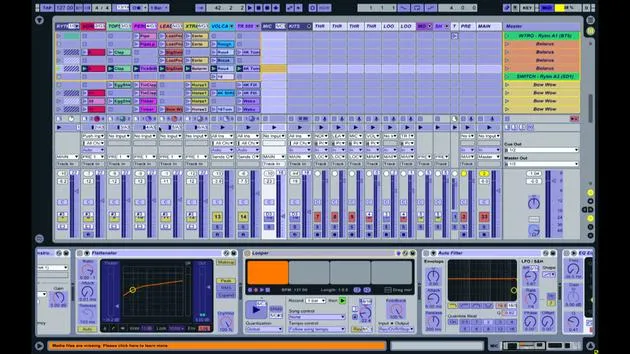
12. Mapeo MIDI, racks y macros (parte 1)
14:16
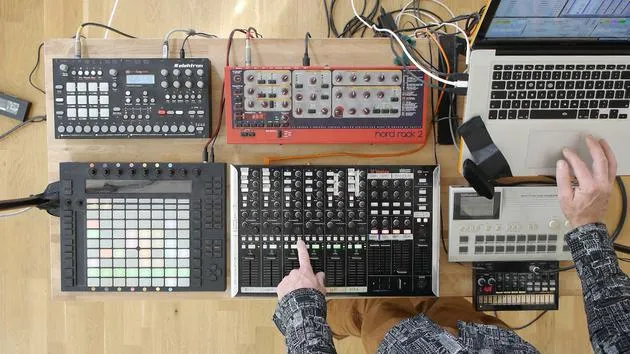
13. Mapeo MIDI, Racks y Macros (parte 2)
12:35
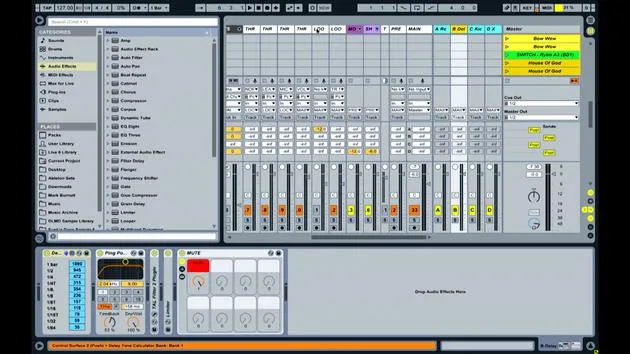
14. Pista de delay y tiempos de delay
3:33
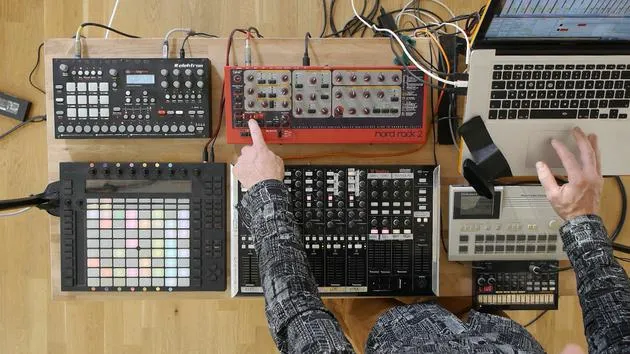
15. Cambios de programa e instrumentos externos
7:11
16. Contenido del set y técnica de interpretación
21:23
Transcripción de la lección
Tour of My Live Setup
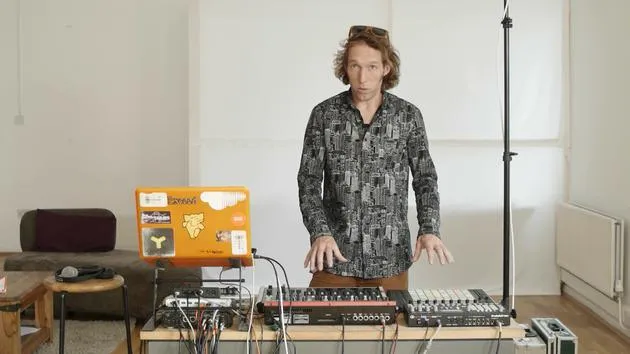
Hello, I'm Mike Burnett, an Ableton certified trainer here at Music Gurus. In this lesson, I'll give you a tour of my live setup, explaining the various components, their connections, and how they work within the Ableton Live software for my performances.
Overview of the Setup
Laptop
- Laptop: The essential piece of equipment for running Ableton Live.
- It's dedicated solely to the software.
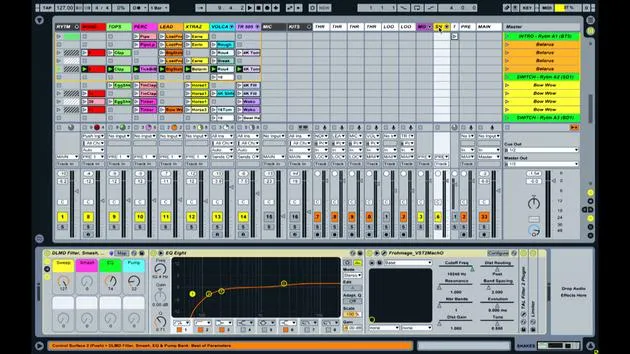
- All effects and devices used during the performance are hosted within this software.
Controllers
Ableton Push
- Ableton Push:
- This is Ableton's live instrument, used primarily for launching clips.
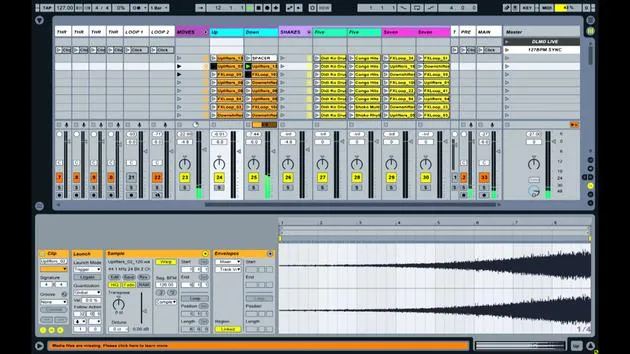
- Clips are pieces of information (audio or MIDI) that I've created. They are visualized in a colored matrix, representing various elements to play during the performance.
Vestax VCM 600
- Mixing Console:
- This is the Vestax VCM 600, a controller, not an audio mixer.
- Chosen for its strong build quality and a good selection of controls (faders, knobs, buttons).
- Allows me to control many aspects of my setup from one device.
Drum Machines
Roland TR505
- Roland TR505:
- An older drum machine known for its distinctive sound.
- Features:
- 12-bit PCM-based, resulting in crispy sounds.
- Ideal for cutting through a layered mix.
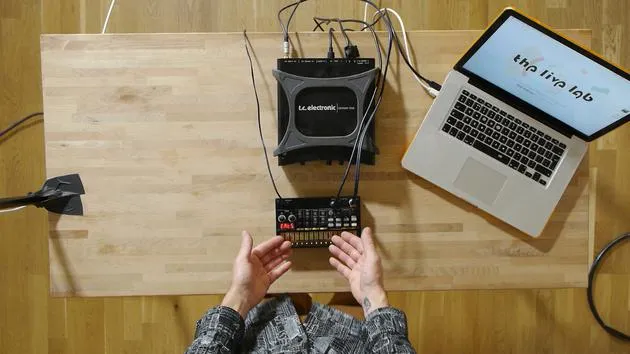
Korg Volca Beats
- Korg Volca Beats:
- An economical, hybrid drum machine (part analog, part digital).
- Key Feature:
- Analog kick drum circuit great for generating bass tones and driving low end in my set.
Electron Analog Rytm
- Electron Analog Rytm:
- A modern drum machine that integrates analog and digital sounds.
- Advantages:
- More versatile than the other two, but can complicate live performance.
- Typically handles simple auxiliary parts (high hats, snares) during the performance.
Synthesizer
Nord Rack
- Nord Rack:
- A digital synthesizer with analog modeling.
- Choice Reason:
- Distinctive sounds that add texture and clarity to the performance, especially when layering different sounds.
Supporting Equipment
- Sound Card:
- Facilitates audio and signal input/output to and from the computer.
- USB Hub:
- Provides additional USB ports beyond those available on the laptop.
- eMagic MT4:
- A MIDI breakout box, offering more channels of MIDI to send to external devices.
This summarizes the main components of my live setup. I have two controllers managing the software and four sound modules generating the actual audio. The supporting equipment ensures seamless performance and connectivity. Thank you for joining me on this tour!
16 lecciones
2h 26m de lecciones en vídeo estructuradas
Funciones de vídeo avanzadas
Ralentiza, repite un pasaje, sigue la partitura
Móvil, tablet y ordenador
Practica donde quieras
Garantía de satisfacción 100%
30 días de garantía de devolución
Conoce a tu gurú

Conoce a tu gurú
Mark Burnett es un Ableton Certified Trainer que lleva más de 14 años trabajando con productos de Ableton. Como productor y DJ en Funk'n Deep Records, sus temas han sonado en grandes festivales y en sesiones y podcasts de artistas como Carl Cox y Richie Hawtin, y ha tocado ante multitudes de miles de personas. También organiza eventos a gran escala como Workhouse Project, y estudió en el Imperial College London. Su curso trata sobre el uso de Ableton Live para construir actuaciones en directo, y está pensado para productores y artistas de música electrónica que quieran llevar su espectáculo del estudio al escenario.







