



Verkabelung, MIDI und analoges Audio-Routing verstehen
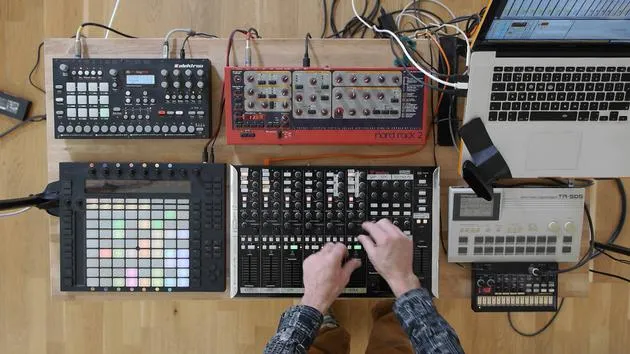
Mark Burnett fasst zusammen, wie Controller, Synths und Drummachines mit Ableton Live verbunden werden und wie MIDI- und analoge Audiosignale zwischen ihnen fließen.
Das steckt im Kurs
16 Lektionen (2h 26m) · 2 gratis
01. Das Equipment aufbauen
1:29
02. Vorstellung der Instrumente
Gratis-Lektion5:44
03. BONUS - Ein externes Instrument (Korg Volca Beats) in Ableton von Grund auf einrichten
Gratis-Lektion12:51
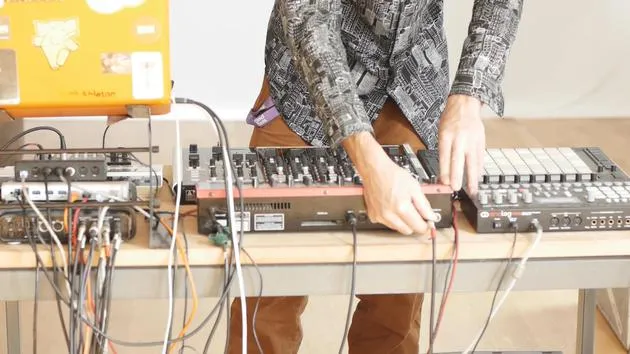
04. Verkabelung, MIDI und analoges Audio-Routing verstehen
Du bist hier4:01
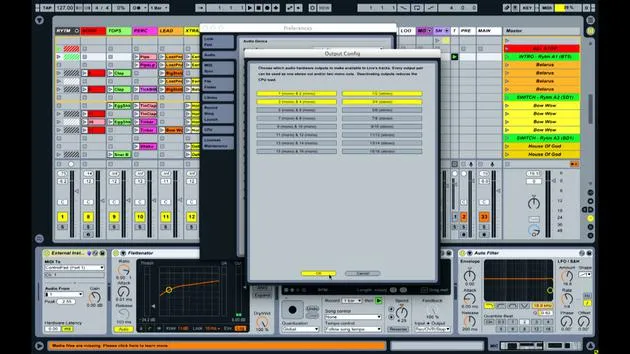
05. MIDI- & Audio-Einstellungen in Ableton einrichten
10:44
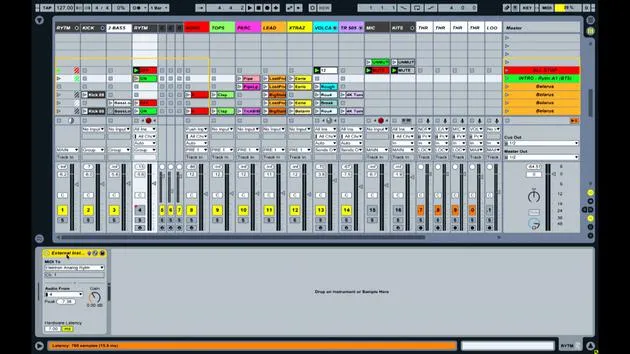
06. Spuren einrichten & Signal-Routing in Ableton Live
6:46
07. Externe Instrumentenspuren in Ableton Live einrichten
8:33
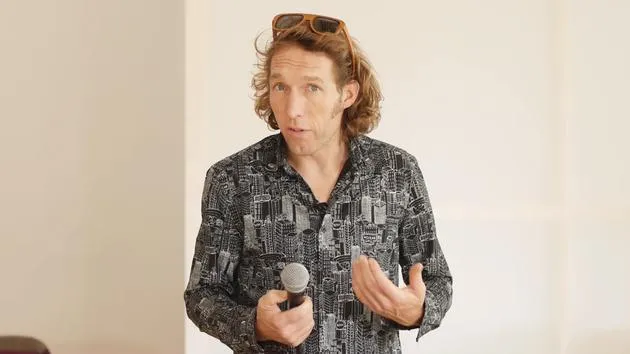
08. Eine Mikrofonspur in Ableton Live einrichten
6:09
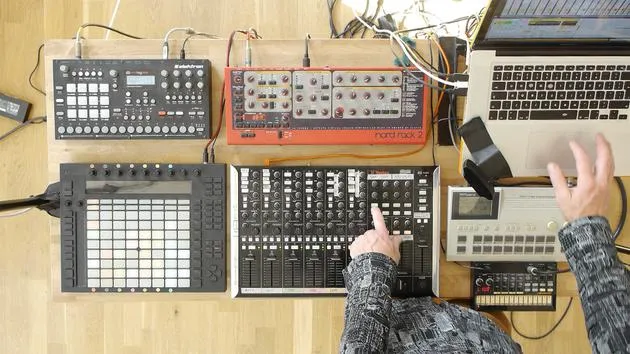
09. Thru-Tracks und Looper einrichten
9:08
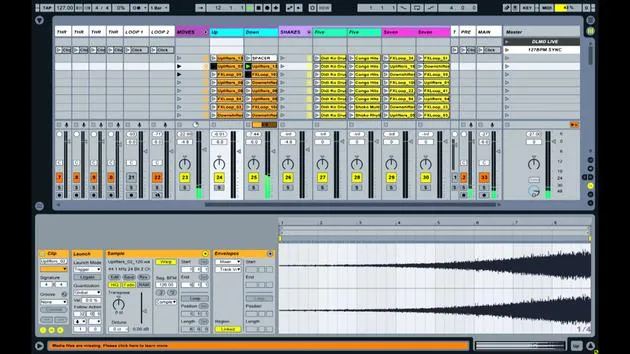
10. Die Geheimwaffe des Sets – Movers and Shakers
8:08
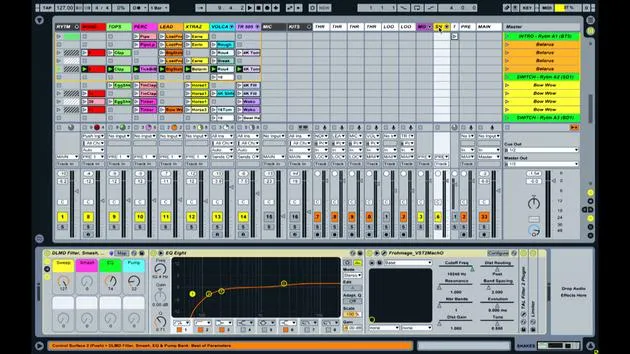
11. Ausgangsrouting & Master-FX
13:36
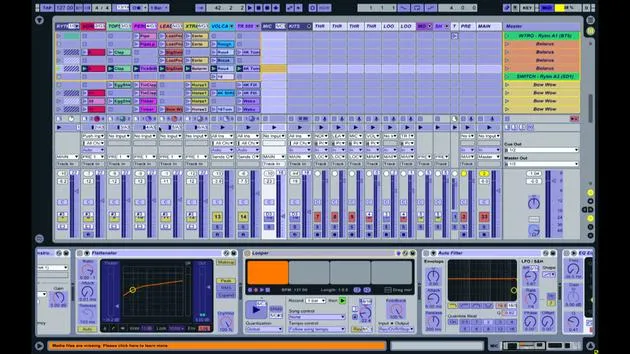
12. MIDI-Mapping, Racks & Macros (Teil 1)
14:16
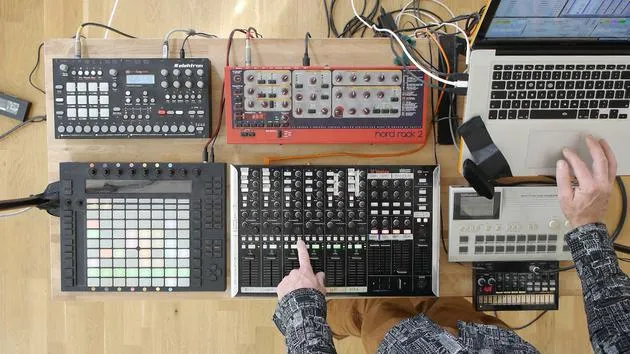
13. MIDI-Mapping, Racks & Macros (Teil 2)
12:35
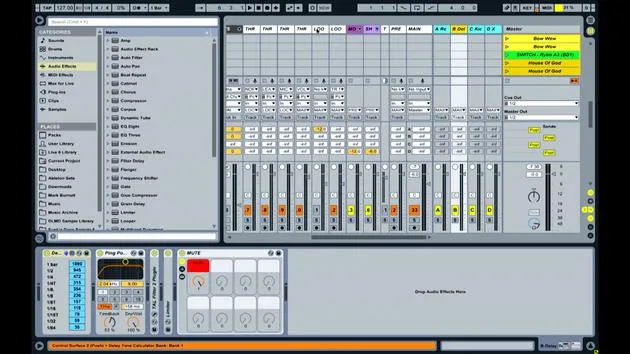
14. Delay-Spur und Delay-Zeiten
3:33
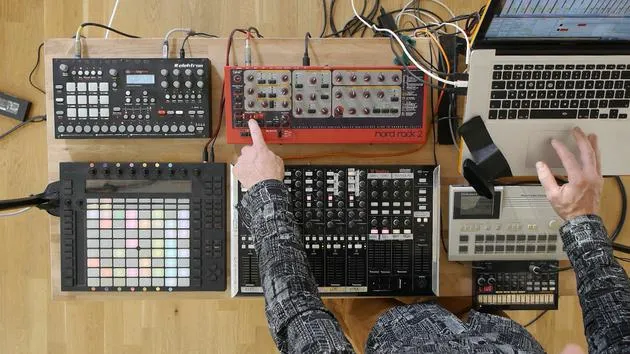
15. Programmwechsel & externe Instrumente
7:11
16. Set-Inhalt und Performance-Technik
21:23
Transkript der Lektion
Understanding MIDI Connections and Audio Signal Flow
Introduction
In this lesson, we'll explore how various music equipment is interconnected and how signals are transmitted between them.
Controllers
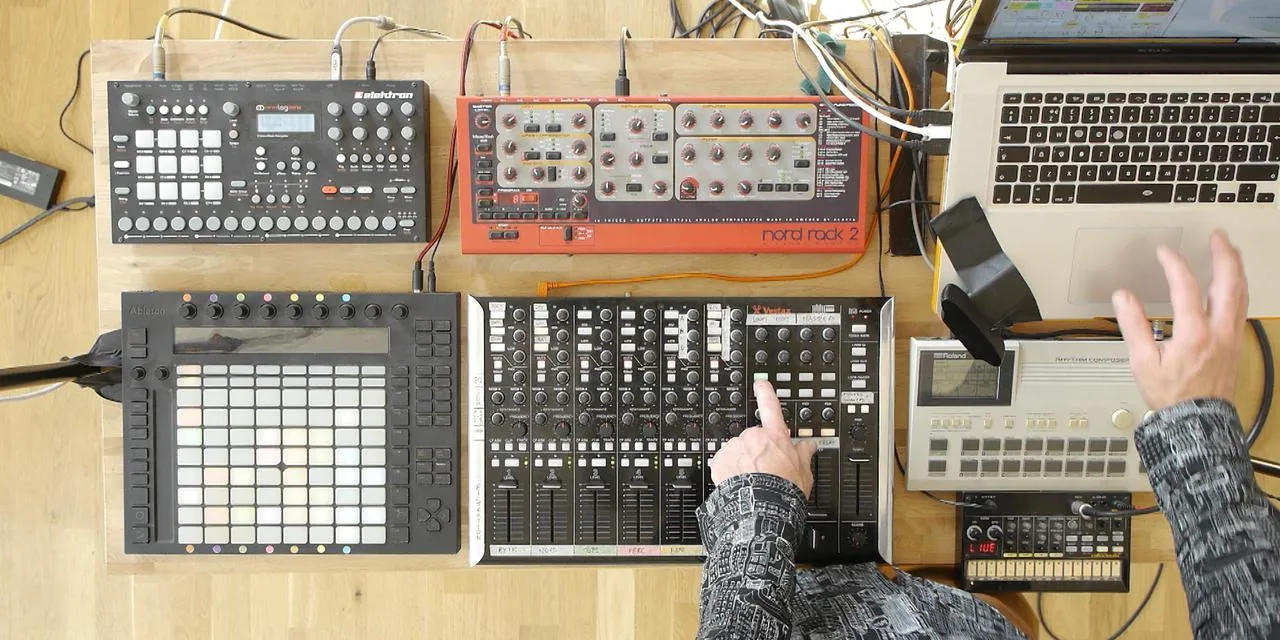
- Devices Used: Push and Vestax
- Connection Type: USB Cable
- Function: Transmitting and receiving MIDI information from Ableton Live.
Drum Machines and Synthesizers
The connections for the drum machines and synthesizers are more complex:
-
NORD Synthesizer:
- Connection Type: Five-pin MIDI Cable
- Note: This older device transmits MIDI information similarly to USB, but it predates USB adoption.
-
Electron Analog:
- Connection Status: No MIDI cable connected.
- Function: Has USB capabilities, allowing MIDI transmission and reception via a single USB lead.
Signal Flow
-
MIDI Note Information:
- In Ableton Live, a series of clips containing MIDI note information is set up.
- This information is sent via USB to the MIDI breakout box.
-
Transmission to NORD:
- A cable connects the MIDI breakout box to the NORD synthesizer.
- The MIDI notes define:
- What note to play
- Duration of the note
- Velocity of the note
-
Sound Generation:
- The NORD synthesizer generates sound as a result of the MIDI information.
- This sound is sent out through one of its audio outputs.
-
Audio Return:
- The audio travels back along a cable into one of the four audio inputs on the sound card.
Summary of Signal Flow:
-
MIDI Information:
- Coming out of Ableton Live through USB.
- Transmitted to the MIDI breakout box.
- Sent to various drum machines and synths.
-
Audio Outputs:
- Each drum machine and synthesizer has an audio output.
- These outputs connect to the sound card inputs (1, 2, 3, and 4).
Additional Connections
-
The four audio outputs from the sound card send audio to:
- Speakers in the room
- Recording devices
-
If performing live, these outputs would go to monitors or an in-house PA system.
-
FireWire Cable:
- Connects the sound card to the laptop.
-
USB Hub:
- Provides additional USB connectivity.
Conclusion
Both MIDI and audio signals are essential for a seamless workflow in music production. All signals converge in Ableton Live, where you can mix and apply effects using the controls available.
16 Lektionen
2 Std. 26 Min. strukturierte Videolektionen
Erweiterte Videofunktionen
Verlangsamen, Passagen loopen, mitlesen
Handy, Tablet & Desktop
Üben, wo du willst
100 % Zufriedenheitsgarantie
30 Tage Geld-zurück-Garantie
Lern deinen Guru kennen

Lern deinen Guru kennen
Mark Burnett ist ein Ableton Certified Trainer, der seit über 14 Jahren mit Ableton-Produkten arbeitet. Als Produzent und DJ bei Funk'n Deep Records liefen seine Tracks auf großen Festivals sowie in Sets und Podcasts von Künstlern wie Carl Cox und Richie Hawtin, und er hat vor Tausenden von Menschen gespielt. Außerdem veranstaltet er große Events wie das Workhouse Project und studierte am Imperial College London. Sein Kurs behandelt den Einsatz von Ableton Live zum Aufbau von Live-Performances und eignet sich für Produzenten und Performer im Bereich elektronischer Musik, die ihre Show aus dem Studio auf die Bühne bringen möchten.







