



Stems & Hall
Das steckt im Kurs
16 Lektionen (1h 36m) · 1 gratis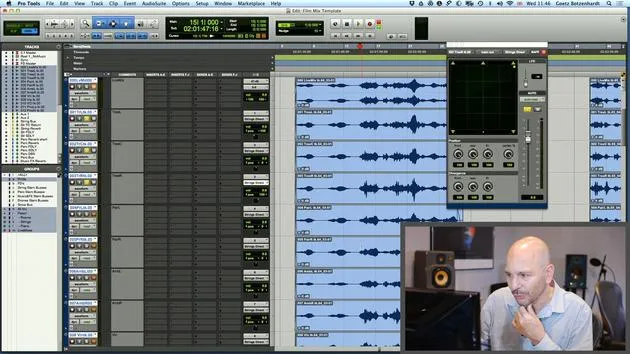
01. So verwendest du Filmmaterial und Audio zusammen in Pro Tools
19:52
02. Eine Orchesteraufnahme importieren - Schlüsselkonzepte
8:10
03. Stems & Hall
Du bist hier8:51
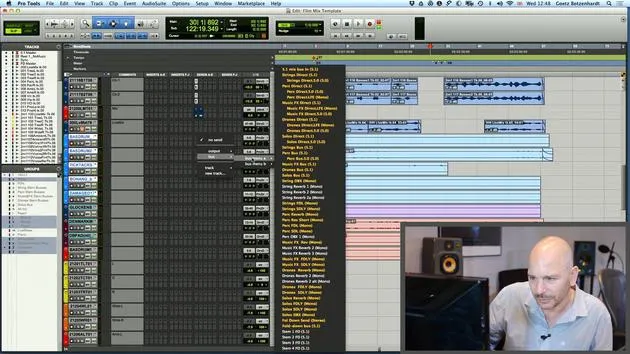
04. Weitere Parts zum Mix hinzufügen – perkussive Elemente
4:33
05. Der Mixing-Prozess
6:35
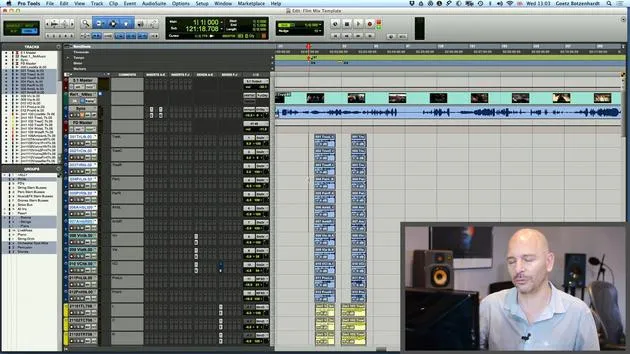
06. Dynamik & Fader-Rides
3:08
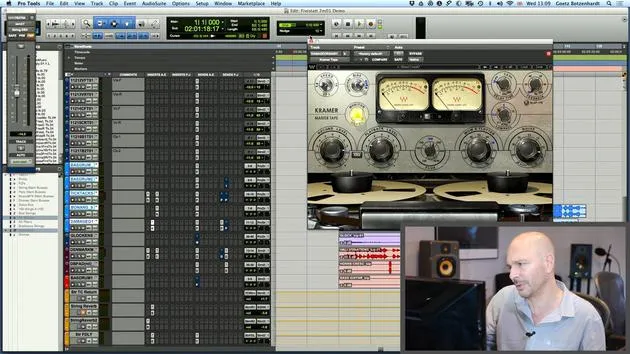
07. Durchgang durch Goetz' gesamtes Mixing dieser Filmmusik
5:02
08. AUFGABE #2: ERSTELLE EINEN MIX
0:40
09. CHALLENGE #1: MIX ZUM FILM
0:55
Transkript der Lektion
Music Lesson: Stemming and Reverb Techniques
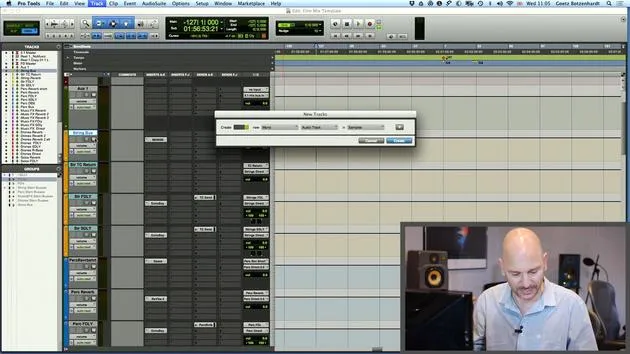
Now, I'm going to talk about the stemming a little bit more again, because now we can see we've got:
- An orchestra
- A piano
- The solo string players (violin, viola, and cello)
It would actually be quite nice to have all those on separate stems. So I'm just going to change my mind up here and:
- Put our solo strings onto my soloist stems.
- Root them to "solos direct."
- Root the piano to our music stem.
Adjusting Reverb for Solo Strings
I've already added a little bit of reverb here to the solo string players. This reverb is from the string orchestra stem. Therefore, I really don't want the reverb for my soloist now to send to that stem. If I did, the reverb of the soloist would crop up on the string stem, which is not right.
So, I'm going to have to change that and select the solos reverb down here.
- Checking the level again: There we go! That's a nice amount of reverb.
Key Thoughts on Reverb
Generally, I'm a big fan of the TC6000, especially because it has a lovely program called Large Warm Hole. This program is considered an industry standard for orchestral reverb and is one of the favorite programs that many engineers around the world use, simply because it sounds really great.
Now, probably most people at home won't have a TC6000. However, what most people do have is a convolution reverb. I use A1, which is called Space, an Avid product. Another popular option is Ultiverb.
All these convolution reverbs will likely have, under different names, a copy/clone of what goes on in here.
On my Space reverb, there's a setting called Under European Sound that I can dial up, which gives me a similar sound.
- Large Wormholes: Select that, and it should sound very similar to what goes on in here.
Now I have my string reverb back, but this time it's actually down here on the solo stem.
Checking the Signal Flow
Let's double-check that:
- If I solo my strings up here, my solo strings should only show a signal on:
- Our solo stem buses
- Our solo stem track
- The full mix and fold down
Looking good! Silent everywhere else, that's what we want.
Adding Reverb to Spot Mics
We might want some reverb on the spot mics of the orchestral strings. I'm just going to put that there and send it to our TC, probably with a little bit less on the double basses.
Don't forget to put the follow main pan on!
I'm just going to create a group for these spot mics so I can control the reverb all in one go.
Fine-Tuning the Mix
If I play, we should see some action on our string bus and also on our string reverb.
- Checking down here: It's coming onto our string track and string stem record track and doesn't crop up anywhere else, that's crucial.
Blending the Mix
Now I'll quickly blend these two together. You may not have heard this, but I just noticed a little click. Many times, orchestral sessions are done in a hurry with a lot of material to get through.
Often, the recording engineer doesn't have time to edit the takes together the way we would like.
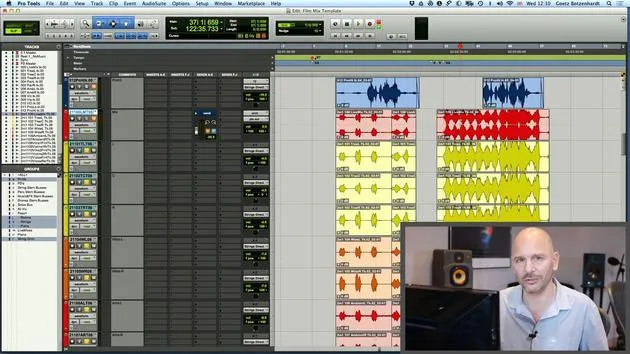
We can see there's a little edit that hasn't been faded, so I'm just going to pull that out and create a little crossfade. Hopefully, that will eliminate the click.
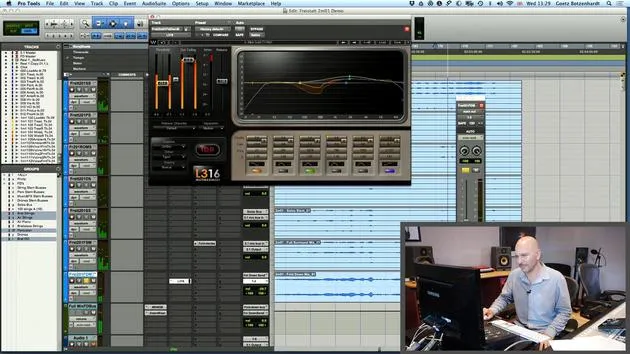
Using the Multi Tool in Pro Tools
I'd like to show how I did this. I actually like using the Multi Tool on Pro Tools. If you hit F6 and F7, this Multi Tool becomes active, allowing all three of these fields to turn blue.
This tool changes to suit what you need depending on where you place it.
- For example, if I start at the beginning, it allows me to adjust the length.
- If I go to the top, it allows me to create a crossfade.
If I go between two sections, the fade tool comes up again, and all I have to do is drag it across like this, it's very handy!
Final Thoughts
It's always worthwhile to look quickly at the editing of the recorded material.
- Make sure things are edited nicely, with no extra bits of noise at the end of takes or in between takes.
For instance, there's another edit here we can see.
Things like this do not belong in our mix, so just get busy and edit that out.
I'm going to quickly get rid of this and also check that the front is clean.
16 Lektionen
1 Std. 36 Min. strukturierte Videolektionen
Erweiterte Videofunktionen
Verlangsamen, Passagen loopen, mitlesen
Handy, Tablet & Desktop
Üben, wo du willst
100 % Zufriedenheitsgarantie
30 Tage Geld-zurück-Garantie
Lern deinen Guru kennen
Lern deinen Guru kennen
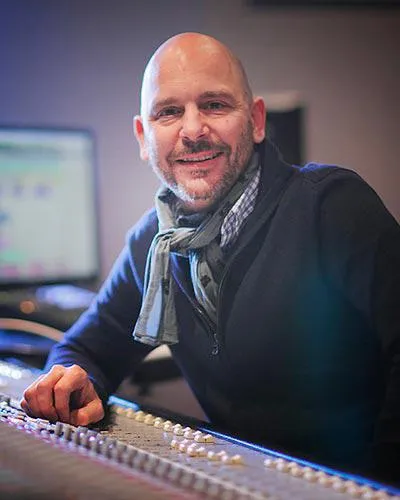
Anfang der Neunzigerjahre absolvierte Goetz Botzenhardt eine Ausbildung in den Swanyard Recording Studios, wo er Spitzenproduzenten wie Flood, Alan Moulder und Tom Lord-Alge assistierte und sich beim Aufnehmen und Mischen der Dance- und Acid-Jazz-Bands der 90er – Incognito, Galliano, Soul II Soul und vielen anderen – die Sporen verdiente.
Bei Swanyard lernte er Rollo Armstrong kennen, und die beiden bildeten rasch eine kreative Partnerschaft, aus der viele große Dance-Platten und Remixe hervorgingen und, kurz darauf, die Aufnahme und das Mischen der ersten beiden gefeierten Faithless-Alben sowie von Didos Multi-Platin-Album 'No Angel'.
Genreübergreifend nahm und mischte er das Debütalbum der Sugababes, 'One Touch', einschließlich ihres ersten Hits 'Overload', und hat für The Cardigans, Bjork, The Cinematic Orchestra, Craig David, die Pet Shop Boys und Hikaru Utada gemischt, eine der erfolgreichsten Künstlerinnen Japans.
In jüngerer Zeit hat er sich auf Film und Fernsehen ausgeweitet, arbeitete intensiv mit den Komponisten Christian Henson, Martin Phipps und Anne Nikitin zusammen und mischte Daniel Pembertons Golden-Globe-nominierte Filmmusik zu 'Steve Jobs' unter der Regie von Danny Boyle. Abseits des Films produzierte er Tanita Tikarams 'Closer to the People', mischte Tracks für Sigala, Ella Eyre, Breton, Planet Funk und Tito Jackson und mischte 2016 Peabo Brysons Album mit Jimmy Jam und Terry Lewis. Eine vollständige Liste seiner Arbeiten findet sich auf seinen Diskografie- und Filmografie-Seiten unter goetz-botzenhardt.com.
Goetz arbeitet in seinem eigenen Studio und Mischraum, aufgebaut um eine SSL-E4044-Konsole, ein Adam-5.1-Surround-Monitoring, ein 48-kanaliges Pro-Tools-HDX-System und ausgewähltes Outboard-Equipment. In seinen Kursen holt er dich in diesen Raum, um zu zeigen, wie er in zwei sehr unterschiedlichen Welten mischt: in Mixing for Film & TV Score, wie er orchestrale und hybride Filmmusiken im Dienst des Bildes ausbalanciert und formt; und in Mixing Commercial Pop Music, wie er druckvolle, radiotaugliche Pop-Mixe von der Mehrspur an aufbaut.







