



Zusammenfassung von Smart Controls und Automation

Mit
Dov Waterman
Das steckt im Kurs
14 Lektionen (0h 53m) · 1 gratis
Transkript der Lektion
Smart Controls and Automation in Music Production
Introduction to Smart Controls
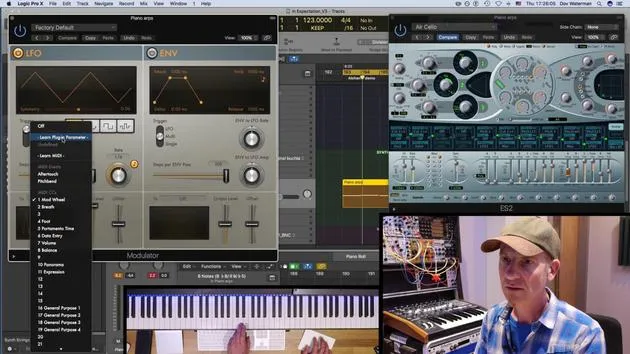
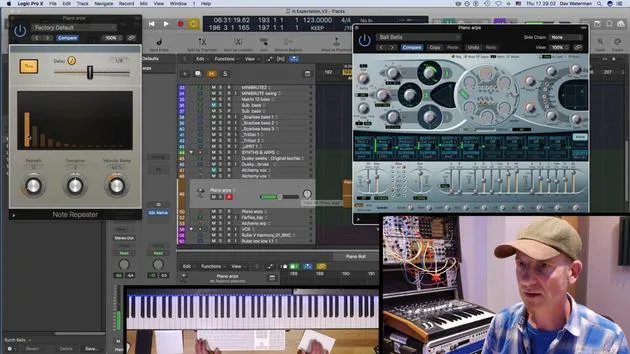
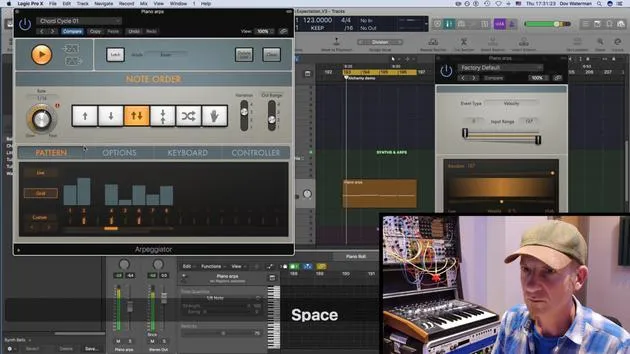
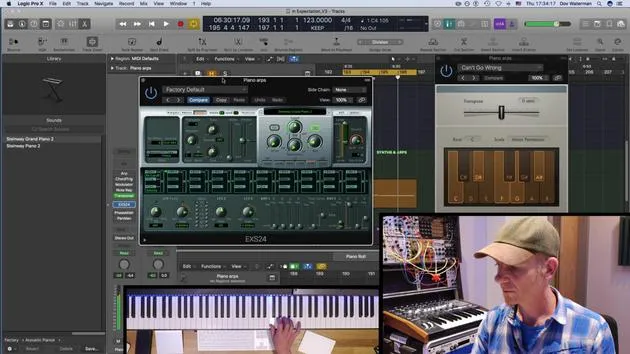
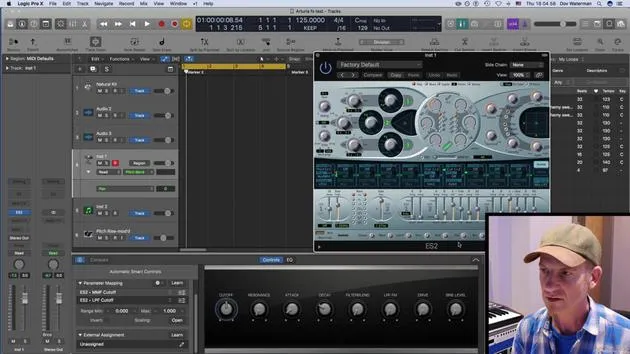
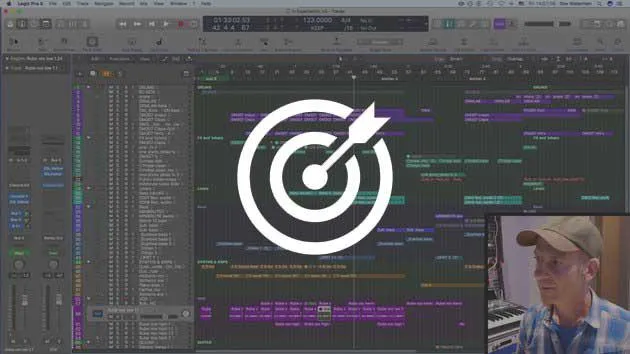
Smart controls are an essential tool in music production, especially when using a MIDI controller. Here's how they can enhance your workflow:
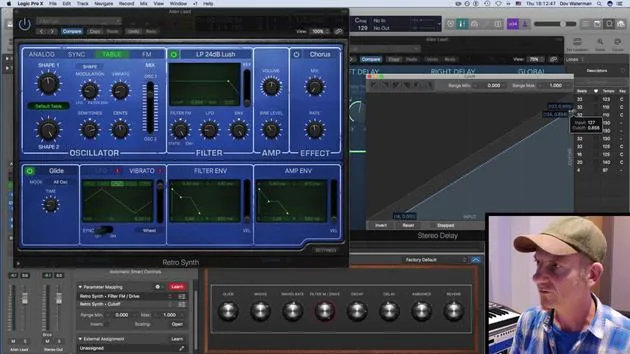
- Assigning Parameters: You can assign different aspects of the parameters using the Smart Controls panel and modulate them effectively.
- Automation: By enabling automation, you can record any movements or controller automation seamlessly.
Creating a Pool of Sounds
Recording and Saving
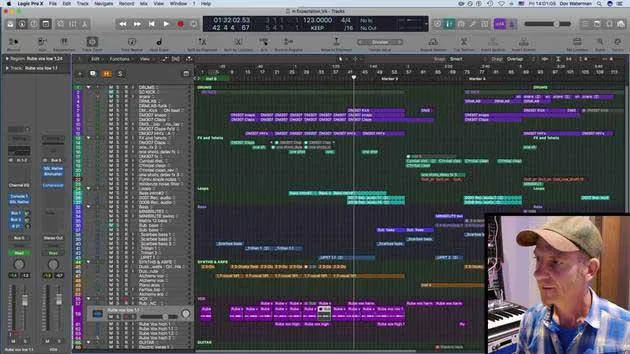
- After recording your controller automation, save it as an Apple Loop.
- This allows you to pull the loop into another track or project that you are working on.
The Benefits of a Sound Pool
Creating a pool of sounds and ideas has significant advantages:
- When Creativity Flows: It's great for moments when creativity is flowing, and you're experimenting with new ideas.
- Overcoming Creative Blocks: If your creative momentum stops, having a sound pool can be invaluable as it allows you to continue working without losing your progress.
Utilizing Apple Loops
- Organization: You can create a folder for your Apple Loops to easily access and integrate them into various tracks.
- Frequent Use: I use this method all the time in my productions, making it a vital part of my creative process.
By effectively utilizing smart controls and automation, you can enhance your music production workflow and ensure a steady stream of creativity.
14 Lektionen
0 Std. 53 Min. strukturierte Videolektionen
Erweiterte Videofunktionen
Verlangsamen, Passagen loopen, mitlesen
Handy, Tablet & Desktop
Üben, wo du willst
100 % Zufriedenheitsgarantie
30 Tage Geld-zurück-Garantie
Lern deinen Guru kennen
Lern deinen Guru kennen
Dov Waterman ist Komponist, Pianist und Produzent. Er hat für Filme wie After Earth, Terminator Genisys, Transformers: The Last Knight und The Snowman Musik geschrieben und das Sounddesign gestaltet und arbeitet als Audio-Editor für Sample-Bibliotheken und Sounddesigner mit Firmen wie Native Instruments und SonoKinetic.
Seine Reihe Composition in Logic geht den Aufbau eines Tracks von Anfang bis Ende in Logic Pro durch – von Templates und Workflow über Synthese und Beat-Programmierung, MIDI-Effekte, Editing bis zum finalen Mix – für Produzenten, die ihre Ideen in fertige Tracks verwandeln möchten.







