



Smart Controls zuweisen

Mit
Dov WatermanLissie erzählt die Geschichte hinter 'Everywhere I Go', einem ihrer Lieblingsstücke von ihrem Debütalbum Catching a Tiger, bevor sie dir zeigt, wie du es auf der Akustikgitarre spielst.
Das steckt im Kurs
14 Lektionen (0h 53m) · 1 gratis
Transkript der Lektion
Music Lesson
Introduction to Automation Controls
So it's all very well using your mouse to automate any controls over here. I'm just going to go and delete what I've done over here and put this back into Reed.
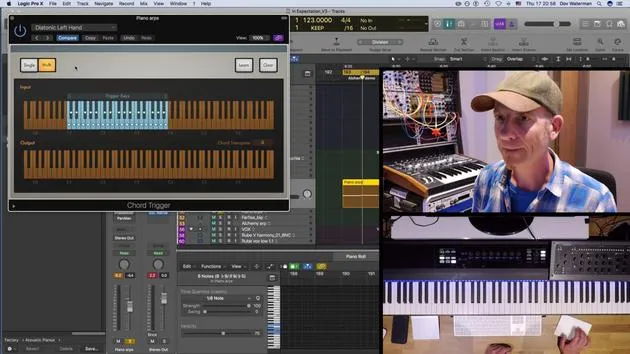
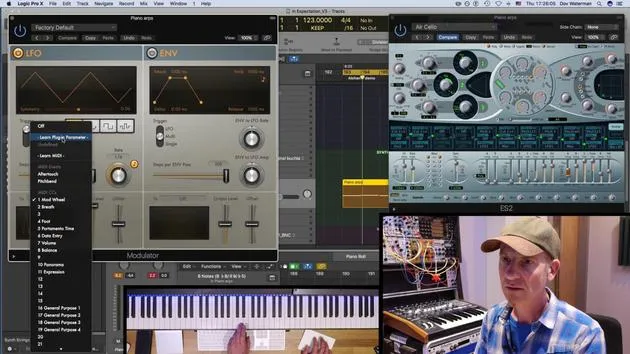
Info Button and Parameter Mapping
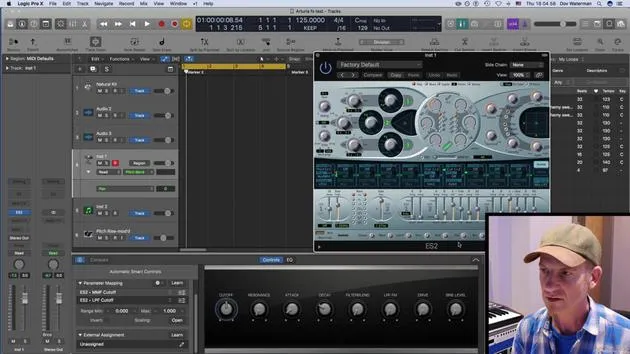
This little button over here, the info button, opens up a panel which allows you to:
- Assign various aspects of controls
- Connect to external instruments
- Map these eight controls over here to other functions
Current Setup
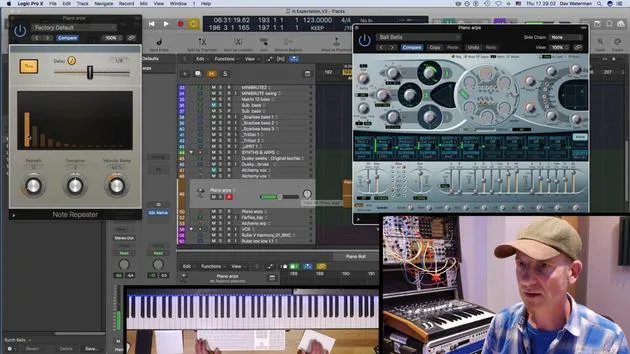
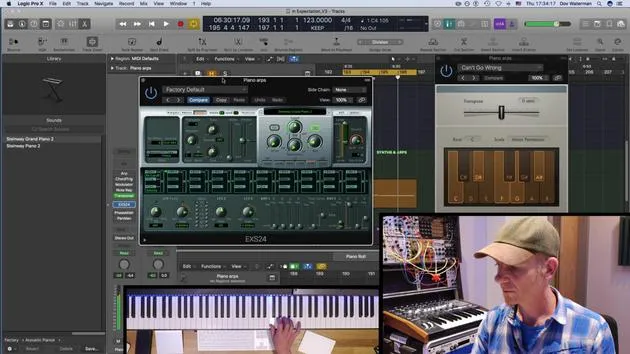
At the moment, we've got the ES24, sorry, the Retrosynth. Let's pull that up a second.
Adjusting the Cutoff
The cutoff is being affected. We can see the cutoff over here. Now, say I want to change the cutoff. This knob over here, which is controlling the cutoff, I want to change it to something else.
Remapping Parameters
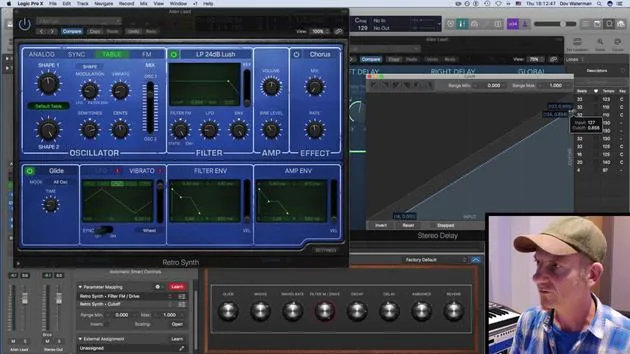
In this section over here, the parameter mapping, I can remap it.
- I can delete that mapping, which will make it unmapped.
- To remap it, if I go to "Learn," it will turn this red. I can then change it to filter drive.
Adding Mappings
Likewise, if I wanted that, I like the filter drive, but I also want the filter cutoff to be moving with that same control:
- I can add a parameter over here by going to "Add Mapping".
- It needs to be in Learn mode; if I have it in Learn mode, and then go to here, you see it's changed it to cutoff.
Effect of Knobs
So what this knob is now doing is affecting both the filter modulation and cutoff. When it's playing, it's changing both of these. You can also change the scaling of them:
- You can adjust how much or how little it's modulating these two parameters.
Envelope and Filter FM
I can have my envelope, sorry, my filter FM. Let's pull this down a little bit, so it's just moving that much.
Final Mapping Summary
What we've done here is map this switch to two different parameters. Now, it's moving both parameters. This scaling page opens up, and you're able to scale the amount and the rate of each parameter.
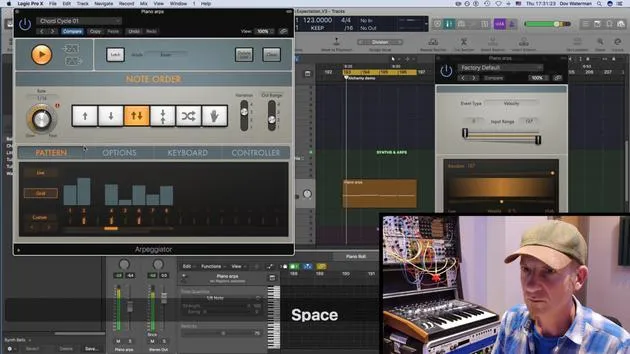
Using MIDI Controllers
It's all well and good having a mouse, but how about setting a control to it?
I have a MIDI controller here, my trusty S88, which has a bunch of different controls, eight, actually.
Mapping External Assignments
For all intents and purposes, I'm going to just use these two last ones over here. Now, I'm going to:
- Turn the mapping off
- Turn the external assignment on
Mapping Filter and Decay
For filter modulation and the cutoff (which we'd mapped before), I'm going to put that one there. Then, I'll go to my decay and map it to this control. After turning this off, it's now very handy.
Setting Up EQ Movements
I find the fact that we're able to set external controllers not just to a synth, but to all the parameters of this whole signal chain, very powerful. For example, I've got my EQ here.
- Say I wanted my sound to sweep; clearly, I don't have anything here that sweeps the EQ. I can set that quite easily.
- I'm going to delete what is there and give it this over here. It's now set to peak.
Final Adjustments
Now, if I move this, oops! We want movement; let's set it again. Let's set it to frequency. Now, it'll sweep through this section over here. Obviously, that can be controlled with a controller.
Automation Features
I'll set CC27 to that. All these smart controls are automatable, so I can set the arrange playing and record automation as I normally would with my reed turned to touch or to latch.
14 Lektionen
0 Std. 53 Min. strukturierte Videolektionen
Erweiterte Videofunktionen
Verlangsamen, Passagen loopen, mitlesen
Handy, Tablet & Desktop
Üben, wo du willst
100 % Zufriedenheitsgarantie
30 Tage Geld-zurück-Garantie
Lern deinen Guru kennen
Lern deinen Guru kennen
Dov Waterman ist Komponist, Pianist und Produzent. Er hat für Filme wie After Earth, Terminator Genisys, Transformers: The Last Knight und The Snowman Musik geschrieben und das Sounddesign gestaltet und arbeitet als Audio-Editor für Sample-Bibliotheken und Sounddesigner mit Firmen wie Native Instruments und SonoKinetic.
Seine Reihe Composition in Logic geht den Aufbau eines Tracks von Anfang bis Ende in Logic Pro durch – von Templates und Workflow über Synthese und Beat-Programmierung, MIDI-Effekte, Editing bis zum finalen Mix – für Produzenten, die ihre Ideen in fertige Tracks verwandeln möchten.







