



Einführung in Smart Controls und Automation

Mit
Dov WatermanNutze Automation auf Filtern, Reverb-Sends und anderen Parametern, um die Kontur eines Tracks zu formen – den Bogen, der einem Stück von Anfang bis Ende Körper verleiht.
Das steckt im Kurs
14 Lektionen (0h 53m) · 1 gratis
Transkript der Lektion
Smart Control and Automation in Music
Welcome to this part of the course!
Overview
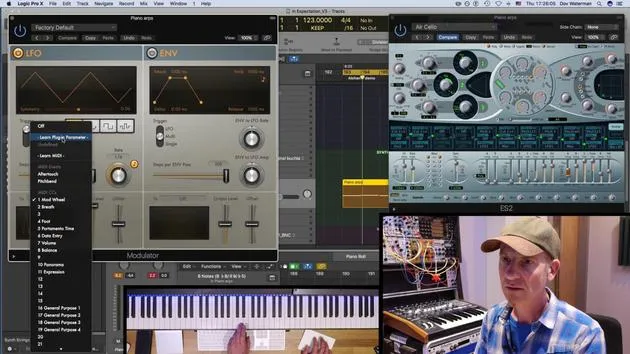
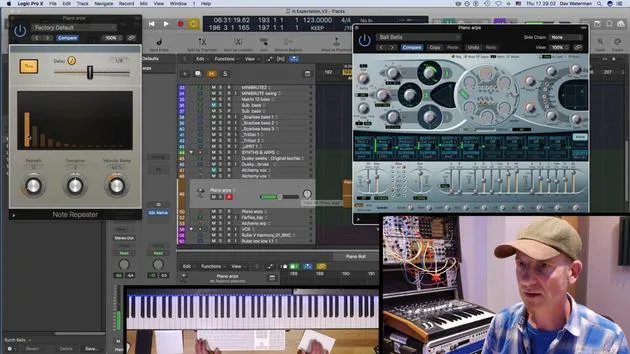
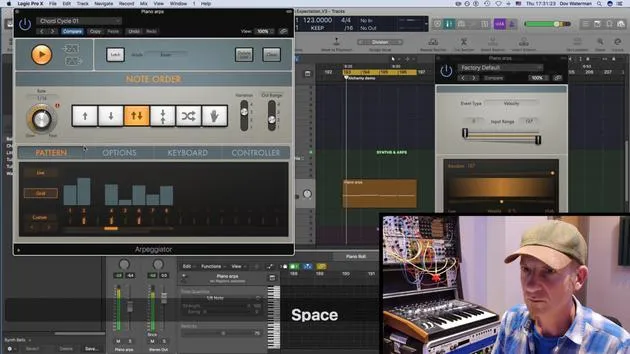
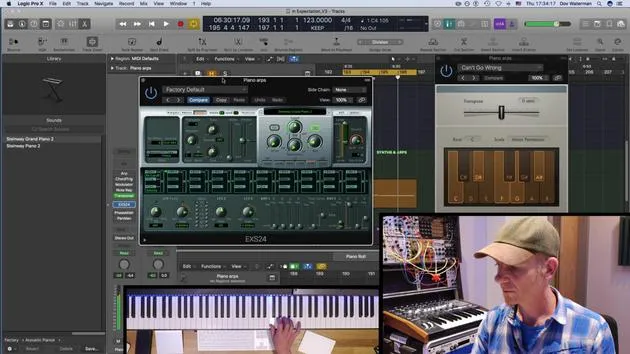
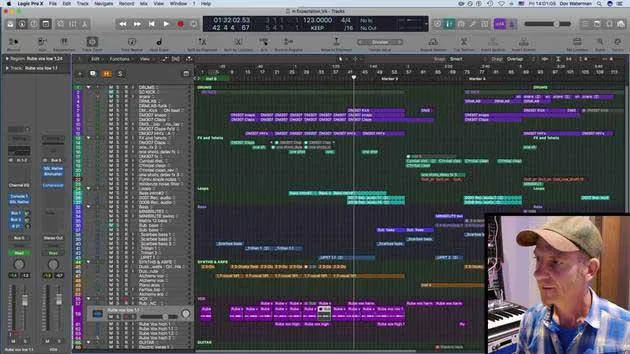
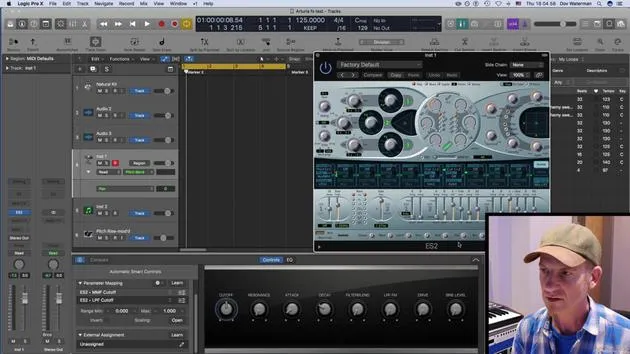
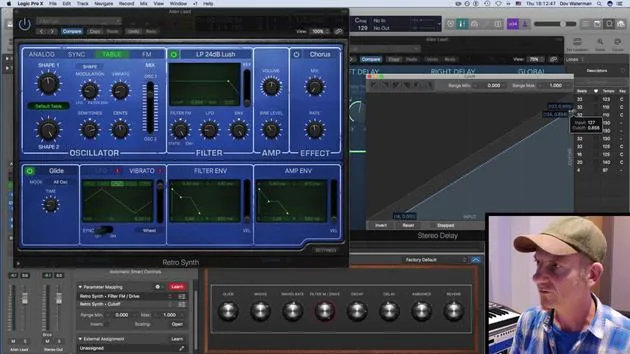
We're going to explore smart control and automation within the instruments you use. This involves:
- Creating Contours: Establishing arcs from the beginning to the end of a piece of music.
- Utilizing Parameters: Using filters and reverbs to add body to a track.
Apple Loops and Automation
We'll be discussing Apple Loops and how to turn smart control and automation ideas within a region into an Apple Loop for:
- Future Recall: Retrieving ideas for the project you're currently working on.
- Idea Pool: Adding to a collection that can be accessed in various other projects.
When working on an album with a consistent sound palette across different songs, these Apple Loops allow you to pull in ideas quickly and efficiently.
Let's Get Started!
If you're ready, let's dive into the details!
14 Lektionen
0 Std. 53 Min. strukturierte Videolektionen
Erweiterte Videofunktionen
Verlangsamen, Passagen loopen, mitlesen
Handy, Tablet & Desktop
Üben, wo du willst
100 % Zufriedenheitsgarantie
30 Tage Geld-zurück-Garantie
Lern deinen Guru kennen
Lern deinen Guru kennen
Dov Waterman ist Komponist, Pianist und Produzent. Er hat für Filme wie After Earth, Terminator Genisys, Transformers: The Last Knight und The Snowman Musik geschrieben und das Sounddesign gestaltet und arbeitet als Audio-Editor für Sample-Bibliotheken und Sounddesigner mit Firmen wie Native Instruments und SonoKinetic.
Seine Reihe Composition in Logic geht den Aufbau eines Tracks von Anfang bis Ende in Logic Pro durch – von Templates und Workflow über Synthese und Beat-Programmierung, MIDI-Effekte, Editing bis zum finalen Mix – für Produzenten, die ihre Ideen in fertige Tracks verwandeln möchten.







