



Mit Orchester-Sounds arbeiten

Mit
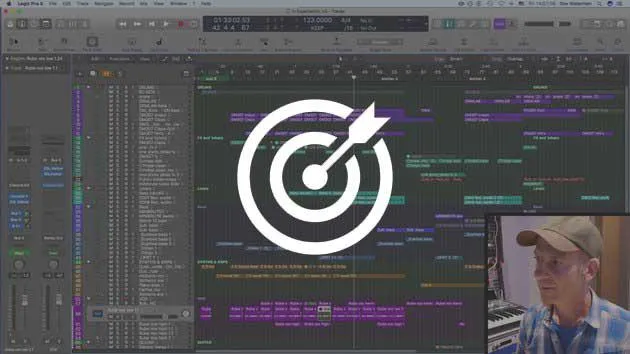
Dov WatermanDov Waterman zeigt, wie er Orchester-Pads aus zerschnittenen Streicher-Samples aufgebaut hat, und demonstriert die MIDI-Chase-Funktion von Logic.
Das steckt im Kurs
9 Lektionen (0h 51m) · 1 gratis
01. Willkommen zum Kurs & Dovs Sicht auf Kreativität
3:29
02. Einführung in den Schreibprozess
0:23
03. Fallstudie - Dovs Track Witches' Whisper
3:22
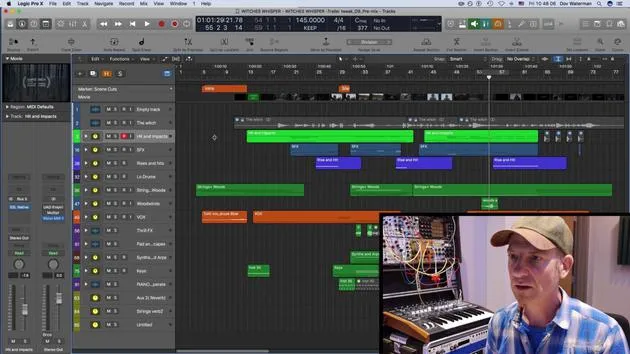
04. Kreativität beginnt mit einer guten Vorlage
Gratis-Lektion5:08
05. Kreative Automation
6:20
06. Kreatives Sounddesign und mehr Automation
15:23
07. Mit Orchester-Sounds arbeiten
Du bist hier4:09
08. Mit Synth-Elementen arbeiten
12:15
09. CHALLENGE #1: SMART CONTROLS & AUTOMATION
0:55
Transkript der Lektion
Creative Automation in Orchestral Sections
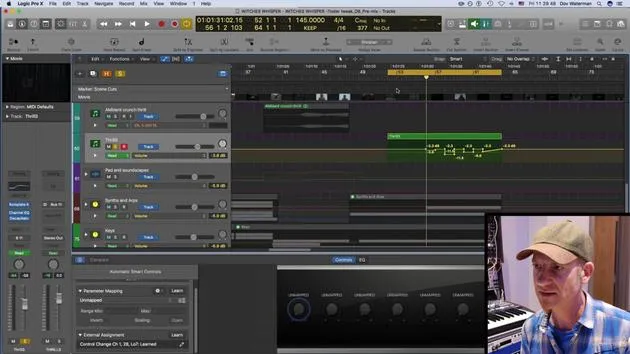
So yeah. Okay, let's pick out some themes from the orchestral sections. Here are some pads and screechy bits that I've created using various string samples.
Cutting Up Sounds
- This sound over here is just cut up.
- Just a few various cuts from some other line that I had playing.
Understanding MIDI Chase
As I've mentioned, normally if we play a long sustained loop or sample (in this case, it's just a held down note), I have some automation going on. But it's basically just a cluster of strings with one key held all the way down.
- If we look at the MIDI, it's just one key.
- Now, normally in typical circumstances, if we play the section from here, it would play the note.
However, if we're dealing with a long note and want to start from a specific point, the key wouldn't play. You'd have to start the sample over for it to catch the audio, the actual sound.
MIDI Chase Functionality
Well, not if you have MIDI Chase on.
- Go to your project settings.
- Navigate to MIDI.
This setting is project-specific, so you need to enable it for each project. It's not something you adjust in your global preferences.
- Go to Chase and ensure you have Notes On.
By default, this would be off. Not quite sure why, but it's a default setting in Logic.
If you turn this on and have sustained notes enabled, you're all set.
- This means if I have a very long note playing throughout a whole section and I want it to start at, say, bar 57, it will actually catch it in the mid-section when I start playback there.
Benefits of MIDI Chase
This feature is incredibly handy.
- It saves time, allowing you to jump straight to a desired bar rather than playing the whole section from the start.
- In the past, if I really liked the sound and had it exactly how I wanted, I would just bounce it down as audio. This way, when mixing or doing further editing, I wouldn't face the problem of starting samples from the beginning, especially if they're long samples.
So, remember, MIDI Chase is a really handy little tool to keep in mind.
9 Lektionen
0 Std. 51 Min. strukturierte Videolektionen
Erweiterte Videofunktionen
Verlangsamen, Passagen loopen, mitlesen
Handy, Tablet & Desktop
Üben, wo du willst
100 % Zufriedenheitsgarantie
30 Tage Geld-zurück-Garantie
Lern deinen Guru kennen
Lern deinen Guru kennen
Dov Waterman ist Komponist, Pianist und Produzent. Er hat für Filme wie After Earth, Terminator Genisys, Transformers: The Last Knight und The Snowman Musik geschrieben und das Sounddesign gestaltet und arbeitet als Audio-Editor für Sample-Bibliotheken und Sounddesigner mit Firmen wie Native Instruments und SonoKinetic.
Seine Reihe Composition in Logic geht den Aufbau eines Tracks von Anfang bis Ende in Logic Pro durch – von Templates und Workflow über Synthese und Beat-Programmierung, MIDI-Effekte, Editing bis zum finalen Mix – für Produzenten, die ihre Ideen in fertige Tracks verwandeln möchten.







