



Alchemy

With
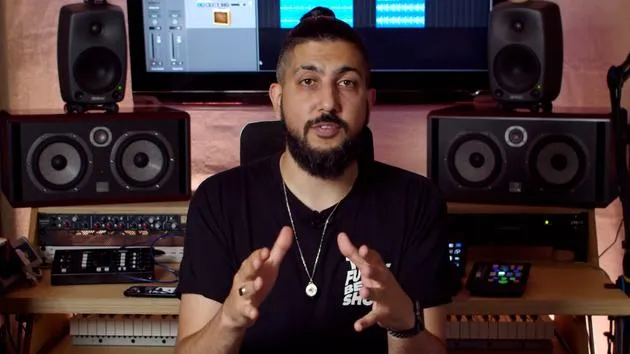
Aamir YaqubA tour of Alchemy, Logic's flagship synth, from its Simple and Advanced views to the tag-based browsing that helps you find the sound you want.
What's in the course
20 lessons (1h 47m) · 1 free
01. Welcome to synthesis
Free lesson0:53
02. Intro to synthesis, Subtractive synthesis
3:22
03. First stage - Tone generation
4:09
04. Second stage - Tone shaping & Filters
1:35
05. Volume shaping - ADSR
3:27
06. LFOs
1:54
07. Alchemy
You are here4:11
08. Retro synth
4:55
09. ES1 and ES2 synths
4:00
10. ESP synth
1:17
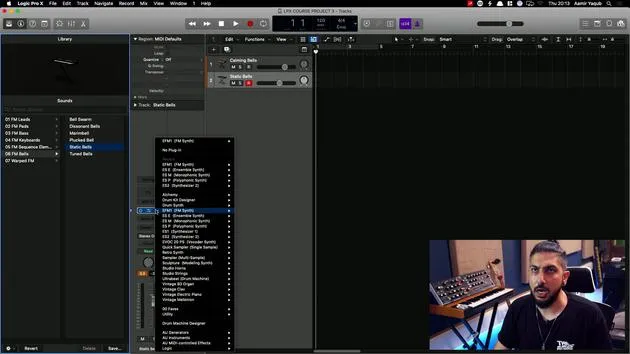
11. ESM, ESE, EFM1
8:54
12. Sculpture, EVOC20 and vocoding
7:53
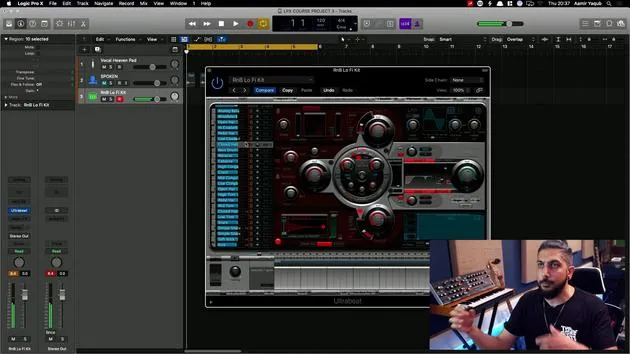
13. Drum synth and Ultrabeat
7:11
14. Drum Kit and Drum Machine Designer
7:23
15. Keyboard synths - Vintage Organ, EP, Clav, Mellotron
9:03
16. Studio Horns and Studio Strings
4:48
17. MIDI Effects - Arpeggiator
21:21
18. MIDI Effects - Chord Trigger
5:45
19. Other MIDI Effects
4:33
Lesson transcript
Introduction to Synthesis in Logic
So having learned about the basis of synthesis, let's look at what Logic offers us in terms of synthesis and how we can take some of that stuff and really open up that world of synthesis within Logic.
Loading Synths in Logic
Whenever you load a synth into Logic:
- You will want to load it onto a software instrument track.
- Load it in the plugin slot that says Instrument.
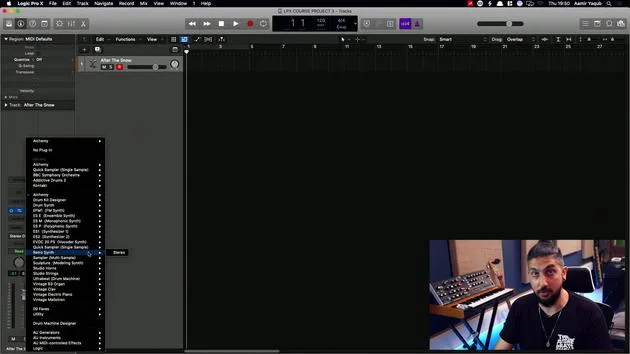
If you look at the channel strip, you will be looking at Instrument. Here, you'll find all of the synths and instruments that are available to you in Logic.
Starting with Alchemy
We're going to start with Alchemy. Alchemy is pretty much Logic's flagship synth.
Highlights of Alchemy:
- It is a super powerful synth that can be very simple if you click on Simple, or very advanced if you click on Advanced.
- One of the ways this ties into Logic's overall approach is through a system similar to Apple Loops: tag-based browsing.
Finding Sounds with Tag-Based Browsing
In Alchemy, you can define a sound that you want, selecting a category:
- Sub: Sometimes you may want to look for specific genres.
- You can explore all timbres as well. For example, who doesn't like a fat sub?
Once you define your parameters, you get results based on what you've searched for. You can go through and audition these sounds using your up and down arrows.
Modulating Sounds
Underneath all of that, there's a feature similar to what we looked at with Drummer. You can:
- Move elements around.
- Modulate a sound and change it as you're working with it.
However, if you prefer, you can leave it set and not modulate or evolve that sound.
Performance Section
For example, if I select "After the Snow," I can play it. As I play and hold that, I'll hear transitions between different sounds and states.
While what we see here is simple, it's a mix of:
- Changing modulations.
- Oscillators.
- Adding different effects (including arpeggios).
All of this is happening under the hood.
Exploring the Advanced Tab
When you look in Browse View and even simpler in Simple View, it's easy to get into Alchemy, which comes loaded with great sounds.
However, if we switch to the Advanced tab, this is where all the complex functionality occurs:
- Sources: This is essentially your oscillators.
- Filter: You have access to filtering options.
- ADSR/AHDSR: Adjust the attack, decay, sustain, and release.
- Modulation: Access all your modulation settings.
Alchemy can do so much more than what you initially see in the Simple View. It's a wonderful synth that not only sounds great but also functions amazingly at whatever level you're at.
20 lessons
1h 47m of structured video lessons
Advanced video features
Slow down, loop a passage, follow along
Mobile, tablet & desktop
Practise wherever you are
100% satisfaction guarantee
30-day money-back guarantee
Meet your guru
Meet your guru
Aamir Yaqub is a music producer and engineer based in London. He has worked with some of the biggest names in music, including Alicia Keys, David Guetta, Rihanna, Sia and will.i.am, as well as developing independent artists.
Across his courses he teaches his complete Logic Pro workflow - from the interface and recording through beat-making, synthesis and MIDI effects to mixing and finishing a track.







