Sculpture, EVOC20 und Vocoding

Mit
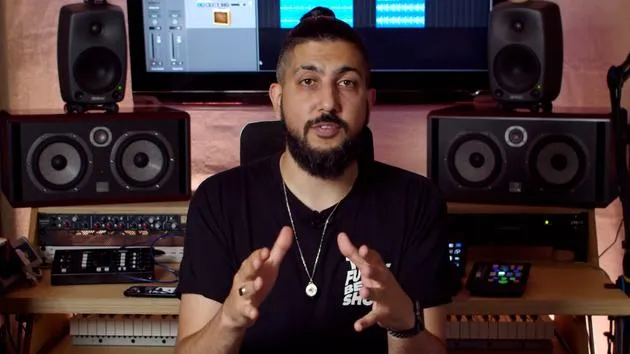
Aamir YaqubAamir erkundet Logics Sculpture und den EVOC-20-Vocoder und zeigt, wie Modeling-Synthese echte schwingende Saiten simuliert, um von Harfen bis zu jenseitigen Klängen alles zu erzeugen.
Das steckt im Kurs
20 Lektionen (1h 47m) · 1 gratis
01. Willkommen bei der Synthese
Gratis-Lektion0:53
02. Einführung in die Synthese, subtraktive Synthese
3:22
03. Erste Stufe - Klangerzeugung
4:09
04. Zweite Stufe - Klangformung & Filter
1:35
05. Lautstärke formen - ADSR
3:27
06. LFOs
1:54
07. Alchemy
4:11
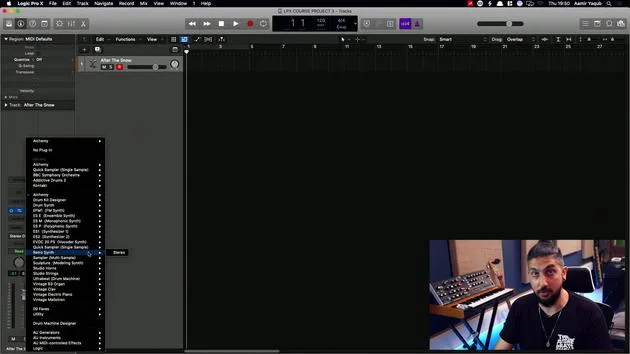
08. Retro synth
4:55
09. ES1- und ES2-Synths
4:00
10. ESP-Synthesizer
1:17
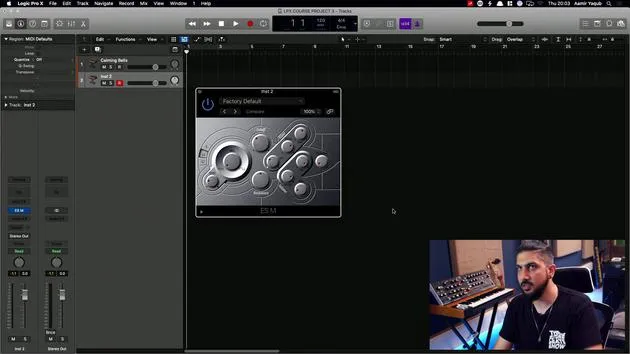
11. ESM, ESE, EFM1
8:54
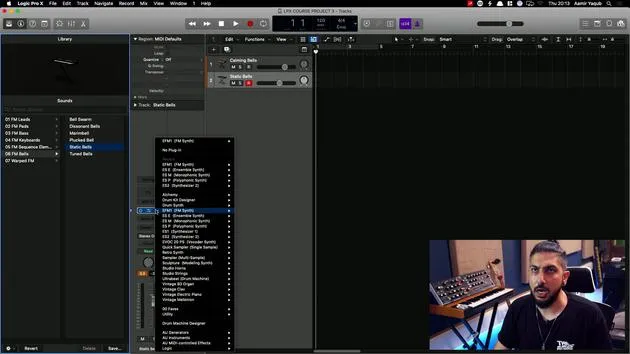
12. Sculpture, EVOC20 und Vocoding
Du bist hier7:53
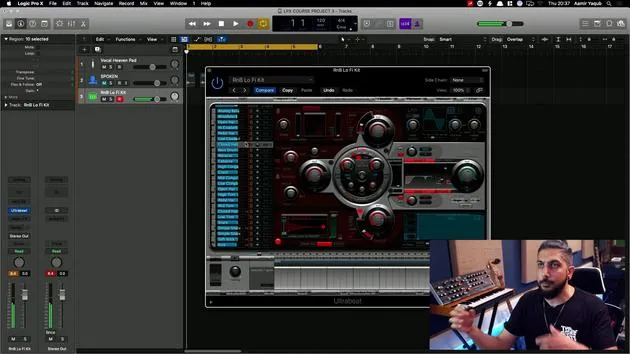
13. Drum Synth und Ultrabeat
7:11
14. Drum Kit and Drum Machine Designer
7:23
15. Keyboard-Synths: Vintage-Orgel, EP, Clav, Mellotron
9:03
16. Studio Horns und Studio Strings
4:48
17. MIDI-Effekte - Arpeggiator
21:21
18. MIDI-Effekte - Chord Trigger
5:45
19. Weitere MIDI-Effekte
4:33
Transkript der Lektion
Exploring Modeling Synthesis with Sculpture
I'm going to load up one of the synths that is a modeling synth within Logic, called Sculpture. This is a very interesting synth because it operates on modeling synthesis.
What is Modeling Synthesis?
Essentially, sounds are generated by simulating the physical properties of an instrument or a vibrating string.
- It's component modeling, which means you can create an instrument made of metal that behaves like a bowed instrument.
- This opens up a lot of sound design possibilities for you to explore.
Sound Design Potential
With a synth like this, you can create sounds that are:
- Fairly realistic, perfect for mimicking instruments like a harp.
- Otherworldly, sounds that don't exist but sit somewhere between acoustic and synthesized.
The concept of this is obviously fantastic.
Exploring Presets
If you look in the presets and navigate to bowed instruments, for instance, and then to Ambient Slow Bow, you'll notice it possesses properties of a flute, a guitar, and a violin all combined.
Similarly, if you select Sci-Fi Mystery, you'll find a level of acousticness, along with an ethereal quality.
Key Features
Within Sculpture:
- You have many familiar aspects present in Logic's other synths.
- Choose your sound sources, not through waveforms but by attributes like:
- The timbre of the object
- The material (e.g., nylon, wood)
Additionally, you can adjust parameters using familiar elements such as ADSR.
Sculpture is certainly a very interesting instrument to get your hands on!
Introduction to Vocoders with Evok 20PS
The last synth we will discuss is the Evok 20PS, which is a vocoder synth.
What is a Vocoder?
Vocoders are unique because they do not use a waveform for tone generation; instead, they use a voice.
- This could be your voice or someone else's.
- The concept was popularized by artists like Kraftwerk and has continued through to Daft Punk.
Setting Up Your Vocoder
Basic Concept
The basic concept of a vocoder is simple:
- Input a voice (this can be spoken or sung).
- When you do, the synth will generate sounds based on the information you are playing on your MIDI keyboard, allowing you to hear it back as a synthesized sound.
Practical Example
- I have taken some Apple Loops of someone speaking German from 1 to 10.
- This person is speaking, not singing, and I have my Evok 20 set up on Instrument 2.
Side Chaining
- To get this sound into the synth, I need to sidechain this vocal track into my synth.
- Sidechaining is a process we will explore further later on.
To sidechain:
- Go to Audio, and then select the track (e.g., German Number).
- If I rename the track to Spoken, it will update accordingly.
At this point, the vocal is feeding into the synth. However, I don't want to hear the original vocal anymore, so I will mute it.
Mute the Original Vocal
You might think that if I mute it, I won't hear anything. However, since I've sidechained the vocal into the vocoder,
- The original vocal no longer needs to be audible; it's just feeding into the synth.
Triggering the Synth
- Press play. But wait... I can't hear anything! Why?
- My original vocal is muted, and I'm not entering any MIDI data to trigger my synth.
So, I will select Vintage Vocoder and then go to Vocal Heaven Pad, a good starting place.
Final Steps
- Make sure I've selected my synth track, as this will receive the MIDI information.
- Press play, then try playing some chords, and it should now work!
What you're experiencing is that the vocoder requires input from both the spoken word and your MIDI keyboard in order to synthesize the voice.
Conclusion
There are endless possibilities with the vocoder, enabling you to explore various sounds. You could hold a really low note and already hear echoes of all the records that have used vocoders since they were first brought to popularity.
20 Lektionen
1 Std. 47 Min. strukturierte Videolektionen
Erweiterte Videofunktionen
Verlangsamen, Passagen loopen, mitlesen
Handy, Tablet & Desktop
Üben, wo du willst
100 % Zufriedenheitsgarantie
30 Tage Geld-zurück-Garantie
Lern deinen Guru kennen
Lern deinen Guru kennen
Aamir Yaqub ist ein in London ansässiger Musikproduzent und Toningenieur. Er hat mit einigen der größten Namen der Musik gearbeitet, darunter Alicia Keys, David Guetta, Rihanna, Sia und will.i.am, und fördert außerdem unabhängige Künstler.
In seinen Kursen vermittelt er seinen kompletten Logic-Pro-Workflow – von der Oberfläche und dem Aufnehmen über Beatmaking, Synthese und MIDI-Effekte bis zum Mixing und Finalisieren eines Tracks.