



setting up for mastering
Caspar explains what a mastering engineer does - how files or tapes are arranged, edited and optimised for a chosen format once they arrive in the studio.
What's in the course
11 lessons (1h 35m) · 1 free
01. Intro to Gearbox records
Free lesson4:00
02. Introduction to the studio hardware
8:50
03. Introduction to the studio Software
1:53
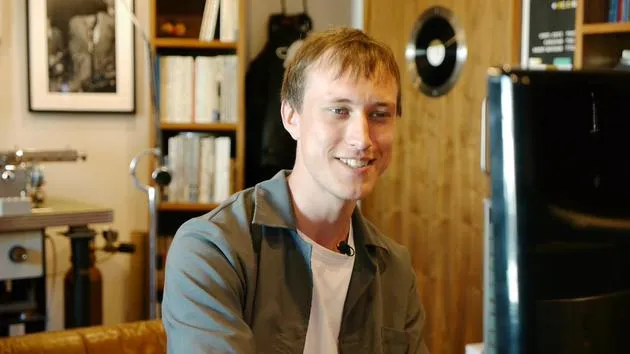
04. setting up for mastering
You are here6:21
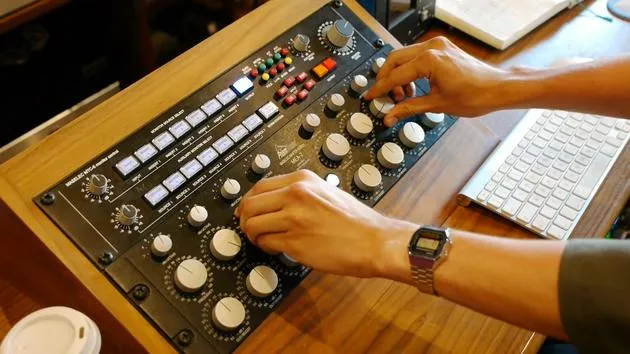
05. Mastering - demo
4:33
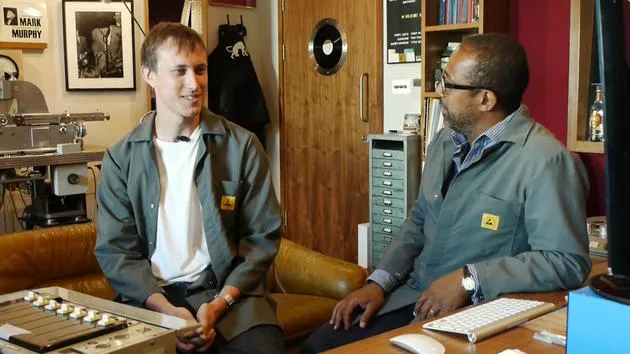
06. Mastering - discussion
13:24
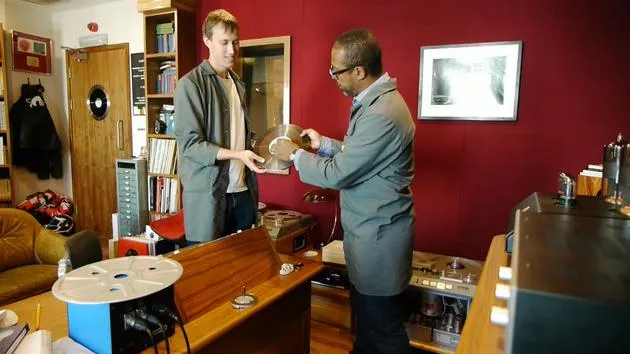
07. Studer C37
26:00
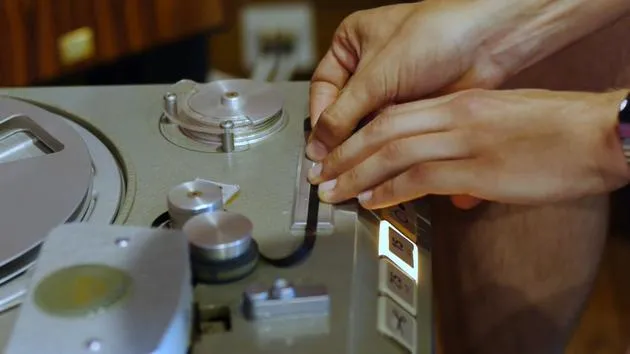
08. Tape splicing
5:19
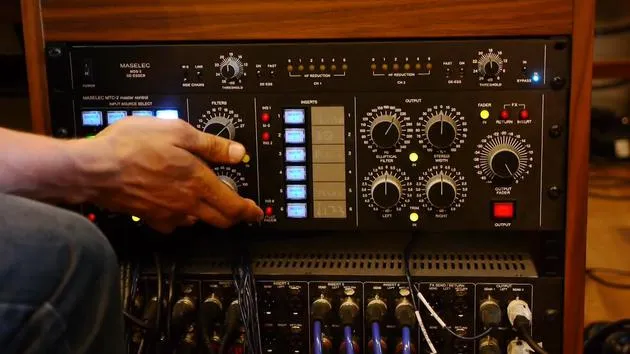
09. Filters & Precautions before cutting to lacquer
4:27
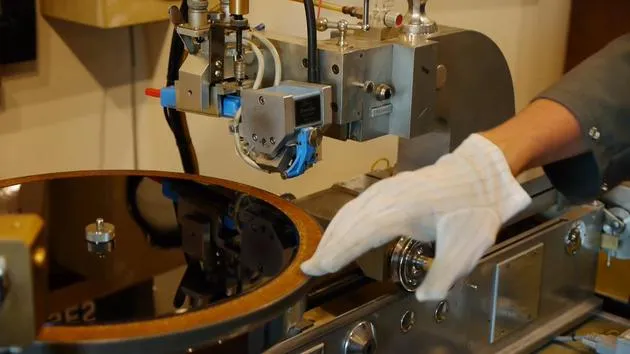
10. The lacquer cutting lathe
11:32
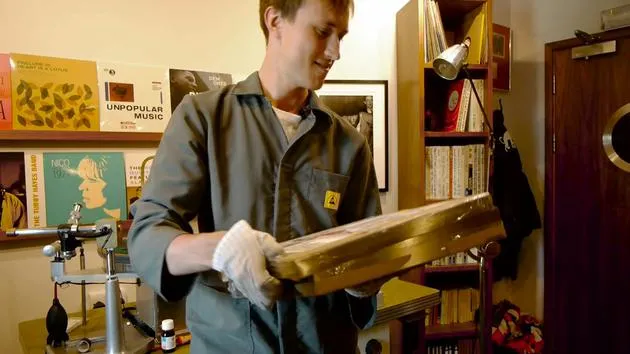
11. Quality control, test pressings and duplication
9:23
Lesson transcript
Mastering Music: The Process and Techniques
Introduction
So what I'm going to talk about now is when a mastering engineer receives files or tape, and how we arrange those files and tracks into something usable for mastering and cutting onto a disc.
Mastering is the final stage of the music production process, where you decide the formats the music will be available on. The mastering engineer will optimize your music to fit whichever format you choose.
The Mastering Process
Key Responsibilities of a Mastering Engineer
- Optimizing Music: Adjusting the sound for the chosen formats.
- Aligning Tracks: Ensuring the tracks fit the side of a record correctly.
- Managing Gaps: Setting the appropriate gaps between tracks, especially for CDs.
- Volume Levels: Ensuring the music is loud enough for online streaming.
Sources of Audio Files
Mastering engineers can receive audio in various formats, including:
- WAV format
- Tape recordings
- Originals from lacquers or old records
- CDs and cassettes
Case Study: A 1972 Recording of Dexter Gordon
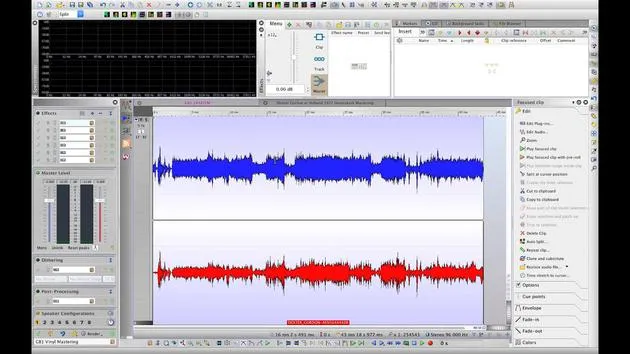
Over here, we've got a recording originally made in 1972 in Holland. This is a gig of Dexter Gordon, an absolutely amazing jazz tenor sax player. It's a radio broadcast, and I've imported it into WaveLab.
Let's just have a listen to what it is.
Initial Listening
As you can hear, there's quite a bit of noise and tuning up at the beginning. We won't be using all of this material for our record. Our goal is to make a 12-inch record at 33 RPM, selecting the tracks and sections we want to use.
Editing Process
- Identifying Content: I listened through the entire recording to find the segments we want to keep and those we don't.
- Creating Sides: I've collated the tracks into Side A and Side B.
- Improving Flow: I used crossfading between tracks and added fade-outs for applause at the end.
Audio Balancing
Upon receiving the tape at Gearbox, I noticed an imbalance:
- Left vs. Right Channel: The right channel was significantly quieter, so I adjusted the levels to balance the sound.
Adjusting Speech
I edited a bit of speech at the beginning to make it sound like Dexter is introducing the tracks.
"All tenor players have to play this tune sometime in life. You can't escape it if you play tenor. I'm sorry to say that, but it's true. It's very true. And of course, we're talking about 'Body and Soul.'"
There was originally a lack of continuity between the talking and the music. To improve this:
- I combined segments to shorten the total time while retaining the essence of Dexter Gordon's introductions.
Finalizing the Sound Quality
Now we are ready to check the sound quality:
- Assessing if we need to add frequencies (both low and high).
- Identifying any problematic frequencies that may cloud other instruments.
Our goal is to achieve:
- A wide and powerful sound.
- A generally pleasant listening experience.
Next Steps
What we're going to do now is play back the tunes and experiment with some EQs to see if we can enhance the sound even further.
11 lessons
1h 35m of structured video lessons
Advanced video features
Slow down, loop a passage, follow along
Mobile, tablet & desktop
Practise wherever you are
100% satisfaction guarantee
30-day money-back guarantee







