



Introduction to the studio Software
What's in the course
11 lessons (1h 35m) · 1 free
01. Intro to Gearbox records
Free lesson4:00
02. Introduction to the studio hardware
8:50
03. Introduction to the studio Software
You are here1:53

04. setting up for mastering
6:21
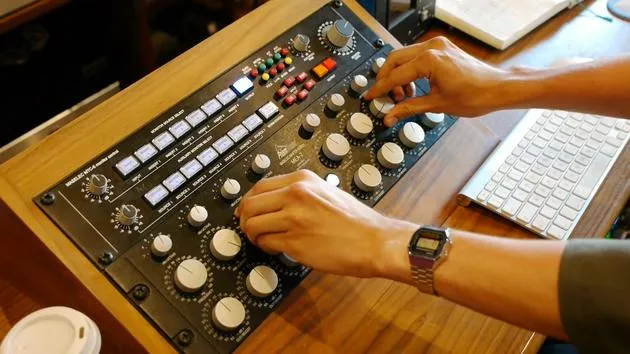
05. Mastering - demo
4:33
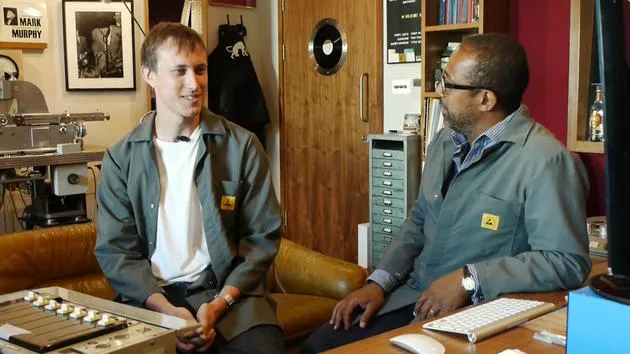
06. Mastering - discussion
13:24
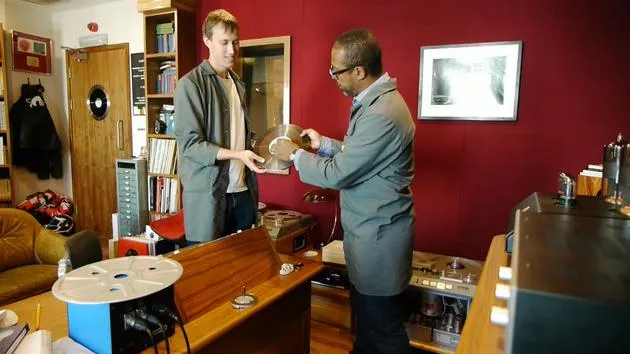
07. Studer C37
26:00
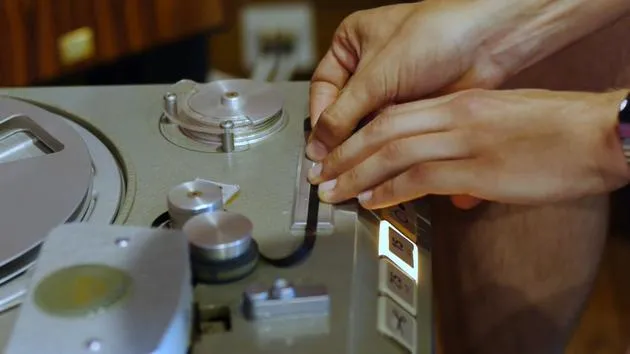
08. Tape splicing
5:19
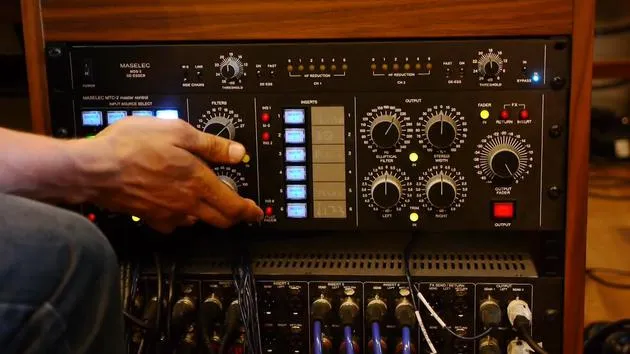
09. Filters & Precautions before cutting to lacquer
4:27
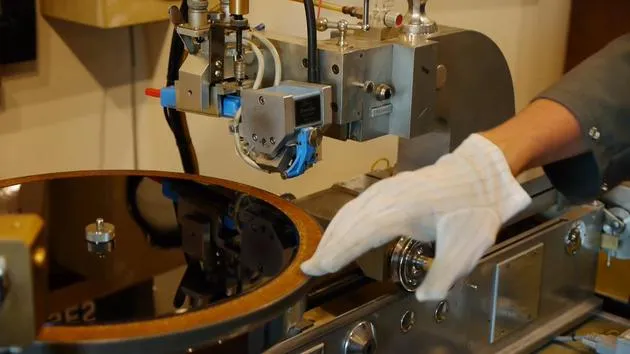
10. The lacquer cutting lathe
11:32
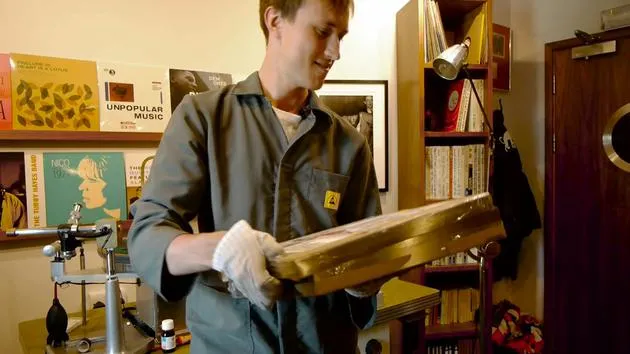
11. Quality control, test pressings and duplication
9:23
Lesson transcript
Music Production Software Overview
In today's lesson, we'll be discussing the computer programs we use for music production and mastering.
Digital Audio Workstation (DAW) Software
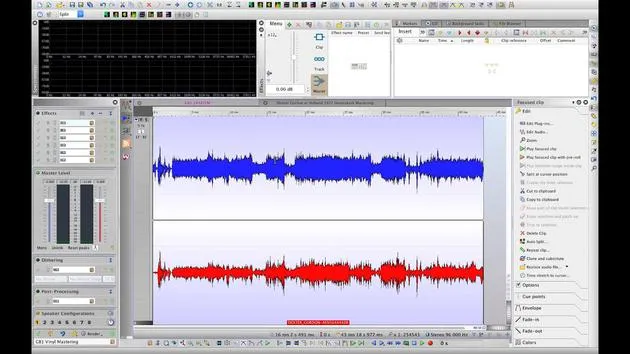
WaveLab
Our primary DAW software is WaveLab. This is a great mastering DAW that offers:
- CD and Digital Mastering Features: Excellent tools for lining up tracks and importing relevant metadata onto the tracks themselves.
- Clip-Based Effects: The ability to master individual tracks and songs on the same project with separate effects for each one, making it incredibly handy.
- Spectral Analysis: Powerful features for analyzing frequencies.
Restoration Software
Izotope RX
For tape restoration and cleaning up audio, we utilize Izotope RX. In my opinion, this is the best restoration program available. Some of its amazing features include:
- Click and Pop Removal: Effective techniques for editing out unwanted sounds while maintaining a natural feel.
- Visualization Tools: Displays that show exactly what frequencies are being triggered at what volume.
Overall, our aim is to achieve a raw and natural sound, making Izotope RX an essential tool in our workflow for tape editing.
11 lessons
1h 35m of structured video lessons
Advanced video features
Slow down, loop a passage, follow along
Mobile, tablet & desktop
Practise wherever you are
100% satisfaction guarantee
30-day money-back guarantee







