



Filters & Precautions before cutting to lacquer
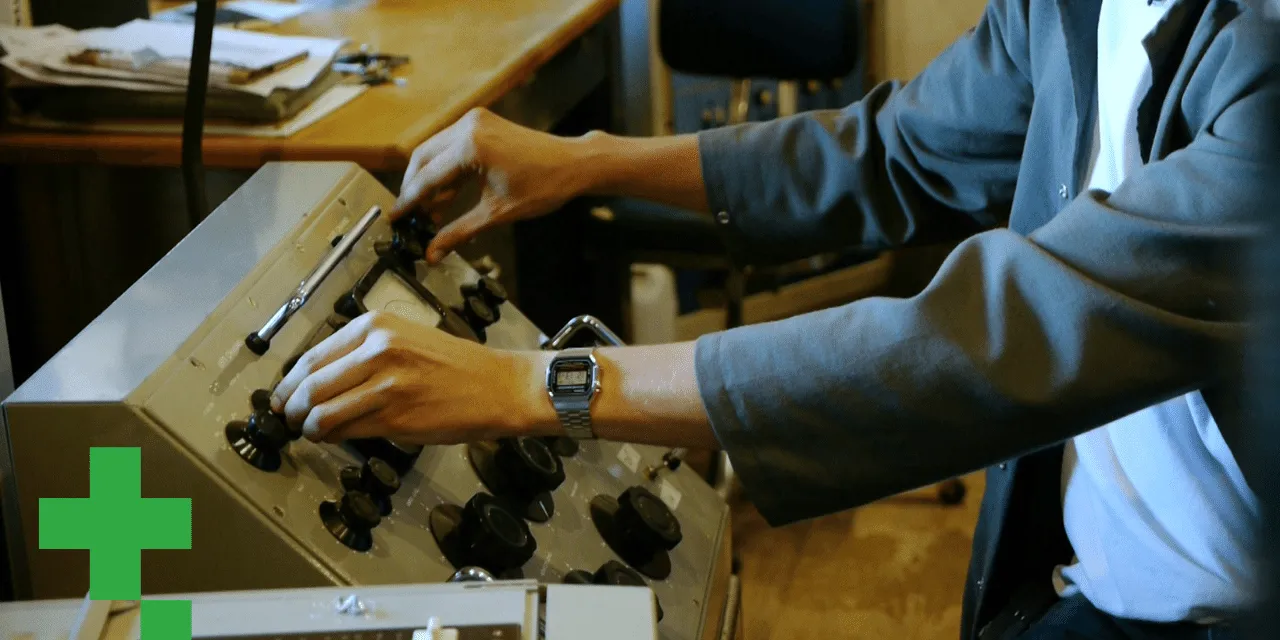
Caspar demonstrates the filters and precautions, monoing the bass with an elliptical filter and rolling off below 30 Hz, that protect the cutting head and amps before cutting to lacquer.
What's in the course
11 lessons (1h 35m) · 1 free
01. Intro to Gearbox records
Free lesson4:00
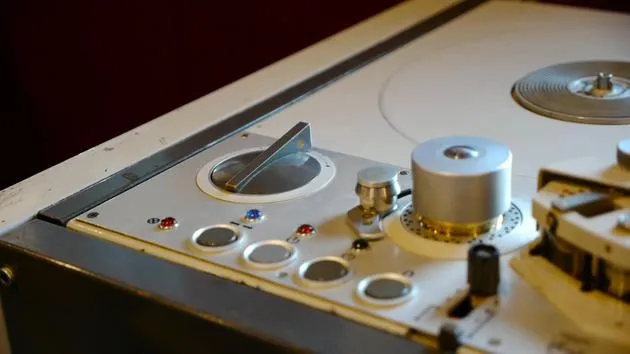
02. Introduction to the studio hardware
8:50
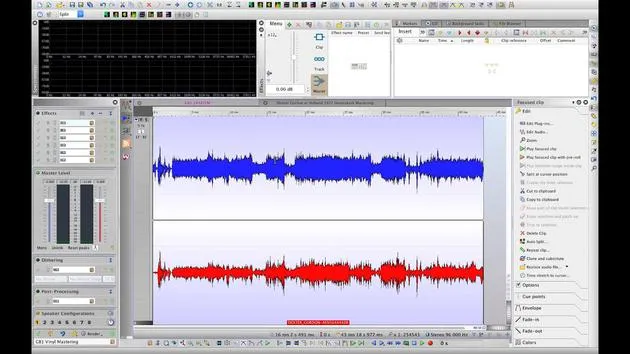
03. Introduction to the studio Software
1:53

04. setting up for mastering
6:21
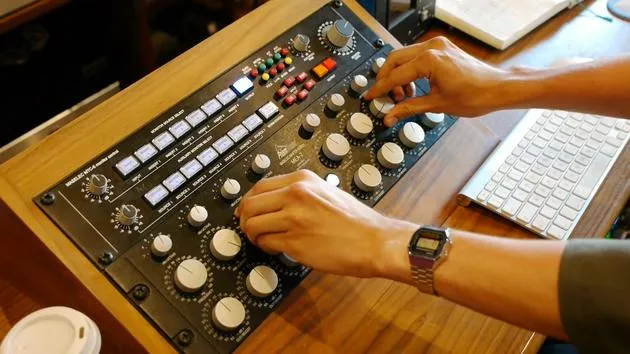
05. Mastering - demo
4:33
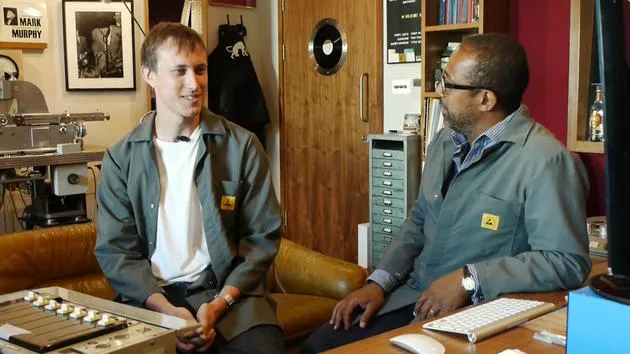
06. Mastering - discussion
13:24
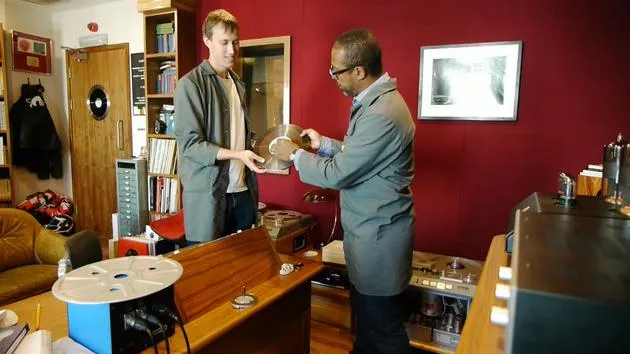
07. Studer C37
26:00
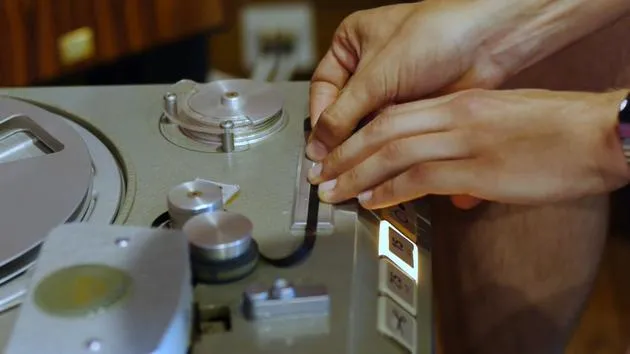
08. Tape splicing
5:19
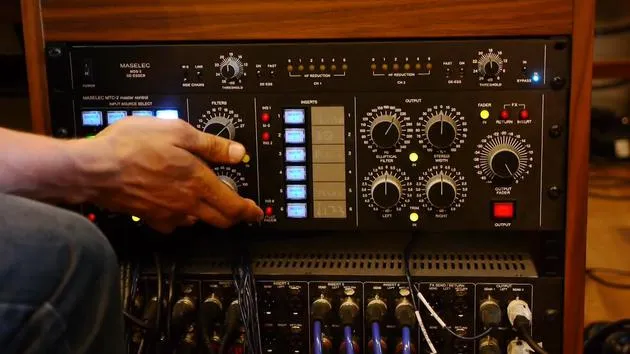
09. Filters & Precautions before cutting to lacquer
You are here4:27
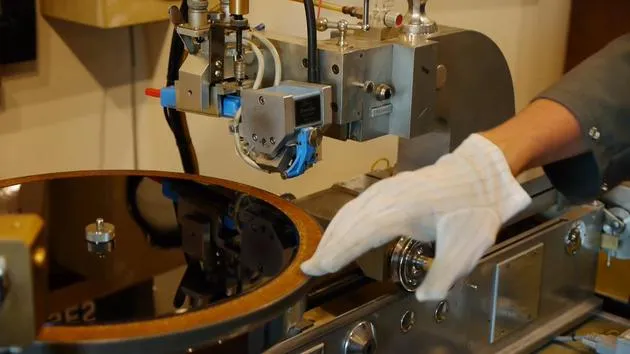
10. The lacquer cutting lathe
11:32
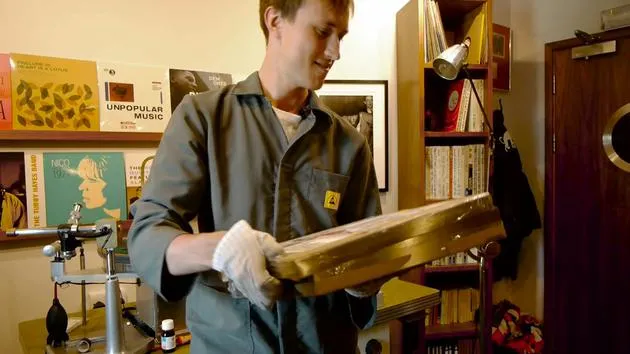
11. Quality control, test pressings and duplication
9:23
Lesson transcript
Preparing Your Source for Cutting a Master Disc
The next thing we're going to talk about is the correct filters and procedures needed to prepare your source for cutting onto a lacquer. This will help in making the master disc.
Importance of Proper Filtering
It's essential to know:
- What filters to use
- Precautions you need to take to protect the cutting amps and the cutting head from damage
The cutting head and amps are quite sensitive. Too much volume and heavy bass frequencies can cause problems, leading to:
- Blowing the cutting head
- Issues on the grooves while cutting the record
Initial Steps
Playing the Track
- Mono the Signal: We will play a track and mono the signal.
- Reverse the Phase: This process reveals all frequencies, particularly bass frequencies, which we will focus on.
Why Mono and Reverse?
- This technique shows frequencies that are too prominent to the left or right.
- Bass frequencies need to be centered in the groove to avoid issues such as skipping records when played.
Setting Filters
-
Elliptical Filter:
- After mono-ing the signal and reversing the phase, we will bring in our elliptical filter.
- This filter will mono the bass frequencies below a specific point.
-
Listening for Bass Disappearance:
- While I play the record with the phase reversed and mono'd, listen for the point where the bass disappears.
- This is where we'll set the elliptical filter.
Example:
- For this particular recording, the bass disappears around 200 Hz.
- We've set our elliptical filter at 200 Hz.
-
Low Cut Filter:
- Next, we will apply a low cut filter to eliminate large bass frequencies below 30 Hz.
- These frequencies carry a lot of power and energy, and cutting them out protects the cutting amp from blowing.
-
High Cut Filter:
- We will also apply a high cut filter around 22 kHz.
- Higher frequencies can have a lot of energy as well; we cut just above the human hearing range to protect the cutting heads.
-
De-Esser:
- A de-esser will tone down any particularly loud higher frequencies, dropping them slightly to avoid excessive peaks.
-
U73B Limiter:
- Finally, we apply a U73B limiter.
- This limiter will cap any volumes or dynamics that become too loud, ensuring they don't exceed safe levels.
Final Configuration
To summarize:
- Low Cut Filter: Removes bass below 30 Hz
- High Cut Filter: Cuts frequencies above 22 kHz
- De-Esser: Softens any loud higher frequencies
- U73B Limiter: Caps any excessively loud volumes
- Elliptical Filter: Set at 200 Hz
With these adjustments, we are now ready to cut the record or at least perform some test cuts.
11 lessons
1h 35m of structured video lessons
Advanced video features
Slow down, loop a passage, follow along
Mobile, tablet & desktop
Practise wherever you are
100% satisfaction guarantee
30-day money-back guarantee







