



Comment enregistrer la batterie avec une configuration à 3 microphones
Avec
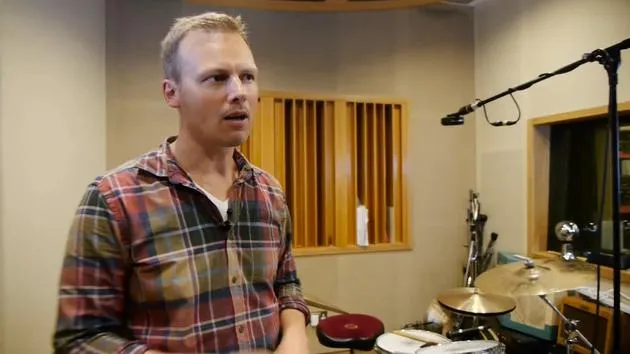
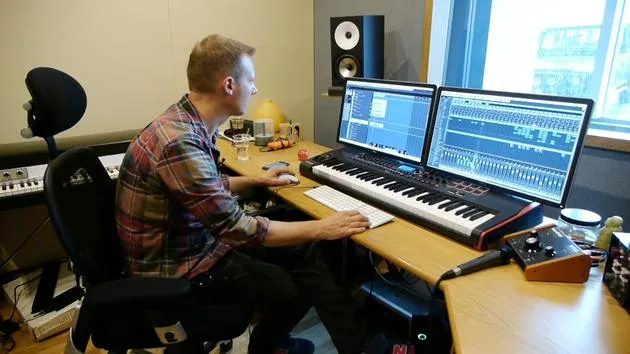
Nikolaj BjerreDans cette leçon en ligne d'enregistrement de batterie, Nik Bjerre de Tileyard Studios à Londres explique comment obtenir un excellent son avec 3 microphones.
Le contenu du cours
20 leçons (2h 11min) · 1 gratuites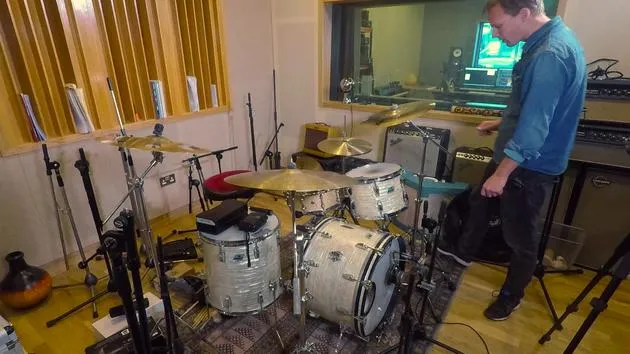
01. Comment repiquer une batterie de près, en enregistrant avec une configuration de 13 microphones
14:49
02. Récapitulatif : comment enregistrer une batterie avec 13 microphones
2:25
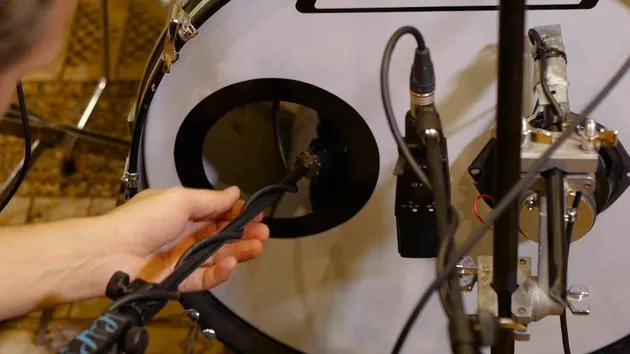
03. Types de micros et placement
3:19
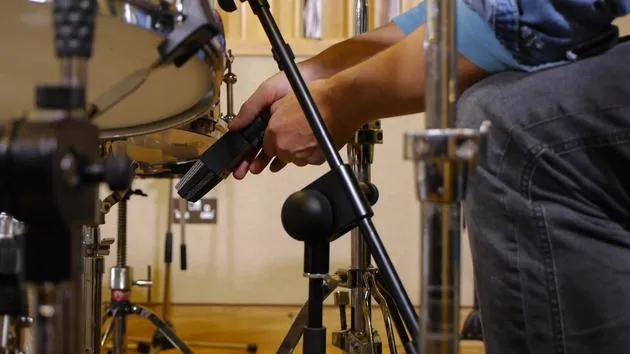
04. Types de micros et placement
Leçon gratuite7:33
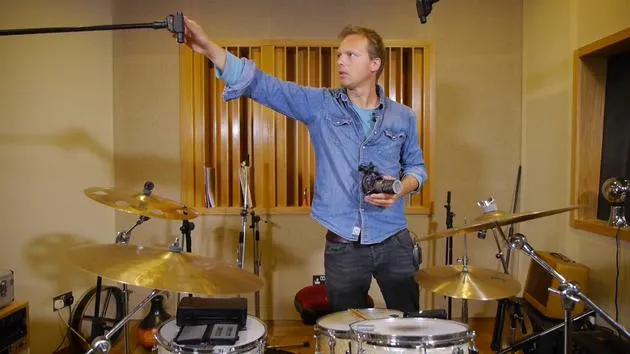
05. Type et placement des micros overhead
3:50
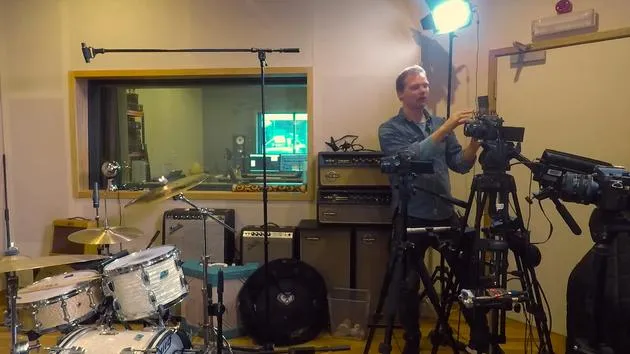
06. Micros d'ambiance : type et placement
1:46
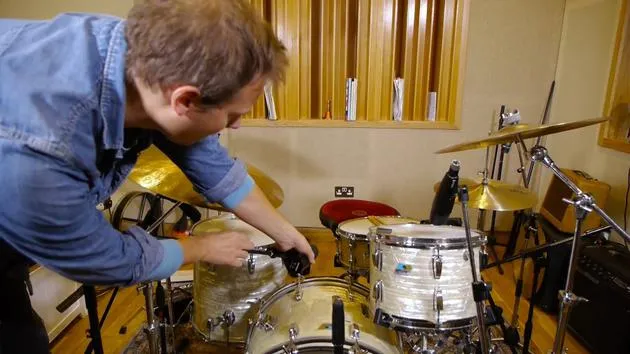
07. Micros de toms : type et placement
5:27
08. Types de micros de salle et placement
2:20
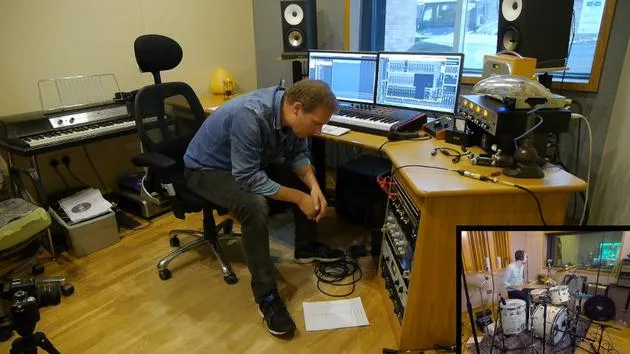
09. Régler les niveaux du préampli
15:29
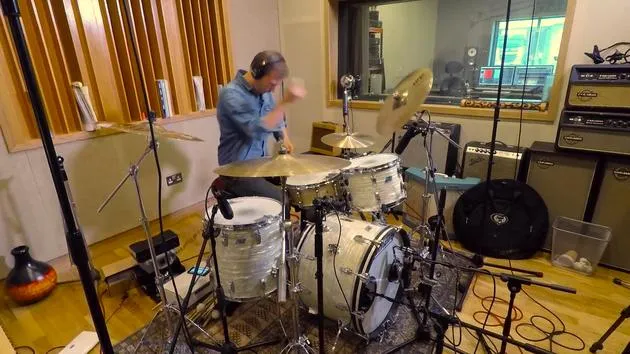
10. Prise d'enregistrement n° 1
2:13
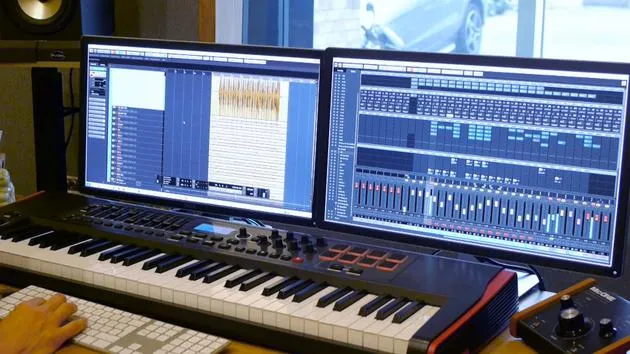
11. Ajustements de la prise n° 1
6:52
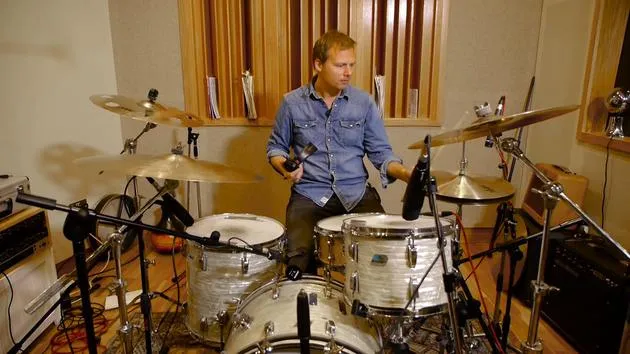
12. Enregistrement de la prise n° 2
2:09
13. Finaliser l'enregistrement et conclusion du cours
4:41
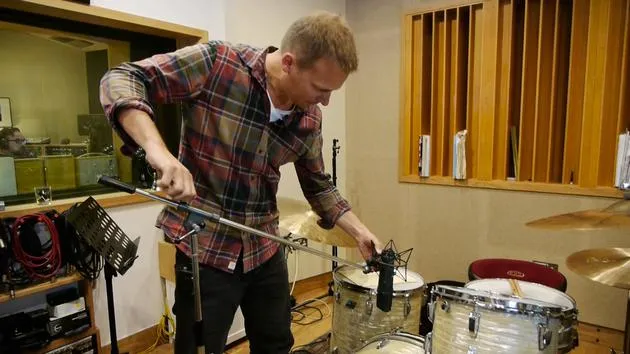
Transcription de la leçon
Lesson Overview
Welcome back to the next part of this course! Today, we'll be discussing how to record a drum kit using three microphones:
- One microphone for the kick drum
- One microphone for the snare drum
- One overhead microphone
This setup will help us achieve a punchier and more defined sound due to close miking.
Microphone Selection
Kick Drum Mic
We'll start with the kick drum. The microphone I use is the AKG D112:
- Why the D112?
- Great for high sound pressure.
- Can cope with the air moving inside the kick drum.
- Handles the pressure from the beater hitting the drum head.
Snare Drum Mic
For the snare, I use the classic SHURE SM57:
- Why the SM57?
- It just works well on the snare.
- Highly durable; won't break regardless of how hard you hit it.
Mic Setup and Positioning
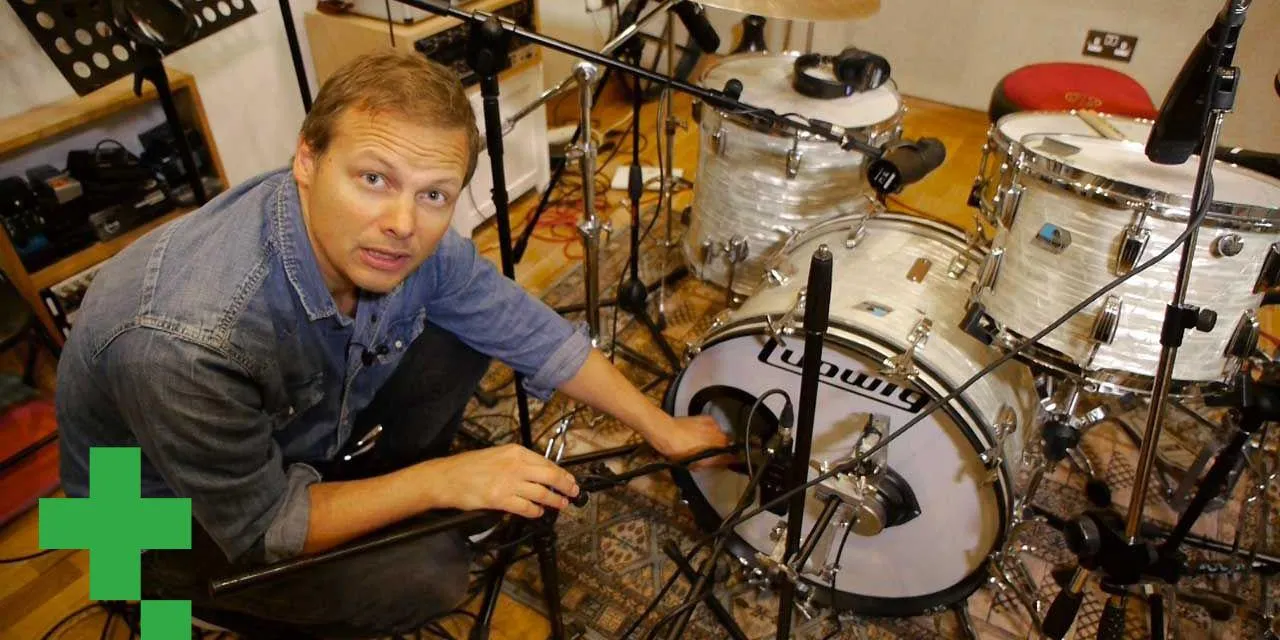
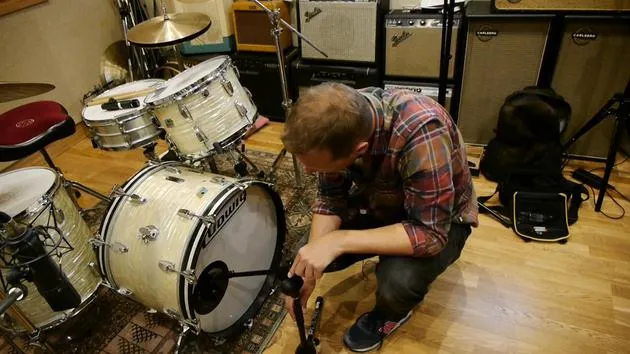
Kick Mic Setup
-
Stand Positioning: Use a small stand for the kick mic.
-
Mic Placement:
- You can mic from the outside for front skin sound, but for a tight sound, we'll place it inside the kick drum.
- Position the mic so it's pointing slightly between the beater and the edge of the drum head.
- Avoid pointing it directly at the beater to reduce clicky sounds, unless that's desired for a specific music style.
-
Tying Down Cables: Make sure the lead doesn't touch any parts of the drum kit to avoid unwanted noise. Use a cable tie to secure it.
-
Plugging In: Connect the mic to the API preamps, which I've labeled accordingly.
Snare Mic Setup
-
Positioning: The snare mic needs to be tucked in between the hi-hat and the tom.
-
Mic Angle:
- Diaphragm at the edge of the snare drum.
- Angle the mic for optimal sound capture:
- Point down for a stick sound from the head.
- For a general setup, maintain a standard angle to capture a bit of the ring.
-
Plugging In: Connect this mic to API inputs 1 and 2.
Overhead Mic Setup
- Selecting the Mic: We will be using the 87 for the overhead.
- Positioning: Place the mic in the center, pointing down to capture both cymbals and drums.
- Tightening: Ensure all screws are tight to avoid movement.
Final Steps
- Adjust Gain: Adjust the gain settings on the kick and snare mics.
- Recording: Let's do another take and see how this setup sounds compared to the previous mono mic recording.
- Expected Outcome: This should provide a more authentic and punchy drum sound.
Let's give it a go and see how it sounds!
20 leçons
2h 11m de leçons vidéo structurées
Fonctions vidéo avancées
Ralentissez, bouclez un passage, suivez la partition
Mobile, tablette et ordinateur
Pratiquez où vous voulez
Satisfaction garantie à 100 %
Garantie remboursement 30 jours
Rencontrez votre guru
Rencontrez votre guru
Nikolaj Bjerre est un batteur et producteur danois établi aux Tileyard Studios de Londres, qui a travaillé avec des artistes et des groupes tels que Lamb, le Ian Siegal Band, Ella Eyre et Heather Nova. Son travail couvre la batterie en direct, la production, la programmation et l'écriture, passant avec aisance d'un jeu organique et racé à des styles électroniques de pointe, et il est endorsé par Sabian, Hardcase et Protection Racket. Dans ce cours, il te montre comment enregistrer une batterie en direct avec une qualité professionnelle.







