



Peaufiner la structure du morceau

Avec
John Watson
Le contenu du cours
14 leçons (2h 26min) · 2 gratuites
01. Premiers pas & installation
3:21
02. Gérer une bibliothèque de samples
Leçon gratuite4:34
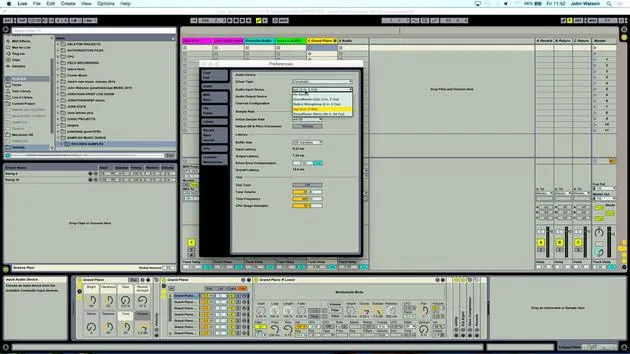
03. Préférences d'Ableton
1:14
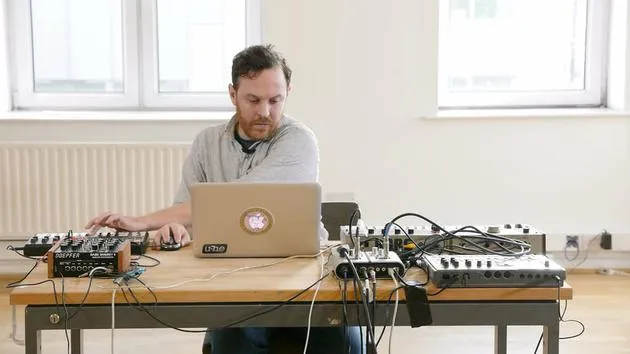
04. Utiliser des samples : les périphériques Simpler et Sampler
7:04
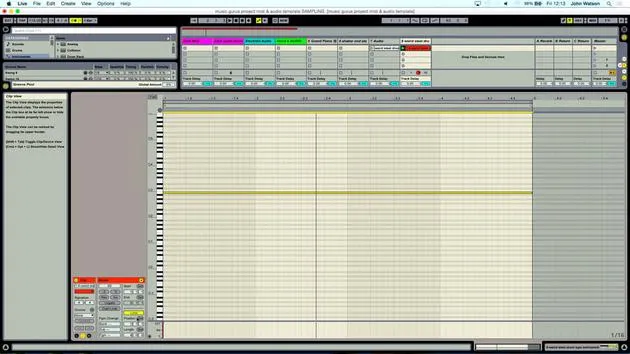
05. Utiliser des samples dans ton morceau (rogner, étirer, accorder, égaliser)
12:56
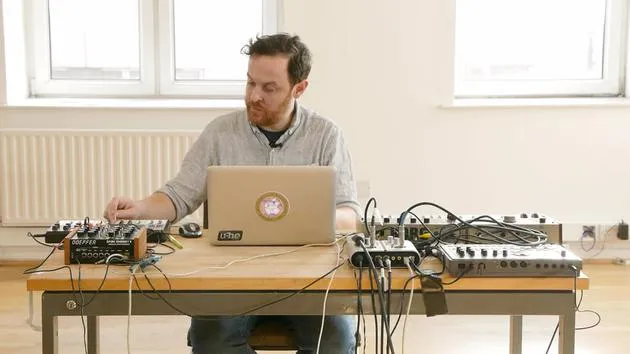
06. Ajouter des cordes et des flûtes samplées
7:28
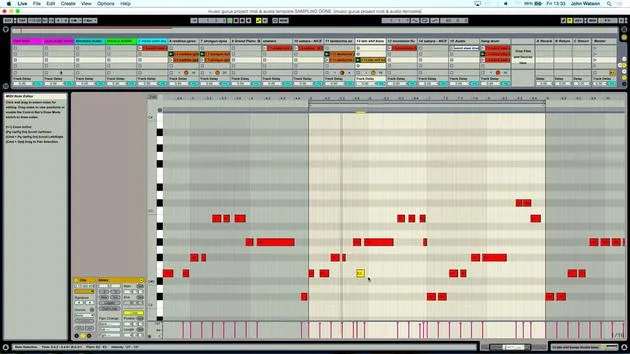
07. Ajouter un rythme samplé : kicks et snares
25:07
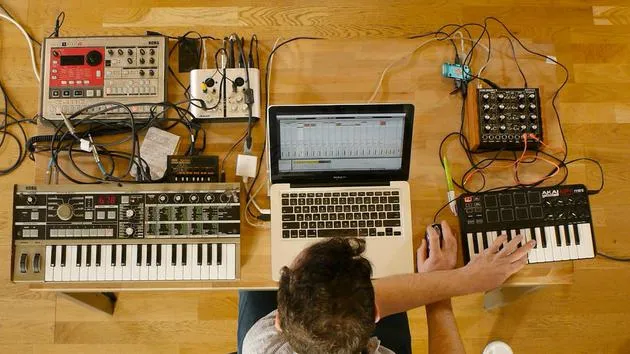
08. Échantillonner des instruments externes - boîte à rythmes et synthé
12:28
09. Construire les parties dans la vue Session
13:55
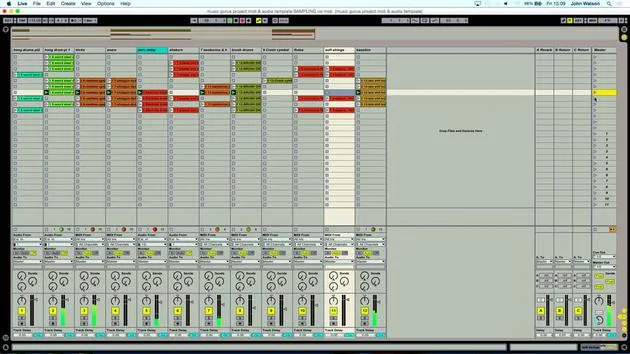
10. Enregistrer le morceau dans la vue Arrange
4:34
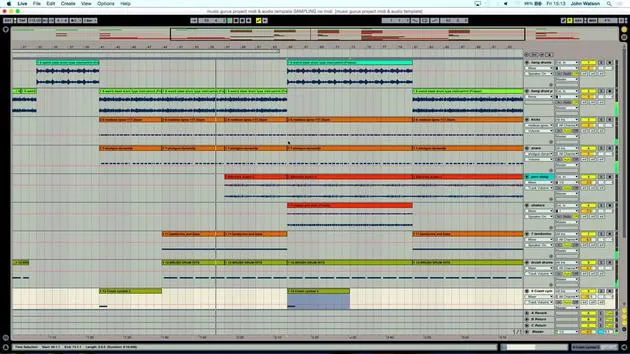
11. Peaufiner la structure du morceau
Tu es ici5:35
12. Mixer le morceau : les effets
21:24
13. Ajustements finaux
13:14
14. BONUS : Masteriser ton morceau et le mettre en ligne sur Soundcloud
Leçon gratuite13:31
Transcription de la leçon
Music Lesson: Mixing Techniques
And there we have it, really. So I've got to obviously fine-tune it a little bit. Let's come in and have a little look.
Step-by-Step Process
-
Reviewing the Track
I'm going to come back to the beginning and just start to include a little bit more variation here. I will grab this little section and double click. -
Reversing Section
I'm just going to reverse this part kind of just before the breakdown section. -
Adjusting Percussion
Also going to kill some of the percussion. That as well. -
Saving Changes
Give it a save as well. -
Cymbal Crash
Copy my cymbal crash over to really highlight the big changes in the track. -
Adjusting Baseline
Bring the baseline up a little bit. If I can delete a few bits, no. Just trying to keep the variation happening. -
Fading Out
Fade out here with the volume as well. So let me just grab the track volume here.
Volume Automation
What I want to do is click a couple of times while my mixer and track volume are selected and do a little fade out of the hang drums.
- The first thing to do is to pull down this node here.
- I was quite comfortable with that volume level.
- So we're now fading out in a very, very linear way.
Introducing Curves
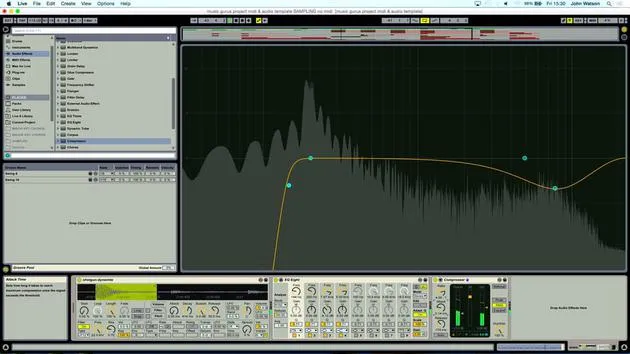
Now, what I'm going to do is introduce a curve by pressing down Alt and then just popping in a curve like so. This will create a nice gradual fade out.
Final Touches
-
Dropping Elements
Let's just come back here and maybe start to drop some of these elements in the final section. -
Shortening Elements
I think maybe it's time to shorten a few elements here. Selecting this entire region, I will grab this region above now and just move this in. -
Removing Hang Drums
In fact, it's actually quite nice without the hang drums there. -
Volume Automation
I've brought the automation volume down and it has stayed down for this part. I actually quite like that. -
Deleting Unwanted Sections
I'm going to delete this so that now we just have some of the strings, the bass, and some of the percussion. -
Fading Out Elements Again
What I might do as well is just start to fade some of these elements out.
- Let's bring on our track volume here and just play some fade out.
- I'm going to use Alt again to get a little curve happening to make things sound a little bit more natural.
Conclusion
Okay, so I'm happy with that. The next stage now really is to start mixing the track and just make things sound a little bit more polished.
14 leçons
2h 26m de leçons vidéo structurées
Fonctions vidéo avancées
Ralentissez, bouclez un passage, suivez la partition
Mobile, tablette et ordinateur
Pratiquez où vous voulez
Satisfaction garantie à 100 %
Garantie remboursement 30 jours
Rencontrez votre guru
Rencontrez votre guru
Après un stage auprès de Dave Allen, producteur de Depeche Mode et The Cure, John a eu envie d'étudier la Music Technology à Londres. Sa carrière musicale a décollé après une signature réussie chez CookShop Records, où il a sorti 9 singles et un album en 2007 salué par Q, Uncut et Lowdown Magazine, en plus d'être diffusé sur XFM et Radio One.
John a commencé à se former comme ingénieur du son au studio Bonafide en 2005, où il a affiné son talent, avant de fonder Jackdaw Recordings plus tard la même année. Il a collaboré avec de nombreux artistes à succès et, en 2007, a commencé à jouer pour le musicien pop Patrick Wolf, se produisant dans des salles de premier plan au Royaume-Uni et à l'international — dont The Astoria et le Shepherds Bush Empire.
Depuis son studio londonien, John compose désormais de la musique, avec deux autres sorties chez CookShop, assure l'ingénierie du son pour des artistes en vue et conçoit le design sonore de publicités télévisées, de films, de pièces de théâtre et de vidéos d'entreprise.
Ce mélange rare d'auteur-compositeur, de producteur et d'ingénieur de studio en activité est précisément ce que John apporte à son enseignement. Dans Creative Composition & Production in Ableton Live et Creative Sampling & Production in Ableton Live, il te montre comment il transforme des idées brutes en morceaux finis, prêts à sortir — l'écriture, le sampling, le design sonore et le savoir-faire concret de l'ingénierie derrière un disque professionnel.







