



Utiliser des samples : les périphériques Simpler et Sampler

Avec
John Watson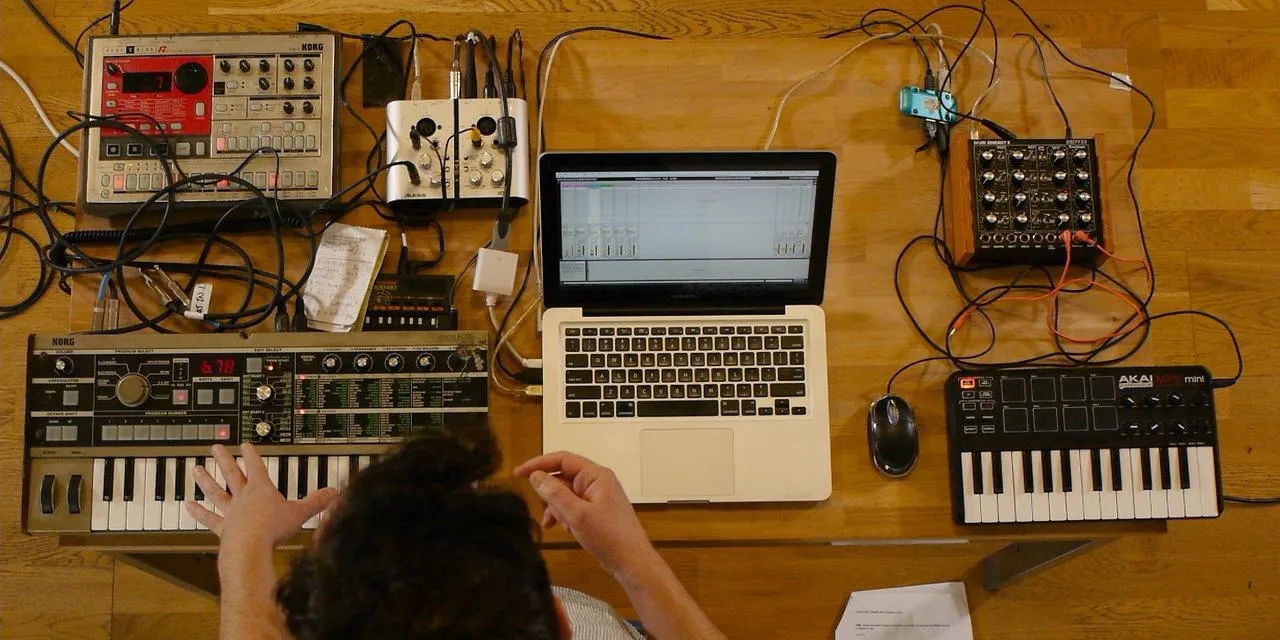
Le contenu du cours
14 leçons (2h 26min) · 2 gratuites
01. Premiers pas & installation
3:21
02. Gérer une bibliothèque de samples
Leçon gratuite4:34
03. Préférences d'Ableton
1:14
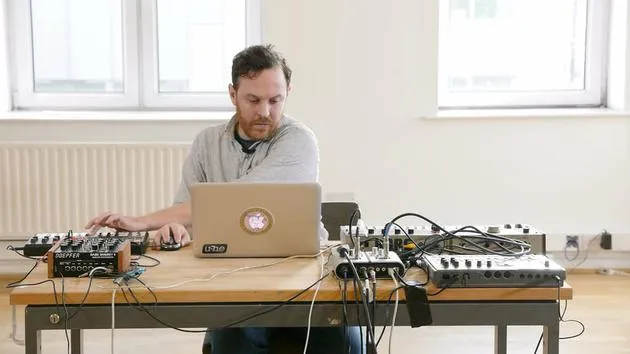
04. Utiliser des samples : les périphériques Simpler et Sampler
Tu es ici7:04
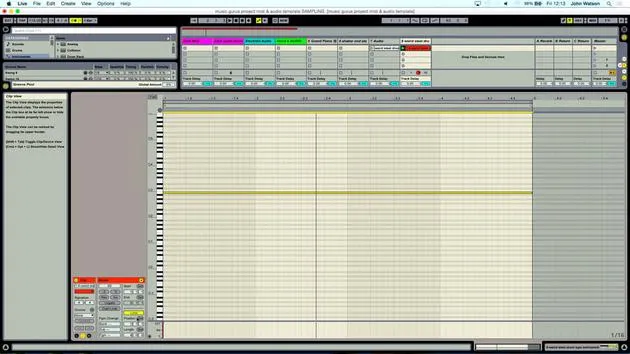
05. Utiliser des samples dans ton morceau (rogner, étirer, accorder, égaliser)
12:56
06. Ajouter des cordes et des flûtes samplées
7:28
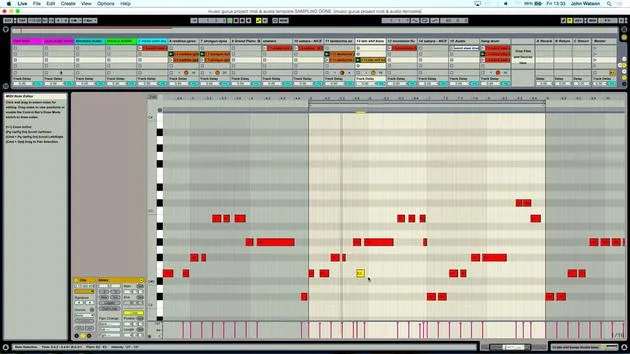
07. Ajouter un rythme samplé : kicks et snares
25:07
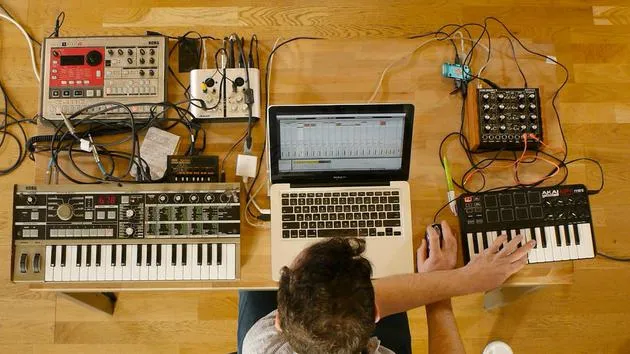
08. Échantillonner des instruments externes - boîte à rythmes et synthé
12:28
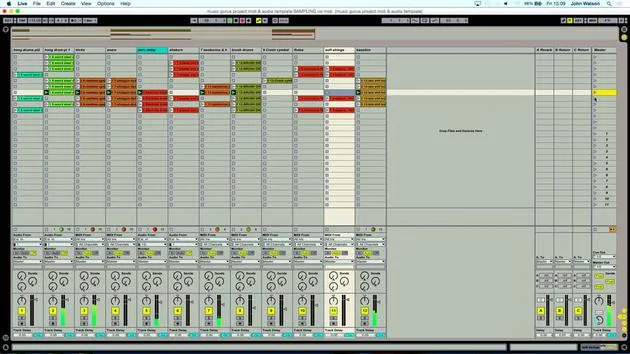
09. Construire les parties dans la vue Session
13:55
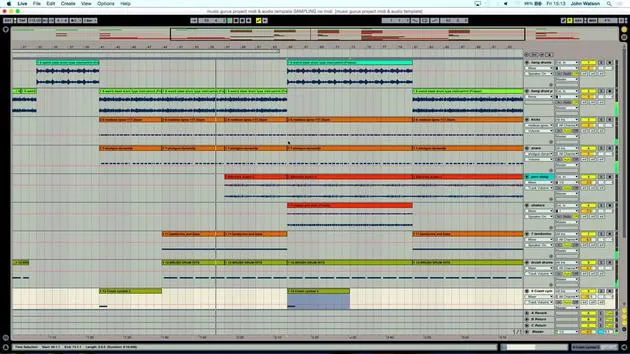
10. Enregistrer le morceau dans la vue Arrange
4:34
11. Peaufiner la structure du morceau
5:35
12. Mixer le morceau : les effets
21:24
13. Ajustements finaux
13:14
14. BONUS : Masteriser ton morceau et le mettre en ligne sur Soundcloud
Leçon gratuite13:31
Transcription de la leçon
Music Lesson
Welcome back!
So really, the next stage is to start generating some ideas here. To do that, I want to create some MIDI tracks. This is going to allow me to play the keyboard. I've got my Akai MPK Mini here, which lets me input the samples into a sampler device.
The USB keyboard is plug and play, so I'm plugged in. I don't have to do anything on my MIDI channel; it's all set up for me.
Setting Up the Sampler
The next stage is to grab the Simpler device from my instruments folder.
- Double click it to load it onto the channel.
- The Simplest device is a sampler, and it's a bit of a pun with the name, it's really a very simple sampler.
- If I drag any sound into this device, I'm able to trigger it straight away on the keyboard.
- It links and maps the samples chromatically to the keys on my keyboard.
This setup is very quick, and when sampling, you're going to be running through ideas. Some things will work, and some won't, so it's important to keep moving through quickly to get a vibe going. Essentially, I'm just using sounds that I've either found or sampled myself.
Finding Sounds
Now, let's dive into my samples folder:
- Double-click to open it and look at the variety of sounds available.
- First off, I want to create some kind of rhythm track.
I'm thinking a good track to start with is a percussive guide track. Rather than just hearing the electronic beep of the metronome, I find it helpful to get some shakers or hi-hats to create a little rhythm track.
Searching for Samples
As I scroll through my bank of samples, I'm looking for something fairly sparse. I find this shaker sound, which I like.
- Drag the sample into the Simplest window; this means I can now play the keyboard, and my sample will play automatically.
I've trimmed these samples in terms of where they start, which is a really good idea. One way to do this is to count along with your sample:
"2, 3, 4, 1."
By doing that and looking at the sample window, I'm able to trim it down effectively. If I want it a bit faster, I can play higher up the keyboard.
Perfecting the Sample
Now, I'm aiming to liberate the actual shaker sound. I check to ensure it starts in the right place, and if I want to move the start point, I simply adjust the locator. For now, the sample seems to work quite well.
Finding Inspiration
The next thing I want to do is find something that's really going to inspire me to lay down some music.
- I'll come out of my percussion folder and go into field recordings.
- I'm going to grab this mysterious hang drum sample.
Creating the Track
- I create an audio track and drag the hang drum sample over.
- I'll also create a new MIDI track and drag the Simplest device over again.
- I load a sample into this window by dropping the audio in.
Next, I'll take the record off the shaker track; I know it's there and ready to use when I need it.
Arming the Hang Drum Track
Now, let's arm the hang drum track. This was a sample of someone playing the hang drum in a park in Switzerland. It was a nice calm day, with not a lot of wind, so I was able to get a good recording.
There's quite a bit of talking in the background as well, so I'll listen through to see if there are any nice parts to take.
- I find an interesting section that catches my ear, so I move in the locators to focus on that part.
I'll work roughly to start, counting in my head to figure out where potentially a bar is. I'm working in a four-four time signature, so I'll count where the first beat comes in.
This is starting to sound good, and I'll stop it there.
14 leçons
2h 26m de leçons vidéo structurées
Fonctions vidéo avancées
Ralentissez, bouclez un passage, suivez la partition
Mobile, tablette et ordinateur
Pratiquez où vous voulez
Satisfaction garantie à 100 %
Garantie remboursement 30 jours
Rencontrez votre guru
Rencontrez votre guru
Après un stage auprès de Dave Allen, producteur de Depeche Mode et The Cure, John a eu envie d'étudier la Music Technology à Londres. Sa carrière musicale a décollé après une signature réussie chez CookShop Records, où il a sorti 9 singles et un album en 2007 salué par Q, Uncut et Lowdown Magazine, en plus d'être diffusé sur XFM et Radio One.
John a commencé à se former comme ingénieur du son au studio Bonafide en 2005, où il a affiné son talent, avant de fonder Jackdaw Recordings plus tard la même année. Il a collaboré avec de nombreux artistes à succès et, en 2007, a commencé à jouer pour le musicien pop Patrick Wolf, se produisant dans des salles de premier plan au Royaume-Uni et à l'international — dont The Astoria et le Shepherds Bush Empire.
Depuis son studio londonien, John compose désormais de la musique, avec deux autres sorties chez CookShop, assure l'ingénierie du son pour des artistes en vue et conçoit le design sonore de publicités télévisées, de films, de pièces de théâtre et de vidéos d'entreprise.
Ce mélange rare d'auteur-compositeur, de producteur et d'ingénieur de studio en activité est précisément ce que John apporte à son enseignement. Dans Creative Composition & Production in Ableton Live et Creative Sampling & Production in Ableton Live, il te montre comment il transforme des idées brutes en morceaux finis, prêts à sortir — l'écriture, le sampling, le design sonore et le savoir-faire concret de l'ingénierie derrière un disque professionnel.







