



Récapitulatif des smart controls et de l'automation

Avec
Dov Waterman
Le contenu du cours
14 leçons (0h 53min) · 1 gratuites
01. Introduction aux contrôles intelligents et à l'automatisation
1:07
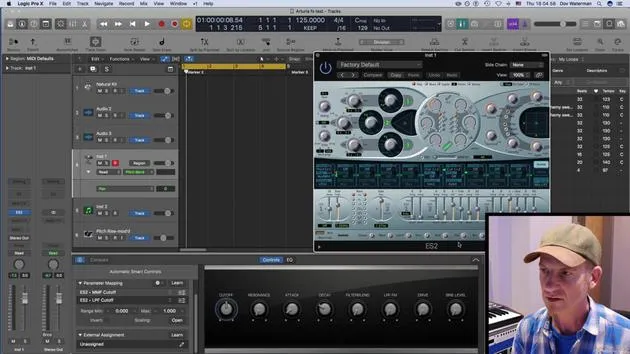
02. Smart Controls et automatisation
5:40
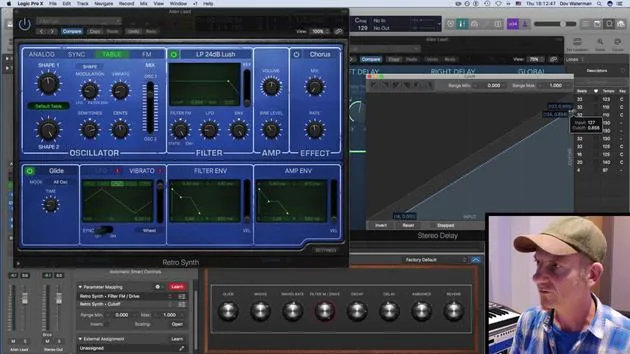
03. Assignation des Smart Controls
5:50
04. Créer des Apple Loops
5:18
05. Récapitulatif des smart controls et de l'automation
Tu es ici1:11
06. CHALLENGE #2 : CRÉER UN RISER AVEC LES SMART CONTROLS
0:39
Transcription de la leçon
Smart Controls and Automation in Music Production
Introduction to Smart Controls
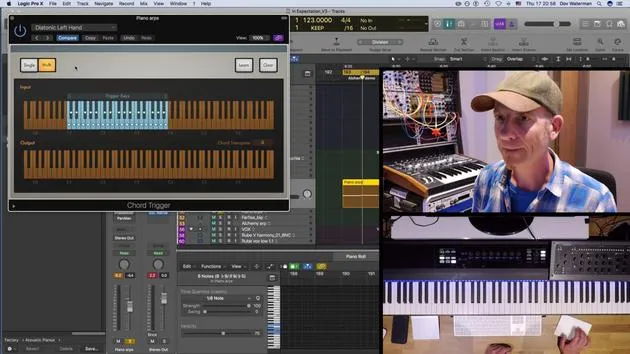
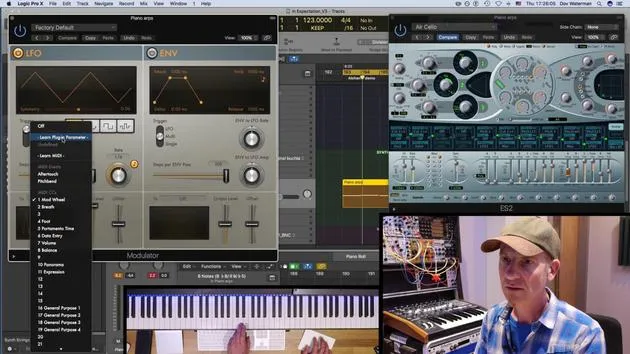
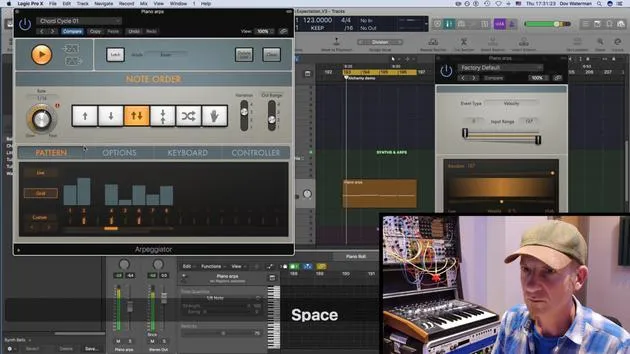
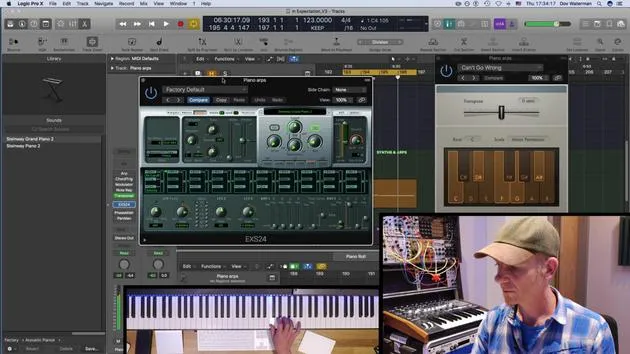
Smart controls are an essential tool in music production, especially when using a MIDI controller. Here's how they can enhance your workflow:
- Assigning Parameters: You can assign different aspects of the parameters using the Smart Controls panel and modulate them effectively.
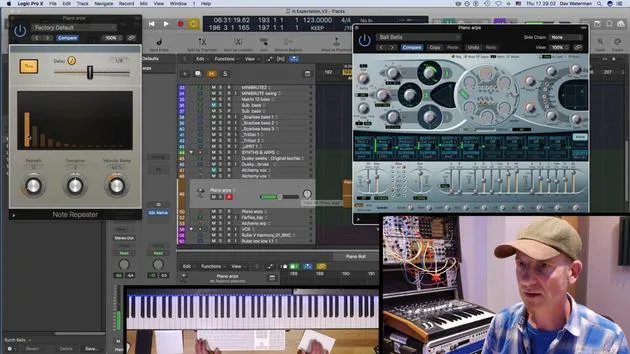
- Automation: By enabling automation, you can record any movements or controller automation seamlessly.
Creating a Pool of Sounds
Recording and Saving
- After recording your controller automation, save it as an Apple Loop.
- This allows you to pull the loop into another track or project that you are working on.
The Benefits of a Sound Pool
Creating a pool of sounds and ideas has significant advantages:
- When Creativity Flows: It's great for moments when creativity is flowing, and you're experimenting with new ideas.
- Overcoming Creative Blocks: If your creative momentum stops, having a sound pool can be invaluable as it allows you to continue working without losing your progress.
Utilizing Apple Loops
- Organization: You can create a folder for your Apple Loops to easily access and integrate them into various tracks.
- Frequent Use: I use this method all the time in my productions, making it a vital part of my creative process.
By effectively utilizing smart controls and automation, you can enhance your music production workflow and ensure a steady stream of creativity.
14 leçons
0h 53m de leçons vidéo structurées
Fonctions vidéo avancées
Ralentissez, bouclez un passage, suivez la partition
Mobile, tablette et ordinateur
Pratiquez où vous voulez
Satisfaction garantie à 100 %
Garantie remboursement 30 jours
Rencontrez votre guru
Rencontrez votre guru
Dov Waterman est compositeur, pianiste et producteur. Il a écrit et conçu le son de films tels que After Earth, Terminator Genisys, Transformers: The Last Knight et The Snowman, et travaille comme monteur audio de bibliothèques de samples et sound designer avec des sociétés comme Native Instruments et SonoKinetic.
Sa série Composition in Logic parcourt la construction d'un morceau de bout en bout dans Logic Pro — des templates et du workflow jusqu'à la synthèse et la programmation de beats, les effets MIDI, le montage et le mix final — pour les producteurs qui veulent transformer leurs idées en disques aboutis.







