



Uso de los Multi Effects - Phat FX y Step FX

Con
Aamir Yaqub
Qué incluye el curso
16 lecciones (1h 33m) · 1 gratis
01. Bienvenido a los efectos de audio
Lección gratis0:46
02. Efectos de audio
3:00
03. Uso de los Multi Effects - Phat FX y Step FX
Estás aquí5:11
04. Configurar un bus de reverb con un send
3:58
05. Usar reverbs en Logic Pro
3:27
06. Uso de delays en Logic Pro
8:02
07. Plugins de distorsión
6:35
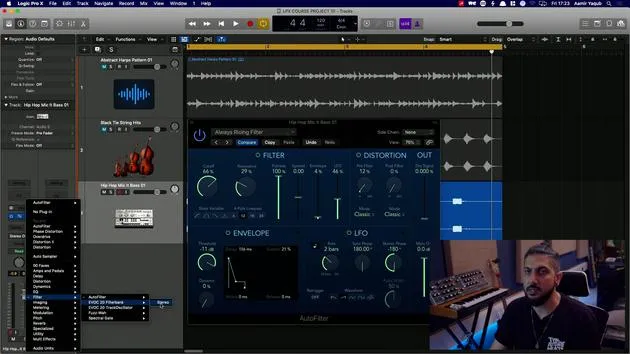
08. Plugins de filtro
5:35

09. Cierre de distorsión y filtros
0:30
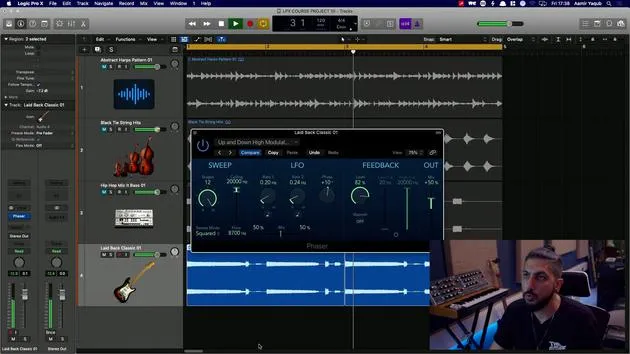
10. Plugins de modulación
12:54
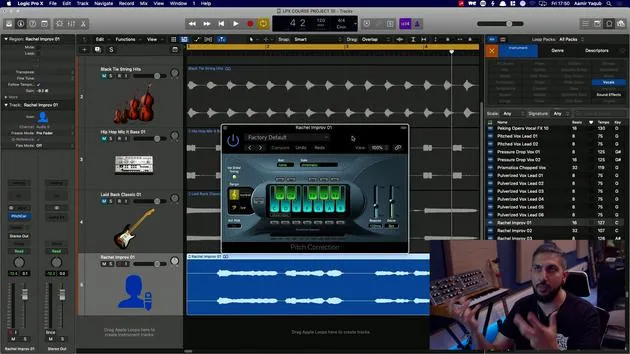
11. Plugins de pitch
6:50

12. Cierre de modulación y pitch
1:03
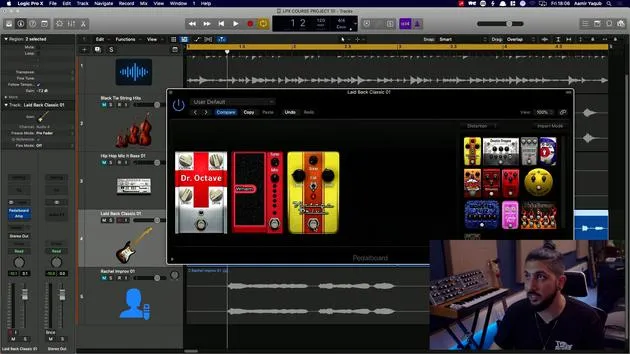
13. Amplificadores y efectos de pedal
10:38
14. Efectos especializados
5:49
15. EQs (ecualizadores)
7:18
16. Dinámica y compresión
11:43
Transcripción de la lección
Exploring Audio Effects in Logic Pro
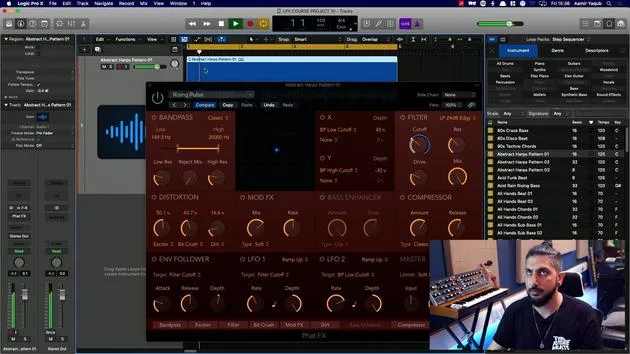
A good place to start with audio effects is to look at some of the multi-effects, as they combine many individual effects you will find inside of Logic Pro. One excellent example is the FATFX.
Understanding FATFX
What you're looking at here is essentially a module of different effects that you can use:
- Band Pass: Essentially an EQ
- Distortion: A distortion unit
- Bass Enhancer: Similar to EQ and distortion
- Compressor: Used for dynamic range control
With all of these options, it's a case of experimenting to see what you like.
Working with FATFX
With the FATFX, we have different units to work with and a central X/Y pad that allows us to evolve and modulate sound. You may have already seen similar features in various plugins inside of Logic Pro.
For instance, if we take a harp pattern in the background and choose the Rising Pulse effect:
- Original Sound: Let's listen to the sound without any effects.
- Adding Effects: Now, let's turn it on and see what happens.
- By cranking up the distortion, we can add some grit.
- Increasing the Exciter boosts high frequencies.
- Utilizing the Bit Crusher creates a digital, lower-resolution sound.
- Adding the Bass Enhancer enriches the bass.
This single plugin, with its well-organized effects, allows us to create a unique sound. It's a powerful creative tool for exploring the world of audio effects.
Exploring Step Effects
The other effects unit in the multi-effects category is the Step Effects. It works similarly to FATFX, featuring a comparable interface and a step modulator.
Features of Step Effects:
- Familiar design: Turn up and down with velocity and steps.
- ADSR Control: Add further rhythm to your sound.
This tool allows you to achieve nice gated sounds. For example, selecting Skipping Gate can enhance your audio.
Conclusion
By having a solid starting point with these multi-effects, you can dive deep into audio experimentation:
- Gating Effect: Without it, sounds are more open; with it on, they have a closed feel.
- Automation: Use automation to transition between these two states over time.
Experiment and discover the sonic landscapes you can create with these tools!
16 lecciones
1h 33m de lecciones en vídeo estructuradas
Funciones de vídeo avanzadas
Ralentiza, repite un pasaje, sigue la partitura
Móvil, tablet y ordenador
Practica donde quieras
Garantía de satisfacción 100%
30 días de garantía de devolución
Conoce a tu gurú
Conoce a tu gurú
Aamir Yaqub es un productor e ingeniero musical afincado en Londres. Ha trabajado con algunos de los nombres más grandes de la música, entre ellos Alicia Keys, David Guetta, Rihanna, Sia y will.i.am, además de desarrollar a artistas independientes.
A lo largo de sus cursos enseña su flujo de trabajo completo en Logic Pro: desde la interfaz y la grabación, pasando por la creación de ritmos, la síntesis y los efectos MIDI, hasta la mezcla y el acabado de un tema.







