



Uso de delays en Logic Pro

Con
Aamir Yaqub
Qué incluye el curso
16 lecciones (1h 33m) · 1 gratis
01. Bienvenido a los efectos de audio
Lección gratis0:46
02. Efectos de audio
3:00
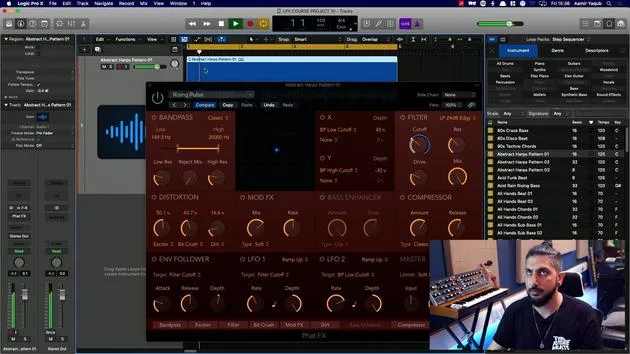
03. Uso de los Multi Effects - Phat FX y Step FX
5:11
04. Configurar un bus de reverb con un send
3:58
05. Usar reverbs en Logic Pro
3:27
06. Uso de delays en Logic Pro
Estás aquí8:02
07. Plugins de distorsión
6:35
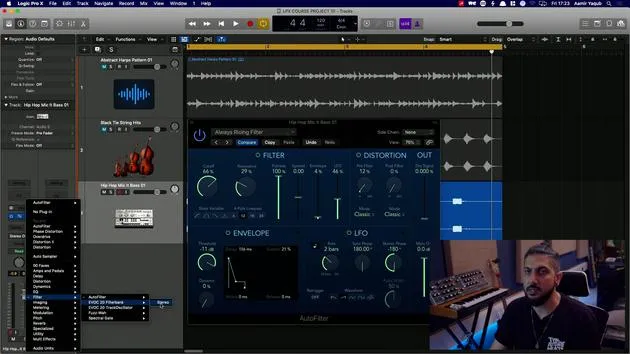
08. Plugins de filtro
5:35
09. Cierre de distorsión y filtros
0:30
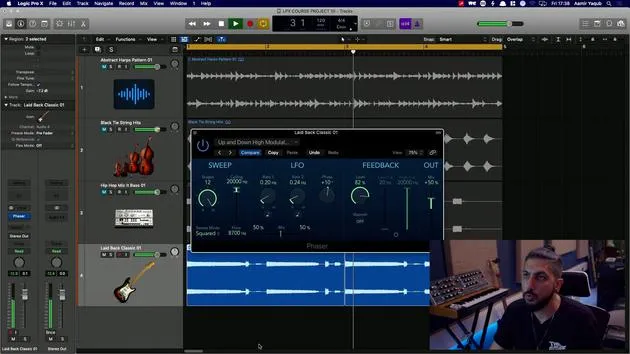
10. Plugins de modulación
12:54
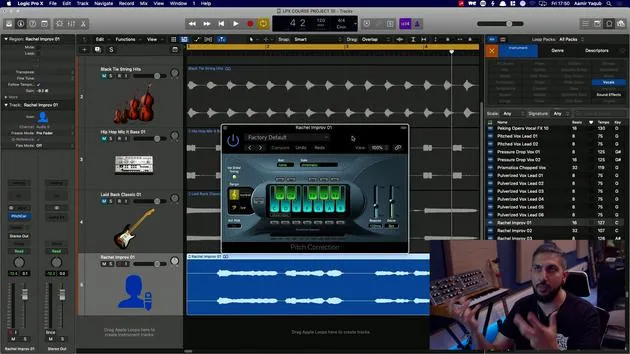
11. Plugins de pitch
6:50
12. Cierre de modulación y pitch
1:03
13. Amplificadores y efectos de pedal
10:38
14. Efectos especializados
5:49
15. EQs (ecualizadores)
7:18
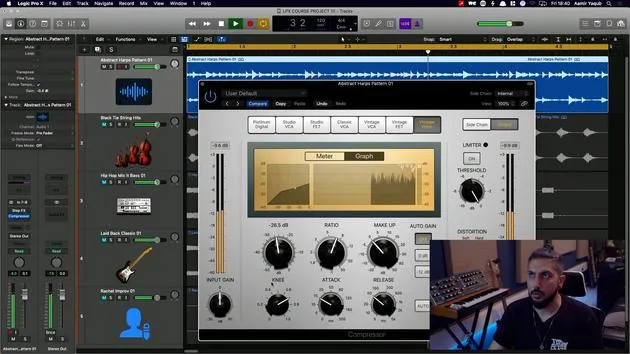
16. Dinámica y compresión
11:43
Transcripción de la lección
Understanding Delays in Music Production
In today's lesson, we will explore the different types of delays available to us and how to set them up, similar to how we would set up reverbs.
What is a Delay?
Delays are used to echo sound, creating a sense of space. For example, in Logic, the Echo effect is one of the simplest delays.
- Function: It repeats sound and fades away gradually, enhancing the sense of a larger space.
Key Features of Delays
-
Delay Time: Works in note values.
- Longer delays create the impression of being in a bigger space.
-
Feedback: Refers to the number of repeats.
- Lower feedback generates a shorter, sharper echo that fades quickly.
- Higher feedback results in more repeats.
Types of Delays in Logic
1. Echo
Echo is a basic yet often overlooked delay type in Logic.
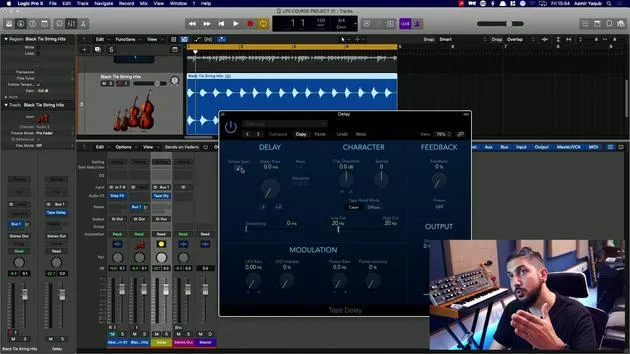
2. Tape Delay
Tape Delay mimics an old tape machine, one of the earliest forms of delay.
-
Characteristics:
- Modulates because tape machines did not run at a consistent speed.
- By enabling tempo sync, you can set it to eighth note triplets.
-
Feedback: You need adequate feedback to achieve repeats.
Demonstration
After adjusting some values, let's take a listen to the sound created by the Tape Delay.
- Freeze Button: This feature allows for creative experimentation, particularly during production when you're looking to add unique elements.
3. Stereo Delay
Stereo Delay consists of two independent delays, one for the left and one for the right channel.
- Customizability:
- You can manipulate parameters separately for each channel.
- For instance, you might use a quarter note for the left and double that for the right.
4. Delay Designer
Delay Designer is a more advanced option known as a multi-tap delay.
- Functionality: You can tap in a custom delay pattern.
How to Use
- Click to start.
- Tap the rhythm you want to create.
This feature allows for unique rhythms, effectively creating its own instrument-like behavior.
Simple vs. Complex Patterns
- For simpler applications, you can set it to infinite repeats.
- For complexity, select patterns like falling patterns, where taps are spaced unevenly.
Individual Tap Parameters
Each repeat (or tap) can be adjusted independently:
- Cutoff
- Resonance
- Transposition
- Panning
- Level
Examples
- A complex filtered pattern would sound different than a simple pitch-shifted delay, as in the case of adjustments made at 16th notes going down in pitch.
Conclusion
Delays offer a creative toolbox for music production, especially the versatile Delay Designer in Logic Pro. Experiment with the various types of delays to enhance your sound and add character to your productions.
16 lecciones
1h 33m de lecciones en vídeo estructuradas
Funciones de vídeo avanzadas
Ralentiza, repite un pasaje, sigue la partitura
Móvil, tablet y ordenador
Practica donde quieras
Garantía de satisfacción 100%
30 días de garantía de devolución
Conoce a tu gurú
Conoce a tu gurú
Aamir Yaqub es un productor e ingeniero musical afincado en Londres. Ha trabajado con algunos de los nombres más grandes de la música, entre ellos Alicia Keys, David Guetta, Rihanna, Sia y will.i.am, además de desarrollar a artistas independientes.
A lo largo de sus cursos enseña su flujo de trabajo completo en Logic Pro: desde la interfaz y la grabación, pasando por la creación de ritmos, la síntesis y los efectos MIDI, hasta la mezcla y el acabado de un tema.







