



Comping de pistas
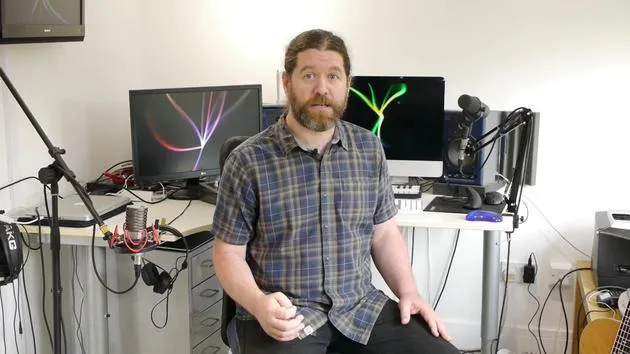
Ciaran Robinson muestra el comping de pistas - combinar las mejores partes de varias tomas vocales en una sola - y luego te propone un reto para que lo pruebes tú.

Qué incluye el curso
31 lecciones (2h 41m) · 1 gratis
01. Resumen de la sección 1
0:25
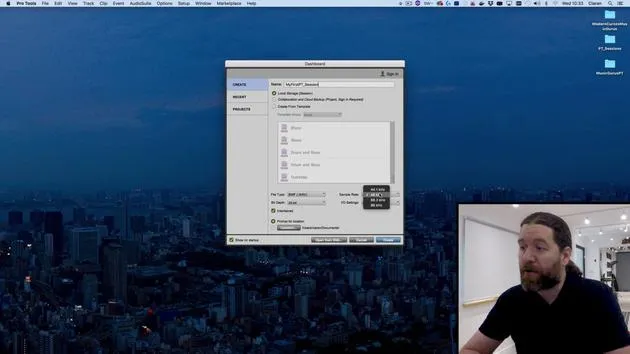
02. Abrir una sesión de Pro Tools y ajustes
Lección gratis4:37
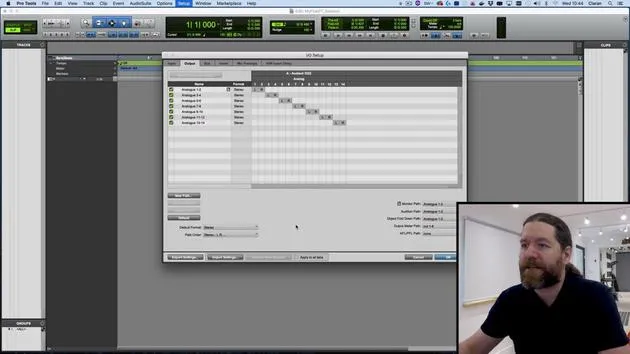
03. Configuración de E/S e interfaz de audio
8:12
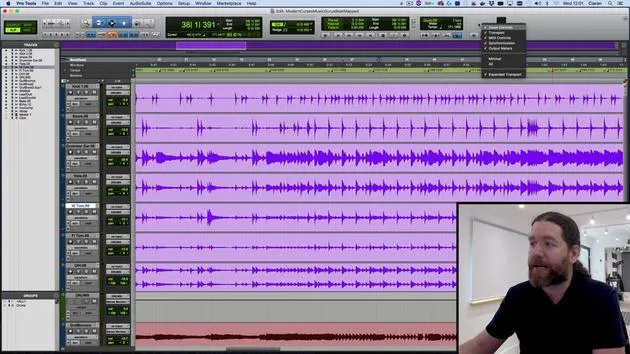
04. Resumen de la ventana de edición
9:35
05. Zoom y altura de las pistas
11:00
06. Tipos de pista y creación de pistas
9:47
07. Configurar una pista de clic
5:11
08. Hacer tu primera grabación
4:01
09. Configuración de grabación
6:11
10. Punch in y punch out
9:10
11. Playlists y grabación en bucle
4:28
12. Guardar y hacer copias de seguridad de tu trabajo
5:04
13. RETO #1: HAZ TU PRIMERA GRABACIÓN
0:27
01. Resumen de la sección 2
0:29
02. Herramientas de edición 1 y hacer selecciones
7:49
03. Herramientas de edición 2 y el resto de herramientas
0:45
04. Modos de edición
5:39
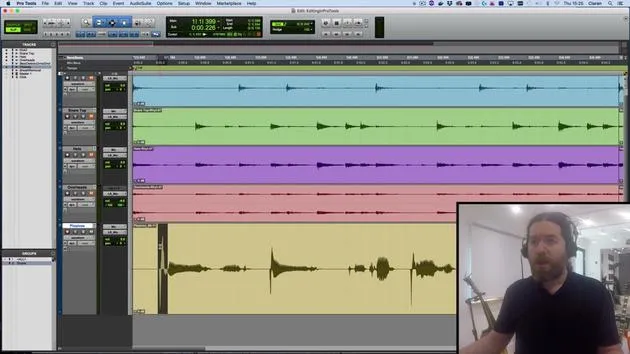
05. Eliminación de plosivas
5:21
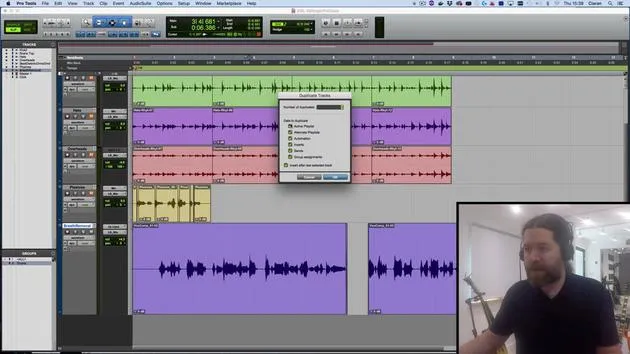
06. Edición de respiraciones
6:22
07. Comping de pistas
Estás aquí5:50
08. TAREA #1: COMPING EN PRO TOOLS
0:31
01. Resumen de la sección 3
0:24
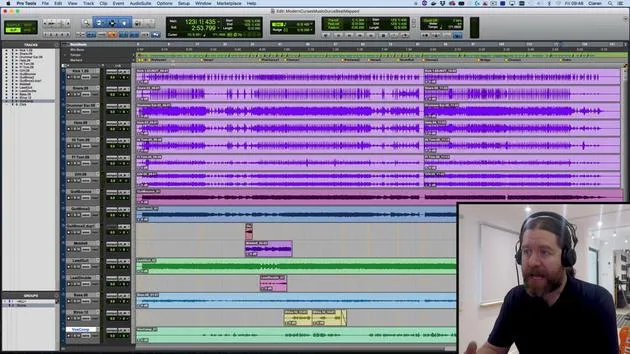
02. La ventana de mezcla
6:17
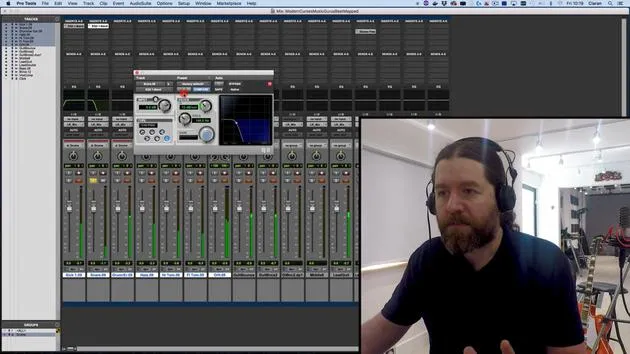
03. Empezar tu mezcla: limpiar los graves
5:17
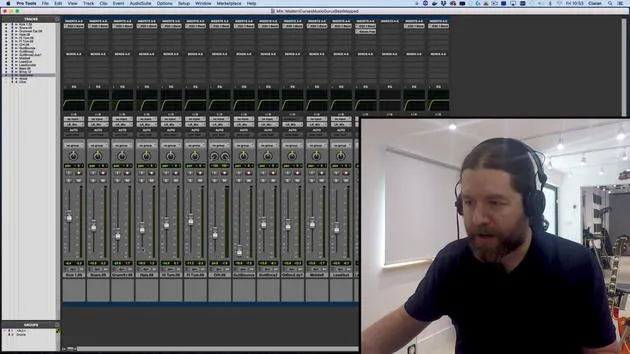
04. Empezar la mezcla: equilibrio de niveles
8:51
05. EQ sustractivo
6:53
06. Procesamiento del rango dinámico
9:46
07. Enrutamiento AUX
6:41
08. Bouncing
4:58

09. ¡Enhorabuena, pero esto es solo el principio!
0:23
Transcripción de la lección
Comping Exercise Challenge
Welcome to the final video of this session! Today, we are going to tackle a comping exercise using four vocal recordings that include jumbled numbers in English, French, Klingon, and Japanese. Your task is to comp the numbers 1 to 10 in either English or Klingon, whichever you prefer.
Saving Your Session
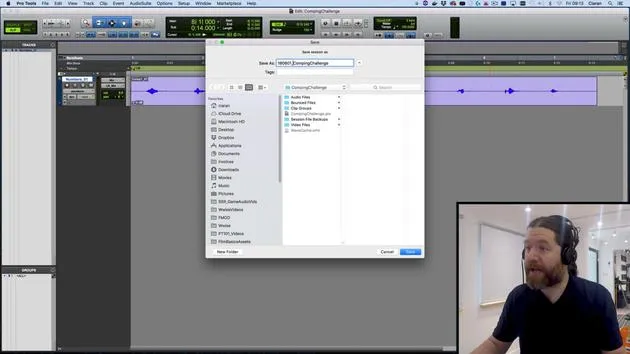
Before we begin, I'll save our Pro Tools session under a different name:
- Go to File and select Save As.
- I will name this 1-806-01 Comping Challenge.
Note: I usually name my files with the date, formatting them in year, month, then day. This way, when I view them, they show up in the order they were created.
Now, if you want to try this exercise again later, you can always return to the original unedited version.
Listening to the Numbers
Here are the numbers we'll be working with. Let's give this a quick listen:
- 1 cha son
- 4 Var ja
- 7
(Okay, apologies for the pronunciation, I'm not a native Klingon speaker!)
Preparing to Comp
Let's begin by changing the view from Waveform to Playlists View. Now we can see the four different versions available. The playlist is named Numbers 1 to 4.
Creating a New Playlist
- I will create a new playlist by selecting Create New Playlist.
- I will name this playlist Comp.
This playlist will hold all the segments I want in the comp version, it's the target playlist, as it appears at the top. You can choose a different track or playlist as the target if you wish, but that's a more advanced comping technique we won't cover today.
Comping the Numbers
-
First, I need to find the number 1 in English. I think it's this one, so I'll solo it:
- 1: And it is indeed!
-
After selecting this, the arrow key has highlighted. This means it will copy my selection to the target playlist. I just click, and there it goes!
-
Now, let's find the 2. Let's have a quick listen:
- (Going through the recordings...)
- 4, Bring that up to the main playlist.
- 7, There's the seven.
- Now, looking for the 2... Ah, there we go!
Note: Remember, you can change the target playlist using the button if needed. If you press copy to target, it will move the selected portion to that specific track.
Listening and Adjusting
Now, let's un-solo and listen to the main playlist again:
- 1, 2, Not too bad; my recording is clean so the dropout in signal level is minimal.
Filling Gaps and Adding Crossfades
To ensure a smooth listening experience, you want to fill any gaps.
- Select the Trim Tool.
- With the Smart Tool selected, drag it out to one side to cover any unintended silence.
- Hold the Control key to restrict movement to the clip boundary.
Finally, decide if you need a crossfade between clips:
- Add a little fade between the two to ensure seamless transitions.
Final Touches
In summary, the goal is to create a clean counting of the numbers 1 to 10.
- Remove any coughs, splutters, or breaths.
- For instance, I can see a little mouth smack just before the 3 that needs to be eliminated.
If there are any plosive issues, remember how to address those from the last video.
Conclusion
From this point on, it's pretty much up to you. Give it a go, comp down the recordings, and hopefully, you'll have a nice, clean counting of 1 to 10 for whichever project you find useful.
As always, if you get stuck, please reach out, and we'll see how we can assist you.
See you later!
31 lecciones
2h 41m de lecciones en vídeo estructuradas
Funciones de vídeo avanzadas
Ralentiza, repite un pasaje, sigue la partitura
Móvil, tablet y ordenador
Practica donde quieras
Garantía de satisfacción 100%
30 días de garantía de devolución
Conoce a tu gurú

Conoce a tu gurú
Ciarán Robinson es un ingeniero de sonido con más de 25 años de experiencia en ingeniería en directo, mezcla, grabación, diseño de estudios y sonido para cine, televisión y videojuegos. Actualmente dirige el máster de Music Producer en Tileyard Education, en Londres, y ha impartido clases en institutos de música contemporánea como BIMM, SSR y SAE.
Lleva más de 20 años dando clases de producción de audio, creando cursos sobre Pro Tools, sonido para videojuegos, ingeniería de estudio y posproducción; algunos de sus antiguos alumnos han llegado a trabajar con artistas como Coldplay y Biffy Clyro.







