



Playlists y grabación en bucle
Ciaran Robinson muestra cómo las playlists te permiten grabar varias tomas de una parte en una misma pista, de modo que puedas seguir intentándolo sin perder versiones anteriores ni hacer ediciones arriesgadas.
Qué incluye el curso
31 lecciones (2h 41m) · 1 gratis
01. Resumen de la sección 1
0:25
02. Abrir una sesión de Pro Tools y ajustes
Lección gratis4:37
03. Configuración de E/S e interfaz de audio
8:12
04. Resumen de la ventana de edición
9:35
05. Zoom y altura de las pistas
11:00
06. Tipos de pista y creación de pistas
9:47
07. Configurar una pista de clic
5:11
08. Hacer tu primera grabación
4:01
09. Configuración de grabación
6:11
10. Punch in y punch out
9:10
11. Playlists y grabación en bucle
Estás aquí4:28
12. Guardar y hacer copias de seguridad de tu trabajo
5:04
13. RETO #1: HAZ TU PRIMERA GRABACIÓN
0:27
01. Resumen de la sección 3
0:24
02. La ventana de mezcla
6:17
03. Empezar tu mezcla: limpiar los graves
5:17
04. Empezar la mezcla: equilibrio de niveles
8:51
05. EQ sustractivo
6:53
06. Procesamiento del rango dinámico
9:46
07. Enrutamiento AUX
6:41
08. Bouncing
4:58
09. ¡Enhorabuena, pero esto es solo el principio!
0:23
Transcripción de la lección
Understanding Playlists in Pro Tools
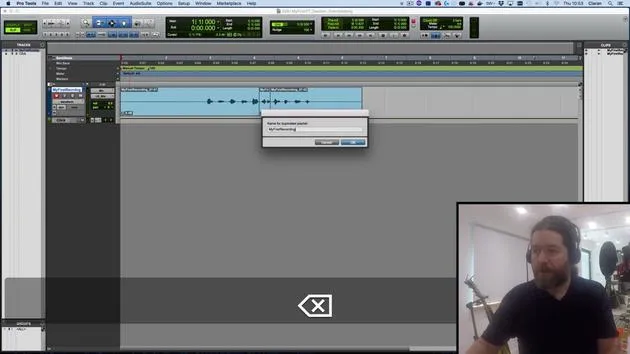
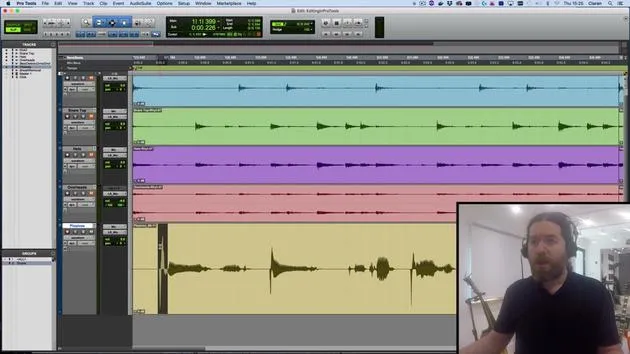
In this video, we're going to take a look at playlists. These are alternative versions of tracks, allowing you to capture multiple attempts at a performance without losing the earlier versions.
Creating a New Playlist
- Let's say I want to redo the numbers 1 to 10. I still haven't quite got the hang of it.
- Instead of overwriting the existing track, I'll click on the little triangle next to the track name and select New.
- I'm happy with the name; it just adds a number at the end of it.
Recording New Takes
- I will arm my track and hit Record:
- "1, 2, 3, 4, 5, 6, 7, 8, 9, 10."
- Great! If I prefer the previous version, not a problem. I can simply click and go back.
Benefits of Playlists
Playlists can also be useful when you're doing some editing and are not 100% sure the changes will be successful.
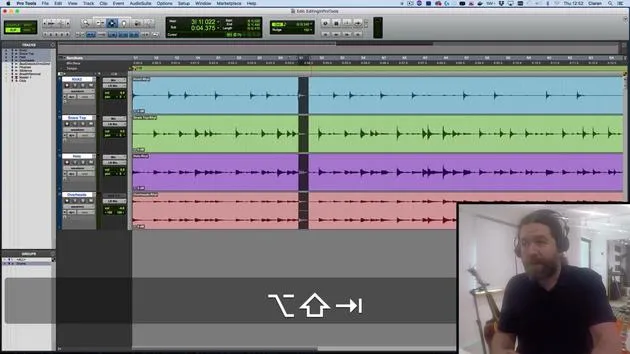
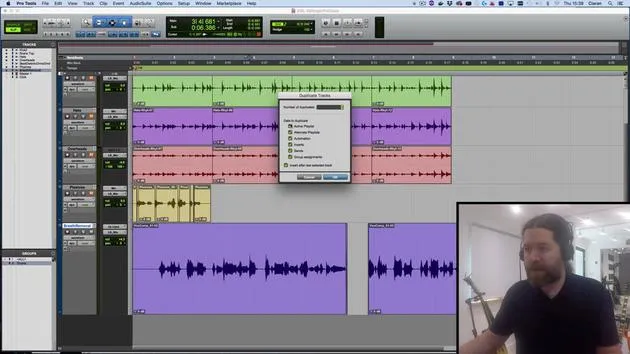
- Instead of relying on the "undo" function, which has a limited capacity in Pro Tools 64, I can back things up as a duplicate playlist.
- To do this, I click here and choose Duplicate from the top menu, adding the word "edit" to the end of that.
Making Edits
Now, I can go through and make some changes:
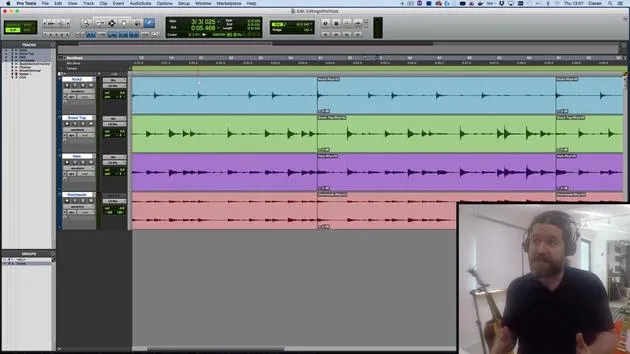
- Let's say I just want to trim this to here.
- There's my new version.
- If I want to go back to the unedited version, it's still available in the original playlist.
Playlists are really handy for this type of work.
Loop Recording
We can also use playlists for loop recording.
- This is where, rather than stopping and starting every single time, we create one continuous loop.
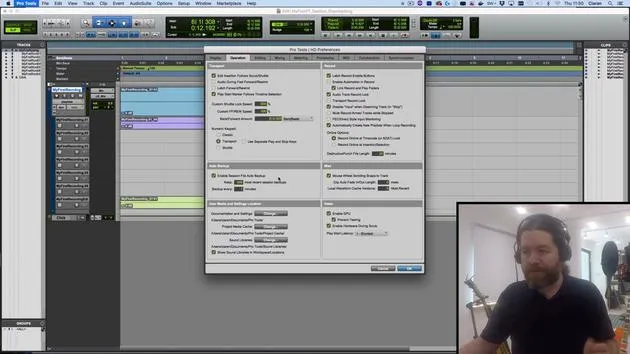
Before we continue, let's check the Pro Tools preferences:
- Navigate to the Operation tab.
- Ensure it is set to automatically create new playlists when loop recording.
Setting Up Loop Recording
- I'll make a selection and turn on Loop Record.
- You might have spotted earlier that we can right-click here; it's also accessible by hitting the 5 button on the numeric keypad.
Recording the Loop
When I hit record:
- "1, 2, 3, 4. 1, 2, 3, 4. 1, 2, 3, 4. 1, 2, 3, 4."
- I'll stop it before it gets halfway.
- This discards the very last started loop. If I went more than halfway, I would get up to that point.
What this does is create one continuous recording.
Listening to the Recording
Let's have a listen to this:
- "1, 2, 3, 4. 1, 2, 3, 4..."
- I can undo that by pressing Z since I have Edit Key Focus turned on.
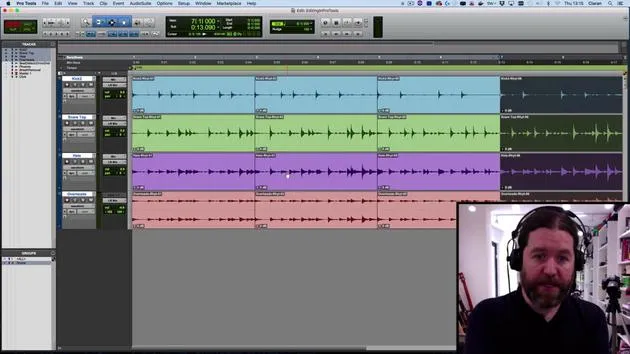
Each of those loop cycles goes into separate playlists. I can access them similarly to before.
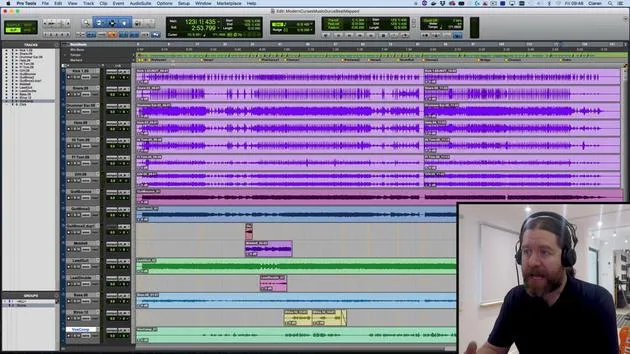
Viewing Playlists
- But a neater option is to change from Waveform View to Playlist View.
- Now we can see all of the different playlists we've created:
- The edit version
- The second version
- The original (with this part replaced)
- All the loops
What's Next?
In the next session, we'll look at comping. This means taking all the good bits from these playlists and creating one version that contains all the best moments.
Remember: Playlists are incredibly useful! If you have a musician who needs multiple attempts to get things right, you can later pick and choose the best parts.
31 lecciones
2h 41m de lecciones en vídeo estructuradas
Funciones de vídeo avanzadas
Ralentiza, repite un pasaje, sigue la partitura
Móvil, tablet y ordenador
Practica donde quieras
Garantía de satisfacción 100%
30 días de garantía de devolución
Conoce a tu gurú
Conoce a tu gurú
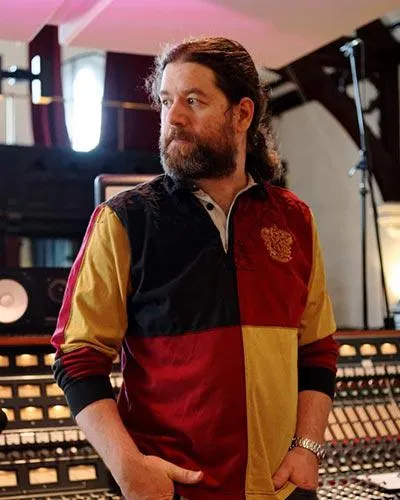
Ciarán Robinson es un ingeniero de sonido con más de 25 años de experiencia en ingeniería en directo, mezcla, grabación, diseño de estudios y sonido para cine, televisión y videojuegos. Actualmente dirige el máster de Music Producer en Tileyard Education, en Londres, y ha impartido clases en institutos de música contemporánea como BIMM, SSR y SAE.
Lleva más de 20 años dando clases de producción de audio, creando cursos sobre Pro Tools, sonido para videojuegos, ingeniería de estudio y posproducción; algunos de sus antiguos alumnos han llegado a trabajar con artistas como Coldplay y Biffy Clyro.







