



Introducción a Alchemy

Con
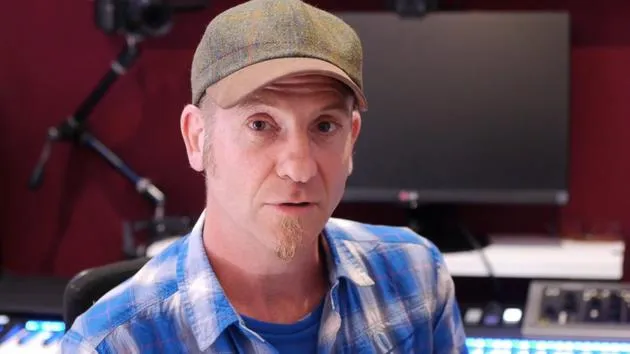
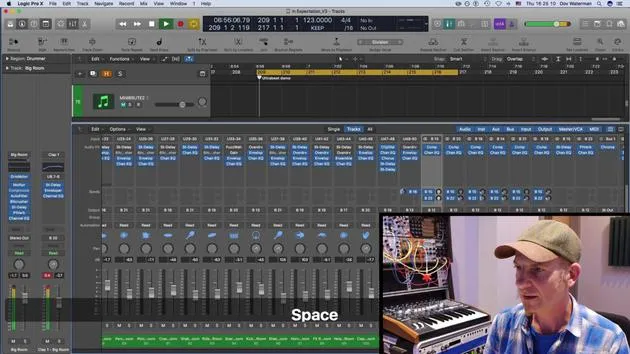
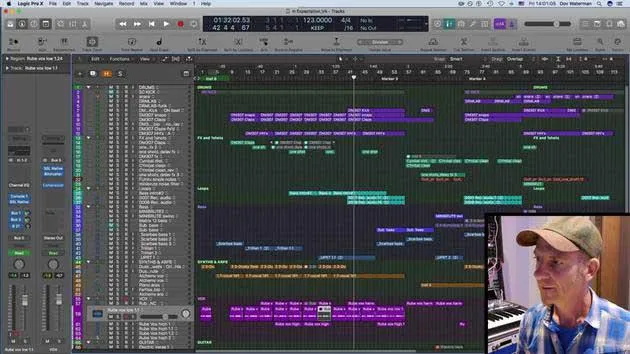
Dov WatermanDov Waterman presenta el sintetizador Alchemy de Logic y cómo usar la síntesis para añadir originalidad y movimiento a tus temas.
Qué incluye el curso
14 lecciones (1h 19m) · 1 gratis
Transcripción de la lección
Synthesis: Creating Originality and Movement in Music
In this section, we're going to talk about synthesis to create originality and movement interest within our music.
Overview of Synthesis
- The first synthesizer was the organ.
- As an additive synthesizer, it started with a fundamental note and involved pulling out stops to create a richer sound.
Modern Synthesizers
Fast forward to today, we have many different types and forms of synthesis. Logic goes some way to emulate these various forms and synthesizers from the past.
Notable Synthesizers in Logic:
- Various samplers, including EX24
- Ensemble synth
- Monophonic synth
- Polyphonic synth
- ES1 and ES2
Focus on Alchemy and Sculpture
Two instruments to note for our discussion are Alchemy and Sculpture.
Alchemy: The Swiss Army Knife of Synthesizers
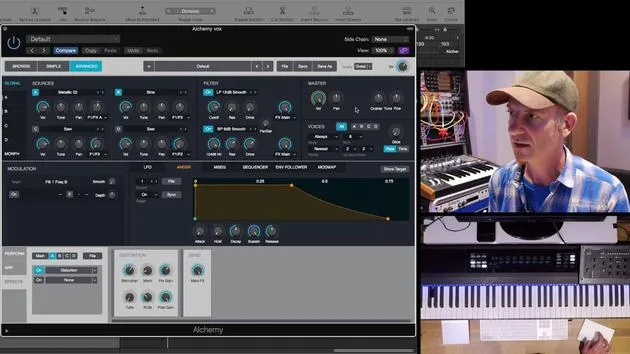
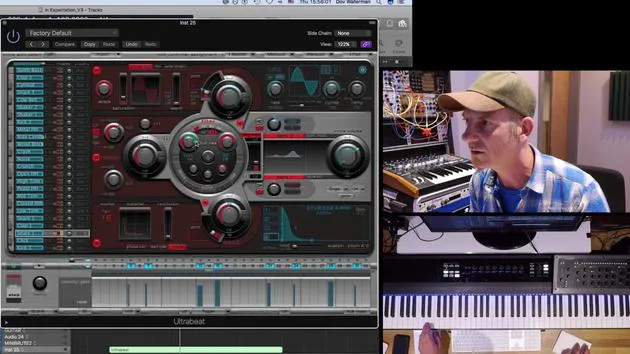
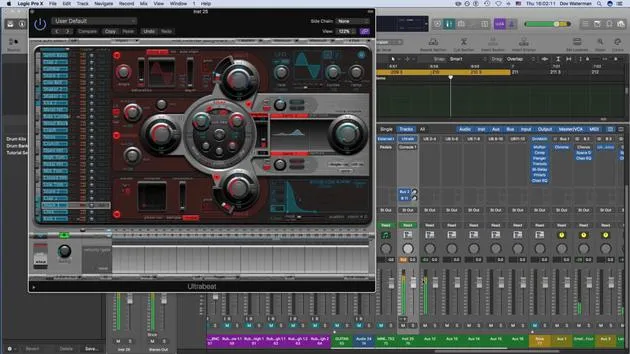
Alchemy is essentially a synthesizer cum sampler. The most interesting part of this synthesizer is that you can input your own audio, including any sample, such as EXS24.
Fun Fact: EX24 has been around as a sampler in Logic for many years without updates and was one of the only parts of Logic that hadn't been updated for quite a while until Alchemy came along.
Background of Alchemy:
- Developed by a company called Camel Audio, which was bought by Apple a few years ago.
- Alchemy resurfaced as an Apple instrument, specifically within Logic.
- Functions as both a sampler and a synthesizer, but it's a highly advanced synthesizer essentially composed of four synthesizers in one. Each can be considered a source on its own.
Overview of the Alchemy Interface
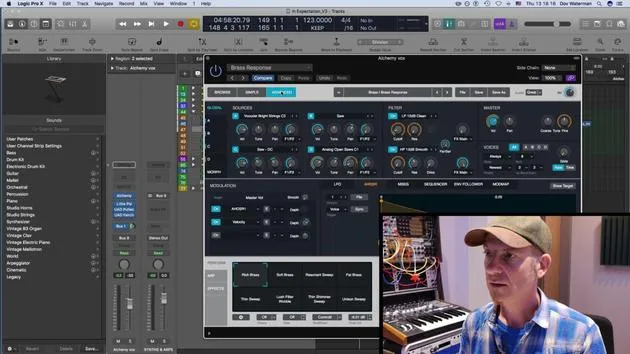
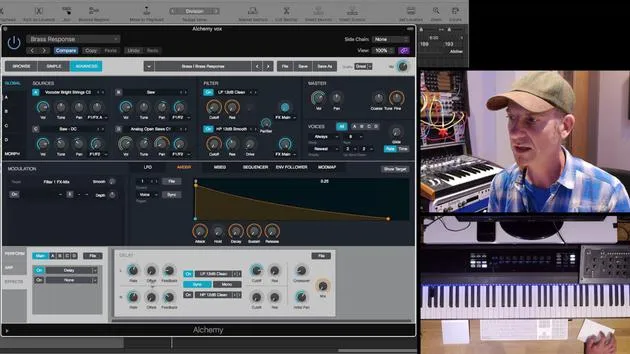
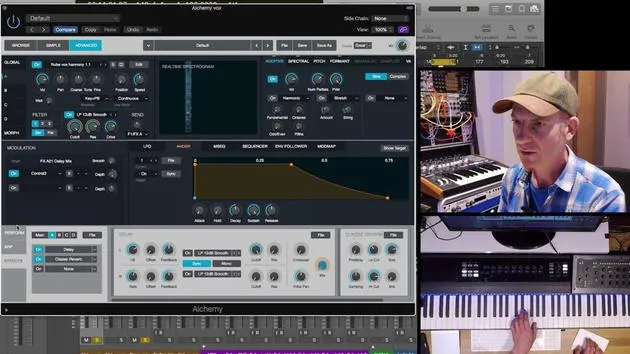
I will give a brief overview of the interface, as it's quite deep. I will highlight a few crucial aspects.
Key Components:
- Instrument Selection: You pull up an instrument.
- Browser Interface:
- Three Browsers/Tabs:
- Browse Section: Categories for different sounds and subcategories (e.g., arpeggiated sounds, organic sounds, various genres and timbres).
- A plethora of presets to choose from.
- Three Browsers/Tabs:
Note: By setting everything to "all," you can see hundreds of presets available.
Creating Your Own Preset:
- One of the beauties of any virtual synthesizer, including Alchemy, is that you can create your own preset:
- Tweaked Presets: Modify an existing preset and save it.
- Default Sounds: Pull up a default preset, tweak it, and save it as your own.
Conclusion
This overview touches upon the browse section and the modulation sections. The advanced section is where the real magic happens!
14 lecciones
1h 19m de lecciones en vídeo estructuradas
Funciones de vídeo avanzadas
Ralentiza, repite un pasaje, sigue la partitura
Móvil, tablet y ordenador
Practica donde quieras
Garantía de satisfacción 100%
30 días de garantía de devolución
Conoce a tu gurú
Conoce a tu gurú
Dov Waterman es compositor, pianista y productor. Ha escrito y diseñado el sonido de películas como After Earth, Terminator Genisys, Transformers: The Last Knight y The Snowman, y trabaja como editor de audio de bibliotecas de samples y diseñador de sonido con empresas como Native Instruments y SonoKinetic.
Su serie Composition in Logic recorre la construcción de un tema de principio a fin en Logic Pro —desde las plantillas y el flujo de trabajo hasta la síntesis y la programación de ritmos, los efectos MIDI, la edición y la mezcla final— para productores que quieran convertir sus ideas en discos terminados.







