



Medición pre-fader vs post-fader

Con
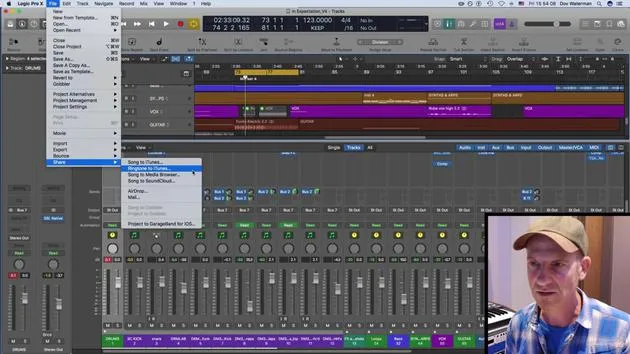
Dov WatermanLa diferencia entre la medición pre-fader y post-fader en Logic: pre-fader siempre muestra la señal de origen, mientras que post-fader refleja el nivel después del fader del canal.
Qué incluye el curso
14 lecciones (0h 33m) · 1 gratis
01. Introducción a la mezcla y la automatización
Lección gratis0:45
02. Puliendo tu tema
2:52
03. Enfocar la mezcla: organización y ajuste de niveles
6:42
04. Ampliar el sonido de la batería
3:47
05. Side-chaining
2:42
06. Medición pre-fader vs post-fader
Estás aquí2:45
07. Cuantización y flex-timing
2:05
08. Comprobar los niveles y añadir compresión
1:18
09. Procesamiento creativo y efectos
3:14
10. TAREA: Track Alternatives
1:02
Transcripción de la lección
Understanding Pre-Fader and Post-Fader Metering in Mixing Logic
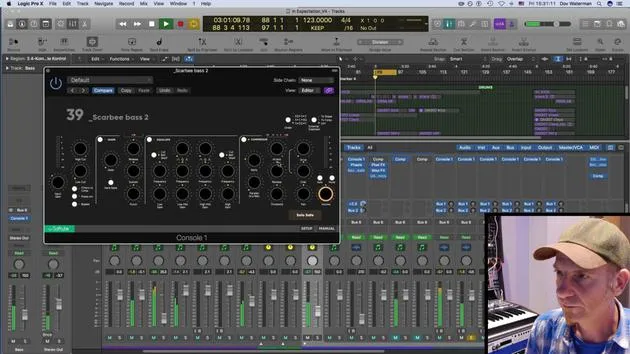
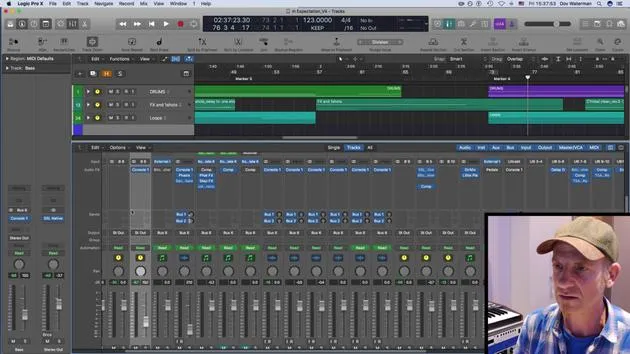
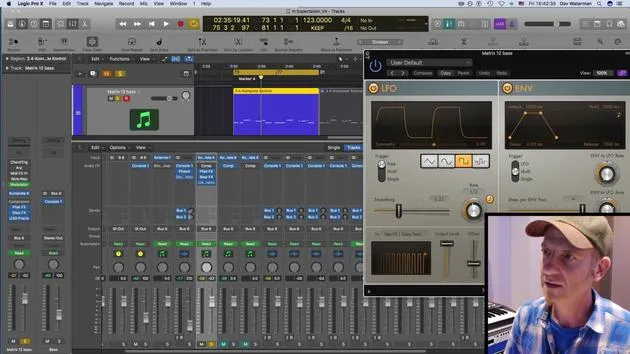
One important aspect to note when mixing in Logic is the choice between pre-fader and post-fader metering.
Post-Fader Metering
- Post-fader metering shows you the signal after it has passed through the channel.
- If you're listening to something and you lower the volume here, it will lower the overall output volume.
Pre-Fader Metering
- Pre-fader metering displays the original output signal, regardless of your fader position.
- No matter where you set the fader, it will always indicate the original signal.
Key Differences
- If you're peaking, the input signal will still show peaking status even if the output volume is low.
- This provides a far better representation of your mixing status and helps you identify any peaking at the main volume.
Example
- For instance, if your fader is down but the meter shows the signal is still up, you can see where the peaks are:
- "Whether I have it up here or down here, it's still going to show me the source signal."
- If I'm peaking over here, even when the volume is very low, I'll be aware of where it is at.
Adjusting Levels
- I might go ahead and adjust whichever instrument is peaking.
- For example, the bass seems to be too high; I can pull it down a bit now.
- Be careful: lowering it here influences the output volume, but the original signal remains high.
Final Adjustments
- The original signal is coming through the ACQ section of my SSL console.
- My approach would be to lower the input signal slightly and perhaps apply a little compression.
- For now, I'll leave the EQ as is since it doesn't bother me much.
- Overall, the signal level is acceptable now.
Let's see how the next instrument is performing.
14 lecciones
0h 33m de lecciones en vídeo estructuradas
Funciones de vídeo avanzadas
Ralentiza, repite un pasaje, sigue la partitura
Móvil, tablet y ordenador
Practica donde quieras
Garantía de satisfacción 100%
30 días de garantía de devolución
Conoce a tu gurú
Conoce a tu gurú
Dov Waterman es compositor, pianista y productor. Ha escrito y diseñado el sonido de películas como After Earth, Terminator Genisys, Transformers: The Last Knight y The Snowman, y trabaja como editor de audio de bibliotecas de samples y diseñador de sonido con empresas como Native Instruments y SonoKinetic.
Su serie Composition in Logic recorre la construcción de un tema de principio a fin en Logic Pro —desde las plantillas y el flujo de trabajo hasta la síntesis y la programación de ritmos, los efectos MIDI, la edición y la mezcla final— para productores que quieran convertir sus ideas en discos terminados.







