



Enfocar la mezcla: organización y ajuste de niveles
Lesson time: (6min 42sec)
Dov Waterman prepara una sesión para la mezcla: nombra y asigna colores a las partes, agrupa las pistas y ajusta los niveles para que nada sature antes del procesamiento.
Course preview
This lesson is part of the course Composición en Logic: Mezcla, finalización y bounce
Watch a preview of the full course below.
Lesson transcript:
Mixing Approach: A Step-by-Step Guide
General Housekeeping
Before I put my mixing hat on, I like to get everything in order. Here are some general practices I follow:
-
Naming and Coloring:
- I'll name all the parts and color them for clarity.
- This helps me see what's actually going on in the mix.
-
Organization:
- My drums, effects, and other components are all color-coded and organized within their respective track folders.
Initial Mixing Process
When I start mixing, I usually focus on the drums first. Here's how I approach it:
-
Selecting a Drum Group:
- I often begin with the busiest section of the song to get the levels right.
-
Monitoring Levels:
- Always keep an eye on the levels, especially on the drum group. It's essential to avoid peaking.
- For instance, if I notice peaks in the levels, I'll adjust accordingly before adding any compression.
Mixing Basics 101
-
Watch Your Levels:
- Ensure your drum group does not peak.
-
EQ Considerations:
- Remember that boosting frequencies with EQ will increase the overall levels in your summing bus.
- If you're peaking, consider lowering the levels of your EQ settings instead of the track itself.
Equipment Used
-
Softube Console 1:
- I'm using this software emulation of an SSL G series console.
- It allows me to manipulate my channels easily.
-
Channel Configuration:
- For example, I'm currently on Channel 4, where I've set the input gain quite low.
Depth of Mixing
-
Drum Processing:
- I've added a compressor but opted out of additional EQ for the drums.
-
Next Steps:
- I'll move on to the snaps, which are quite low in the mix.
- I plan to boost the higher frequencies here without making them too nasally.
Adjustments and Final Thoughts
-
Boosting Frequencies:
- I'll adjust the gain slightly to add some drive and character, ensuring not to exceed the peak levels on the master bus.
-
Snare and Kick:
- I continuously monitor the overall levels from here to maintain balance in the mix.
By maintaining focus on these elements, I ensure a cohesive and well-balanced sound in my tracks.
About the instructor
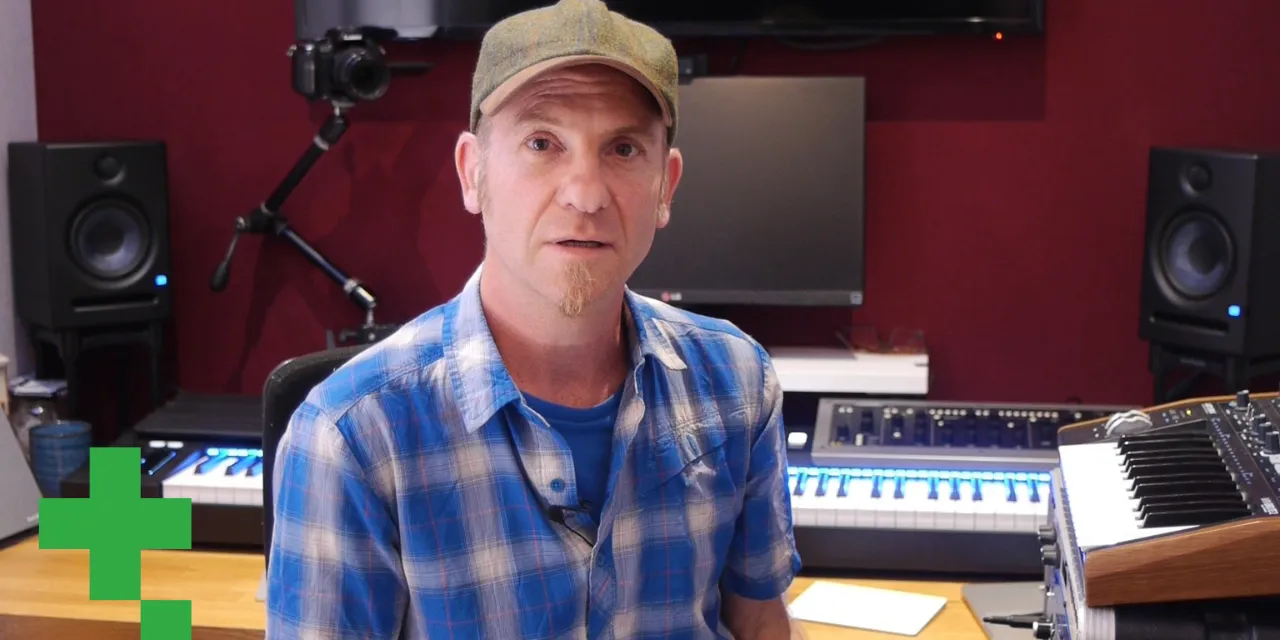
Dov Waterman es compositor, pianista y productor. Ha escrito y diseñado el sonido de películas como After Earth, Terminator Genisys, Transformers: The Last Knight y The Snowman, y trabaja como editor de audio de bibliotecas de samples y diseñador de sonido con empresas como Native Instruments y SonoKinetic.Su serie Composition in Logic recorre la construcción de un tema de principio a fin en Logic Pro —desde las plantillas y el flujo de trabajo hasta la síntesis y la programación de ritmos, los efectos MIDI, la edición y la mezcla final— para productores que quieran convertir sus ideas en discos terminados. read more