



Bouncing y exportación de stems

Con
Dov WatermanDov muestra cómo hacer el bounce y exportar tu tema como stems en Logic: agrupando en folder tracks y ajustando las tasas correctas de 48 kHz para entregar al cliente.
Qué incluye el curso
14 lecciones (0h 33m) · 1 gratis
01. Introducción a la mezcla y la automatización
Lección gratis0:45
02. Puliendo tu tema
2:52
03. Enfocar la mezcla: organización y ajuste de niveles
6:42
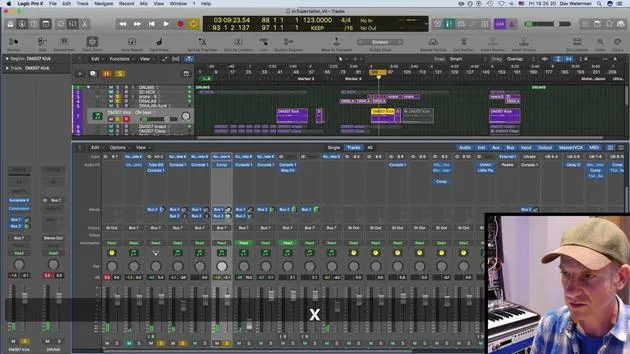
04. Ampliar el sonido de la batería
3:47
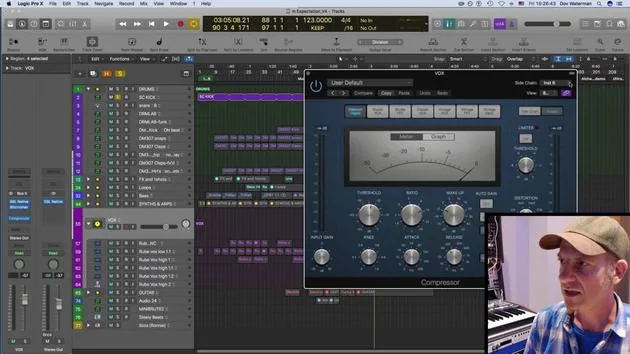
05. Side-chaining
2:42
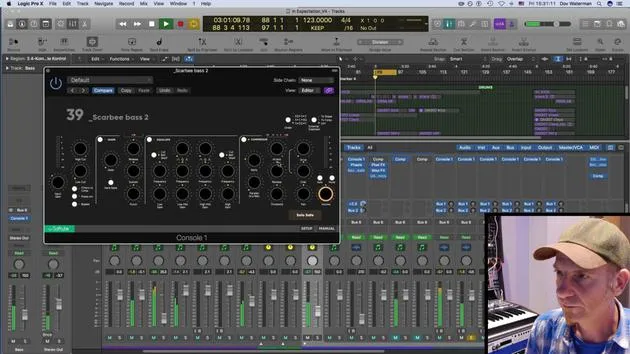
06. Medición pre-fader vs post-fader
2:45
07. Cuantización y flex-timing
2:05
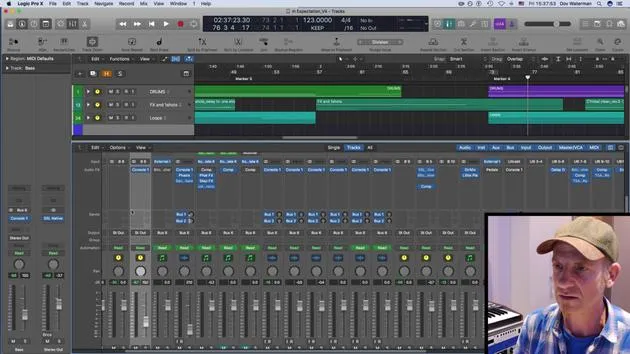
08. Comprobar los niveles y añadir compresión
1:18
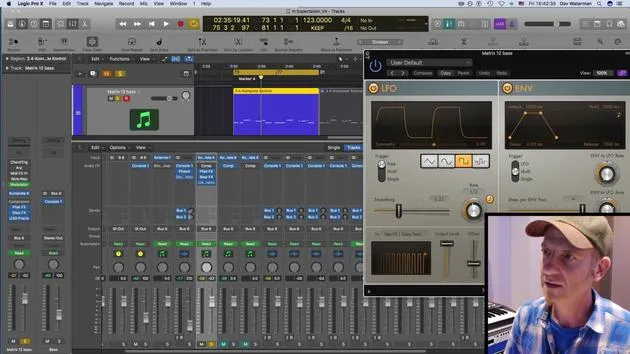
09. Procesamiento creativo y efectos
3:14
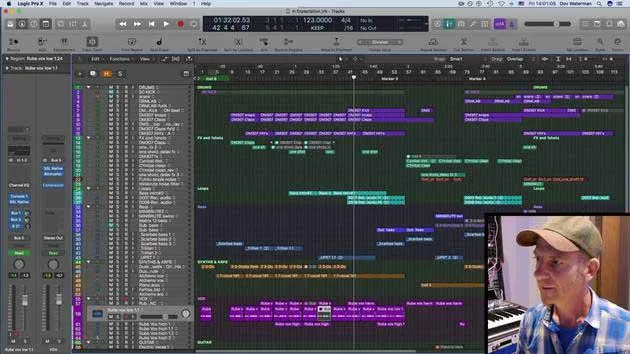
10. TAREA: Track Alternatives
1:02
Transcripción de la lección
Preparing Your Mix for Clients
Once my track is mixed and I've leveled everything, along with some automation on various tracks to maintain a linear flow, I'll discuss getting the mix ready for clients in stems.
Sending Content to Clients
Collaboration is key! Consider how your clients prefer to receive their content. This can vary depending on the type of client, whether it's a production house, TV, broadcast, or other media outlets.
Standard Requirements
For broadcast purposes, there are specific standards:
- Bit Rate: Usually set at 48 kHz.
- Sample Rate: Consistently maintains at 48 kHz as well.
I'll bounce down files into folders maintaining these appropriate rates and sample sizes. My audio tracks are already grouped into stems, making it easier to work with folder tracks for bouncing.
Bouncing Stems
Clients typically request:
- Stereo tracks
- Bounced stereo tracks of various stems
The Bouncing Process
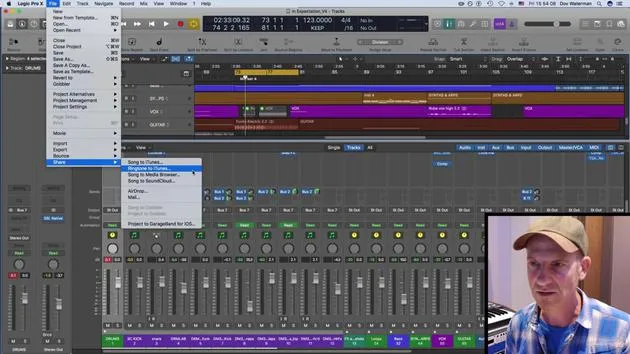
- Solo the Track: Start by singling out specific tracks you want to bounce.
- Check Levels: Ensure your levels and parameters are correct.
- Set Sample Rate: Confirm it's set to 48 kHz for broadcast and media.
- Bounce it: Press OK, choose your save location, name the file, and initiate the bounce.
Additional Stems
Depending on the client's needs, I may also bounce out:
- Reverb Stems: This includes auxiliary effects or sends.
- Drum Bus: Everything routed to the drum bus will be considered, whether it's vocals, drums, or other components.
This process enhances the level of control for clients, especially those working on remixes or layering under dialogue.
Final Thoughts
In my experience, much of my work ends up in trailers, which often feature significant dialogue combined with heavy sound design. Clients appreciate the ability to control what they pull out and mix in, so I always ensure they have access to the necessary stems, sometimes just the reverb bus, for their projects.
By following these steps, you can ensure your mix is client-ready and you provide them with the flexibility they need in their productions.
14 lecciones
0h 33m de lecciones en vídeo estructuradas
Funciones de vídeo avanzadas
Ralentiza, repite un pasaje, sigue la partitura
Móvil, tablet y ordenador
Practica donde quieras
Garantía de satisfacción 100%
30 días de garantía de devolución
Conoce a tu gurú
Conoce a tu gurú
Dov Waterman es compositor, pianista y productor. Ha escrito y diseñado el sonido de películas como After Earth, Terminator Genisys, Transformers: The Last Knight y The Snowman, y trabaja como editor de audio de bibliotecas de samples y diseñador de sonido con empresas como Native Instruments y SonoKinetic.
Su serie Composition in Logic recorre la construcción de un tema de principio a fin en Logic Pro —desde las plantillas y el flujo de trabajo hasta la síntesis y la programación de ritmos, los efectos MIDI, la edición y la mezcla final— para productores que quieran convertir sus ideas en discos terminados.







