



Trabajar con sonidos orquestales

Con
Dov WatermanDov Waterman muestra cómo creó pads orquestales a partir de samples de cuerdas troceados, y demuestra la función MIDI chase de Logic.
Qué incluye el curso
9 lecciones (0h 51m) · 1 gratis
01. Bienvenido al curso y la visión de Dov sobre la creatividad
3:29
02. Introducción al proceso de escritura
0:23
03. Estudio de caso - el tema de Dov Witches' Whisper
3:22
04. La creatividad empieza con una buena plantilla
Lección gratis5:08
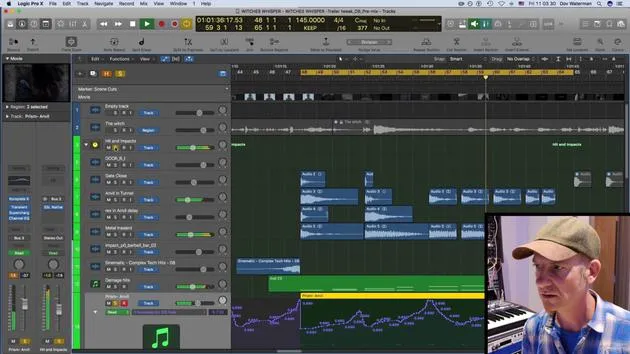
05. Automatización creativa
6:20
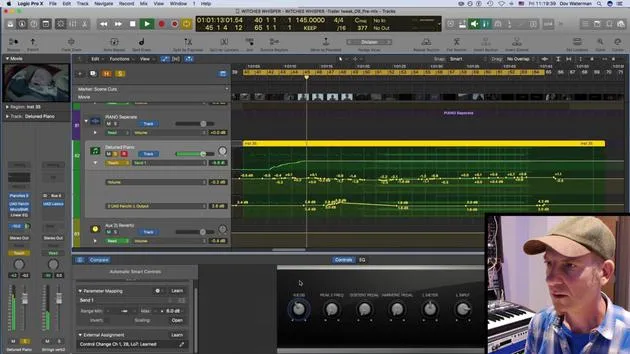
06. Diseño de sonido creativo y más automatización
15:23
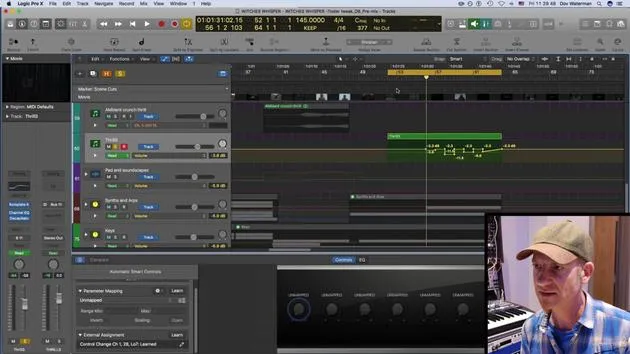
07. Trabajar con sonidos orquestales
Estás aquí4:09
08. Trabajar con elementos de sintetizador
12:15
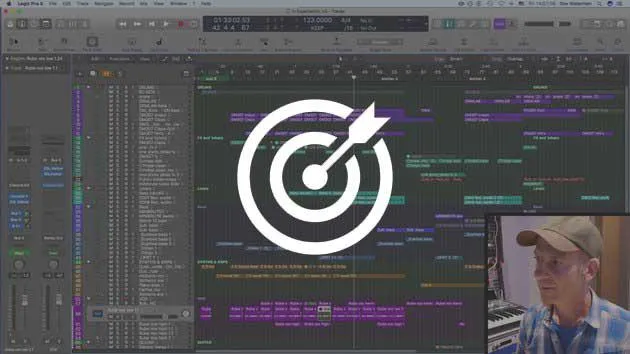
09. DESAFÍO #1: SMART CONTROLS Y AUTOMATIZACIÓN
0:55
Transcripción de la lección
Creative Automation in Orchestral Sections
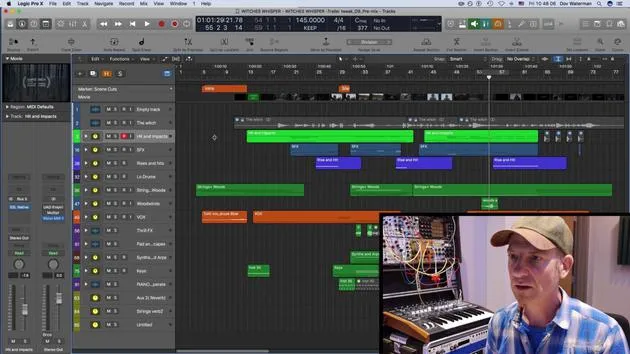
So yeah. Okay, let's pick out some themes from the orchestral sections. Here are some pads and screechy bits that I've created using various string samples.
Cutting Up Sounds
- This sound over here is just cut up.
- Just a few various cuts from some other line that I had playing.
Understanding MIDI Chase
As I've mentioned, normally if we play a long sustained loop or sample (in this case, it's just a held down note), I have some automation going on. But it's basically just a cluster of strings with one key held all the way down.
- If we look at the MIDI, it's just one key.
- Now, normally in typical circumstances, if we play the section from here, it would play the note.
However, if we're dealing with a long note and want to start from a specific point, the key wouldn't play. You'd have to start the sample over for it to catch the audio, the actual sound.
MIDI Chase Functionality
Well, not if you have MIDI Chase on.
- Go to your project settings.
- Navigate to MIDI.
This setting is project-specific, so you need to enable it for each project. It's not something you adjust in your global preferences.
- Go to Chase and ensure you have Notes On.
By default, this would be off. Not quite sure why, but it's a default setting in Logic.
If you turn this on and have sustained notes enabled, you're all set.
- This means if I have a very long note playing throughout a whole section and I want it to start at, say, bar 57, it will actually catch it in the mid-section when I start playback there.
Benefits of MIDI Chase
This feature is incredibly handy.
- It saves time, allowing you to jump straight to a desired bar rather than playing the whole section from the start.
- In the past, if I really liked the sound and had it exactly how I wanted, I would just bounce it down as audio. This way, when mixing or doing further editing, I wouldn't face the problem of starting samples from the beginning, especially if they're long samples.
So, remember, MIDI Chase is a really handy little tool to keep in mind.
9 lecciones
0h 51m de lecciones en vídeo estructuradas
Funciones de vídeo avanzadas
Ralentiza, repite un pasaje, sigue la partitura
Móvil, tablet y ordenador
Practica donde quieras
Garantía de satisfacción 100%
30 días de garantía de devolución
Conoce a tu gurú
Conoce a tu gurú
Dov Waterman es compositor, pianista y productor. Ha escrito y diseñado el sonido de películas como After Earth, Terminator Genisys, Transformers: The Last Knight y The Snowman, y trabaja como editor de audio de bibliotecas de samples y diseñador de sonido con empresas como Native Instruments y SonoKinetic.
Su serie Composition in Logic recorre la construcción de un tema de principio a fin en Logic Pro —desde las plantillas y el flujo de trabajo hasta la síntesis y la programación de ritmos, los efectos MIDI, la edición y la mezcla final— para productores que quieran convertir sus ideas en discos terminados.







