



Diseño de sonido creativo y más automatización

Con
Dov Waterman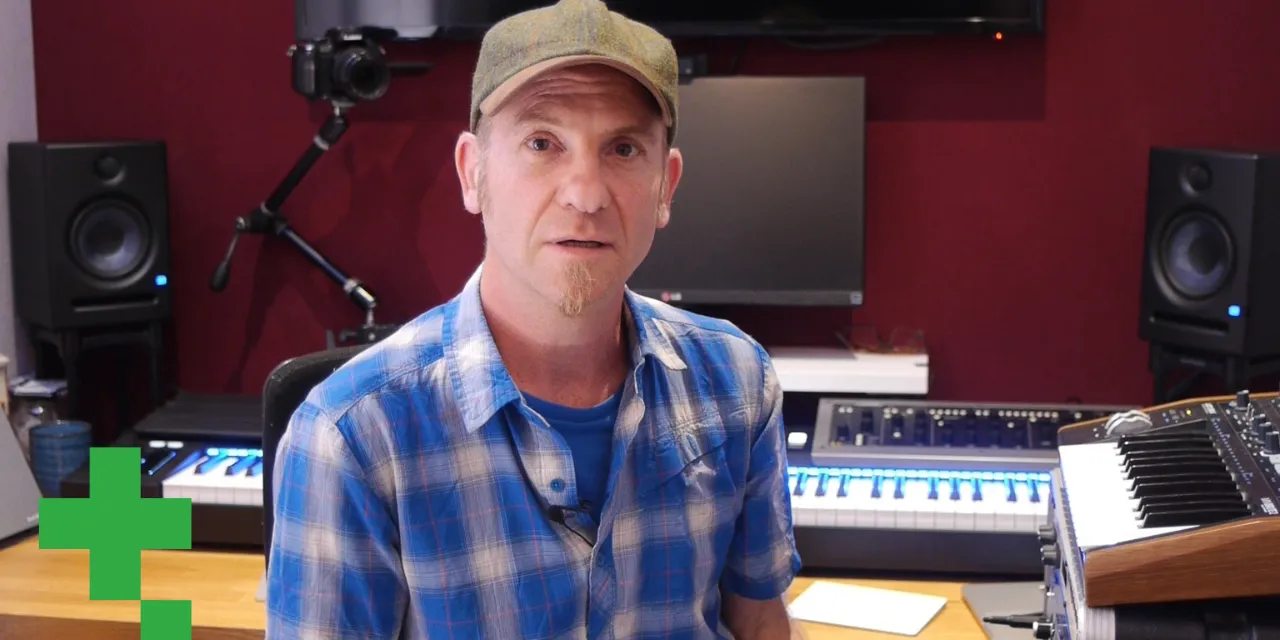
Qué incluye el curso
9 lecciones (0h 51m) · 1 gratis
01. Bienvenido al curso y la visión de Dov sobre la creatividad
3:29
02. Introducción al proceso de escritura
0:23
03. Estudio de caso - el tema de Dov Witches' Whisper
3:22
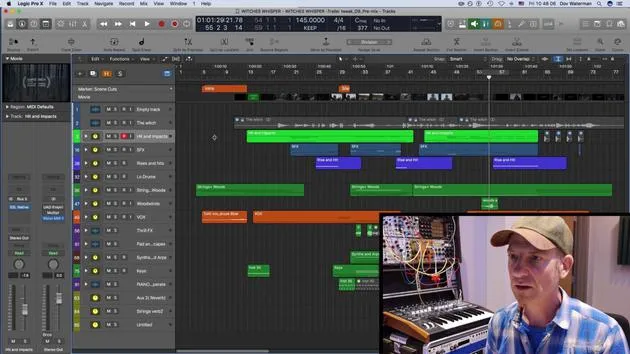
04. La creatividad empieza con una buena plantilla
Lección gratis5:08
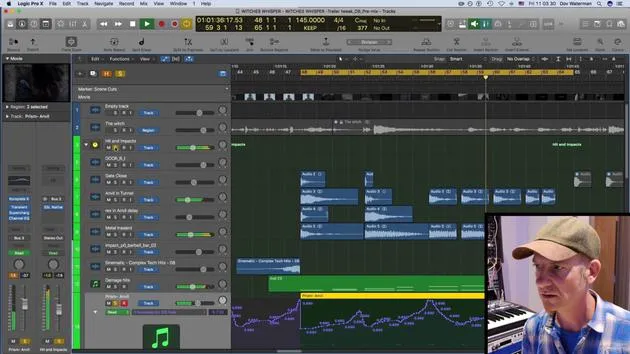
05. Automatización creativa
6:20
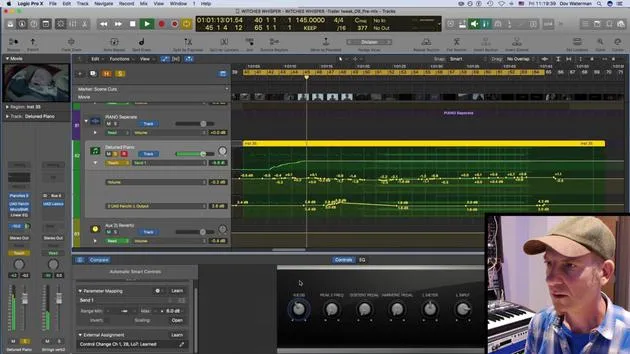
06. Diseño de sonido creativo y más automatización
Estás aquí15:23
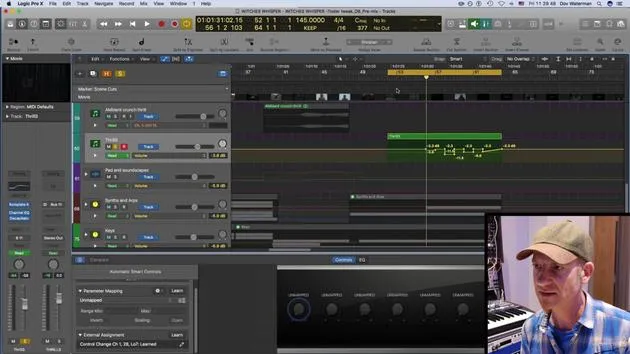
07. Trabajar con sonidos orquestales
4:09
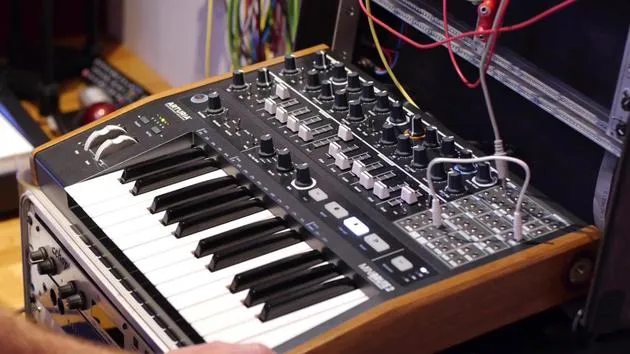
08. Trabajar con elementos de sintetizador
12:15
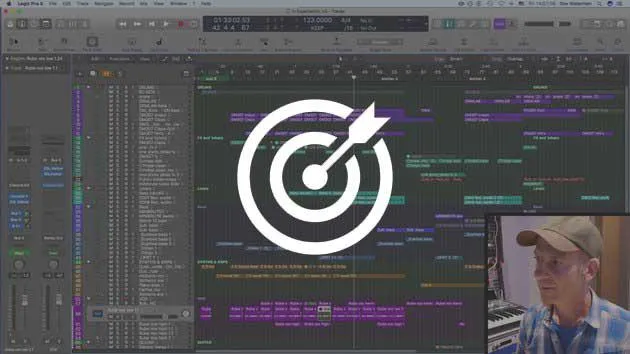
09. DESAFÍO #1: SMART CONTROLS Y AUTOMATIZACIÓN
0:55
Transcripción de la lección
Music Lesson: Using Organic Sounds in Production
Introduction to Organic Sounds
Using organic sounds and familiar elements, whether orchestral or other types of real instruments, provides a foundation for music production. By mangling these sounds, you can create starting points for further processing while still maintaining a connection to the original sound.
It is important to have some kind of earthly connection, rather than producing something completely otherworldly. For me, orchestral sounds and piano are intrinsic to all my music. I often create a structural bed with these elements but then take pieces from that and manipulate them. This approach ensures a link remains, a consistency that contributes to the overall sound.
The Key Setup
Back to Keyboards
Let's revisit our keyboards. This was a recording of my old piano at home, playing random keys with some eerie tones. It is paired with a detuned piano, contributing to the overall texture.
Virtual Instruments
I use various virtual instruments, including Pianotek 2 and Pianotek 5. I've adjusted elements of the action and keys to achieve an old, distorted sound. The modulation I've implemented is primarily on volume.
- Volume Automation: Let's examine some added modulation to provide a demonstration.
Demonstration of Automation
- Parameters Selection: I'm selecting two parameters for this sound.
- Channel Strip: This instrument is here with volume automation in place.
- Building Tension: As the track progresses, I want to create more tension by automating the bus that sends audio to my Lexicon reverb.
Adjustments to EQ
- I'll also control my linear EQ, gradually boosting frequencies around 190-200 Hz to sweep through the boost.
Smart Controls
I'm using smart controls, which sometimes behave oddly, particularly when dealing with non-logic plugins.
- Unmapping Controls: I'll delete any unmapped controls that I'm not using.
- Sustain Pedal Mapping: Let's automate the sustain pedal's functionality.
Managing Latency
As I work with a lot of heavy processing, there's significant delay due to latency. To combat this, I use low latency mode, which optimizes everything for recording.
Using Low Latency Mode
- Purpose: This mode is beneficial when you have many plugins and need to play in time without latency. However, I'll turn it off for now since I'm not actively playing.
Automating Effects
I'm adjusting the track automation mode to refine the volume and reverb settings.
Adjusting Automation Points
- Highlighting Automation: Using control + A, I toggle on track automation.
- Lassoing for Movement: I can select specific automation sections and adjust their timings for a smoother overall sound.
- Creating Copies: By holding Alt while dragging, I can copy sections of automation.
Fine-Tuning the Sound
- Smoothing Automation Lines: I adjust automation points into straight lines to create a more cohesive effect.
Creative Process Reflection
These decisions are made at the end of the creation process. The initial phase is about sound design and thematic ideas, while the arrangement and mixing call for a different mindset.
- Splitting Creative Work: I compartmentalize my time to focus on sound design first, before transitioning into arrangement.
Final Touches
- After adding the recent automation, I'll listen to it alongside the rest of the track. It's interesting to note that when the track was originally commissioned three years ago, it didn't incorporate this automation, and now it adds a nice touch.
9 lecciones
0h 51m de lecciones en vídeo estructuradas
Funciones de vídeo avanzadas
Ralentiza, repite un pasaje, sigue la partitura
Móvil, tablet y ordenador
Practica donde quieras
Garantía de satisfacción 100%
30 días de garantía de devolución
Conoce a tu gurú
Conoce a tu gurú
Dov Waterman es compositor, pianista y productor. Ha escrito y diseñado el sonido de películas como After Earth, Terminator Genisys, Transformers: The Last Knight y The Snowman, y trabaja como editor de audio de bibliotecas de samples y diseñador de sonido con empresas como Native Instruments y SonoKinetic.
Su serie Composition in Logic recorre la construcción de un tema de principio a fin en Logic Pro —desde las plantillas y el flujo de trabajo hasta la síntesis y la programación de ritmos, los efectos MIDI, la edición y la mezcla final— para productores que quieran convertir sus ideas en discos terminados.







