



Was ist Ableton Live – Der Einstieg

Mit
Isaac CotecIsaac Cotec stellt Ableton Live und den kommenden Kurs vor – was das Programm ist, wie man sich darin zurechtfindet und wie man mit Clips und Warp-Modi arbeitet.

Das steckt im Kurs
20 Lektionen (2h 16m) · 1 gratis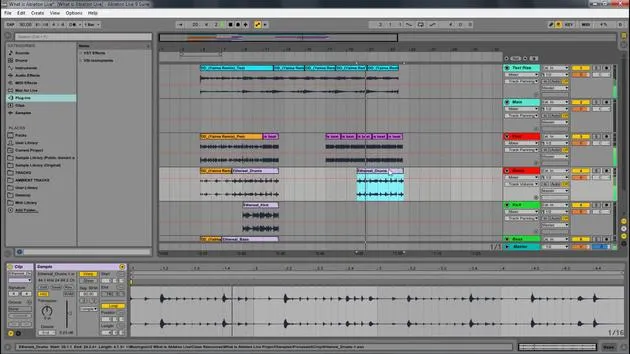
Transkript der Lektion
Introduction to Ableton Live Course
In this video, I'm going to introduce the course on Ableton Live. The scope of this course is to cover the basics of the program.
What We Will Cover
We will look at:
- What Ableton Live is
- How to navigate around the program
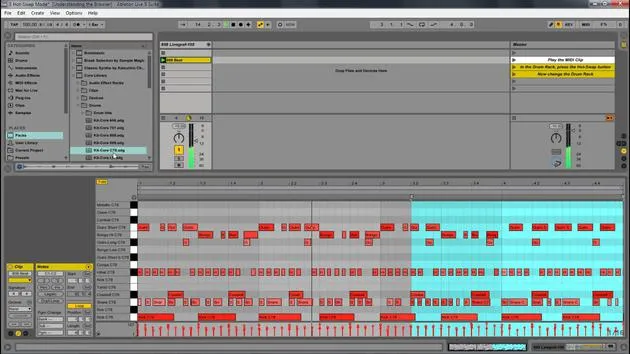
- Working with the building blocks of Live called clips
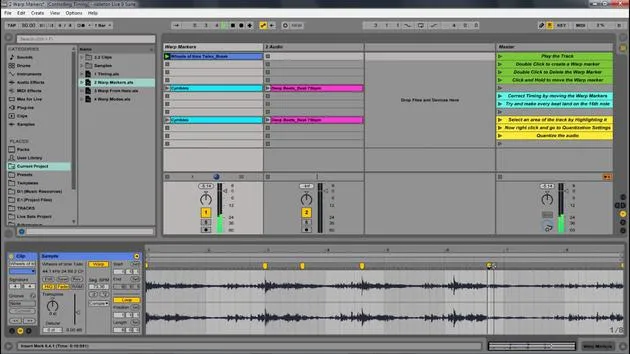
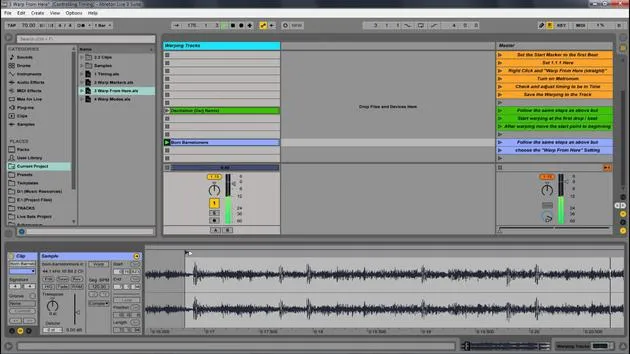
- Controlling timing through warp modes and warping tracks
By the end of this course, you'll have a solid overview of the program, know where to start, and be ready to build out ideas, music, or anything you want within Ableton Live.
Course Structure
This Ableton Live course is broken up into modules. Think of each module as a class session focusing on a specific concept.
Module Topics
- What is Ableton Live?
- Navigating Ableton Live
- Understanding the browser
- Controlling timing
- Controlling clips
If you already know what Ableton Live is, feel free to skip directly to the navigating section. Even if you feel comfortable with a concept like controlling timing, I recommend watching it all the way through as a good review.
Defining Ableton Live
What is Ableton Live?
Ableton Live is a digital audio workstation (DAW). Unlike many other software sequencers, Live is designed to be an instrument for live performance, as well as a tool for composing, recording, arranging, mixing, and mastering.
It is widely used by DJs due to its suite of controls for:
- Beat matching
- Crossfading
- Adding effects
- Turntablism
Ableton Live was one of the first music applications to automatically beat match songs. It features a user-friendly drag-and-drop nature, allowing you to effortlessly integrate:
- Audio effects
- Instrument racks
- VSTs
- MIDI
Advantages of Ableton Live
While every program has its strengths and weaknesses, I prefer Live for several reasons:
- Creativity: Live is a software that you can play. It's designed for easy creation, allowing you to loop parts while writing new ones.
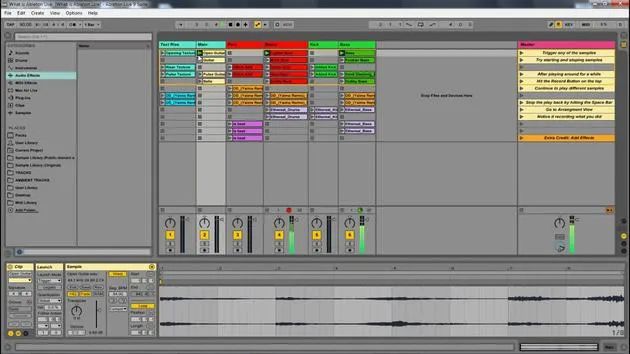
- Nonlinear Songwriting: The Session view promotes nonlinear songwriting and is easy to manipulate.
- Performance Optimization: Live is optimized for performance, making it a preferred choice for my shows across the United States and beyond.
Working with Clips in Ableton Live
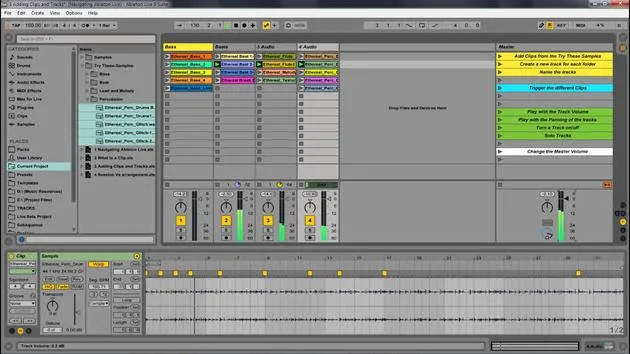
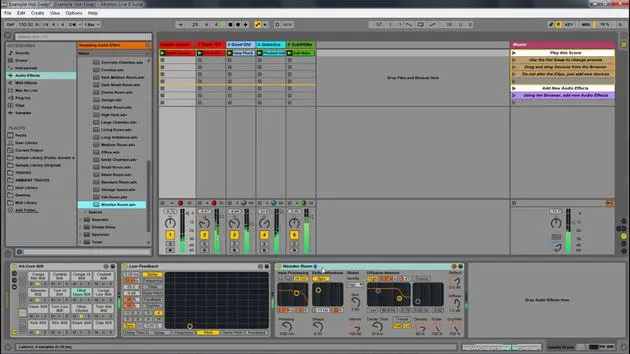
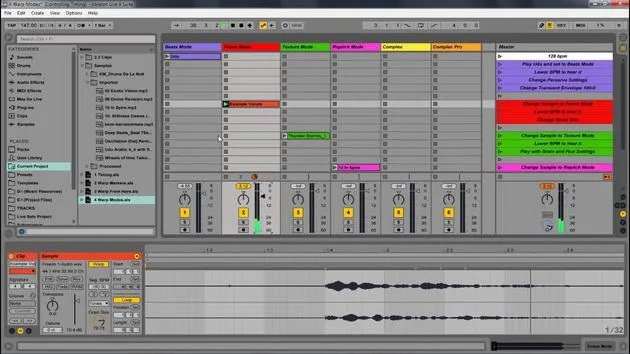
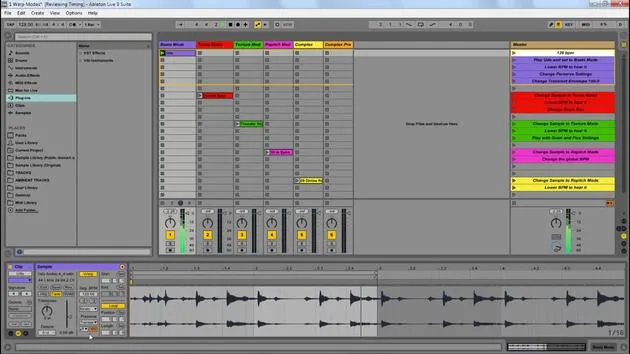
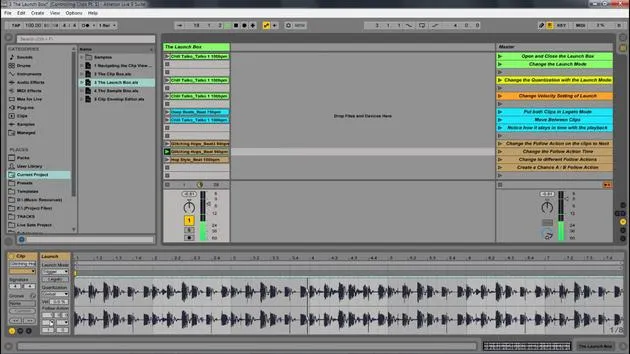
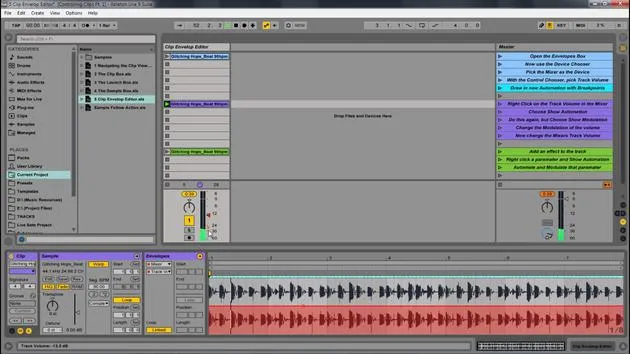
Now, let's look at Ableton Live itself. The Ableton Live set has some clips already loaded. These clips represent audio samples that I can trigger by simply clicking the play button.
Managing Clips
- You can start different parts by pressing the play buttons on various tracks.
- Pressing the play button on an entire row allows you to play that part, similar to managing an Excel sheet with samples and concepts.
- Everything happens in time, making it smooth to create new ideas.
Stopping Clips
To stop all clips, you can hit the spacebar or click the little square representing a stop.
Recording in Live
One feature I can utilize is the Arrangement Record located at the top right. When I click that, I can play different parts, adding new drums and beats.
- Pausing: I can hit the spacebar again to pause.
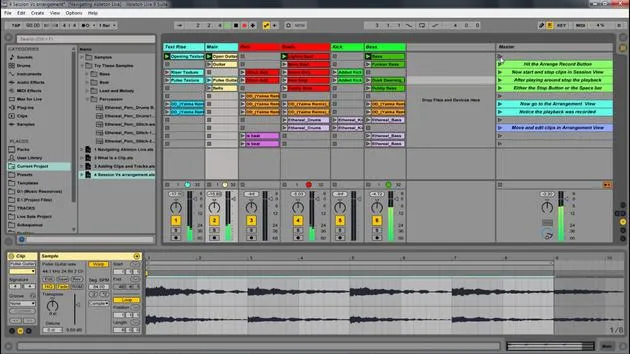
- Switching Views: By hitting tab, I can toggle between the Session View (nonlinear) and the Arrangement View (linear).
Arrangement View
In Arrangement View, everything is laid out in a linear fashion.
- Recording: Hitting record captures everything I played in Session View and places it into Arrangement View.
- Editing: I can drag clips around, delete sections, and use shortcuts like Control + D (Command + D on Mac) to duplicate elements easily.
Arrangement View allows you to construct your song in a linear fashion, contrasting with the continuous session feel of Session View.
Conclusion
In summary, we have:
- Explored the differences between Session View and Arrangement View
- Discussed the creativity and flexibility within Ableton Live
In the next few videos, we will go over navigation and other aspects of Ableton Live to help you get started on your musical journey!
20 Lektionen
2 Std. 16 Min. strukturierte Videolektionen
Erweiterte Videofunktionen
Verlangsamen, Passagen loopen, mitlesen
Handy, Tablet & Desktop
Üben, wo du willst
100 % Zufriedenheitsgarantie
30 Tage Geld-zurück-Garantie
Lern deinen Guru kennen
Lern deinen Guru kennen
Isaac Cotec ist wohl einer der besten Ableton-Trainer der Welt! Während er an seiner eigenen Musik arbeitete, begann er, Privatschülern Aufnahmetechniken, Sounddesign und Ableton Live beizubringen, und seit seiner Zertifizierung als offizieller Ableton Certified Trainer hat er Tausenden von Produzenten geholfen, ihr Niveau zu steigern und als Musiker erfolgreich zu sein.
Isaac begann 2005 mit Psyche Sonics elektronische Musik zu produzieren, einer experimentellen Gruppe, die sich mit der Wissenschaft und Erforschung binauraler Beats und der Bewusstseinsveränderung durch Klang beschäftigte. Nach dem Touren schrieb er weiter Musik unter dem Alias Cotec und trat später als Künstler Subaqueous hervor, der seine elektronische Vergangenheit mit zukunftsgewandten wie organischen Produktionstechniken verband. Bis heute hat er 3 Alben und 4 EPs veröffentlicht.
Isaac ist außerdem Gründer und Manager des Plattenlabels Invibe Music, das einige der besten Elektronik-Künstler des Pacific Northwest vertritt und sich auf Midtempo-Dance-Musik spezialisiert.
In seinen Ableton-Live-Kursen teilt Isaac die Produktions-, Sounddesign- und Songwriting-Techniken, die er über Jahre verfeinert hat – genau jene Fähigkeiten, mit denen er aus dem Funken einer Idee einen fertigen Track macht.







