



Ableton Live navigieren - Überblick

Mit
Isaac CotecIsaac Cotec führt dich durch die Benutzeroberfläche von Ableton Live und geht die Hauptfenster und den Browser durch, damit du dich zurechtfindest.

Das steckt im Kurs
20 Lektionen (2h 16m) · 1 gratis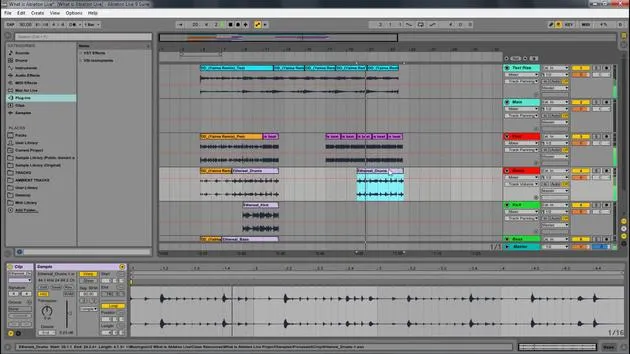
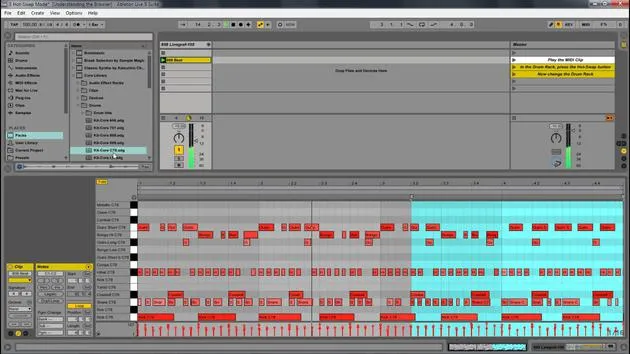
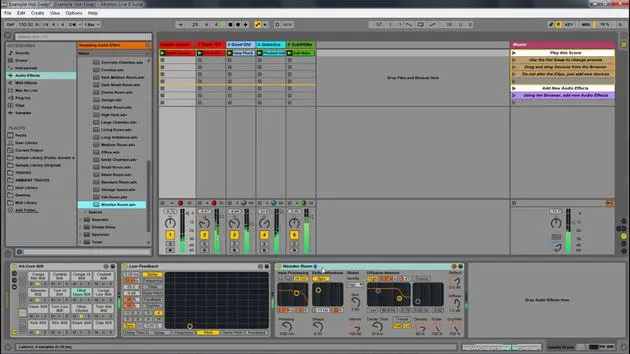
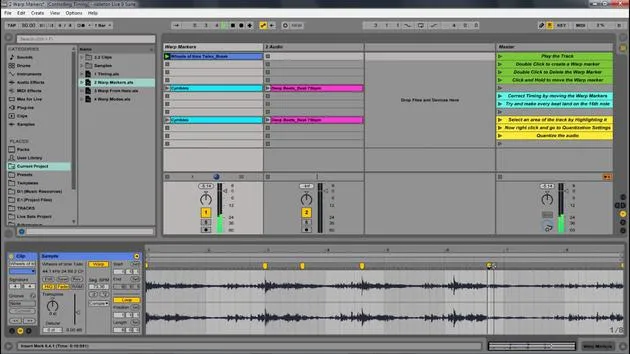
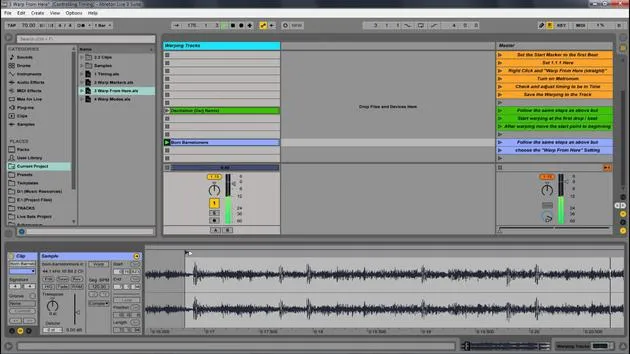
Transkript der Lektion
Navigating Ableton Live
In this module, we're going to be looking at navigating Ableton Live and how we can really understand the different windows and parts of the program.
Worksheet Download
There will be a worksheet for you to download. This will help you understand how to navigate Ableton Live. Feel free to:
- Download it
- Print it out
- Have it available for reference
This will aid you in filling in the boxes for your own sake and help you remember the different aspects of Ableton Live.
Overview of Ableton Live
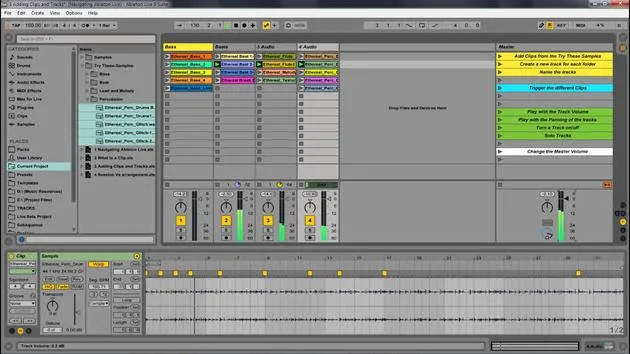
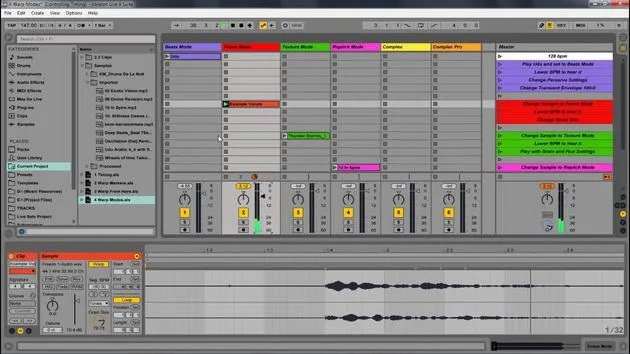
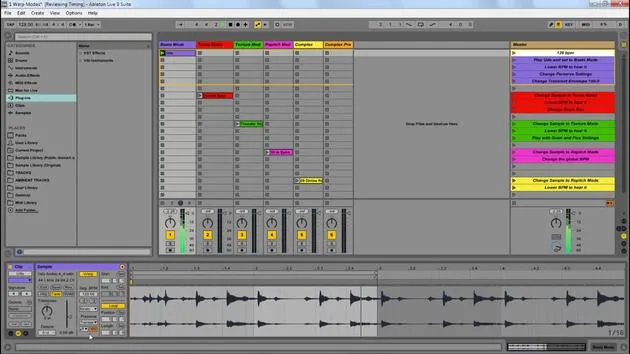
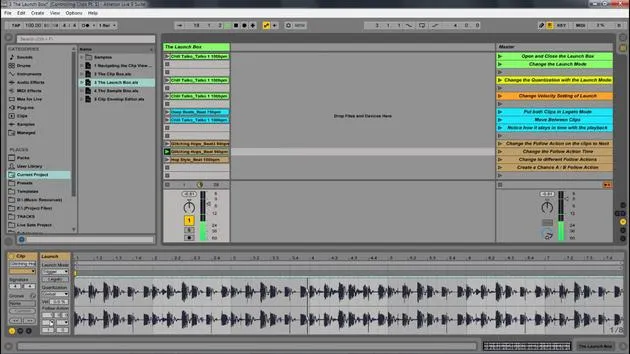
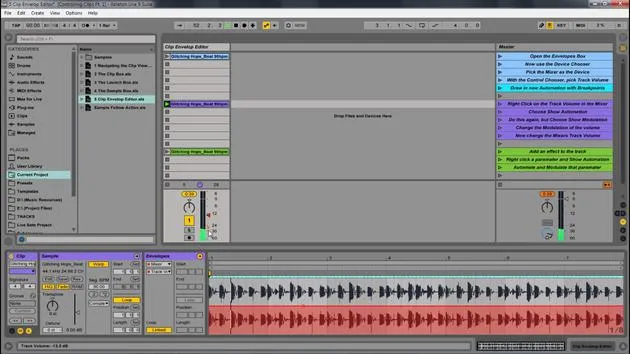
Here's an overview of the Ableton Live set, and I'll walk you through the different parts of Ableton.
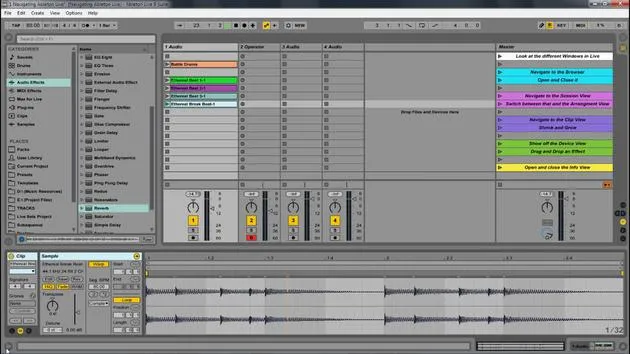
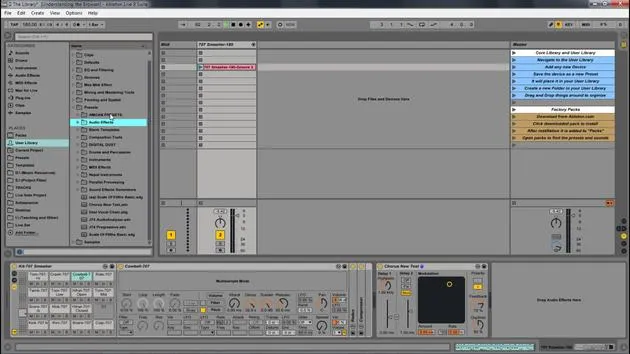
The Browser
- Location: The browser is located on the left side.
- Action: You can open and close it with the triangle icon (similar triangles are found throughout the program).
Functionality:
- This is where you find your audio effects and instruments.
- You can drag in various sounds and any file sample libraries you might have.
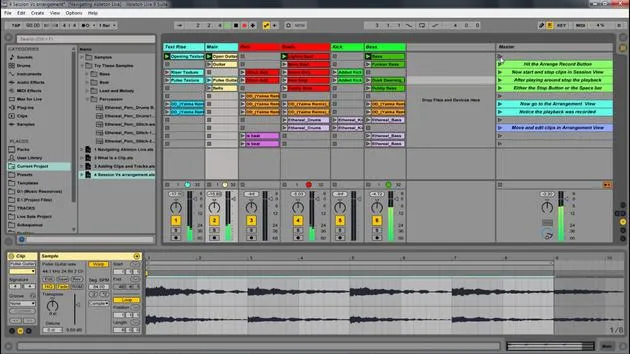
Session View vs. Arrangement View
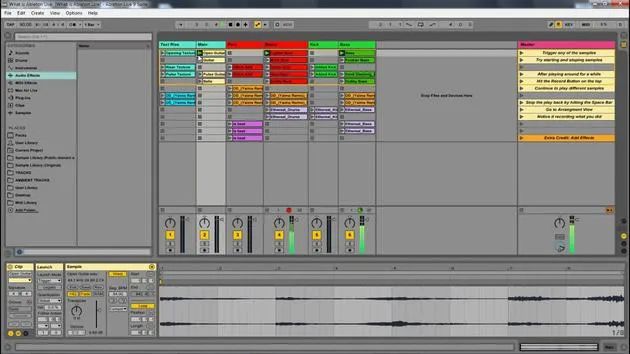
Session View
- Definition: Think of Session View as a nonlinear way of looking at music.
- Functionality: You can grab different clips and drag them in.
- When you play a clip, it loops until you start the next section.
- There's no beginning or end to this; it's similar to a jam session.
Arrangement View
- Definition: Arrangement View displays clips in a linear fashion from beginning to end.
- Functionality:
- You can drag clips in to create a composition.
- This allows you to arrange your song from start to finish.
Switching Between Views
- You can easily flip between Session View and Arrangement View by pressing the Tab button.
Clip View
- To access the Clip View:
- How to Open: Double-click a clip.
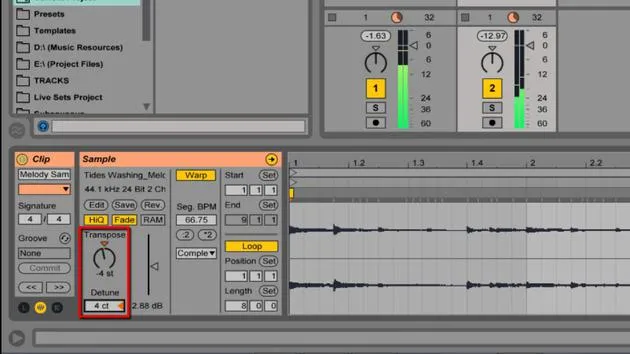
- Display: You can see the waveform and additional information.
Scaling:
- You can extend or shrink the view, and there's also a small triangle to open and close it.
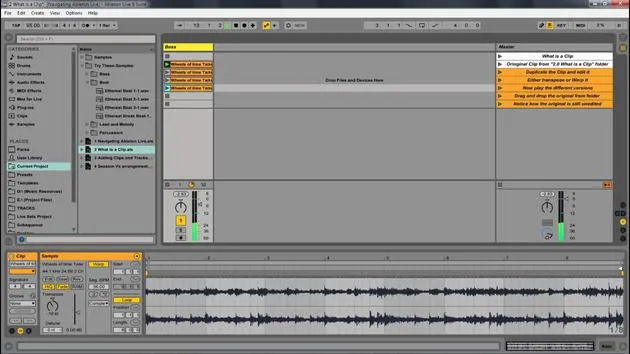
Devices View
- Access: Found at the bottom of the screen.
- Functionality: Displays devices associated with the selected clip.
Example:
- If you drag in a device like a simple delay or a reverb, you will see it in this view.
Info View
- This is an incredibly helpful feature.
- How to Show/Hide: You can manage the visibility here.
- Functionality: Acts as a cheat sheet.
- Hovering your mouse over items will describe their functions.
Summary of Windows
To quickly summarize:
- Session View: Green window
- Browser: Blue window
- Arrangement View: Pink window
- Clip View: Displays clip information
- Use Shift + Tab to toggle between Clip View and Devices View.
- Devices View: Bottom panel showing devices
- Info View: Helpful descriptions for parameters
Next Steps
You have the worksheet to review and fill out. Let's dive deeper into the other parts of navigating Ableton Live!
20 Lektionen
2 Std. 16 Min. strukturierte Videolektionen
Erweiterte Videofunktionen
Verlangsamen, Passagen loopen, mitlesen
Handy, Tablet & Desktop
Üben, wo du willst
100 % Zufriedenheitsgarantie
30 Tage Geld-zurück-Garantie
Lern deinen Guru kennen
Lern deinen Guru kennen
Isaac Cotec ist wohl einer der besten Ableton-Trainer der Welt! Während er an seiner eigenen Musik arbeitete, begann er, Privatschülern Aufnahmetechniken, Sounddesign und Ableton Live beizubringen, und seit seiner Zertifizierung als offizieller Ableton Certified Trainer hat er Tausenden von Produzenten geholfen, ihr Niveau zu steigern und als Musiker erfolgreich zu sein.
Isaac begann 2005 mit Psyche Sonics elektronische Musik zu produzieren, einer experimentellen Gruppe, die sich mit der Wissenschaft und Erforschung binauraler Beats und der Bewusstseinsveränderung durch Klang beschäftigte. Nach dem Touren schrieb er weiter Musik unter dem Alias Cotec und trat später als Künstler Subaqueous hervor, der seine elektronische Vergangenheit mit zukunftsgewandten wie organischen Produktionstechniken verband. Bis heute hat er 3 Alben und 4 EPs veröffentlicht.
Isaac ist außerdem Gründer und Manager des Plattenlabels Invibe Music, das einige der besten Elektronik-Künstler des Pacific Northwest vertritt und sich auf Midtempo-Dance-Musik spezialisiert.
In seinen Ableton-Live-Kursen teilt Isaac die Produktions-, Sounddesign- und Songwriting-Techniken, die er über Jahre verfeinert hat – genau jene Fähigkeiten, mit denen er aus dem Funken einer Idee einen fertigen Track macht.







