



Virtual Drummer - fortgeschrittene Effekte und Layering

Mit
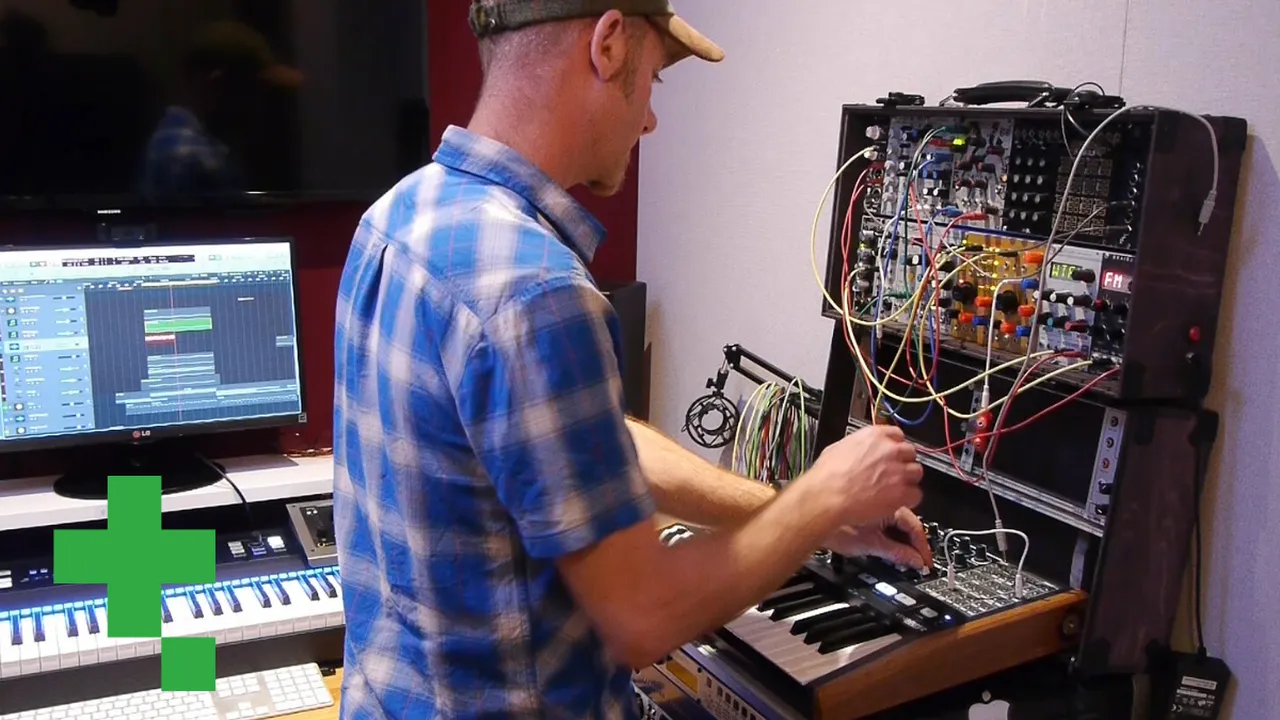
Dov WatermanDov Waterman geht tiefer in Logics Virtual Drummer ein - woher seine Sounds kommen, wie man zwischen Kits wechselt und wie man sie anpasst und schichtet.
Das steckt im Kurs
14 Lektionen (1h 19m) · 1 gratis
01. Einführung in Rhythmus- und Beat-Programmierung
1:18
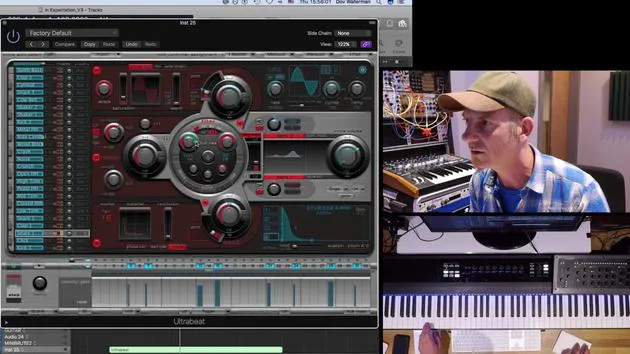
02. Einführung in Ultrabeat
7:56
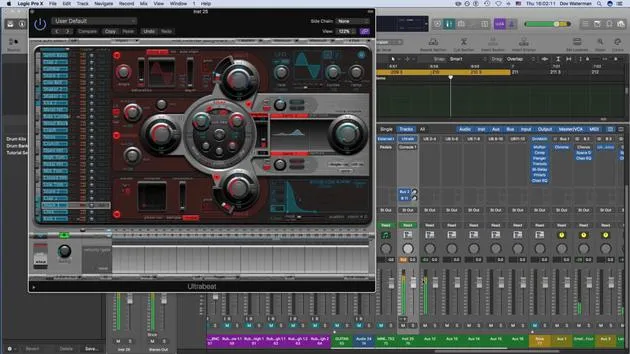
03. Ultrabeat als Multi-Output-Instrument
5:53
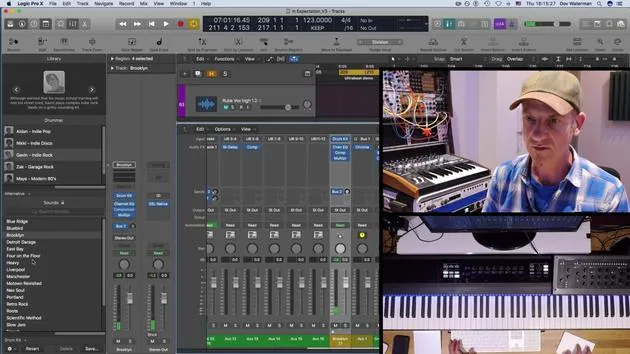
04. Einführung in Virtual Drummer
9:27
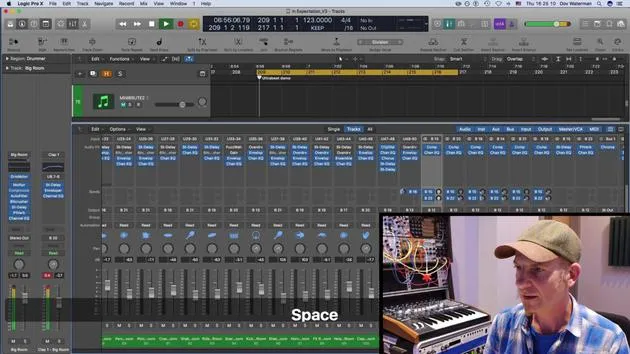
05. Virtual Drummer - fortgeschrittene Effekte und Layering
Du bist hier11:18
06. Einführung in Apple Loops
4:40
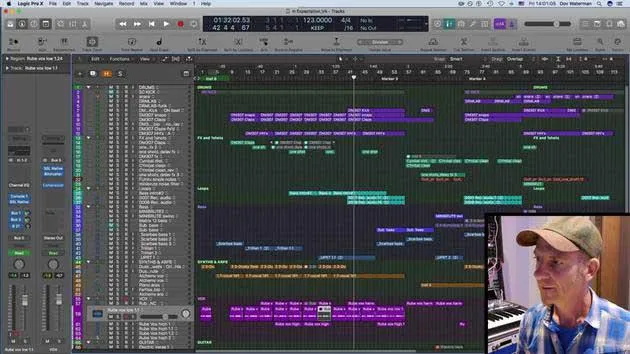
07. AUFGABE: Drum Machine Designer
1:07
Transkript der Lektion
Music Lesson: Understanding Virtual Drummers
So, these are all different drummers playing various styles. I'm going to take Duncan and, you know what, let's pick him from a new instrument.
New Instrument
- Go to: New Instrument
- Audio Type: Electronic sounds
This is a good time to show you another little tool. That drum loop was put all the way at the beginning of my session down here. Now I wanted to move it over here.
- Go to the beginning of my loop region.
- Select Move to Playhead.
- Click Move to Playhead.
Bang! Let's put it over there.
Introduction to Magnus
Okay, so now I've got Magnus playing an EDM kit.
- This doesn't quite sound like an acoustic set; it sounds more like a drum machine.
- He is playing samples routed through some kind of virtual acoustic drum kit.
What he's using is the Drum Machine Designer interface.
Exploring the Mixer
If I go into my mixer and take a look, you'll see a little arrow down here. If I press it, it opens up a whole section.
- The first one over here shows where the auxiliary is.
- This is the main source sound which is playing Ultra Beat as a virtual drummer, which is incredible!
Whenever I press this again, we see that all the auxiliaries have been opened and all the Ultra Beat sound sources are being sent to various different subs.
- There are quite a lot of auxiliaries; in fact, so many that they're not even showing on my screen.
- Various mic positions are being sent to different busses to be manipulated and processed in various ways.
This approach gives it more of a feel and body.
Understanding Drum Machine Designer
So, what is this Drum Machine Designer?
- It's not really an instrument; it is an interface for Ultra Beat.
- While it's playing, you can see the sounds being triggered here.
Soloing Sounds
For example, I can solo just the kick.
- Click on it here, and all these processing options come up.
- This is part of the Smart Control section.
The Smart Control section is down here on the Arrange page.
- When I click on a specific sound that's playing, it pulls this up, allowing me to process it myself.
- For instance, I can go into the clap and give it more presence or perhaps a snappier sound.
Smart Controls
So, what are these controls actually changing?
- They could change various parameters within the plugins across the whole drum bus.
- Most probably, they're changing the sound within Ultra Beat.
This whole environment is essentially a glorified Ultra Beat or an alternative way of looking at and manipulating it.
Integration of Sounds
Once they're all out here for you to see, you can manipulate and process them in various ways.
- We can hear the snap going there in the claps, which I modulated a little bit to change the sound.
The highlight, for me, is the fact that in the Drum Machine Designer interface, which looks a little different from the acoustic one, I can take out the kick.
If I'm programming an Ultra Beat sound, I can highlight this and turn Ultra Beat on. I now have both playing right now. If I've programmed something very grid-based, and I want to add a little bit of movement, I can use the virtual drummer to give it a swing.
Switching Drummers
Let's explore the acoustic versions again.
- Back in the library, if I want to change presets, it's very easy.
- These are basically Ultra Beat derived presets, part of the virtual drummer.
Now, let's go back to my alternative drummer and pull up Gavin again - Indie Rock.
- It's going to notify me that if I change the drummer, it will replace changes I've made.
- This will access the loops pertaining more to these acoustic kit players.
Adding Layers
So, that sounds quite better, having a lot of swing to it!
- Now, I'm going to take the kick out for a second.
- Notice the difference: no swing vs. lots of swing.
Now, if I add my very grid-based something to give it more body. This is quite straight. I can add the kick back in and let's add some rides in.
So, layering these sounds with the very grid-based sequence you've programmed allows for additional manipulation.
Conclusion
You can actually change things within the kit using the virtual drummer, eliminating sounds like the kick to avoid muddiness in your layered sections.
So, that's virtual drummer!
14 Lektionen
1 Std. 19 Min. strukturierte Videolektionen
Erweiterte Videofunktionen
Verlangsamen, Passagen loopen, mitlesen
Handy, Tablet & Desktop
Üben, wo du willst
100 % Zufriedenheitsgarantie
30 Tage Geld-zurück-Garantie
Lern deinen Guru kennen
Lern deinen Guru kennen
Dov Waterman ist Komponist, Pianist und Produzent. Er hat für Filme wie After Earth, Terminator Genisys, Transformers: The Last Knight und The Snowman Musik geschrieben und das Sounddesign gestaltet und arbeitet als Audio-Editor für Sample-Bibliotheken und Sounddesigner mit Firmen wie Native Instruments und SonoKinetic.
Seine Reihe Composition in Logic geht den Aufbau eines Tracks von Anfang bis Ende in Logic Pro durch – von Templates und Workflow über Synthese und Beat-Programmierung, MIDI-Effekte, Editing bis zum finalen Mix – für Produzenten, die ihre Ideen in fertige Tracks verwandeln möchten.







