



Push in Arrangement View

With
Madeleine BloomMadeleine Bloom shows which Ableton Push controls still work once you leave Session View for the Arrangement View, including recording in, tap tempo and the metronome.
What's in the course
16 lessons (3h 6m) · 1 free
Lesson transcript
Push in the Arrangement View
Okay, so now we're going to talk about Push in the Arrangement View.
Overview of Push
Push is primarily designed for the Session View, but that doesn't mean it stops working when you switch to the Arrangement View. Here's a brief overview of what still works and what doesn't.
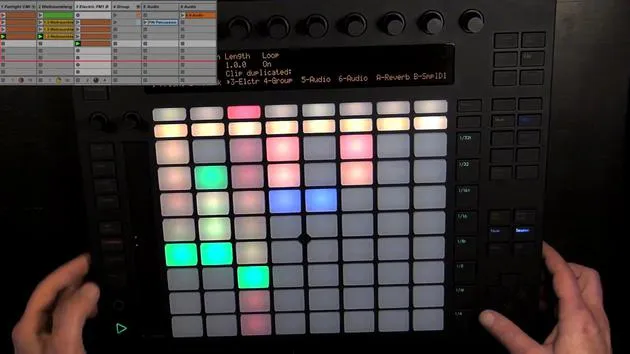
Recording into Arrangement View
Before diving into the details, we should probably record something into the Arrangement View first.
-
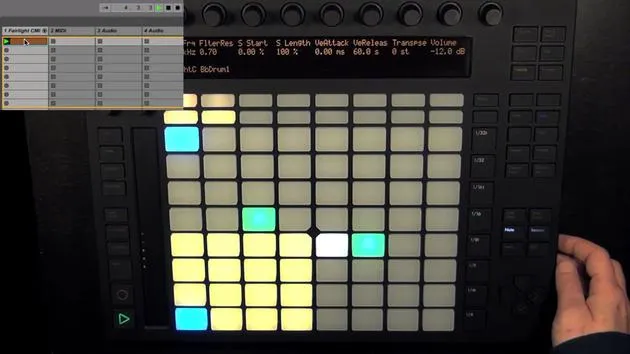
Switch to Session Mode:
- I'm going to start this scene, as it's my starting point.
-
Press Global Record in Live:
- Here we go!
That should be enough to demonstrate what works in the Arrangement View.
Transition to Arrangement View
- Now, I'll switch to the Arrangement View and click on the Back to the Arrangement button.
- Zoom in to see the recorded content.
Functionality in Arrangement View
What Works
-
Tap Tempo: Still functions as expected.
-
Metronome: Works perfectly.
-
Change Tempo: You can still adjust the tempo.
-
Swing Amount: The swing amount can also be adjusted.
-
Undo: Remains functional, as it is connected to the undo function.
-
Delete:
- Works partially, but note that deleting clips doesn't function the same way.
-
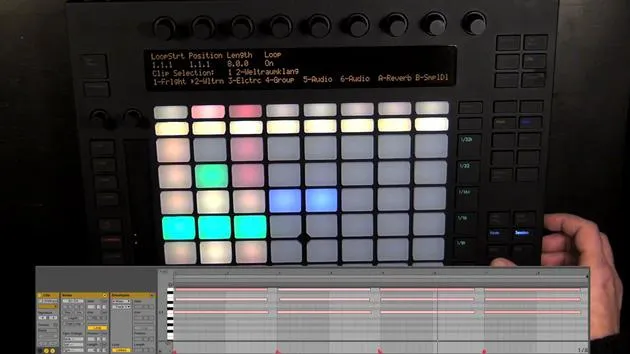
Quantize: Still operational. Here's how:
- Select a clip.
- Move a note to see it clearly.
- Hold quantize.
- Set the quantize value (e.g., to a quarter note) and press quantize.
This works provided you've chosen a clip in Live beforehand.
Clip and Note Functions
-
Clip Selection:
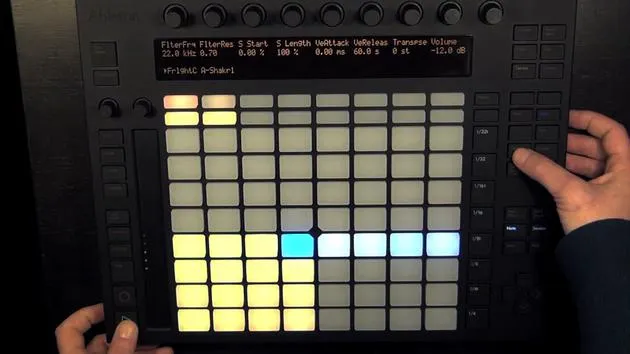
- Select a clip again and switch to note mode and the melodic step sequencer.
-
Adjusting Parameters:
- You can add steps, change steps, and adjust note parameters like velocity and length.
Automated Functions
-
Automation: This does not work in the Arrangement View.
-
Muting Steps/Notes:
- Hold mute and press a step to mute it, functions as it does in Session View.
-
Track Functions:
- You can still mute tracks or solo them since these functions are connected to tracks, not clips.
Control Over Clips
-
Volume Adjustments: Use encoders to adjust the volume.
-
Pan and Send: These functions remain available.
-
Clip Parameters: Select a clip to access parameters, e.g. changer the length to two bars.
- You can adjust clip start and end, although it lacks the previous length adjustment unless done in Live.
Navigational Functions
-
Arrow Keys:
- Use the left/right arrow keys to navigate through tracks, even though they are ordered top to bottom in the Arrangement View.
-
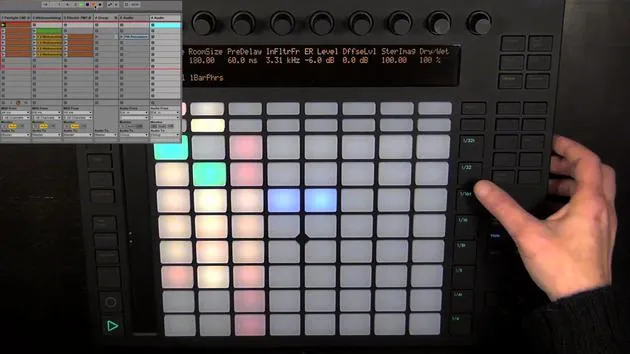
Add Effects: Still works for instrument or effect presets.
Recording and Overdubbing
-
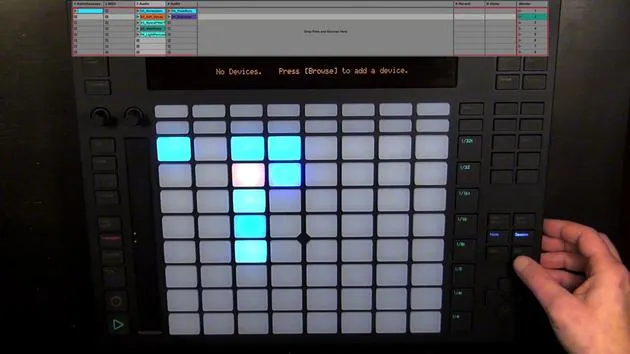
New Recording: We can record something new into the track, with Arrangement Overdub for MIDI.
-
Global Record: Must be enabled to overdub, and remember to turn it on for automation as well.
-
Automation Arm: Ensure it is activated for automation recordings, allowing you to reactivate it later if needed.
Live Recording Capabilities
- Live Recording: You can add new tracks and record live audio, as long as Global Record is enabled.
Most functions, aside from those exclusive to the Session Mode, still work with some mouse input.
Conclusion
In summary, many features within the Arrangement View remain functional when using Push, especially when clips are selected. While some functionalities are limited compared to the Session View, you can still perform a wide range of tasks efficiently.
I'll explain how to add Global Record to Push and other functions in the last video of this course.
16 lessons
3h 6m of structured video lessons
Advanced video features
Slow down, loop a passage, follow along
Mobile, tablet & desktop
Practise wherever you are
100% satisfaction guarantee
30-day money-back guarantee
Meet your guru
Meet your guru
Madeleine Bloom is a classically trained musician, producer, multi-instrumentalist and singer from Berlin, and founder of the label Quixotica Records. She studied electroacoustic music at the Franz Liszt Conservatory under Prof. Robin Minard, and brings those methods to her own blend of electronica pop. Her music has earned praise from producers Guy Sigsworth and Rupert Hine, and a personal invitation from Imogen Heap, whose tour she opened.
A former Ableton technical support agent, she founded the online platform Sonic Bloom in 2012, where she teaches Ableton Live and music production through courses, workshops and one-to-one classes. She has helped people around the world with Ableton Live, Push and Max for Live, as well as audio engineering, music theory, composition and sound design.







