



Mixer ton morceau
Lesson time: (7min 18sec)
Aamir Yaqub couvre les bases du mixage dans Logic Pro, en commençant par obtenir un bon équilibre statique entre tes pistes.
Course preview
This lesson is part of the course Logic Pro : Sampling, finalisation et mixage d'un morceau
Watch a preview of the full course below.
Lesson transcript:
Mixing Your Track: A Comprehensive Guide
One of the key things to finishing off your track is mixing. Mixing itself is probably a whole entire other course, but the basics really lie with getting a good balance. That is the foundation of a mix.
Understanding Your Tracks
- Track Organization:
- You may have lots of tracks organized into:
- Audio tracks
- Software instrument tracks
- You may have lots of tracks organized into:
- Core Components:
- Make sure you're organized so you can bring your mix down to its core components and have your groups working effectively.
Creating Balance
Once you have done that, you're going to want to create what is known as:
- Static Balance
- Internal Balance
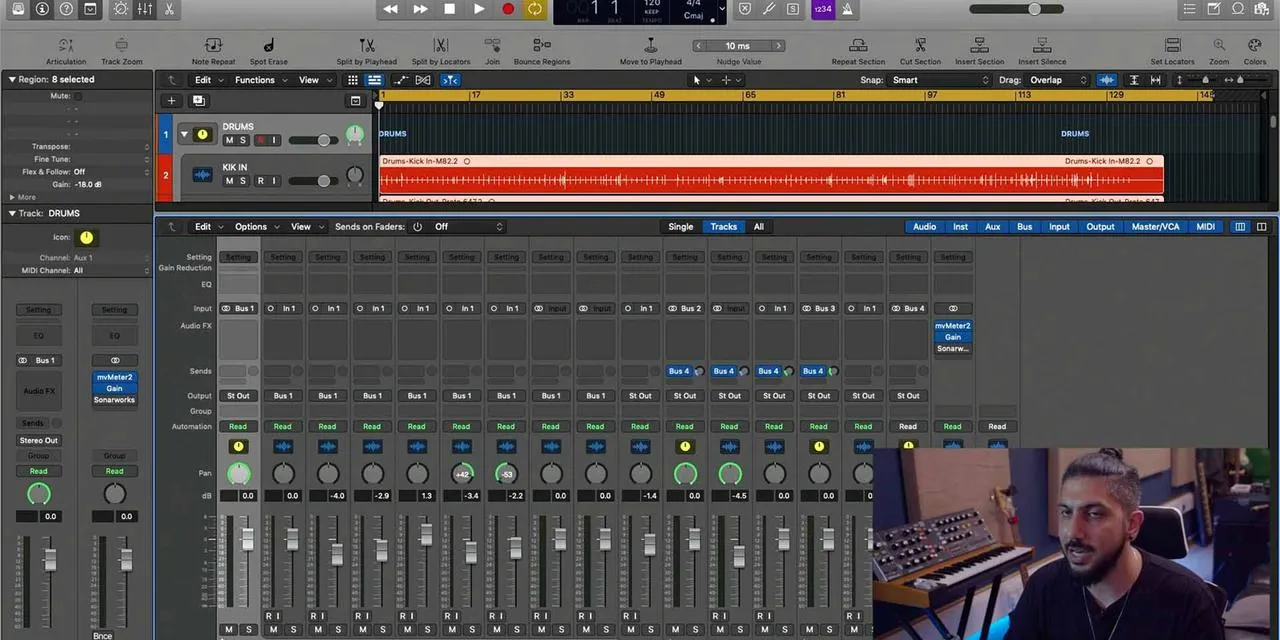
Most of this is done in the mixer view with the faders. For instance, if you have a set of drums, you'll first work on the drum balance before balancing it with the bass. Then, you might bring in the lead vocal, followed by other parts like guitars, keys, and backing vocals.
The Main Concept: Balance
The main concept of mixing is balance. Once you've done your balancing, you'll want to work with EQs, which will likely be all over your tracks:
- Some tracks will cut information out.
- Others will boost information, bringing qualities like air and brightness.
Frequency Ranges
Your goal is to assign everything its own spot in the frequency ranges so that they complement rather than compete with each other.
Panning for Stereo Image
Another important concept in mixing is panning. Panning some instruments to the far left and right of your mix will create a nice stereo image for your listener.
Using Compression
An audio effect we've gone over is compression. Compression will help on many different levels:
- It will allow any instrument to sit nicely dynamically, providing a more consistent volume.
- You can also use compression to bring together the sounds of certain groups, like drums or backing vocals.
Mastering Compression
Although mastering compression takes time, using it correctly can significantly elevate your mix and make all sounds appear more polished.
Working with Effects
You'll also need to become familiar with working with effects, such as:
- Reverbs
- Delays
These are typically set up as sends. Ensure you're using reverbs to add space to your mix. Space is created by:
- Balancing the volumes
- Using various reverbs and delays from different instruments
Tying It Together
For instance, you might use a big hall reverb for all vocals and a small room for all drums. Notice how, for my backing vocals (BVs) and lead vocal (LV), both are sent to the same reverb, helping to unify the sound of my vocals.
Listening Environment Matters
Mixing relies greatly on trusting the environment in which you are listening to your mix. If you're not in a studio, use a quality pair of headphones to clearly hear:
- Frequency changes from EQ adjustments
- Balance changes
- Compression adjustments
This clarity is crucial when it comes to mixing.
The Learning Journey
In short, mixing is a beloved endeavor for musicians worldwide. While some do it exceptionally well, it requires time and investment to master.
Key Takeaways
- Dive deep into individual sounds in your productions.
- Get comfortable with EQs and compressors, but also take a big-picture view as you finalize your track.
- Analyze how tracks sound on platforms like radio or Spotify, what can you learn from the mixing of guitars or vocals?
Listening and sharpening your ears are vital in this process. Experienced mixing engineers have honed their skills through practice with EQs, compressors, reverbs, and more.
Practical Application
If you open the demo of "Ocean Eyes" available with Logic, you'll see lots of activity in the mixer:
- Track stacks
- Automation
- Various effects like EQs, compressors, reverbs, and delays
Always ponder, "How can I make a sound better and enhance the entire song?"
A great way to improve your mixing is by understanding the processing that has been applied and why it was chosen. This approach has helped me, as watching live demonstrations of mixing greatly enhanced my understanding and ability, leading to much better mixes.
About the instructor
Aamir Yaqub est un producteur et ingénieur du son basé à Londres. Il a travaillé avec certains des plus grands noms de la musique, dont Alicia Keys, David Guetta, Rihanna, Sia et will.i.am, tout en développant des artistes indépendants.Au fil de ses cours, il enseigne l'intégralité de son flux de travail sur Logic Pro : de l'interface et de l'enregistrement à la création de beats, la synthèse et les effets MIDI, jusqu'au mixage et à la finalisation d'un morceau. read more