



Utiliser les delays dans Logic Pro

Avec
Aamir Yaqub
Le contenu du cours
16 leçons (1h 33min) · 1 gratuites
01. Bienvenue dans les effets audio
Leçon gratuite0:46
02. Effets audio
3:00
03. Utilisation des Multi Effects - Phat FX et Step FX
5:11
04. Configurer un bus de reverb avec un send
3:58
05. Utiliser les reverbs dans Logic Pro
3:27
06. Utiliser les delays dans Logic Pro
Tu es ici8:02
07. Plugins de distorsion
6:35
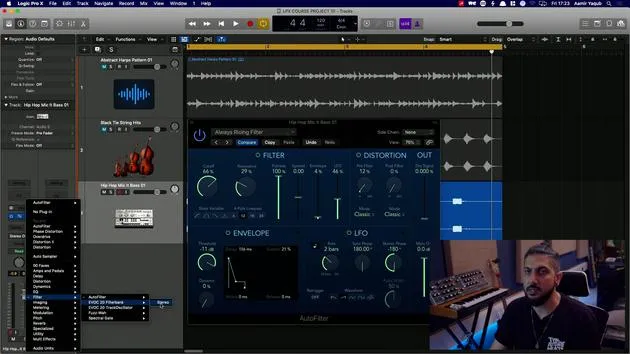
08. Plugins de filtre
5:35
09. Conclusion sur la distorsion et les filtres
0:30
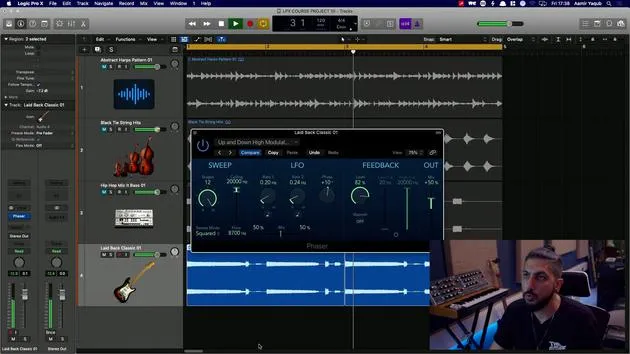
10. Plugins de modulation
12:54
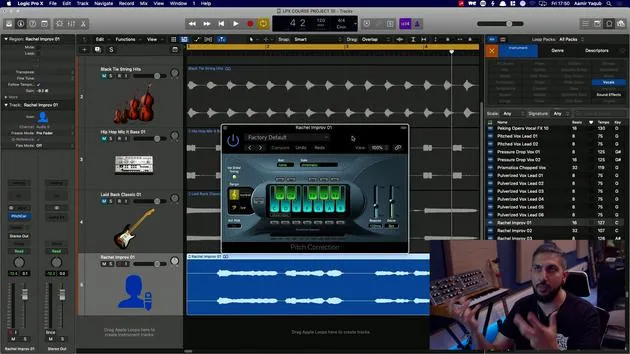
11. Plugins de pitch
6:50
12. Conclusion sur la modulation et le pitch
1:03
13. Amplis et effets de pédale
10:38
14. Effets spécialisés
5:49
15. EQ (égaliseurs)
7:18
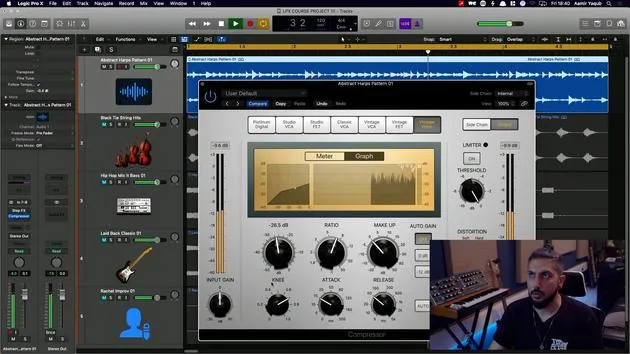
16. Dynamique et compression
11:43
Transcription de la leçon
Understanding Delays in Music Production
In today's lesson, we will explore the different types of delays available to us and how to set them up, similar to how we would set up reverbs.
What is a Delay?
Delays are used to echo sound, creating a sense of space. For example, in Logic, the Echo effect is one of the simplest delays.
- Function: It repeats sound and fades away gradually, enhancing the sense of a larger space.
Key Features of Delays
-
Delay Time: Works in note values.
- Longer delays create the impression of being in a bigger space.
-
Feedback: Refers to the number of repeats.
- Lower feedback generates a shorter, sharper echo that fades quickly.
- Higher feedback results in more repeats.
Types of Delays in Logic
1. Echo
Echo is a basic yet often overlooked delay type in Logic.
2. Tape Delay
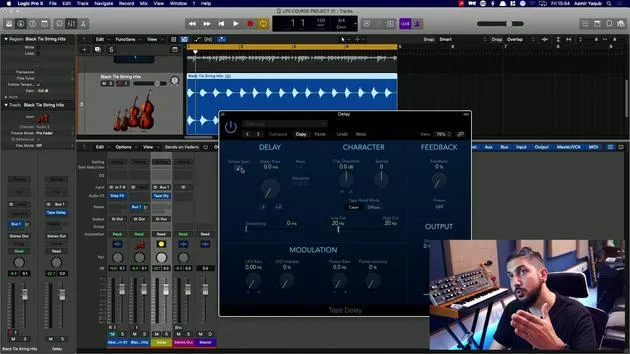
Tape Delay mimics an old tape machine, one of the earliest forms of delay.
-
Characteristics:
- Modulates because tape machines did not run at a consistent speed.
- By enabling tempo sync, you can set it to eighth note triplets.
-
Feedback: You need adequate feedback to achieve repeats.
Demonstration
After adjusting some values, let's take a listen to the sound created by the Tape Delay.
- Freeze Button: This feature allows for creative experimentation, particularly during production when you're looking to add unique elements.
3. Stereo Delay
Stereo Delay consists of two independent delays, one for the left and one for the right channel.
- Customizability:
- You can manipulate parameters separately for each channel.
- For instance, you might use a quarter note for the left and double that for the right.
4. Delay Designer
Delay Designer is a more advanced option known as a multi-tap delay.
- Functionality: You can tap in a custom delay pattern.
How to Use
- Click to start.
- Tap the rhythm you want to create.
This feature allows for unique rhythms, effectively creating its own instrument-like behavior.
Simple vs. Complex Patterns
- For simpler applications, you can set it to infinite repeats.
- For complexity, select patterns like falling patterns, where taps are spaced unevenly.
Individual Tap Parameters
Each repeat (or tap) can be adjusted independently:
- Cutoff
- Resonance
- Transposition
- Panning
- Level
Examples
- A complex filtered pattern would sound different than a simple pitch-shifted delay, as in the case of adjustments made at 16th notes going down in pitch.
Conclusion
Delays offer a creative toolbox for music production, especially the versatile Delay Designer in Logic Pro. Experiment with the various types of delays to enhance your sound and add character to your productions.
16 leçons
1h 33m de leçons vidéo structurées
Fonctions vidéo avancées
Ralentissez, bouclez un passage, suivez la partition
Mobile, tablette et ordinateur
Pratiquez où vous voulez
Satisfaction garantie à 100 %
Garantie remboursement 30 jours
Rencontrez votre guru
Rencontrez votre guru
Aamir Yaqub est un producteur et ingénieur du son basé à Londres. Il a travaillé avec certains des plus grands noms de la musique, dont Alicia Keys, David Guetta, Rihanna, Sia et will.i.am, tout en développant des artistes indépendants.
Au fil de ses cours, il enseigne l'intégralité de son flux de travail sur Logic Pro : de l'interface et de l'enregistrement à la création de beats, la synthèse et les effets MIDI, jusqu'au mixage et à la finalisation d'un morceau.







