



Fonction cachée : Capture Recording

Avec
Aamir YaqubAamir Yaqub montre comment ajouter le bouton Capture Recording de Logic à ta barre de contrôle pour ne jamais perdre une prise, même quand tu oublies d'appuyer sur enregistrer en pleine impro.
Le contenu du cours
12 leçons (1h 20min) · 1 gratuites
01. Introduction à la création de beats
Leçon gratuite0:33
02. Qu'est-ce que le MIDI
1:07
03. Connecter un contrôleur USB
1:46
04. Enregistrer avec un contrôleur USB-MIDI
9:08
05. Fonction cachée : Capture Recording
Tu es ici3:09
06. Quantisation
6:38
07. Outils d'édition dans le Piano Roll
13:24
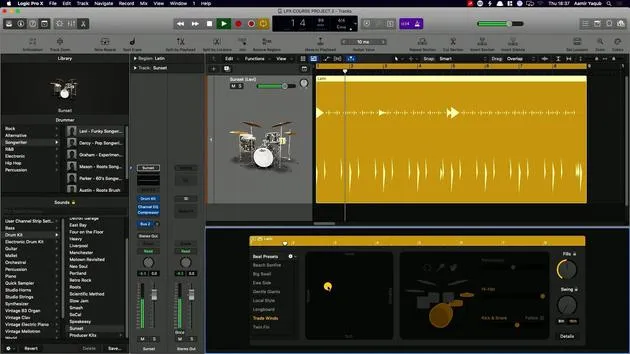
08. Créer des beats avec Drummer
6:42
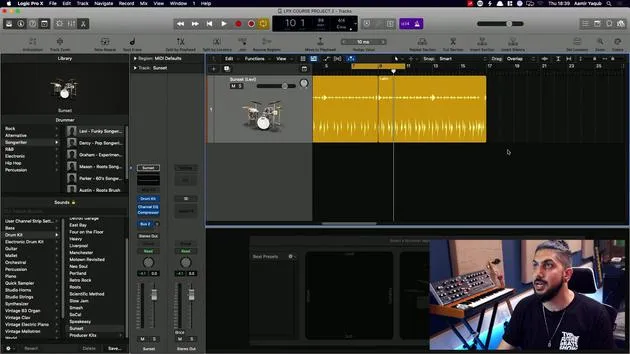
09. Tirer le meilleur de Drummer
13:55
10. Paramètres avancés dans Drummer
4:32
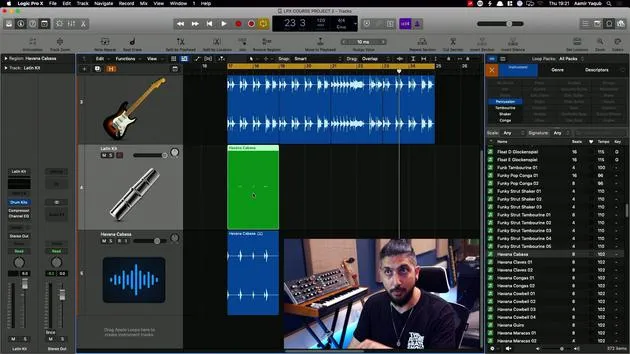
11. Créer des beats avec Apple Loops
10:16
12. Parcourir les loops et utiliser les métadonnées des loops
9:17
Transcription de la leçon
Capture Recording in Logic
So there's a great feature that we have in Logic, which is a little bit of a hidden feature. It kind of goes back to something that we discussed earlier, where we looked at the transport.
Adding the Capture Recording Button
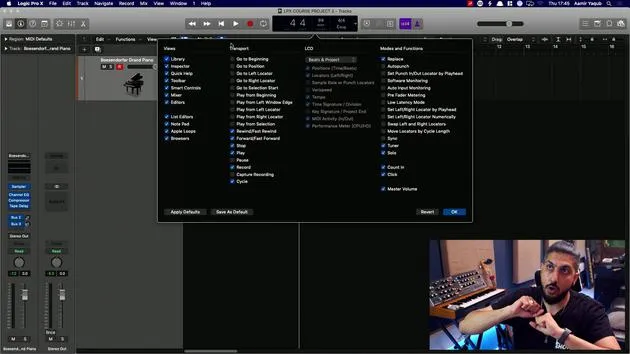
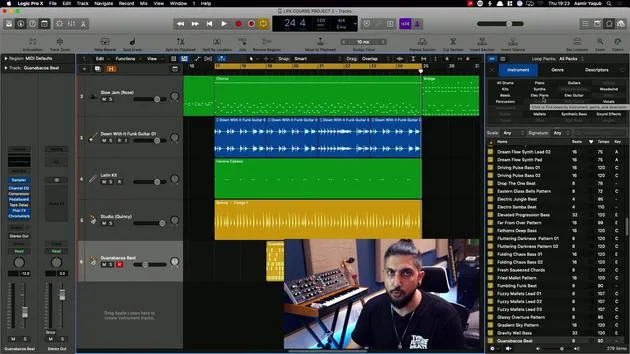
- Up here, next to the LCD display, there's a button that we can add to make our life a little bit easier, and it's called the Capture Recording button.
- Right-click up here next to the transport.
- Go to Customize Control Bar and Display.
This will bring up all of the buttons that you can add to your control bar and your display.
- The button that we want to add is Capture Recording.
- When I do that, I see a record button with a white circle around it.
Customizing Your Control Bar
For modes and functions, you can add other buttons related to recording, and you can remove buttons that you don't want to see. This is a cool way to customize your control bar!
What Does Capture Recording Do?
Let's say you are working with a song and you're just jamming along. Maybe you're even in cycle mode. What happens if you forget to press record?
This happens quite often, but the Capture Recording button can really help in situations like this.
- As long as the playhead is moving, that big thing that moves along your session, it's capturing all of your movements into your MIDI controller.
Example Scenario
- Let's set it on play, right?
- I'll put the click on by pressing K (the click, or the metronome).
Now, I have a bit of timing and I pretend I'm jamming along to a song. Suddenly, I go, "Oh no, I forgot to press record! How could I be so silly?"
Good news! Capture Recording will bring that all up for me.
Retaining the Capture Recording Button
Of course, it's up to you whether you want to keep that or not.
- Capture Recording is super handy to have.
- If you create a template, that Capture Recording button will stay in your transport for the entirety of your use of that template to start out.
It's a super handy thing to have!
12 leçons
1h 20m de leçons vidéo structurées
Fonctions vidéo avancées
Ralentissez, bouclez un passage, suivez la partition
Mobile, tablette et ordinateur
Pratiquez où vous voulez
Satisfaction garantie à 100 %
Garantie remboursement 30 jours
Rencontrez votre guru
Rencontrez votre guru
Aamir Yaqub est un producteur et ingénieur du son basé à Londres. Il a travaillé avec certains des plus grands noms de la musique, dont Alicia Keys, David Guetta, Rihanna, Sia et will.i.am, tout en développant des artistes indépendants.
Au fil de ses cours, il enseigne l'intégralité de son flux de travail sur Logic Pro : de l'interface et de l'enregistrement à la création de beats, la synthèse et les effets MIDI, jusqu'au mixage et à la finalisation d'un morceau.







