



Enregistrer avec un contrôleur USB-MIDI

Avec
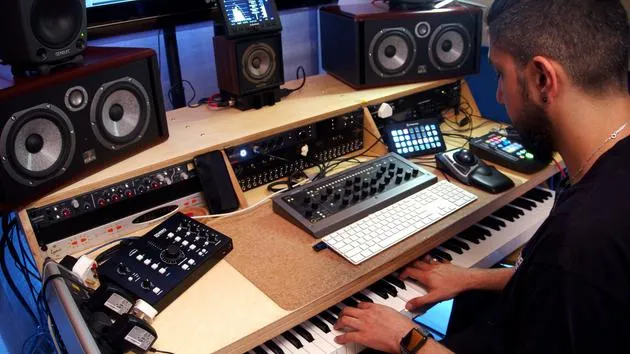
Aamir YaqubAamir Yaqub montre comment enregistrer des instruments logiciels dans Logic Pro, en utilisant à la fois le clavier Musical Typing (Command+K) et un contrôleur USB-MIDI.
Le contenu du cours
12 leçons (1h 20min) · 1 gratuites
01. Introduction à la création de beats
Leçon gratuite0:33
02. Qu'est-ce que le MIDI
1:07
03. Connecter un contrôleur USB
1:46
04. Enregistrer avec un contrôleur USB-MIDI
Tu es ici9:08
05. Fonction cachée : Capture Recording
3:09
06. Quantisation
6:38
07. Outils d'édition dans le Piano Roll
13:24
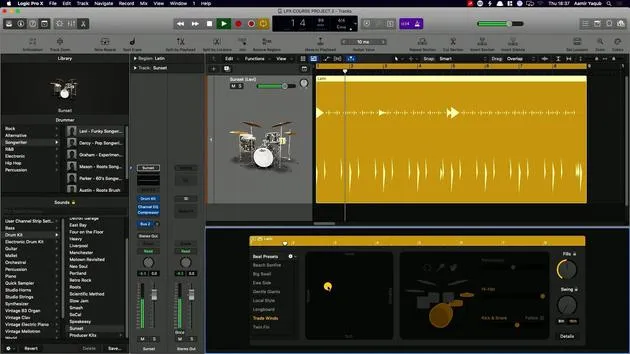
08. Créer des beats avec Drummer
6:42
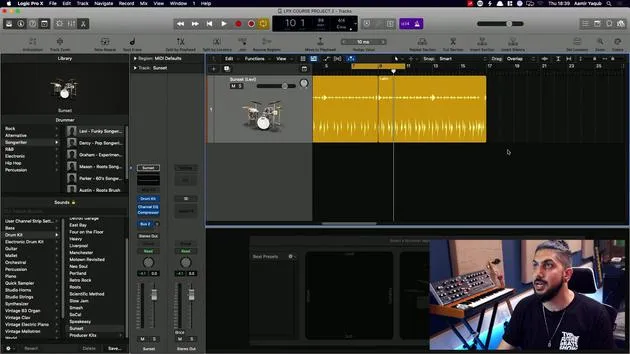
09. Tirer le meilleur de Drummer
13:55
10. Paramètres avancés dans Drummer
4:32
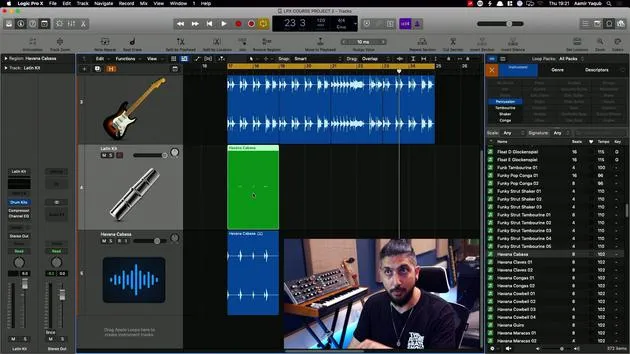
11. Créer des beats avec Apple Loops
10:16
12. Parcourir les loops et utiliser les métadonnées des loops
9:17
Transcription de la leçon
Using the Musical Typing Keyboard in Logic Pro
One handy feature when you're recording software instruments, especially when you don't have a MIDI keyboard controller, is the Musical Typing Keyboard available in Logic Pro. Here's how to access and use it effectively.
Accessing the Musical Typing Keyboard
- Press Command + K to bring up the musical typing keyboard.
- This allows you to use your computer keyboard as a MIDI input device.
Keyboard Layout
- Pressing the letter A corresponds to the note C (specifically C2 in the second octave).
- To jump up an octave, press X; to go down, press Z.
Additional Functions
-
Sustain Pedal: Use the Tab key to sustain notes. Without pressing Tab, releasing A will cause the sound to die out. With Tab pressed, the note sustains as if using a piano pedal.
-
Pitch Bend: For pitch bending, press the relevant key followed by either 1 or 2 to bend the pitch up or down.
-
Modulation: To modulate synth sounds, the range of 3 to 8 will allow you to adjust modulation levels. Press 3 to turn modulation off (you'll hear the filter change).
-
Velocity Control: Using C and V, adjust the velocity (how hard the key is hit):
- For the loudest sound, press 127.
- Adjusting the value down will yield quieter sounds.
Utilizing a MIDI Keyboard
When you have a MIDI keyboard connected:
- This keyboard doesn't produce sound; it only relays MIDI information into Logic Pro.
- To record chords:
- Ensure your instrument (e.g., piano) is selected.
- Set your desired tempo.
- Click Record (R) and start playing.
Recording MIDI Takes
When recording new takes, by default, Logic Pro merges the newly recorded MIDI information with what's already there. Here's how to manage your takes:
- Deleting Unwanted Takes: If you don't like a take, you can delete the region.
- Changing Recording Settings:
- Navigate to Logic Pro X > Preferences > Recording.
- Under Overlapping Track Recordings, change the setting to create a Take Folder instead of merging the recordings.
Using Take Folders
- With the take folder setting enabled:
- When you record a new take, it will create a separate take without merging.
- You'll see a small disclosure triangle next to the MIDI region, indicating multiple takes exist.
Recording in Cycle Mode
To facilitate focused practice:
- Press C to set your loop range.
- When recording, Logic will loop around the selected bars, creating a new take each time you play through.
Example of Multiple Takes
- After recording several times in cycle mode:
- You can open the disclosure triangle to view all recorded takes separately.
- This visual differentiation helps you manage and select preferred takes more easily.
With these features, you can effectively work with MIDI in Logic Pro, even without a dedicated MIDI controller.
12 leçons
1h 20m de leçons vidéo structurées
Fonctions vidéo avancées
Ralentissez, bouclez un passage, suivez la partition
Mobile, tablette et ordinateur
Pratiquez où vous voulez
Satisfaction garantie à 100 %
Garantie remboursement 30 jours
Rencontrez votre guru
Rencontrez votre guru
Aamir Yaqub est un producteur et ingénieur du son basé à Londres. Il a travaillé avec certains des plus grands noms de la musique, dont Alicia Keys, David Guetta, Rihanna, Sia et will.i.am, tout en développant des artistes indépendants.
Au fil de ses cours, il enseigne l'intégralité de son flux de travail sur Logic Pro : de l'interface et de l'enregistrement à la création de beats, la synthèse et les effets MIDI, jusqu'au mixage et à la finalisation d'un morceau.







